
Community Free Vaccination Sites: Complete Guide
Use PagePop AI Article Writing for Community Free Vaccination Sites: Complete Guide. See the prompt and final article. Plan a similar AI task.
What PagePop created

It started with everyday language
This is the real request that started the work—not a model-specific command or a carefully engineered prompt.
“Design a flyer themed Guidance on Community Free Vaccination Sites.The page should be divided into multiple modules with clear details, feature 8K resolution and a neat layout, and include some real-shot photos. The detailed content is as follows: 🩹 Community Free Vaccination Sites: Complete Guidance Your Health, Our Priority – Get Vaccinated Safely & Conveniently! 🌟 What You Need to Know First We’re offering free, no-cost vaccinations for residents of [Your City/Neighborhood] and surrounding areas. This initiative aims to protect our community from preventable diseases, boost immunity, and promote public health for all ages. No insurance, ID, or appointment is required (walk-ins welcome!), but pre-registration is encouraged to save time. 📍 Vaccination Site Locations & Operating Hours Site Name Address Days of Operation Time Contact Number Greenfield Community Center [address redacted], Greenfield Monday – Friday 9:00 AM – 6:00 PM (555) [address redacted], Rivertown Tuesday – Saturday 10:00 AM – 7:00 PM (555) [address redacted], Westside Wednesday – Sunday 8:30 AM – 5:00 PM [phone redacted] Downtown Public Library (Conference Room) [address redacted], Downtown Saturday – Monday 11:00 AM – 4:00 PM [phone redacted] Note: All sites are wheelchair-accessible and provide free parking. 💉 Vaccines Available (For All Eligible Ages) COVID-19 (Primary Series & Boosters, including updated variants) Influenza (Flu Shot – Seasonal) Measles, Mumps, Rubella (MMR) Hepatitis A & B Tetanus, Diphtheria, Pertussis (Tdap) Polio Varicella (Chickenpox) HPV (Human Papillomavirus) – For teens & young adults (9–26 years old) Please ask staff for age-specific eligibility and vaccine details. 📝 Step-by-Step Vaccination Process Check-In (5–10 mins): Provide basic information (name, age, contact) – no ID required. Pre-register online at [www.yourcommunityhealth.org/vaccine] to skip the line! Consultation (10 mins): A healthcare provider will answer your questions, review your health history, and confirm eligibility. Vaccination (5 mins): Quick, gentle administration by a licensed nurse or pharmacist. Observation (15–30 mins): Stay in the designated area to monitor for rare allergic reactions (refreshments provided!). Follow-Up (Post-Vaccine): Receive a digital/physical vaccine record card. Staff will share post-vaccine care tips (e.g., managing mild soreness). ❗ Important Notes for Attendees Eligibility: Open to all residents (adults, children, seniors) – no citizenship or residency status required. For Minors: Children under 18 must be accompanied by a parent/guardian. Bring a copy of the child’s immunization record (if available). Health Considerations: Inform staff of any allergies, current medications, or recent illnesses (e.g., fever, severe cold) before vaccination. Accessibility: Free language interpretation (Spanish, Chinese, Arabic, etc.) is available – request at check-in. Safety Measures: All sites follow CDC guidelines (cleaning protocols, optional masking for immunocompromised individuals). ❓ Frequently Asked Questions (FAQs) Q: Do I need to make an appointment? A: No – walk-ins are always welcome! Pre-registration (online or by phone) helps reduce wait times. Q: Is there any cost involved? A: No! All vaccines, consultations, and materials are 100% free. No insurance or payment information is collected. Q: Can I get multiple vaccines in one visit? A: Yes – healthcare providers can administer eligible vaccines during the same appointment (e.g., flu shot + COVID booster). Q: Will I receive proof of vaccination? A: Yes – you’ll get a official vaccine record card (digital and physical copies available) for your records. Q: What if I feel unwell after vaccination? A: Mild side effects (soreness, fatigue, low fever) are normal and usually last 1–2 days. Contact the site or your doctor if symptoms persist or worsen. 📞 For More Information Official Website: [www.yourcommunityhealth.org/vaccine] Toll-Free Hotline: [phone redacted] (Mon–Fri, 8:00 AM – 8:00 PM) Email: [email redacted] 🤝 Stay Protected, Stay Connected Vaccination is the best way to keep yourself, your family, and our community healthy. Spread the word – bring a friend, neighbor, or family member to get vaccinated together! “Healthy Communities Start with Vaccinated Residents” — [Your City Health Department / Local Health Organization]”
How to create in PagePop
Choose an assistant, describe your needs, and let PagePop create with you. Refine the work through conversation, then download it.
Choose the right assistant
Explore professional assistants across industries, or find inspiration in the extensive case library.
Describe what you need
Tell your assistant whether you need images, videos, PPT presentations, documents, or web pages. Add reference images or materials as needed.
Let PagePop select models and create
PagePop selects suitable models and tools for your goal to create your work.
Refine and download
Keep adjusting the content and look in the same conversation. Download your work when you are happy with it.






Start with inspiration. Explore AI creation.
Use the examples you like as a starting point for your own work. Explore image, video, social content and document tools by task to find your next creative direction.
Posters & graphic design
Video & animation
Ecommerce & product visuals
Social & content marketing
Images & creative generation
Photo editing & retouching
Brand & interface design
Documents & office
Start with your own words
Use this real prompt as a starting point, change anything you want, and let PagePop choose the best way to create it.
Frequently asked questions
How can I adapt this Long-form content example to my own project?
Start with the reference prompt for “Community Free Vaccination Sites: Complete Guide”. Replace the subject, style, and aspect ratio, and add your reference images or supporting materials. Keep the structure you want to explore, remove requirements that do not apply, and refine the result.
Is browsing and copying prompts free?
Browsing the collection and copying prompts is 100% free. You can also use PagePop for free. See the pricing page for current prices and credit rules.
What is PagePop, and what can it do?
PagePop is a conversational AI creation platform. Describe what you need in natural language to create images, videos, presentations, documents, and web pages. PagePop selects suitable models and tools, and you can keep refining the work in the same conversation.
Keep creating. Get your materials ready.
Adjust images, check text, convert files or prepare shop materials and templates. Use these free tools for small changes, then explore what to create next.
Image tools
Resize images, convert PNG, JPEG and WebP, or pick colors.
Text tools
Count words and characters or compare two versions of text.
Templates & guides
Download a starting point or check the details before you create.
More real prompt examples
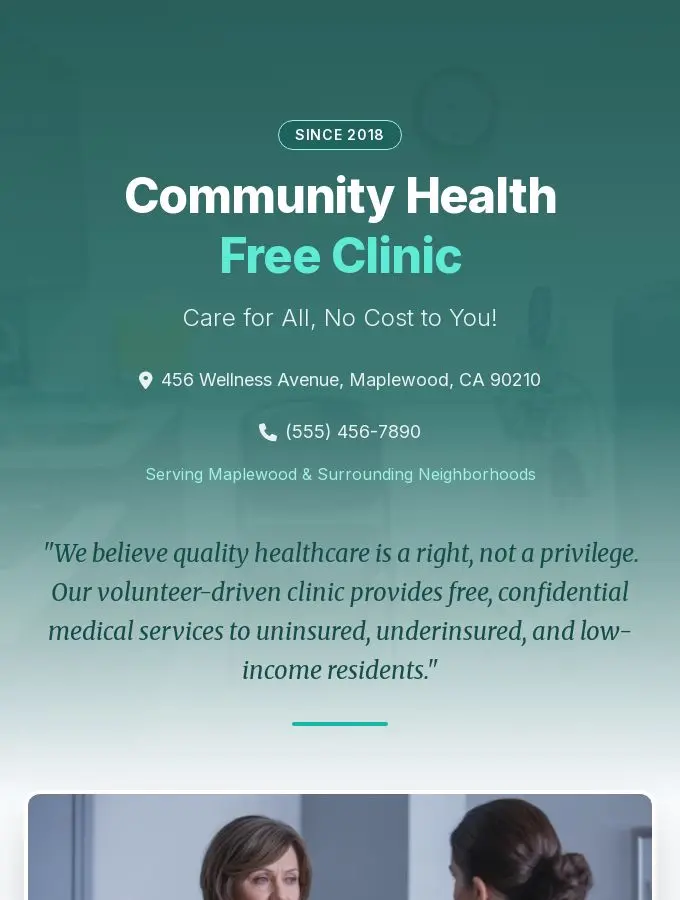
8K Flyer Design for Community Health Free Clinic
“Design a flyer themed Community Health Free Clinic.The page should be divided into multiple modules with clear details, feature 8K resolution and a neat layout, and include some real-shot photos. The detailed content is…”
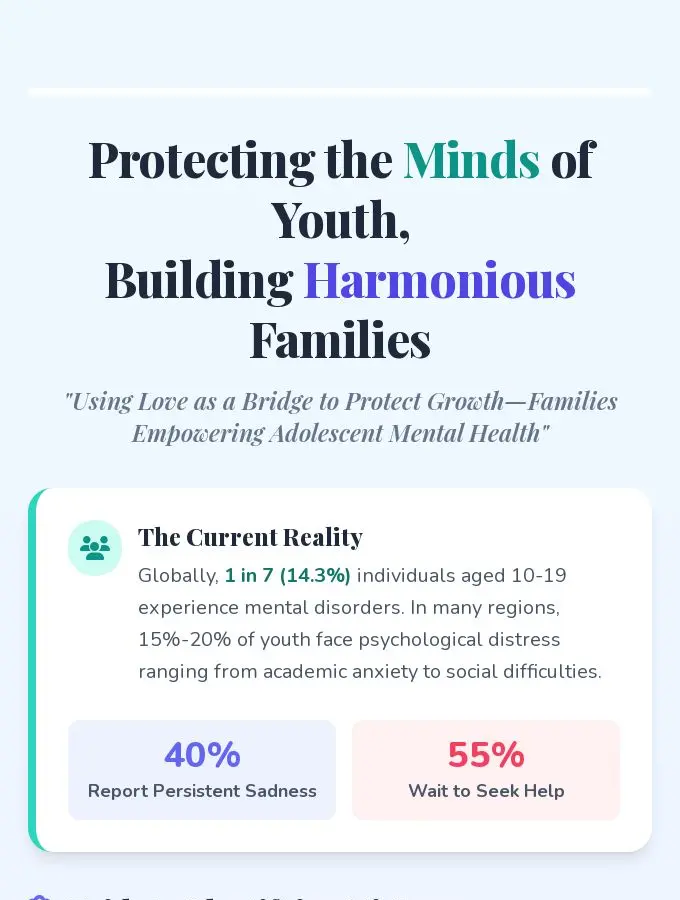
Four Leaflets for Family Adolescent Mental Health
“Please help me generate four leaflets on family-based adolescent mental health (please note these are leaflets). The overall layout should be well-spaced, and the background should reflect a healing and positive mental…”
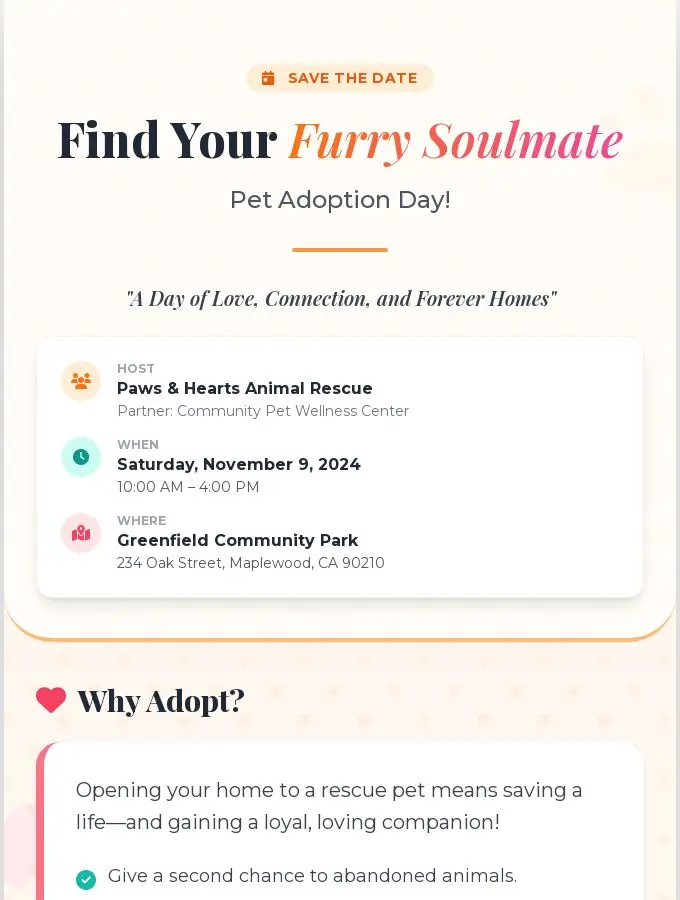
2024 Pet Adoption Day at Greenfield Park
“Design a flyer themed Pet Adoption Day.The page should be divided into multiple modules with clear details, feature 8K resolution and a neat layout, and include some real-shot photos. The detailed content is as follows:…”