
Text or image to playable video
AI video generator
Generate videos from text or images
Generate a video from a text prompt or reference image. Watch a paper bird fly through a beam of sunlight and see the prompt behind the clip.
Generate my videoStart with one scene and one clear action.
AI video generation example
See how a paper bird moves through the sunlight in a scene based on one reference image.
The paper bird’s first breeze
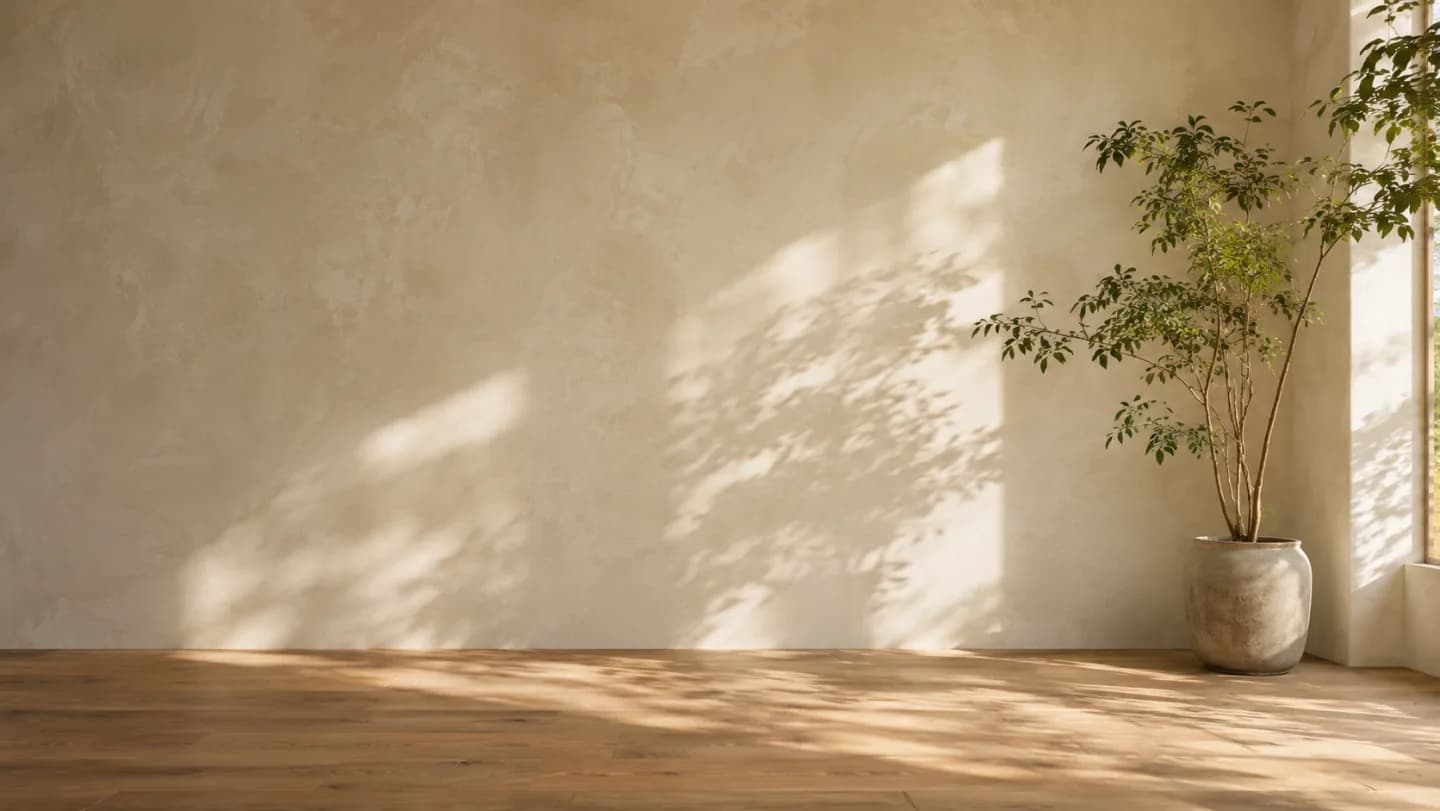
Prompt used, translated
Use the uploaded warm living room as the reference for a 12-second 16:9 video. From 0–3 seconds, show a white origami bird by the window on the wood floor while leaf shadows move. At 3–8 seconds, let a breeze lift the bird. It flaps its folded wings and crosses the sunbeam, casting a shadow on the wall as the camera follows sideways. At 8–12 seconds, let it land beside the ceramic planter and fold its wings. Keep the original walls, plant, and floor. No people, text, or sound. Generate one playable MP4.
Generated video
In this 10-second landscape clip, a white paper bird lifts from the floor and flaps across a beam of light. Its shadow sweeps across the wall as it flies toward the planter.
Text or image to playable video
What can you make with the AI video generator?
Describe the action in text, or add an image to establish the subject and visual style.
Text-to-video clips
Describe a scene, subject action, and camera movement to make a short clip.
Image-to-video clips
Add light changes, subject movement, or a camera move to a still image.
Focused revisions
Describe the action or timing you want to change and which details should stay.
Motion needs a specific direction
Describe who moves and how the camera follows
Write the subject's action separately from the camera movement. Add the duration, aspect ratio, and details you want to keep so you can check them in playback.
- Scene and actionExplain what happens over time, not only what the opening frame looks like. Identify the beginning, central movement, and ending state.
- Reference and continuityProvide permitted source images and list the face, product geometry, clothing, lettering, or other details that should remain stable during motion.
- Video requirementsState duration, aspect ratio, camera direction, and requested audio. Explain the final placement so the framing and pace have a practical purpose.
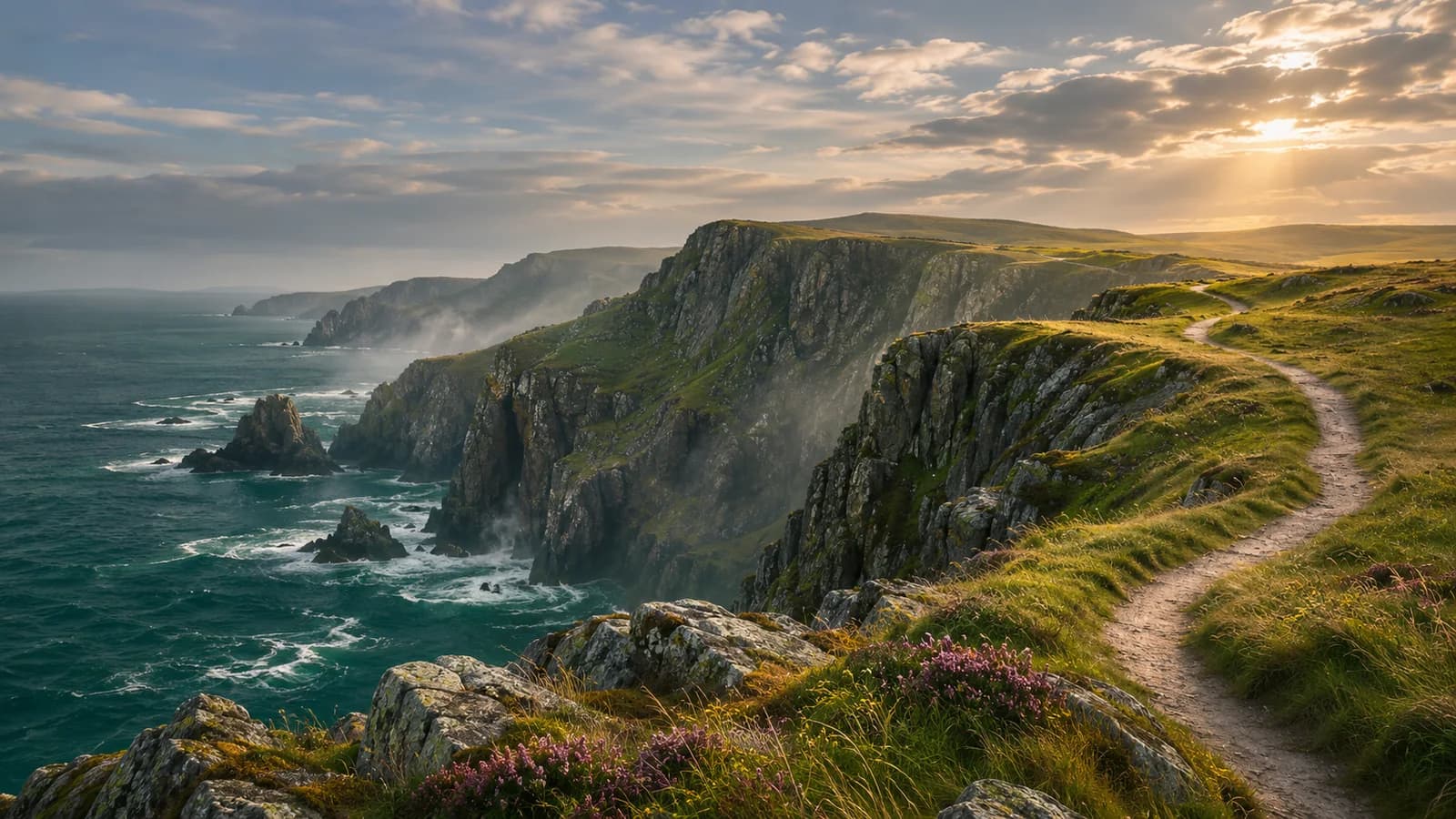
This coastal image is a separate storyboard concept. Request motion and audio explicitly, then inspect playback, continuity, duration, and the actual returned file.
Original stills for motion planning
What reference images work for video generation?
Choose images based on the shot you want. Decide what should move before writing the prompt.
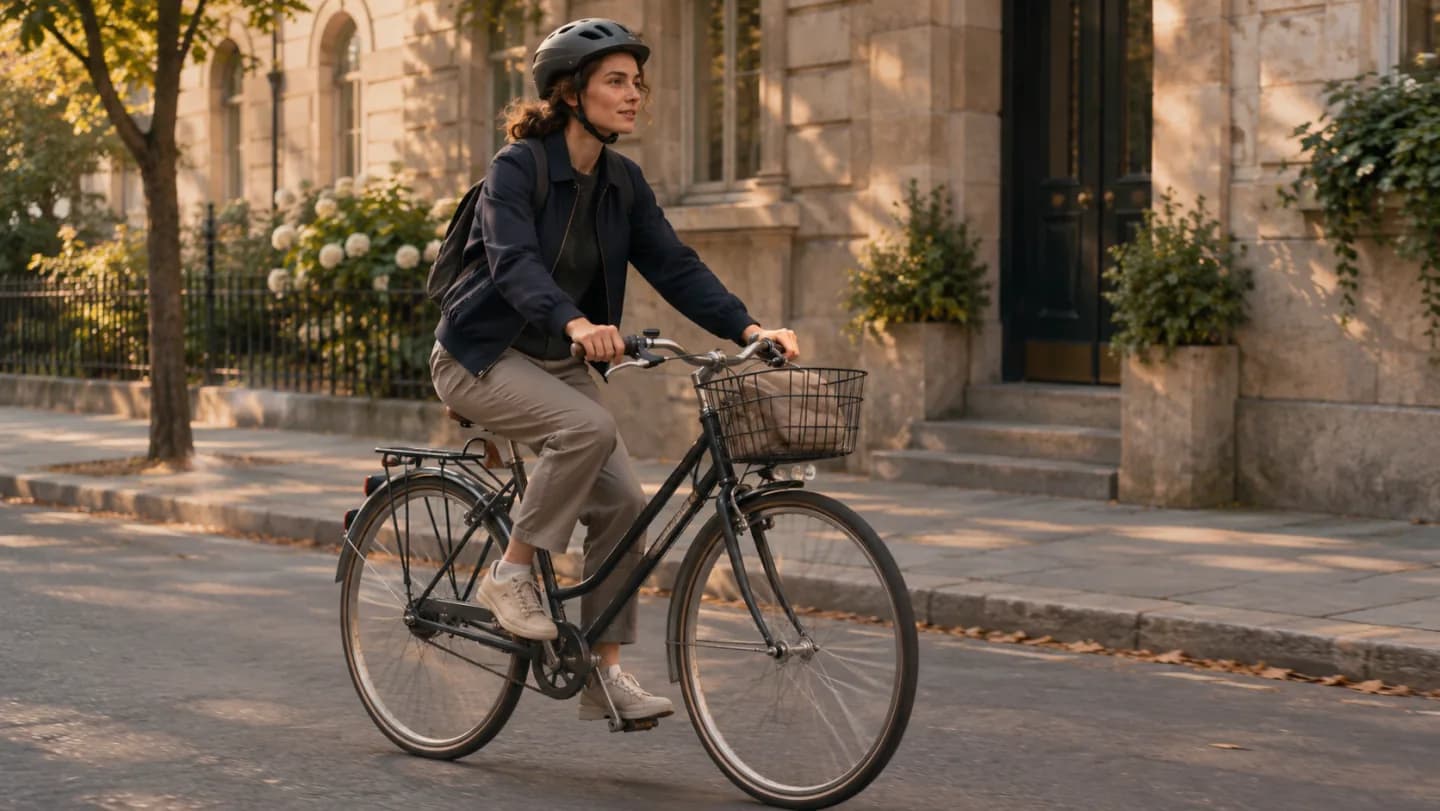
Follow a single journey
Build a short sequence around one readable movement.
Open on a wider world
Specify a measured camera move and a stable horizon.
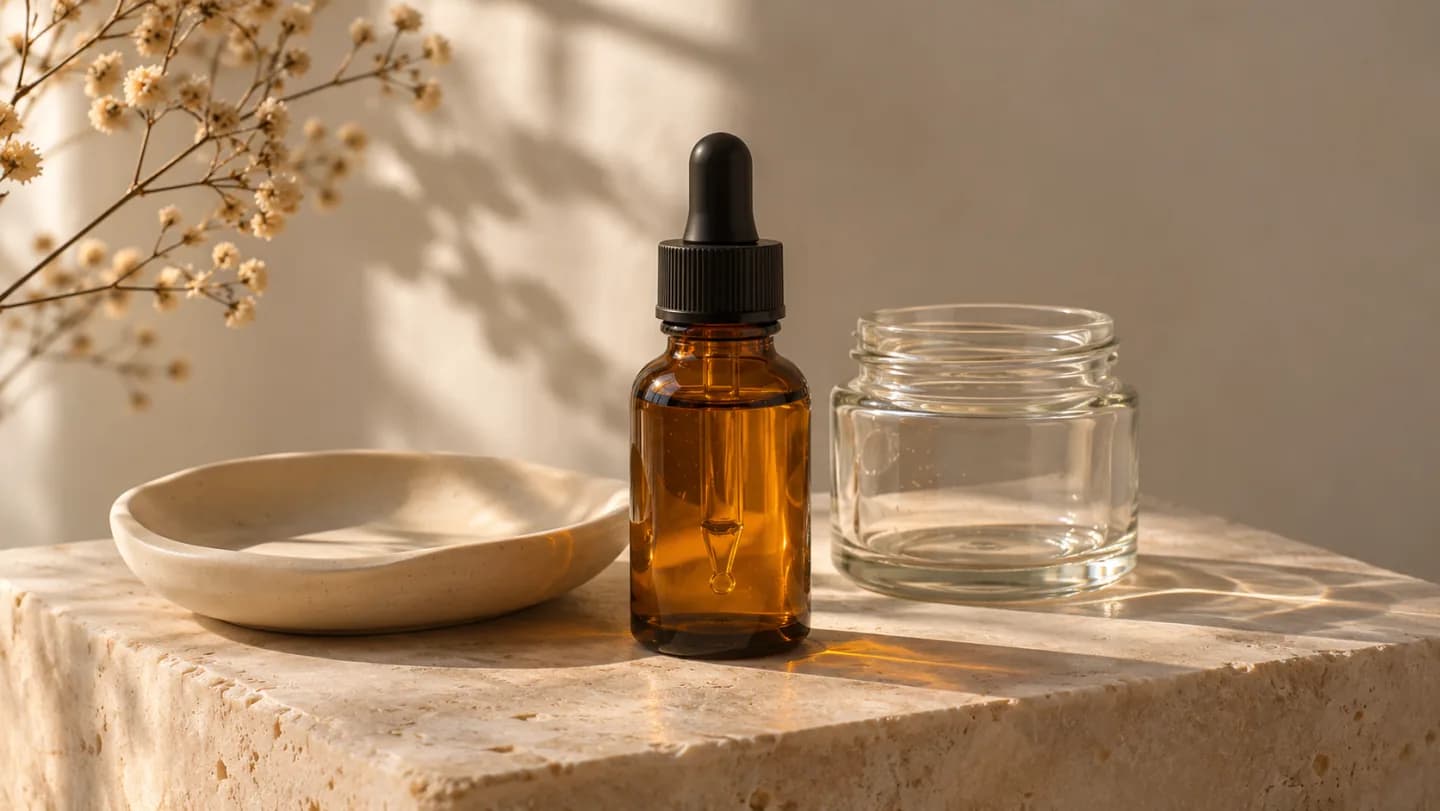
Reveal the material
Plan a restrained product shot with coherent light and reflections.
How do you make a video from text or an image?
Use PagePop to generate and refine your video. Available durations and generation options depend on the task you run.
- 01
Define the shot
Describe the subject, setting, action, beginning, and ending. Add the desired duration and aspect ratio, and identify the intended destination or use.
- 02
Supply references and movement directions
Attach permitted images when useful. Name stable features, camera movement, scene motion, and any requested speech or sound so these are not left ambiguous.
- 03
Watch and refine the output
Play the delivered clip from start to finish. Check continuity and technical output, then request a specific revision with timestamps or a clearer action description.
What should you check after generating a video?
Real playable output
Open the returned video and play it fully. Confirm that the deliverable is a video file rather than only still images or a scene description.
Stable motion and subject
Inspect anatomy, geometry, labels, repeated objects, and camera movement across the shot. Check that the action reaches a clear ending.
Destination fit
Verify actual dimensions, duration, audio, and file compatibility. Preview the clip in the place where it will appear before using it.
How to revise a generated video
Fix one issue at a time and say what should stay the same.
| What you see | How to fix it | What to write |
|---|---|---|
| The action is too fast | Use fewer movements and give the subject time to act. | Keep the leaf tips moving and slow the sideways camera move in the middle. |
| The subject changed appearance | Name the details to preserve in the reference. | Keep the potted plant and wood floor. Change only the camera angle. |
| The shot is too shaky | Say which part of the scene moves and what the camera does. | Keep the camera fixed at the end while the leaf shadows keep moving. |
Write your motion brief
Enter a description to generate an AI video
Describe the subject, scene, and action, or add a reference image. Then specify camera movement, aspect ratio, and duration.
Keep the action focused. Include the intended start and end, stable visual details, output orientation, and any spoken lines or ambient sound.
AI video generation FAQ
Can I generate a video from text alone?
Can I start from an existing image?
Does the output always include sound?
How do I improve a clip that changes the subject?
How should I ask for a revision?
Generate your first AI video
Describe one clear action and how the camera should see it. Request a playable clip and refine the motion that matters.
Generate my videoMore ways to make it yours
Explore a more specific task with the same starting point.