
Anime-style video with character references
AI anime video generator
Animate an anime character from a still image
Animate an anime character from a reference image. Describe the movement, camera, and details to keep. Watch the glowing compass example.
Create an anime videoStart with one action, such as a blink or a head turn.
Anime video from an image
Follow the explorer from a close-up of the compass to the first step toward the sea.
The compass points to the sea breeze
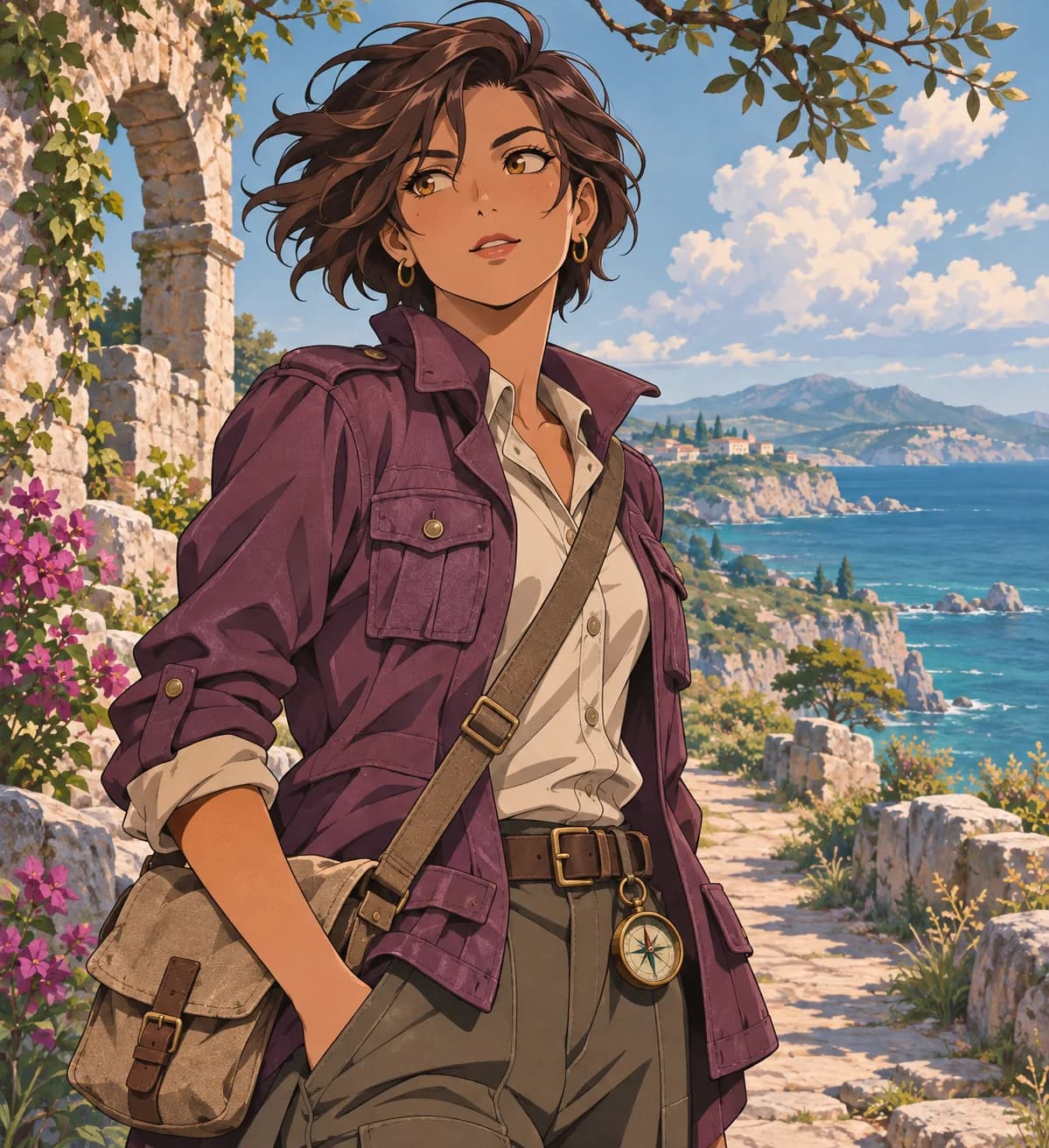
Prompt used, translated
Use the uploaded explorer illustration as the character and coast reference for a 12-second hand-drawn 2D anime clip. From 0–3 seconds, wind lifts the purple coat as the explorer takes the brass compass off her belt beside the stone arch. At 3–8 seconds, cut to the compass. Its needle swings, stops, and sends a golden light beyond the arch, illuminating leaves. At 8–12 seconds, return to the explorer as she looks up and steps toward the light, with subtle movement in her hair and the sea. Preserve the chestnut hair, purple coat, shoulder bag, and style. No text, captions, or voices. Generate one playable MP4.
Generated video
In this 12-second 16:9 clip, the explorer takes up her brass compass. A close-up shows golden light, then she walks toward the stone arch as a glowing path leads the way.
Anime-style video with character references
What can you make from one anime character image?
Start with a blink or a head turn, or build a short story around an original character.
Small character movements
Animate a blink, a head turn, or hair moving in the wind.
Character introduction
Have a character enter the frame or turn toward the camera.
Short story scene
Plan a few shots around a discovery or encounter. Generate and review each before putting them together.
CONTINUITY STARTS IN THE REFERENCE
How do you keep a character looking consistent?
Give the AI a clear reference image. Specify which parts can move and which details of the face, outfit, and accessories should stay the same.
- Character referencesSupply the selected original character images and describe the facial features, clothing, colors, and accessories that should stay consistent.
- Action and shot orderExplain what happens, in what order, and from which angles. Give the intended duration and the emphasis of each shot.
- Visual and mood directionSpecify setting, lighting, line treatment, shading, camera behavior, and how restrained or energetic the motion should be.
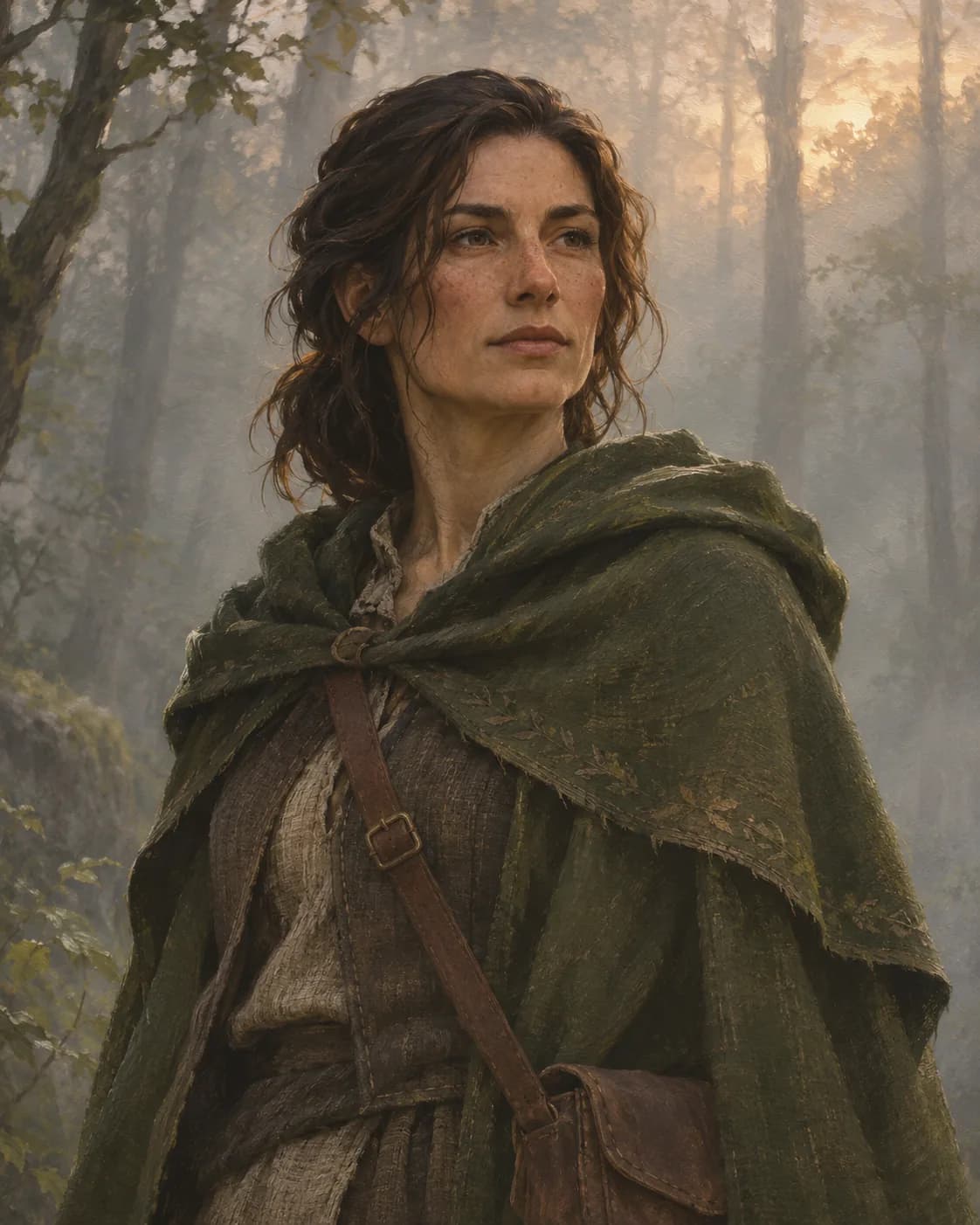
Same hair, same outfit, same equipment. A single visible action to follow.
PLAN THE SCENE BEFORE EXPANDING IT
What references help when making an anime clip?
Start with a clear character image. Add references for a particular setting, lighting, or starting pose if needed.
Anchor the appearance.
Name the visual details that must carry into the clip.
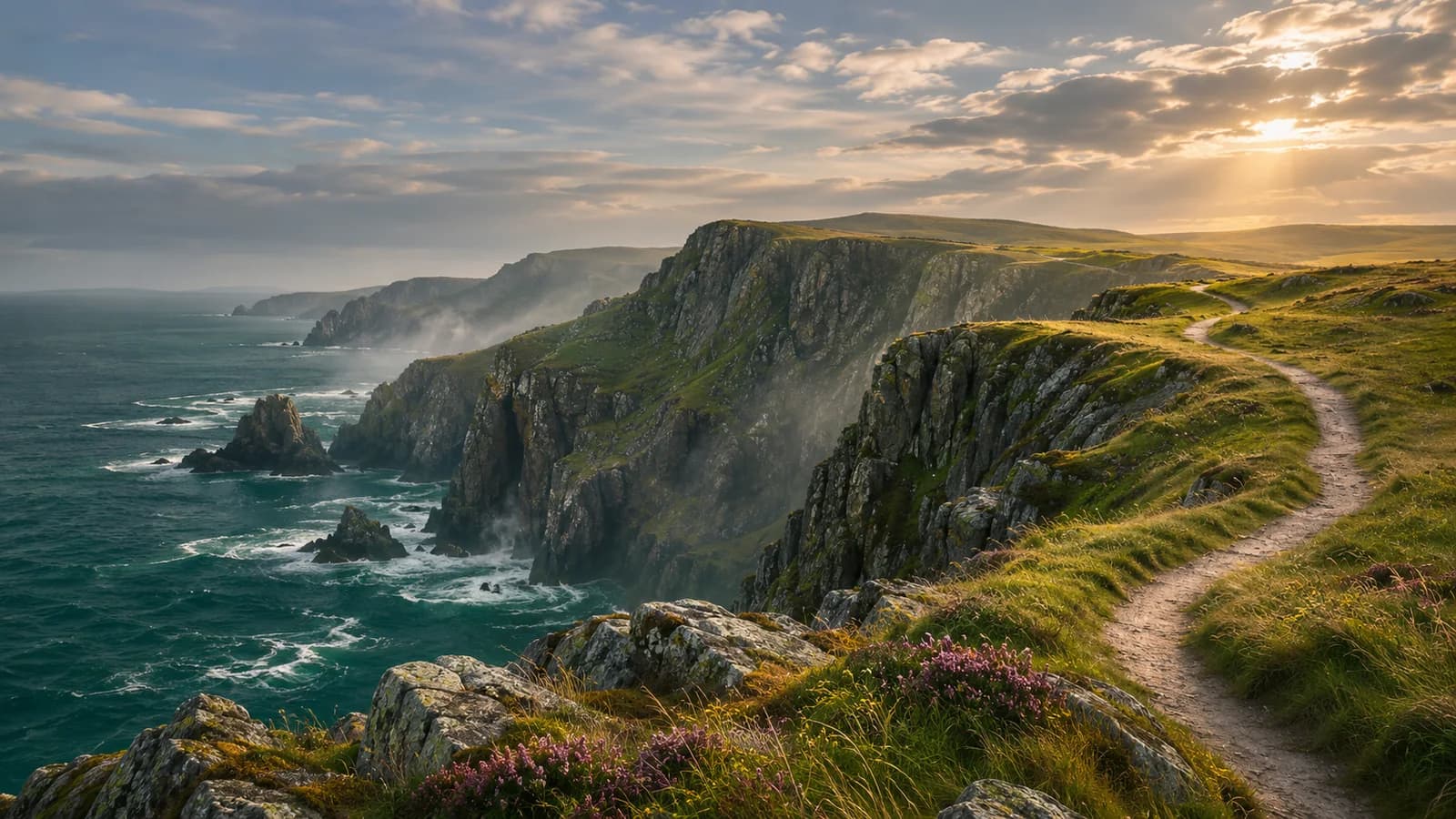
Give the action somewhere to happen.
Define the environment, weather and camera distance.
Keep the gesture readable.
Describe a small sequence with a clear start and finish.
How do you turn an anime image into a video?
Use original characters and a compact sequence. Keep appearance, screen direction, and the order of actions clear so the scene can be reviewed as a whole.
- 01
Supply character and setting references
Upload the selected character and environment images. Describe stable appearance details and explain the mood, location, and starting situation.
- 02
Write a short action sequence
Break the scene into visible beats, with shot order, camera angle, and intended timing. State what changes between shots and what should stay continuous.
- 03
Generate the anime-style video
Specify line treatment, shading, movement, and lighting. Include exact on-screen wording or requested audio separately when those elements matter to the task.
- 04
Review the complete scene
Watch for changes to the character, clothing, props, screen direction, and setting. Refine the shot whose action, pace, or continuity needs attention.
How do you check the character and motion?
Character and prop stability
Compare face, hair, clothing, accessories, and important objects throughout the movement and between camera angles.
Action order and screen direction
Confirm that gestures and movements follow a readable sequence and that the viewer can understand the characters’ positions.
Pacing and visual treatment
Check whether each shot has time to communicate its action and whether line work, color, and lighting stay coordinated.
How to revise an anime video
Fix one issue at a time and say which details to preserve.
| What you see | How to fix it | What to write |
|---|---|---|
| The hair or outfit changed | Name the details that should stay the same. | Keep the chestnut hair and purple coat. Change only the speed of the head turn. |
| The action is too fast | Use fewer actions so the main movement is easier to see. | Have the explorer turn slowly toward the sea and hold the final pose. |
| A prop is out of frame | Widen the shot to bring the prop back into view. | Keep the camera fixed and the compass on the belt in frame. |
THE NEXT SCENE IS YOURS
Upload a character image to make an anime clip
Add your character image and describe the action and camera movement. You can adapt the sample prompt above.
Include character details, setting, visual treatment, camera angles, intended duration, and any exact text or audio request.
Anime video FAQ
How is this different from an anime image generator?
Can I animate my own anime character image?
How do I keep a character consistent across shots?
Can I make a complete anime episode in one request?
Will dialogue and music be included?
How should I ask for a revision?
Bring your anime character to life
Provide your characters and a short sequence of actions. Create anime-style clips with a shot plan you can inspect and refine.
Create an anime video