
Animation-style video from images or prompts
AI animation generator
Bring a still image to life
Animate a still image or describe a scene in text. Specify what should move, then watch two ribbons form a butterfly and see the prompt.
Create an animationDescribe what should move and what should stay in place.
Image-to-animation example
See how a still image of two ribbons becomes a short animation.
The ribbon butterfly
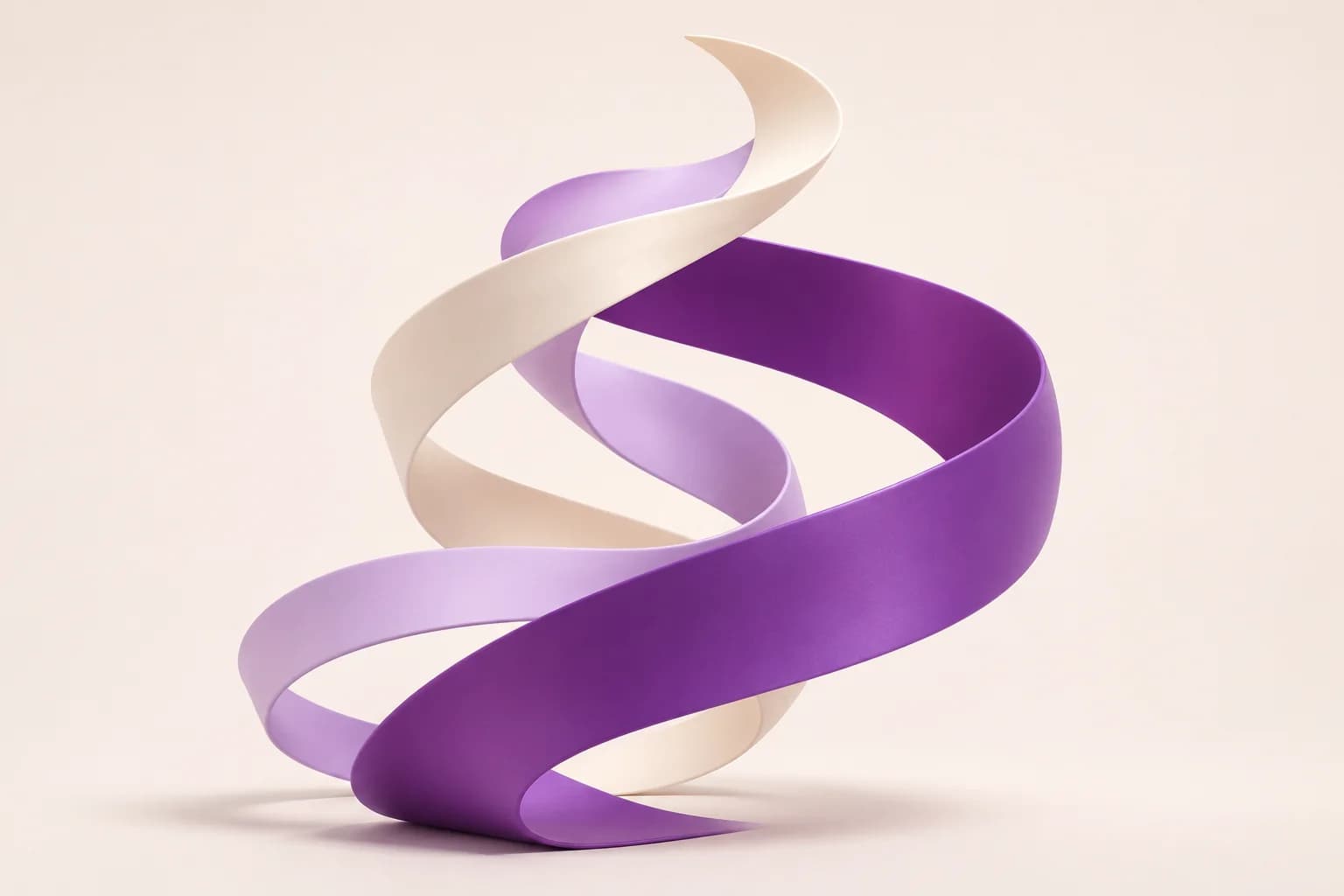
Prompt used, translated
Use the purple and cream ribbon image to make a 12-second 16:9 animation with a fixed camera, soft light, and a pale background. From 0–3 seconds, lift both ribbons out of their spirals and let the ends unfurl. At 3–8 seconds, have each ribbon fold into a wing. The butterfly shape flaps twice and casts a moving butterfly shadow. At 8–12 seconds, let the ribbons separate, arc, and land with their ends still moving. Preserve the material, colors, and lighting. No text or sound. Generate one playable MP4.
Generated video
In this 12-second animation, the purple and cream ribbons separate and form a butterfly that flaps its wings. They then unwind and return to a spiral.
Animation-style video from images or prompts
What kinds of still images can you animate?
Start with one change, such as an unfolding object, a head turn, or a little movement in the background.
Subtle movement in an illustration
Add a little wind, changing light, or a small change in expression.
A process in motion
Show an object unfolding, a seed sprouting, or a few parts coming together.
One character action
Build an animation around a turn, a raised hand, or picking up an object.
DESCRIBE WHAT ACTUALLY MOVES
How do you describe a specific movement?
Name what moves, how far, and in which direction. A character might turn slightly to the right, or just two leaves might sway. Describe the camera separately.
- A subject or still referenceProvide an image or describe the character, object, environment, and starting pose or state.
- An ordered action briefName what moves, how it moves, and the ending state. Give the intended duration and camera behavior.
- A visual treatmentSpecify line work, texture, palette, and motion character, with references when a specific look matters.
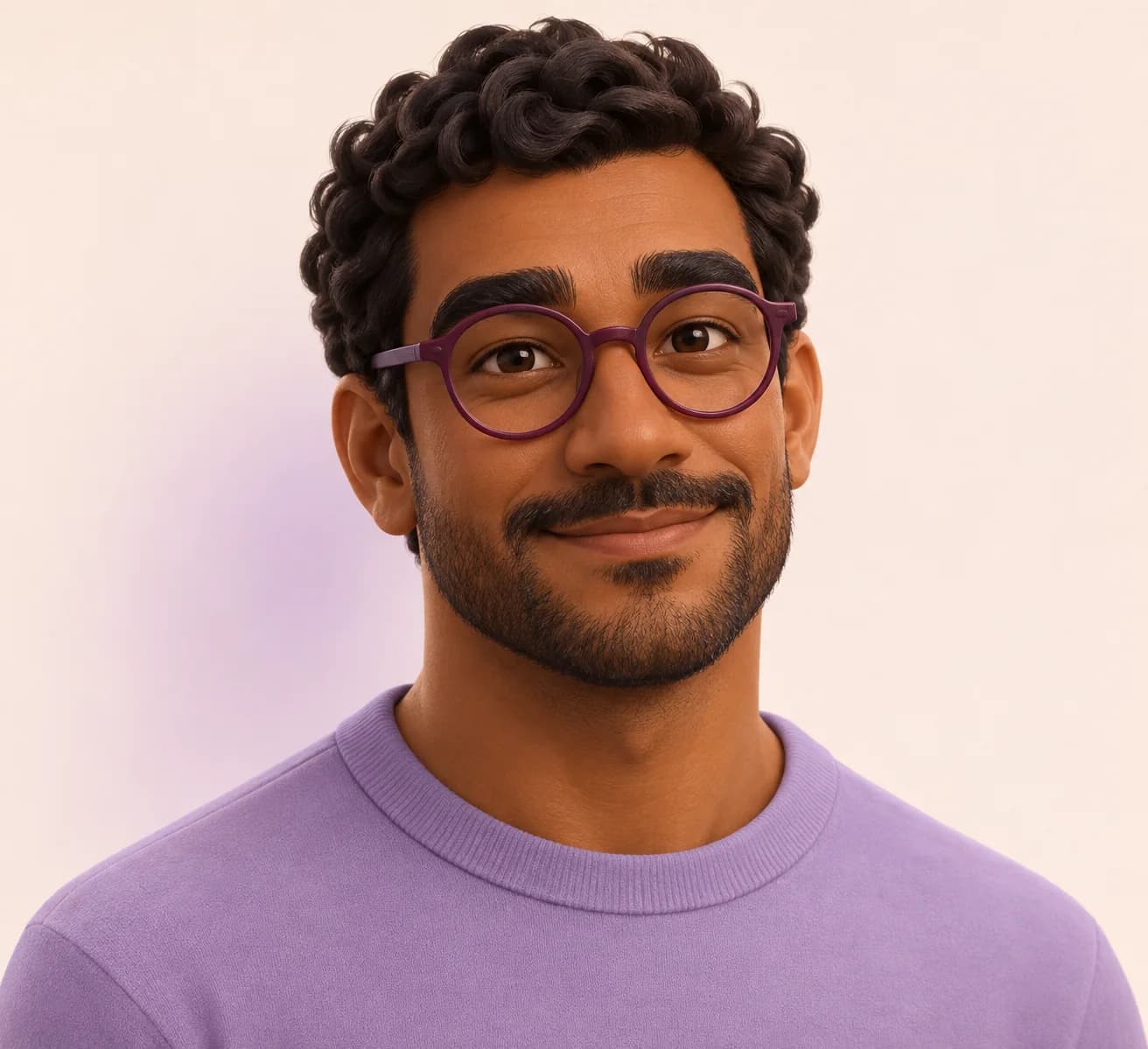
The character turns, notices something and settles into one clear expression.
CHOOSE THE KIND OF MOVEMENT
Start with three simple movements
Try a few small movements to find the right pace before adding more.
Unfold, drift, settle.
Choose the material, pace and final arrangement.
A glance can carry a scene.
Keep the facial action focused and the identity anchored.
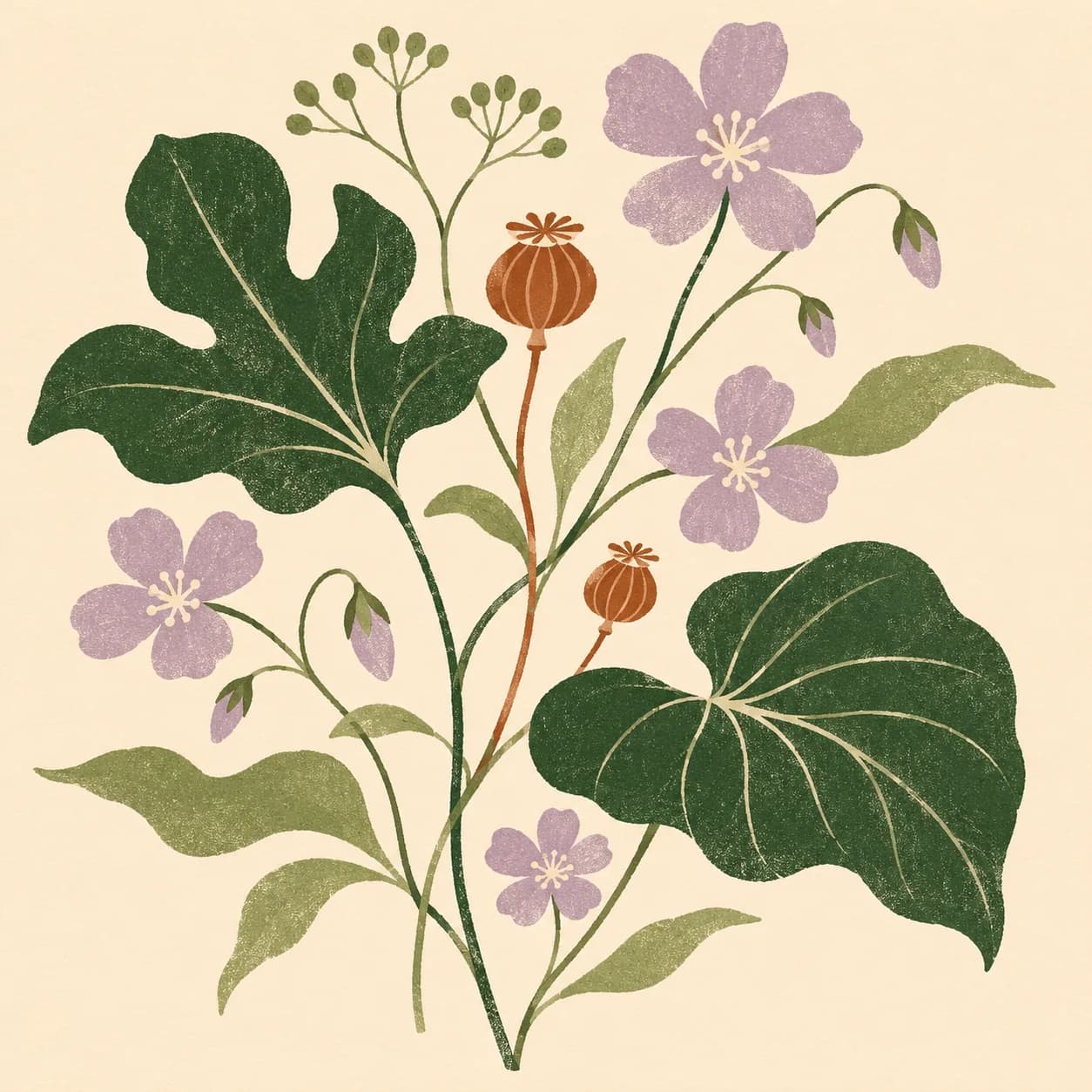
Bring a small detail to life.
Name the leaves or light that move while the frame stays still.
How do you animate a still image?
Start small: one scene, a few readable actions, and a clear visual treatment. Expand the sequence after the movement and continuity work for your purpose.
- 01
Define the scene and reference
Upload a still image or describe the subject, setting, and starting pose. Identify character features and objects that should remain consistent.
- 02
Break down the movement
State the action in order and describe the ending pose or state. Add intended duration, camera behavior, and the amount of movement you want.
- 03
Choose the animation treatment
Explain the palette, line quality, texture, and movement style. Use references to clarify a handmade, illustrated, or other stylized look.
- 04
Watch and refine the clip
Review the full action for clarity, continuity, and pacing. Ask for a focused change to a gesture, camera move, or ending when it does not match the intended beat.
What should you check in a generated animation?
Readable action
Watch whether the movement follows the intended order and whether the starting and ending states are clear.
Stable visual details
Check character proportions, clothing, object shape, colors, and background elements across the clip.
Timing and camera focus
Confirm the camera supports the action and that important gestures are neither rushed nor hidden by unrelated motion.
How to fix unnatural motion
Name the shot you want to change and tell PagePop what to adjust.
| What you see | How to fix it | What to write |
|---|---|---|
| The background shakes | Lock the camera and name the part of the background to keep stable. | Use a fixed camera and keep the pale background still. Move only the upper part of the ribbon. |
| The motion is too large | Reduce the range and specify what should move. | Let the top of the ribbon slowly unfurl while the bottom stays in place. |
| The motion stops abruptly | Give the action time to slow down and describe its final shape. | Slow the movement near the end and settle in the unfolded shape. |
FROM A STILL TO A SCENE
Add an image to generate an animation
Upload a reference image or describe the subject, the action, and where it should end.
Include reference image, action order, intended duration, camera behavior, visual style, and elements that should stay unchanged.
Animation video FAQ
Can I animate an existing image?
Can I request 2D or stop-motion animation?
Does this create a rigged 3D character?
How much action should I include in one clip?
Can I make an animation loop?
How should I ask for a revision?
Make an animation from one simple action
Choose the action, visual treatment, and timing. Generate an animated clip with enough direction to make its movement purposeful.
Create an animation