
Product showcase video from references
AI product video generator
Turn a product photo into a showcase video
Create a product showcase from a photo for your product page. Show the materials, details, or how it’s used. See the perfume video and prompt.
Create a product videoStart with a detail a buyer needs to see, such as the shape of a cap or the texture of a finish.
Product video from a photo
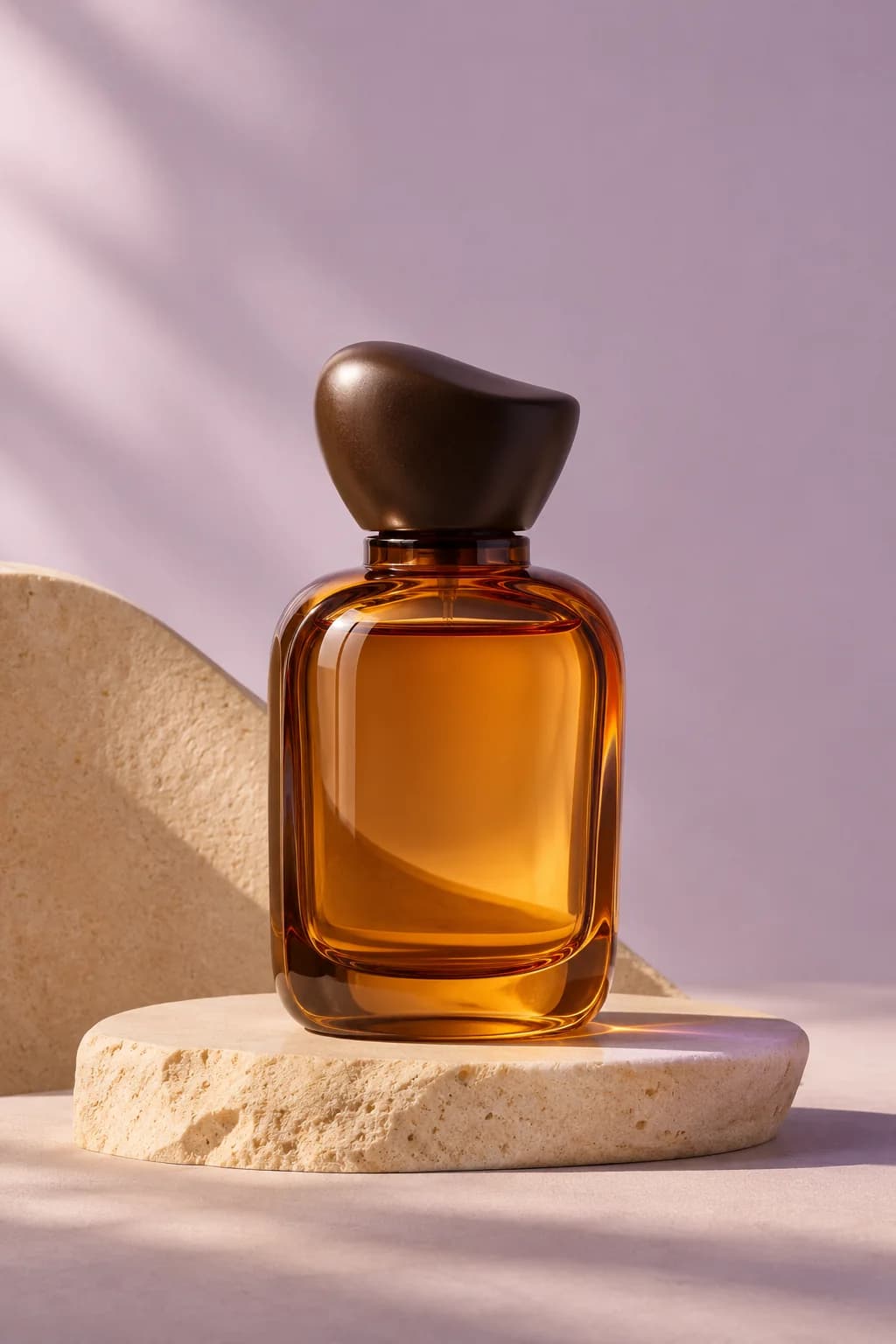
See how light and movement draw attention to the amber glass.
Amber ribbon of light
Prompt used, translated
Use the uploaded amber perfume bottle photo as the only product reference for a 12-second 4:3 video at 720p. From 0–3 seconds, sweep a narrow golden light up the still bottle on its stone plinth. At 3–8 seconds, cut to a low side close-up as a translucent amber ribbon passes behind the bottle and shifts its glass reflections. At 8–12 seconds, return to the full bottle and plinth as the ribbon settles in front. Preserve the bottle, cap, and color. No text, logos, or narration. Generate one playable MP4.
Generated video
In this 12-second 4:3 clip, light travels up the amber glass. A low side shot follows the silk behind the bottle, then the ribbon crosses the foreground and reveals the full bottle.
Product showcase video from references
What can you make from a product photo?
Choose a video based on what buyers need to see, such as the shape, finish, or how the product is used.
Product detail video
Show the product’s shape in a short clip to complement photos on the product page.
Material or construction close-up
Move in close to reveal glass reflections, fabric texture, or how the product is built.
Product in use
Place the product in an everyday setting and show where or how it’s used.
MAKE THE MOTION DO A JOB
Which product details should stay the same?
Use your reference photo to define the shape, label, and parts. Use lighting and camera movement to highlight the detail you want buyers to notice.
- Product reference viewsProvide the clearest available photos of the front, sides, and important details. Identify the exact variant and finish.
- Feature prioritiesExplain which material, shape, mechanism, or use deserves attention, using confirmed information about the product.
- Camera and scene directionSpecify movement, pace, setting, lighting, aspect ratio, and intended duration for each requested clip.
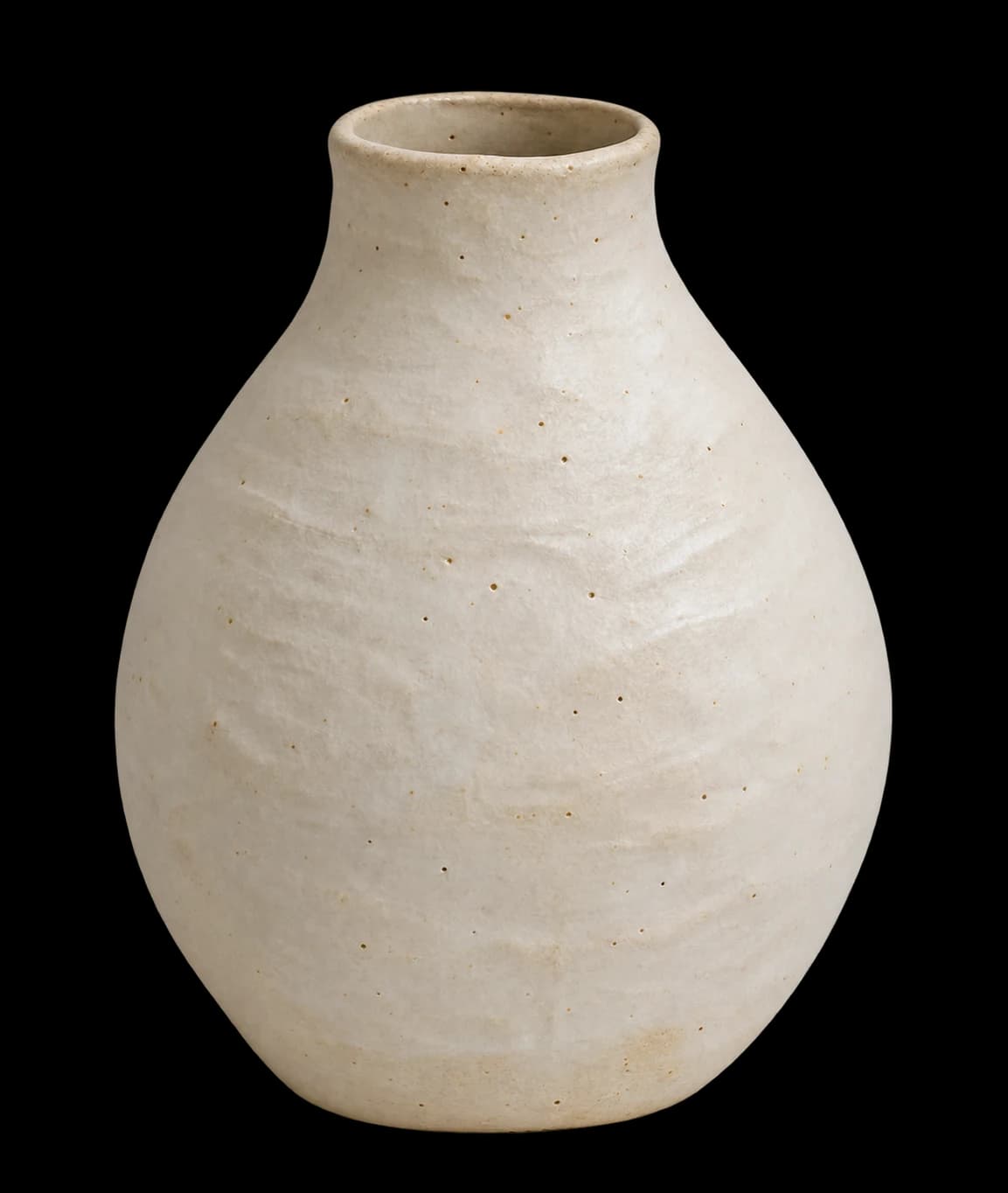
What should the viewer understand about the object by the end of the shot?
THREE POSSIBLE SHOT BRIEFS
Choose a shot for the detail you want to show
Use different framing to show the shape, packaging, or construction. Choose the shot based on what buyers need to see.
Catch the light on glass.
Request a controlled move and stable product proportions.
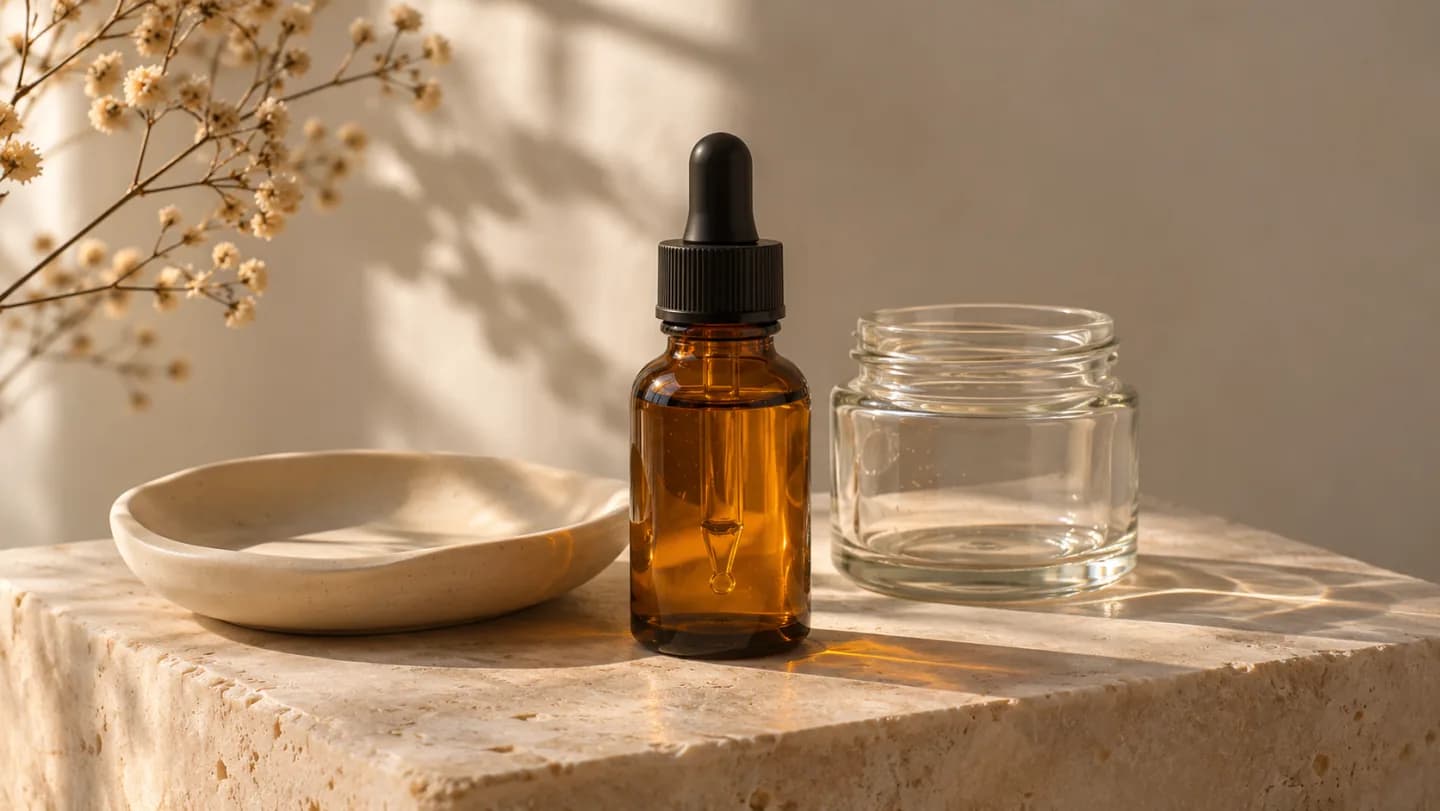
Give the packaging a close look.
Keep the label, finish and colour anchored to references.
Read the object in space.
Plan a short camera arc around the selected silhouette.
How do you turn a product photo into a video?
A strong product video brief explains both the item and the movement. Use visible, confirmed product details to guide what the camera reveals.
- 01
Collect accurate product views
Upload front, side, and detail references as available. Identify the exact product variant and the features that matter to the presentation.
- 02
Plan the scene and movement
Choose the background, lighting, aspect ratio, and intended clip duration. Describe a camera orbit, turntable-style reveal, close approach, or another specific motion.
- 03
Generate the showcase clips
Ask for a shot sequence that prioritizes the product features. Keep transitions and movement simple enough for the item to remain readable.
- 04
Review the moving product
Watch the entire clip for changes to shape, label, material, or attachments. Refine the affected shot and confirm the final sequence at the intended viewing size.
What should you check in a product video?
Identity across frames
Watch for shifts in proportions, labels, handles, caps, and attachments as the camera or product moves.
Useful camera movement
Confirm that the movement reveals the intended feature and leaves enough time to understand the product.
Claims and final framing
Check on-screen wording, product facts, aspect ratio, crops, and the opening and closing frames of every clip.
How to fix common product video issues
Name the shot you want to change and tell PagePop what to adjust.
| What you see | How to fix it | What to write |
|---|---|---|
| The bottle proportions changed | Reduce camera movement and specify the shape to preserve. | Keep the bottle’s proportions from the reference and move the camera forward slowly. |
| The label is hard to read | Add a front-view reference and hold on the label. | Hold on the front label for one second. Keep its position and size from the reference. |
| The color or reflections changed | Reduce lighting changes and restate the reference color and finish. | Keep the amber glass and use soft side light so the highlight moves along the edge. |
YOUR PRODUCT, YOUR SHOT DIRECTION
Upload a product photo and make a showcase video
Add a product photo and describe one detail to highlight and how the camera should move.
Include product variant, reference angles, aspect ratio, intended duration, lighting, camera movement, and exact copy if needed.
Product video FAQ
Is this a 3D product animation video generator?
Can I start with a single product photo?
Can the product rotate in the video?
Can I include text about the product?
What makes a useful product video brief?
How should I ask for a revision?
Show buyers the details they want to see
Add product references and choose the features to emphasize. Create showcase clips with camera direction you can review and refine.
Create a product video