
Short-form video from a focused brief
AI short video generator
Turn one idea into a short video
Make a short video from a topic, script, or reference image. Plan a beginning, middle, and end, then see the prompt for a coastal travel clip.
Create a short videoDecide what viewers should see first and what they should remember at the end.
Short video example
Follow a short travel story from a detail on the path to a wide view of the coast.
Follow the shell to the sea
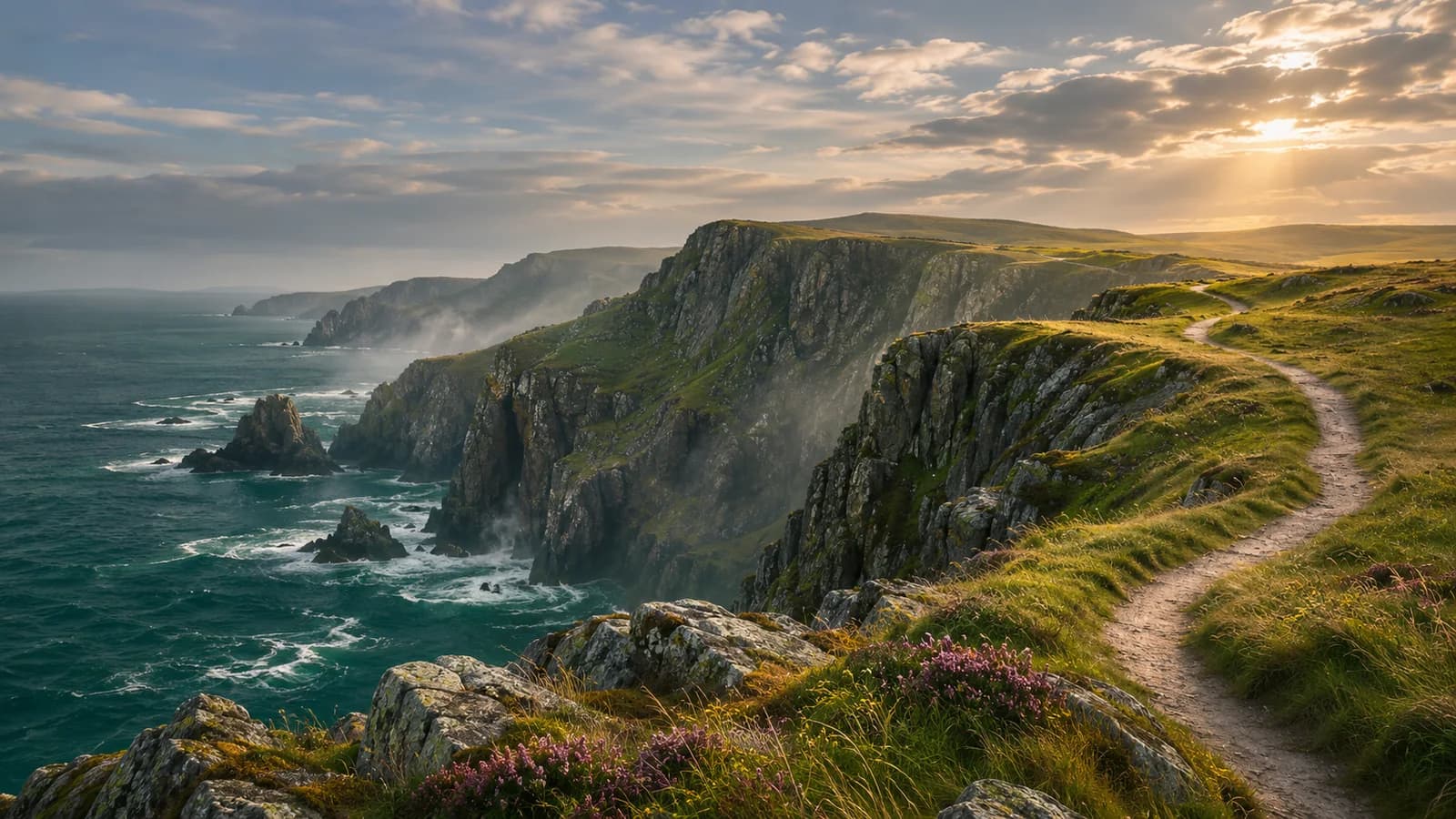
Prompt used, translated
Use the uploaded coast as a reference for a 12-second vertical 9:16 travel video. From 0–3 seconds, use a low angle on a white seashell beside the path, with a wave heard offscreen and grass shifting in the wind. At 3–8 seconds, move quickly along the winding path past the grassy slopes and around a cliff. At 8–12 seconds, cut to the bay at sunset as waves wash over the rocks. Keep the coastal terrain, warm light, and green grass. No people, text, or narration. Generate one playable MP4.
Generated video
This roughly 10-second vertical clip opens on a shell beside the path, moves quickly along the cliff trail, then cuts to an orange sunset over a bay with white waves.
Short-form video from a focused brief
What kinds of short videos can you make?
A travel clip shows a route, a tutorial makes the steps clear, and an event video highlights the details people need.
Travel or daily life
Use footage or images of a destination, route, or activity to show one experience in a few shots.
Quick tutorial
Break down a task, such as organizing a desk or making a dish, into visible steps.
Business or event introduction
Show one highlight and include verified details such as the name or date.
GIVE EACH SCENE A REASON
How do the opening and ending fit together?
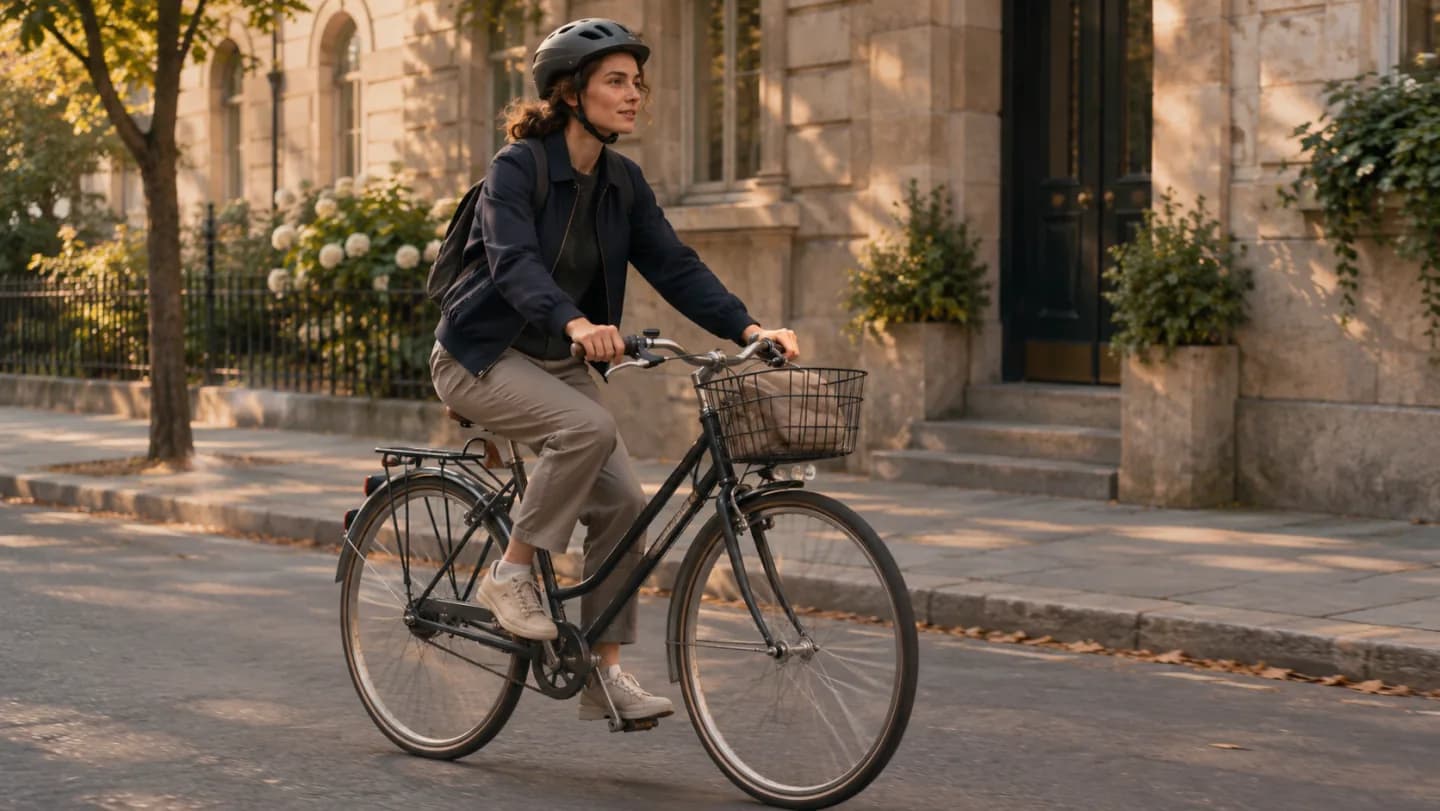
Open with an action or a result, show what changes, and end on the outcome. A cycling clip can follow a rider from departure to arrival along one route.
- A topic or source scriptProvide the message, story, or confirmed information the video should communicate, with one main audience outcome.
- Visual and continuity referencesSupply relevant people, product, or setting images and identify the features that should persist across scenes.
- Format and timingSpecify aspect ratio, intended duration, visual style, exact on-screen copy, and any requested audio treatment.
A place to start. An action to follow. A final image that completes the thought.
A BRIEF CAN BEGIN ANYWHERE
Three ideas for a short video
Decide whether the place, the process, or a short story is worth showing first.
Lead with the view.
Build a quiet travel sequence around one visual discovery.

Follow the making.
Give each step an action and keep the sequence compact.
Let movement set the pace.
Plan a route, a subject and a clear final beat.
How do you make a short video with AI?
Choose one useful message or story. A focused sequence is easier to follow than several competing ideas compressed into a short duration.
- 01
Choose the audience and outcome
Explain who the video is for and what they should understand or do afterward. Supply the source script or facts and the intended aspect ratio and duration.
- 02
Shape the hook and scene beats
Ask for a compact scene plan with a clear opening, development, and ending. Separate actions that can be shown from details that need short text.
- 03
Generate the requested sequence
Provide references and specify the visual treatment, motion, and exact on-screen wording. Request any audio treatment explicitly rather than assuming it is part of every result.
- 04
Watch the full video and refine
Review pacing, continuity, visible wording, and the closing frame. Ask for a focused revision when a scene is too crowded, unclear, or disconnected from the main idea.
What should you check before sharing a short video?
Hook and payoff
Confirm the opening sets an expectation that the rest of the video actually delivers, without unrelated detours.
Pacing and legibility
Check whether viewers have time to understand each action and read every line of on-screen text.
Continuity and accuracy
Inspect recurring subjects, product details, dates, names, and the final frame across the whole sequence.
How to improve the pacing of a short video
Name the shot you want to change and tell PagePop what to adjust.
| What you see | How to fix it | What to write |
|---|---|---|
| The opening takes too long | Move the most informative shot to the beginning. | Open on waves hitting the shore, then show the path. |
| The middle is unclear | Give the shot one clear action. | Keep the camera moving along the path in the middle and remove extra transitions. |
| The ending goes by too fast | Give viewers enough time to take in the final shot. | Hold the wide coast shot for one second before ending. |
MAKE ROOM FOR YOUR NEXT STORY
Start with a topic or script
Describe what happens and who it's for, then add reference images, the aspect ratio, or any text you need.
Include audience, opening hook, key facts, visual references, scene order, and any explicit audio requirements.
Short video FAQ
Can I generate a short video from text?
Can I use the result for TikTok, Reels, or Shorts?
Does every video include narration and music?
How do I keep a person or product consistent?
Can I revise only the opening or ending?
How should I ask for a revision?
Start your next short video with a topic
Bring a script or topic and define the viewing format. Build a compact sequence you can watch, revise, and prepare for your channel.
Create a short video