
Vertical short videos with hooks and captions
AI TikTok video maker
Make a vertical short from a script or image
Create a 9:16 TikTok video from a script, product photo, or idea. Watch the prop transformations in the sample video and see the prompt.
Create my vertical videoDecide what action or result to show in the first two seconds.
Vertical TikTok video example
Compare the prompt recorded in the case library with the corresponding 15-second video.
Quirky object transformations
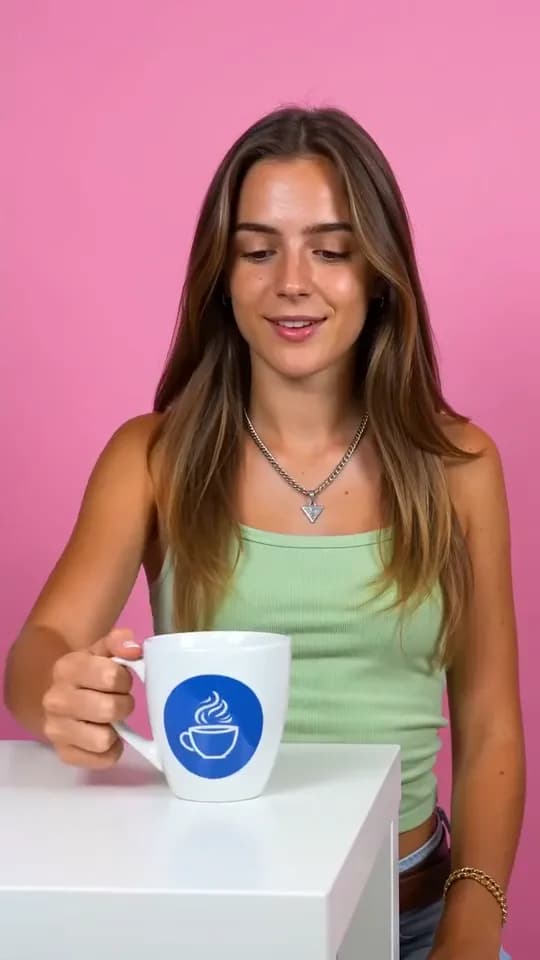
Case-library prompt
Help me create a 15-second funny video that is suitable for posting on social media platforms. The style should be quirky and easy to attract clicks.
Video example
A mug flashes blue and becomes a yellow duck. A sparkling wand turns into a banana, then a lit phone becomes a colorful butterfly that flies toward the camera.
Vertical short videos with hooks and captions
What kinds of TikTok videos can you make?
Pick one feature, action, or question, then plan framing and captions for a phone screen.
Product demonstrations
Build a short sequence around unboxing, use, or a close-up of one feature.
Faceless process videos
Use hands, objects, and short captions to show a process.
Short explainers
Open with a question, show a specific example, and close with one tip.
Let each scene earn its seconds
Keep the key action where viewers can see it
Open with the result or action, then show the step viewers most need to see. Keep key details and captions near the center to leave room for the TikTok interface.
- Topic and source materialProvide original notes, a script, product details, or permitted clips. Explain the one takeaway the viewer should remember after watching.
- Hook and scene sequenceDescribe the opening promise and how each scene delivers it. Keep one clear idea or action per scene and specify the intended pace.
- Presentation requirementsState vertical framing, target duration, requested voice or sound, caption treatment, cover needs, and essential content that should avoid interface overlays.

This bakery image is another storyboard direction. Request the playable vertical clip, captions, sound, and cover separately, then check the actual returned video from beginning to end.
Original concepts for short vertical stories
What can you start with?
Gather a product photo, process photo, or short script and decide which shot each should inform.

One material, three details
Keep the imagery faithful to the product and approved facts.
The finishing touch
Organize an understandable sequence around a real action.
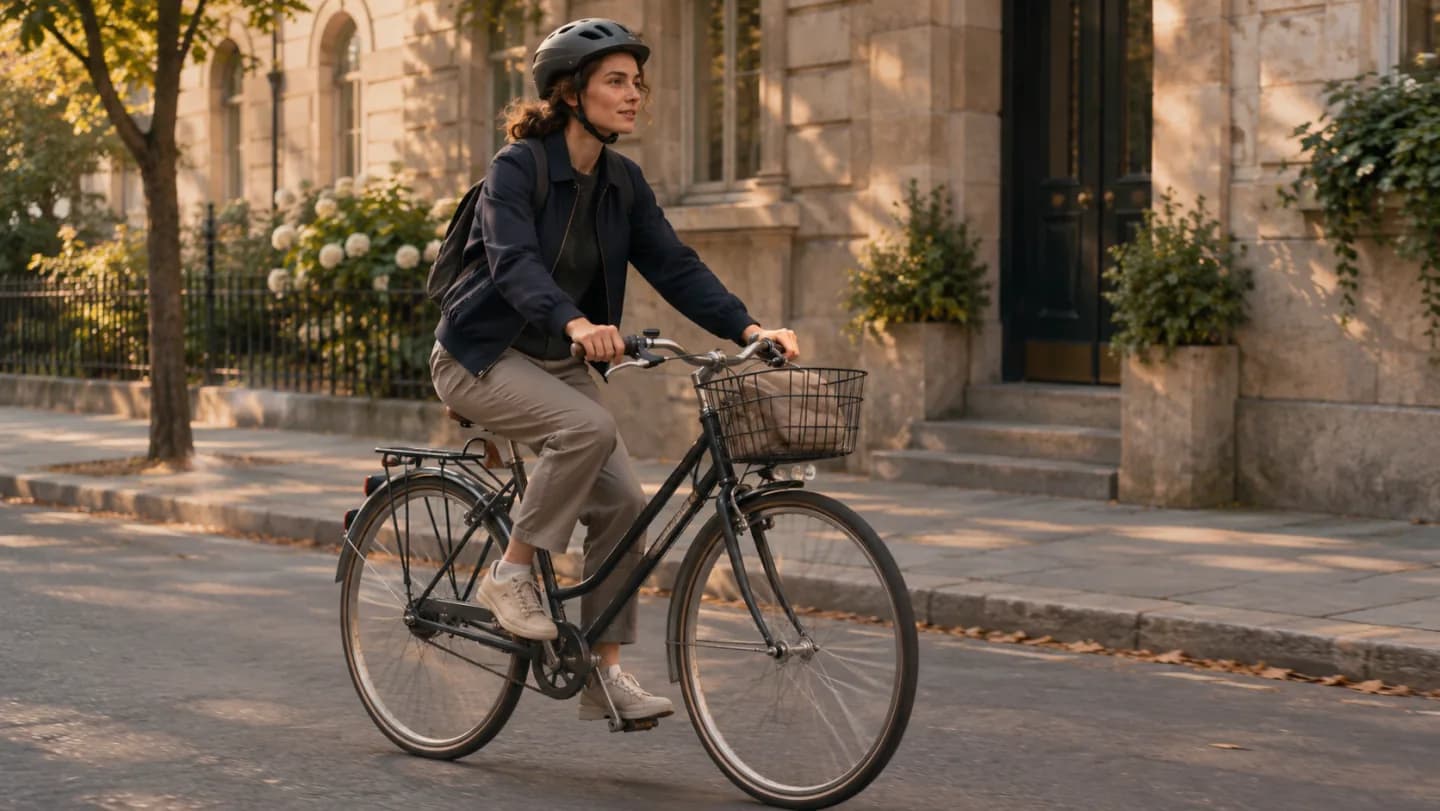
A different route home
Use a simple visual progression with a clear ending.
How do you make a vertical video for TikTok?
TikTok is the intended placement, with a vertical composition and concise pacing. PagePop creates content; you handle account access and publishing.
- 01
Define the topic and viewer takeaway
Name the audience, hook, main idea, and desired next action. Provide your script, product facts, or original notes and identify which claims must stay exact.
- 02
Plan scenes and supporting assets
List the source photos or clips, requested generated scenes, voice direction, caption style, target duration, and cover needs. Keep the visual workload clear and realistic for the task.
- 03
Review the playable result
Watch with sound and muted. Check the opening, scene order, caption spelling, audio, dimensions, and framing in the destination preview before publishing through your own account.
What should you check before posting a vertical video?
Hook matches the content
Confirm that the following scenes deliver the opening promise. Check every product fact and remove invented testimonials, offers, or results.
Readable vertical framing
Preview at phone size with likely interface overlays. Check captions, faces, and products remain visible and understandable throughout the clip.
Playable and ready to review
Verify duration, dimensions, sound, caption timing, and file compatibility. Watch the entire clip before uploading through your account.
How to revise a vertical video
Preview on a phone and fix the issue that makes the clip hardest to watch.
| What you see | How to fix it | What to write |
|---|---|---|
| The opening takes too long | Move the result or action into the first shot. | Show the bottle cap opening in the first two seconds. Keep the close-up that follows. |
| The app interface covers the captions | Leave more space along the bottom and right edge. | Keep the wording and move the captions closer to the center. |
| The packaging looks different | Specify the color, shape, and label to preserve. | Keep the amber bottle and packaging from the reference. Change only the lighting at the end. |
Plan a vertical story
Enter a script to make a vertical TikTok video
Add images or clips you have permission to use. Describe the opening, demonstration, and ending, and provide the exact wording for any captions.
Include permitted photos or clips, exact product facts, voice direction, caption wording, scene order, and your desired closing action.
TikTok video FAQ
Will this create a video or only a content plan?
Can I make a faceless video?
Can I use my product photos and existing clips?
Will the captions always be correct?
Does PagePop publish to TikTok or guarantee views?
How should I ask for a revision?
Make a vertical video for mobile viewing
Bring your topic, source material, and desired hook. Create a video with focused scenes and supporting captions you can review before publishing.
Create my vertical video