The AI creation directory
AI creation
Make room for your next idea.
A poster for tomorrow. A presentation that makes sense. A product worth a closer look. Start with what you want to make, then shape it with PagePop AI.
AI creation toolbox
Find everyday AI tools for photo editing, posters, video, and presentations in one place. Start from an example or describe what you want to make.
Open the toolbox
Posters & graphic design
Create posters, covers and layouts for print or digital use.
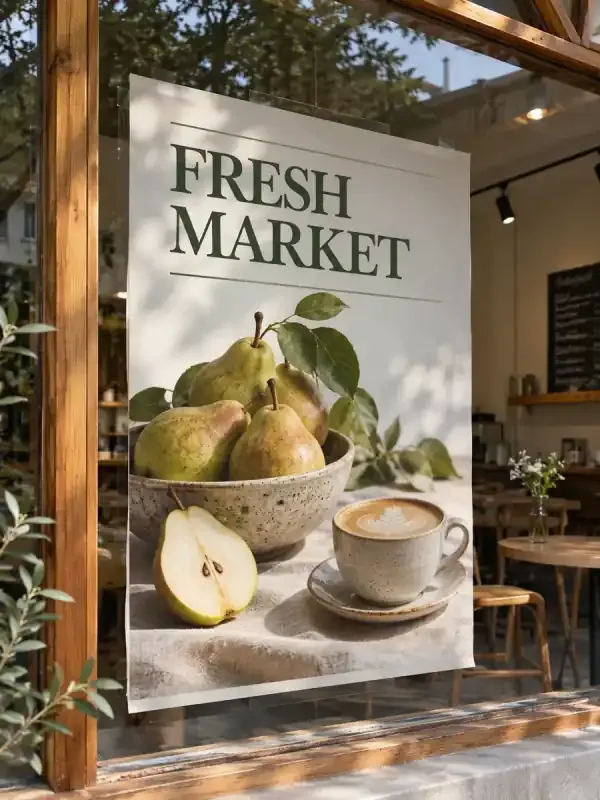
AI posters
Create event, product launch, and promotional posters with AI. Add copy and references, then refine text, colors, and layout in the same chat.
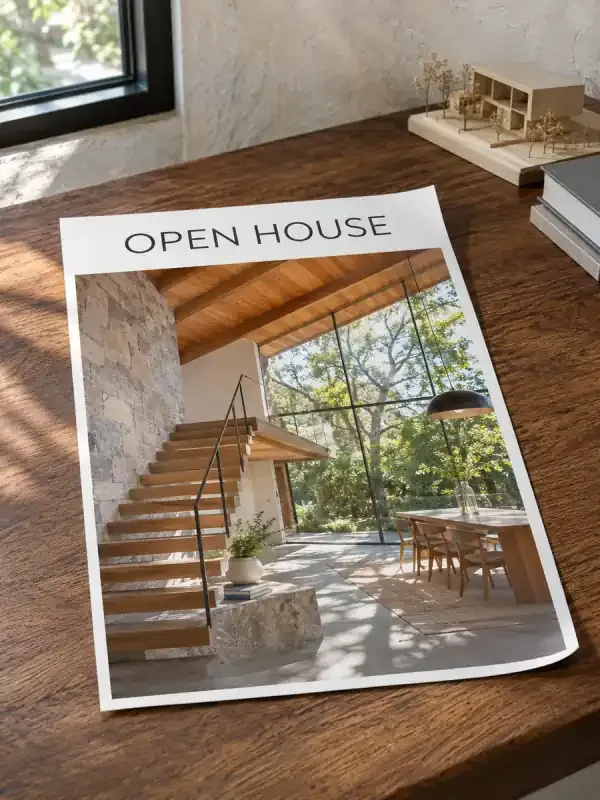
AI flyers
Turn event or business details into a compact flyer for handouts or digital sharing. Set the paper size, establish a clear information hierarchy, and keep the contact details and next action easy to find.
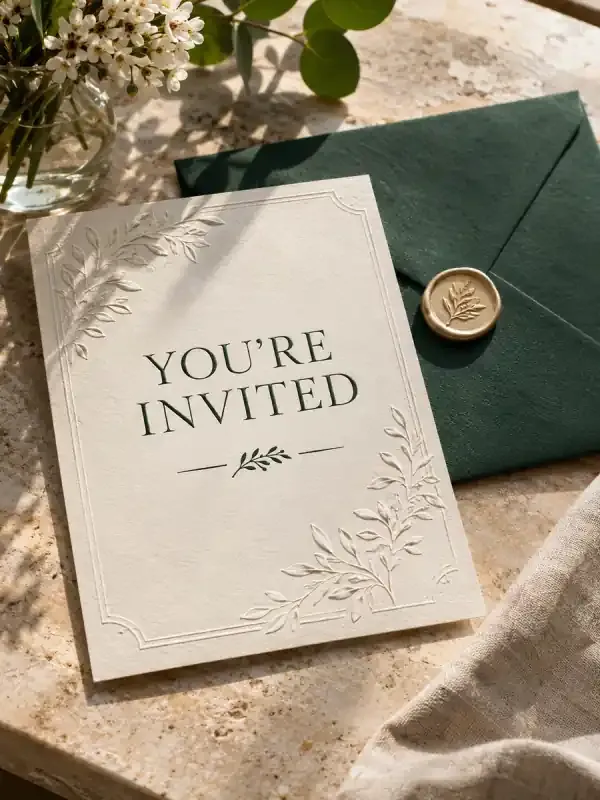
AI invitations
Design a digital or printable invitation from the occasion, host, date, venue, and RSVP instructions. Set the tone while keeping names, time zones, addresses, and response deadlines unambiguous.
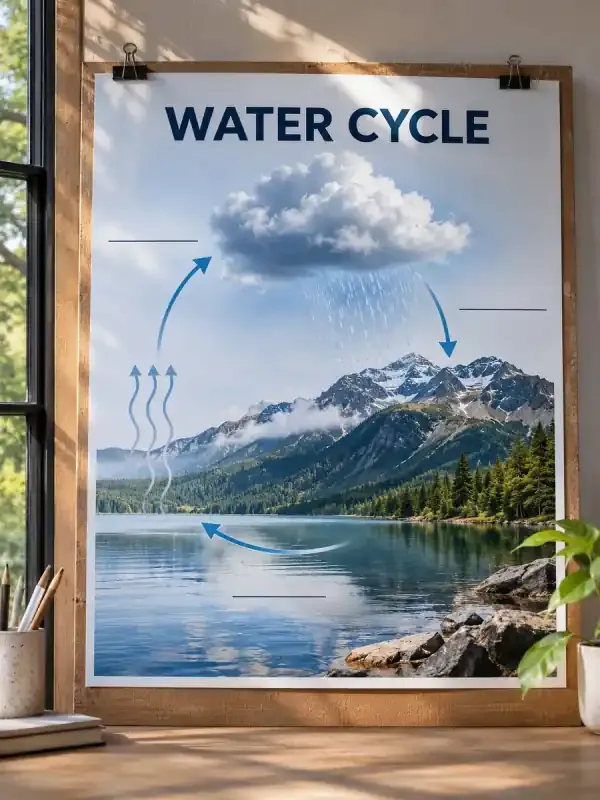
AI infographics
Turn text, notes and data into a complete infographic. Choose a process, comparison, timeline or statistics layout, then refine the wording and visual hierarchy with PagePop.
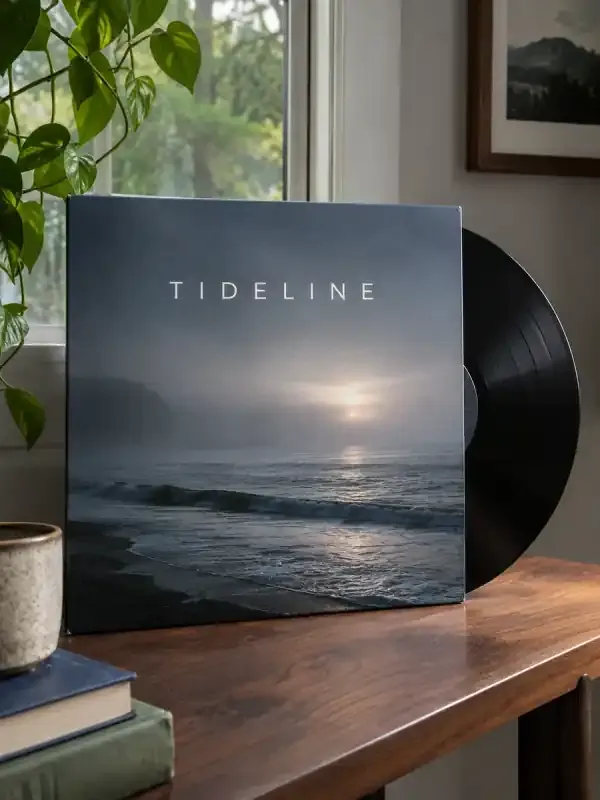
AI album covers
Create square album, single and EP cover art from your music brief or own image. Keep artist and release names exact, refine the artwork, and check the cover at a small display size.
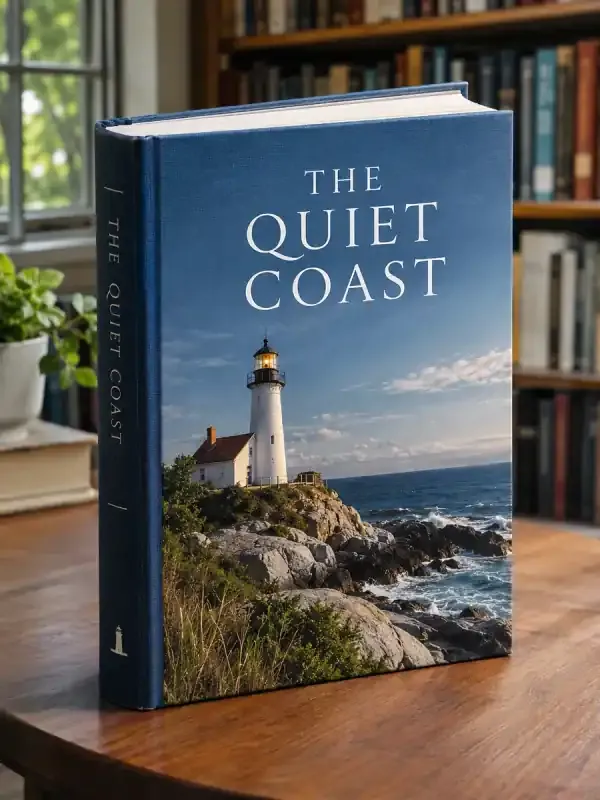
AI book covers
Turn your story, genre, title and author name into a book cover with AI. Add a reference, shape the typography, and refine the design in the same conversation.

AI certificates
Build certificate documents using exact recipient names, approved award wording, issuer details, and dates. Keep the layout consistent across the set and review each personalized file against your original list.
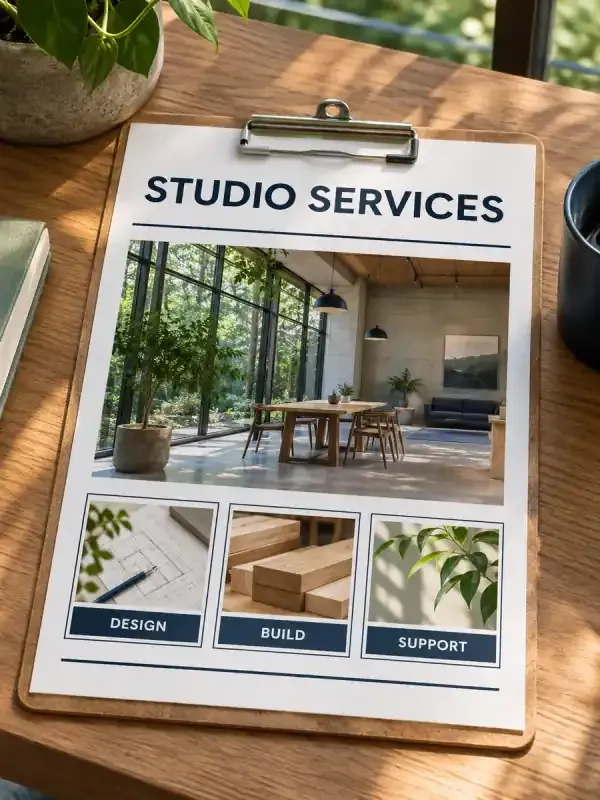
Sales one-pagers
Turn your offer, customer pain points, verified benefits, and supporting evidence into a focused sales one-pager with a clear structure and next step.
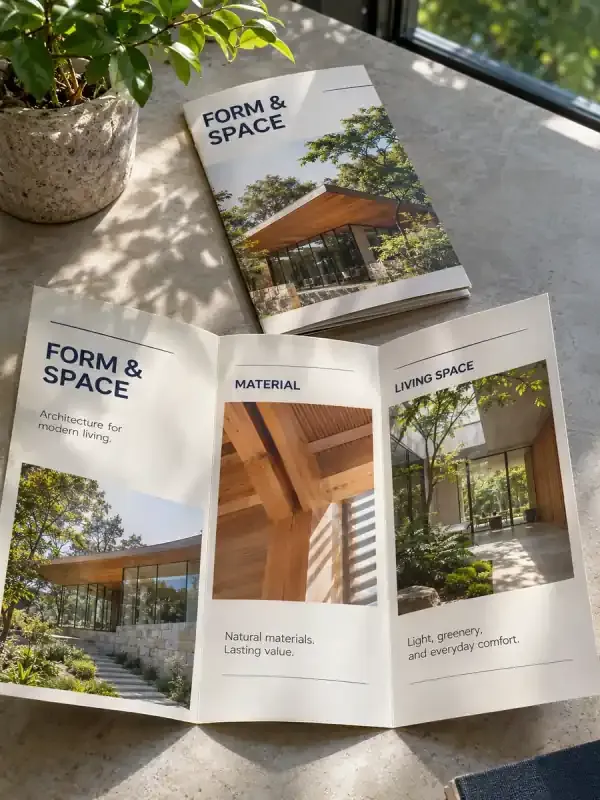
AI brochures
Turn your product or service facts into a brochure document with a planned reading order, clear page or panel structure, and visuals suited to sharing or print preparation.
Video & animation
Make short videos, product clips, animations and short dramas.
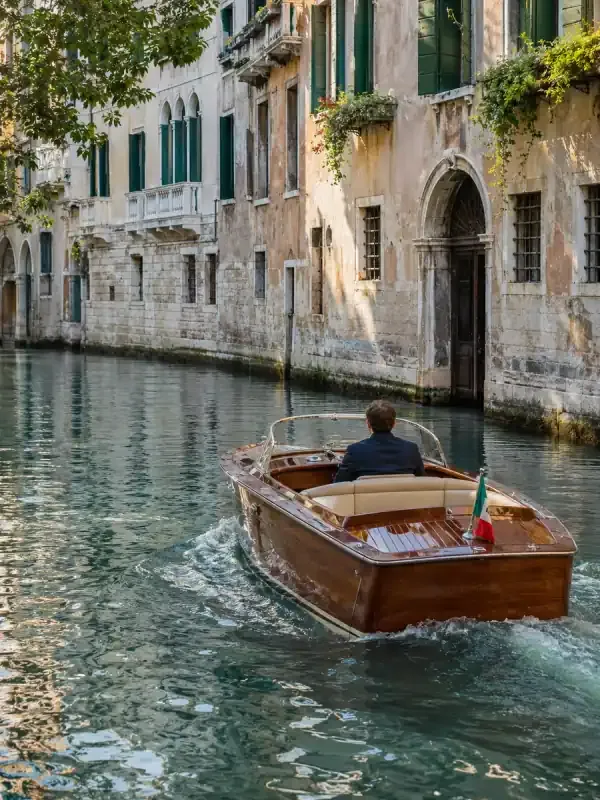
AI video generator
Generate a video from a text prompt or reference image. Watch a paper bird fly through a beam of sunlight and see the prompt behind the clip.
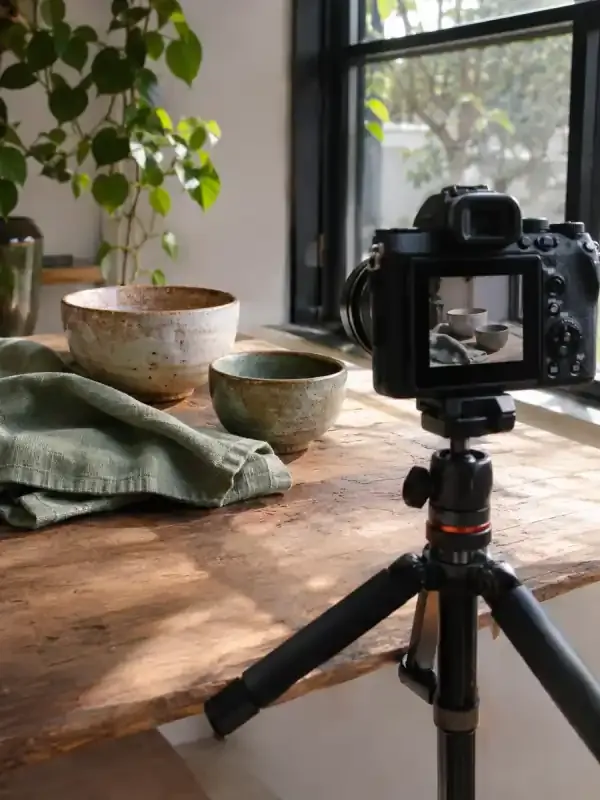
AI short videos
Make a short video from a topic, script, or reference image. Plan a beginning, middle, and end, then see the prompt for a coastal travel clip.

AI short dramas
Develop an idea or script into characters, art, storyboards, and video clips ready for post-production.

AI product videos
Create a product showcase from a photo for your product page. Show the materials, details, or how it’s used. See the perfume video and prompt.
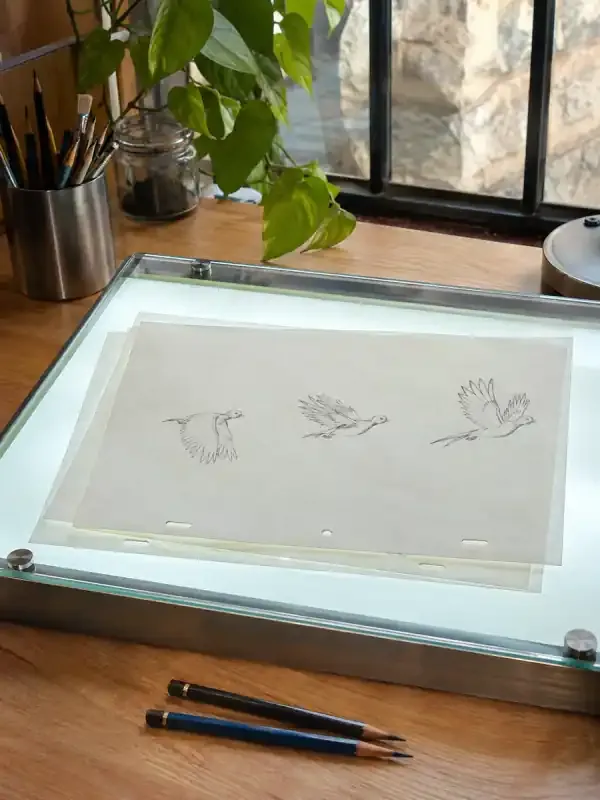
AI animation
Animate a still image or describe a scene in text. Specify what should move, then watch two ribbons form a butterfly and see the prompt.
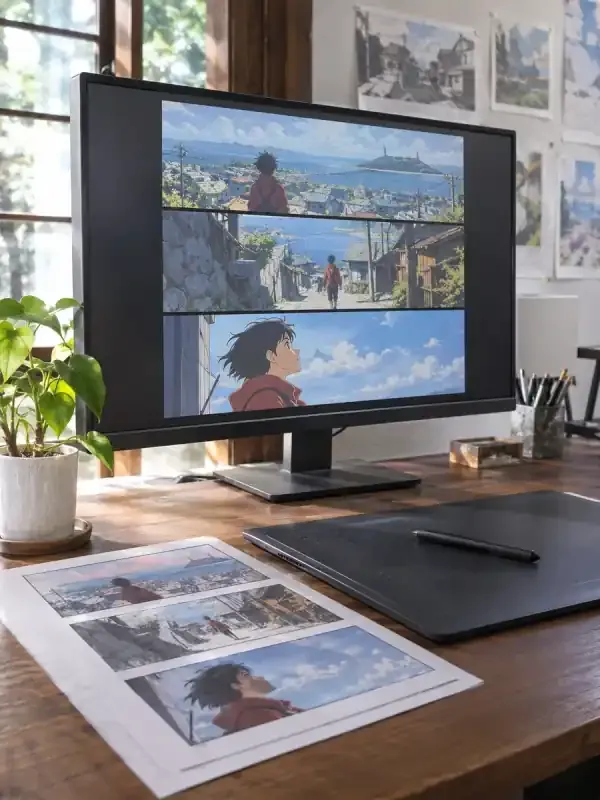
AI anime videos
Animate an anime character from a reference image. Describe the movement, camera, and details to keep. Watch the glowing compass example.

Cinematic videos
Create a cinematic clip from a reference image or scene description. Set the camera movement and lighting, then see the coastal lighthouse example.
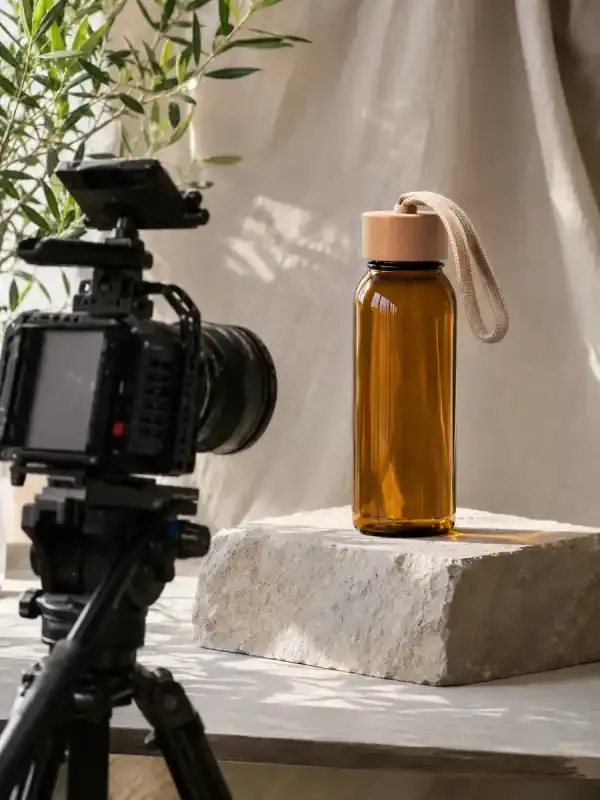
AI video ads
Create a video ad from a product photo, audience, and key selling point. See the vertical iced matcha ad and the prompt behind it.
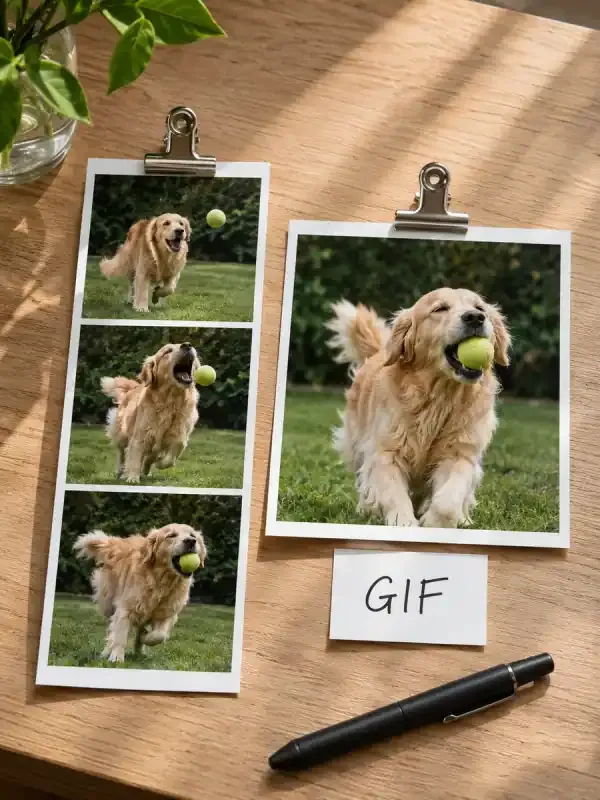
Video to GIF
Turn a video segment into a looping GIF. Upload an MP4 in PagePop chat and specify the time range, width, and frame rate. Compare the before and after.
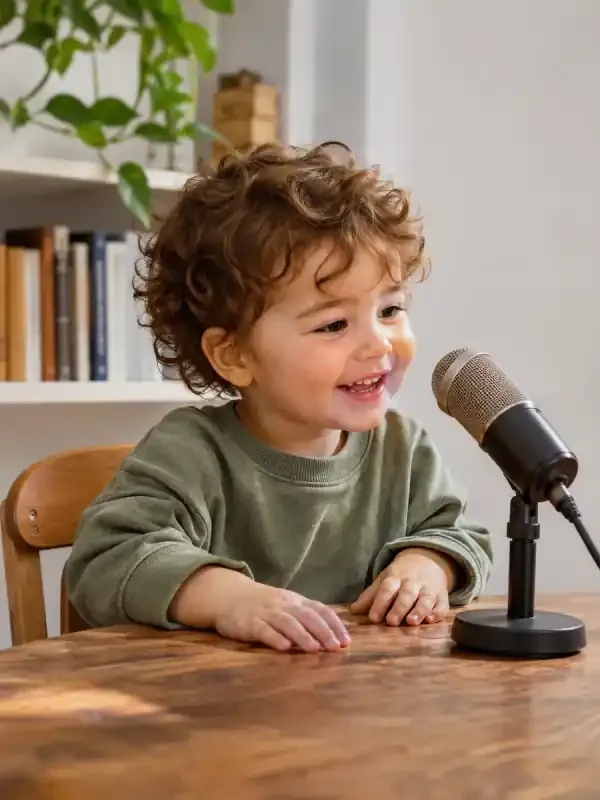
AI baby podcasts
Create a talking baby podcast video from a character image and script. Choose the dialogue language and see an example with spoken English.
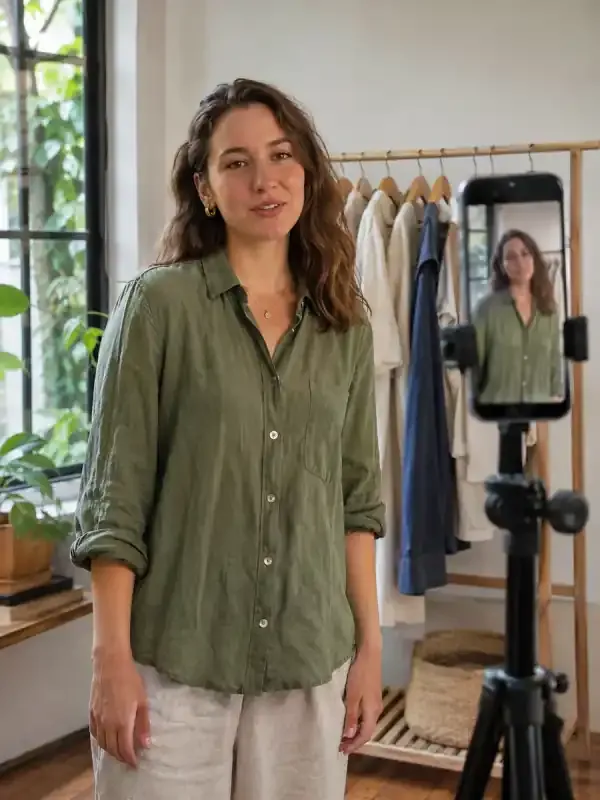
TikTok videos
Create a 9:16 TikTok video from a script, product photo, or idea. Watch the prop transformations in the sample video and see the prompt.
Ecommerce & product visuals
Create product images, shop visuals and product displays.
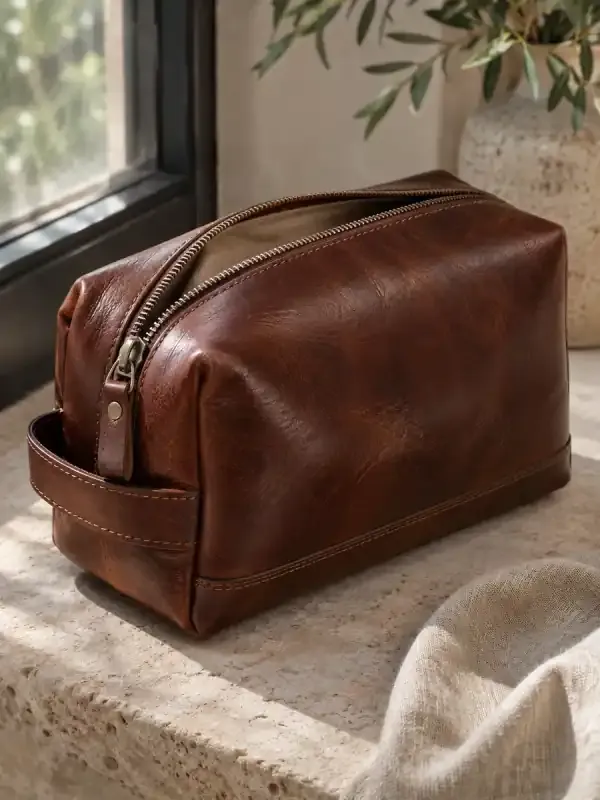
AI ecommerce design
Create studio product photos, lifestyle scenes and detail views from your references. Build listing images, A+ modules and product-detail visuals in one chat.

AI Shopify product images
Create product images for your Shopify store from a reference photo. Explore clean shots, lifestyle scenes and detail views, then refine and download.

AI Shopify banners
Create Shopify store banner images with AI. Plan desktop and mobile compositions, leave room for your headline, and download images for your theme.
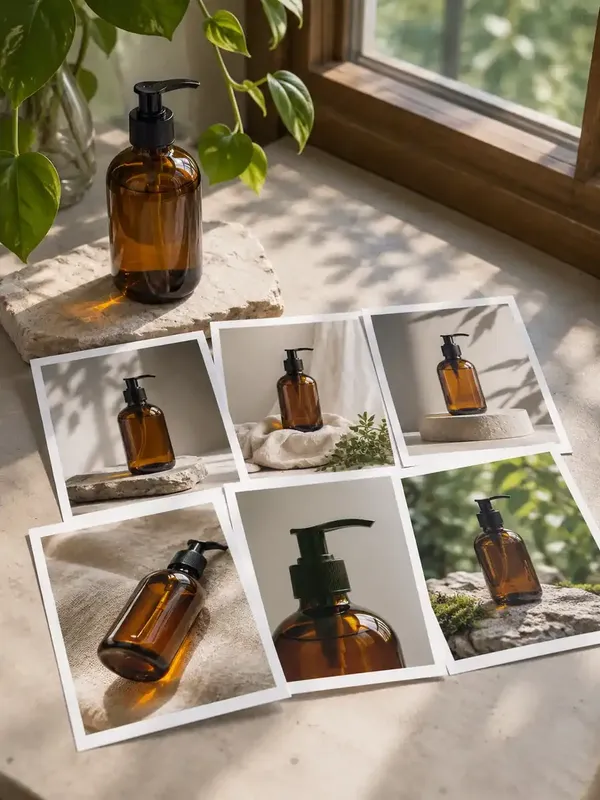
Bulk product images
Create coordinated product images from an approved visual direction, reference photos, and a SKU list, with clear product-to-image mapping for review.
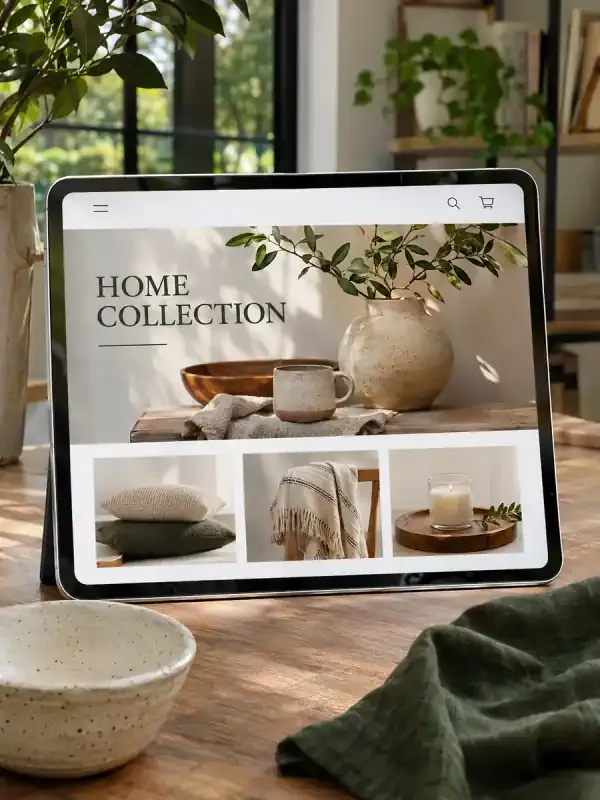
Amazon storefronts
Create coordinated Amazon storefront graphics from your brand, products, and category plan. Develop header artwork, category tiles, and placement notes for review.
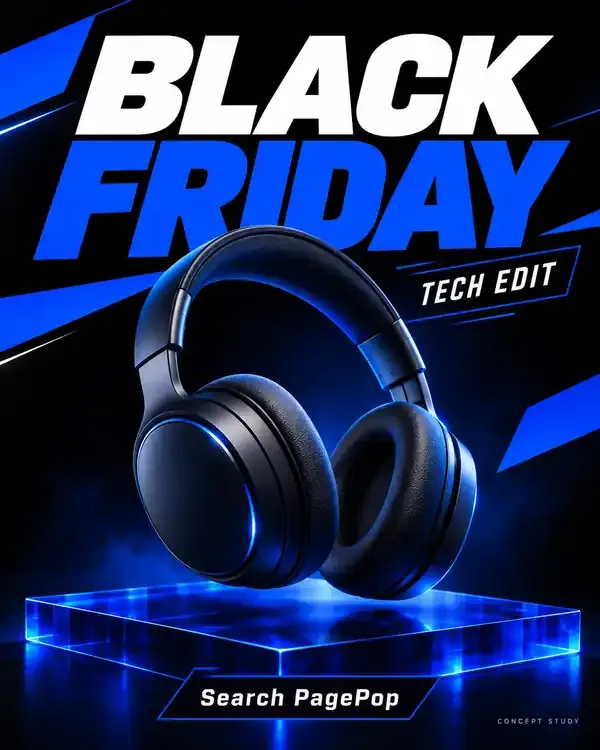
Black Friday posters
Make a Black Friday sale poster with your own product photos and confirmed offer. Create a clear campaign direction, then refine the wording for Instagram or your shop.
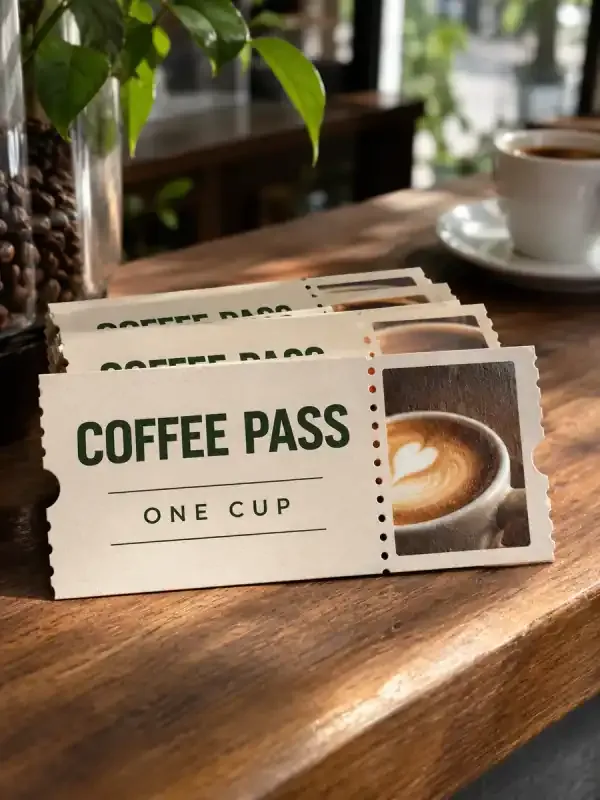
AI coupons
Create digital or printable coupon artwork from your confirmed offer, code, expiry, and conditions. Make the benefit easy to understand while keeping the details customers need to redeem it readable.
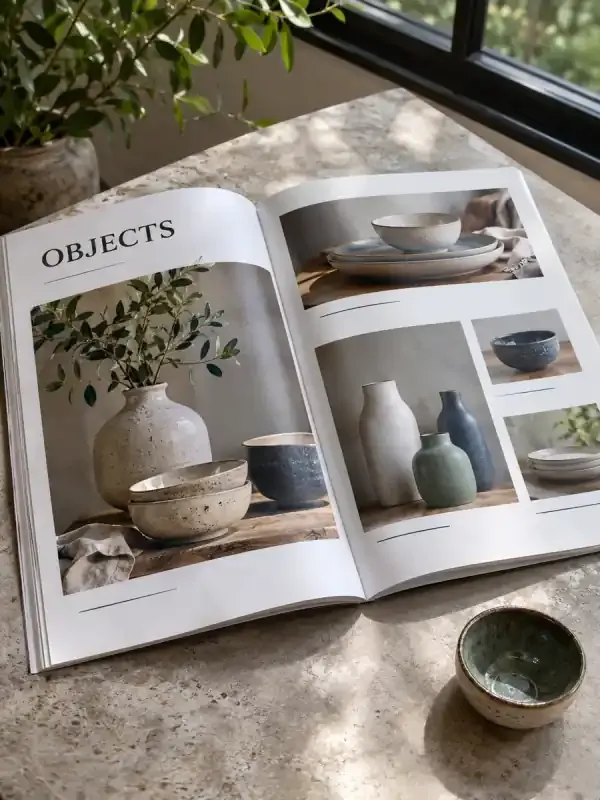
Product catalogs
Organize product names, SKUs, prices, specifications, and photos into a paginated catalog PDF. Keep the source facts traceable while building a document customers can browse, share, or prepare for printing.
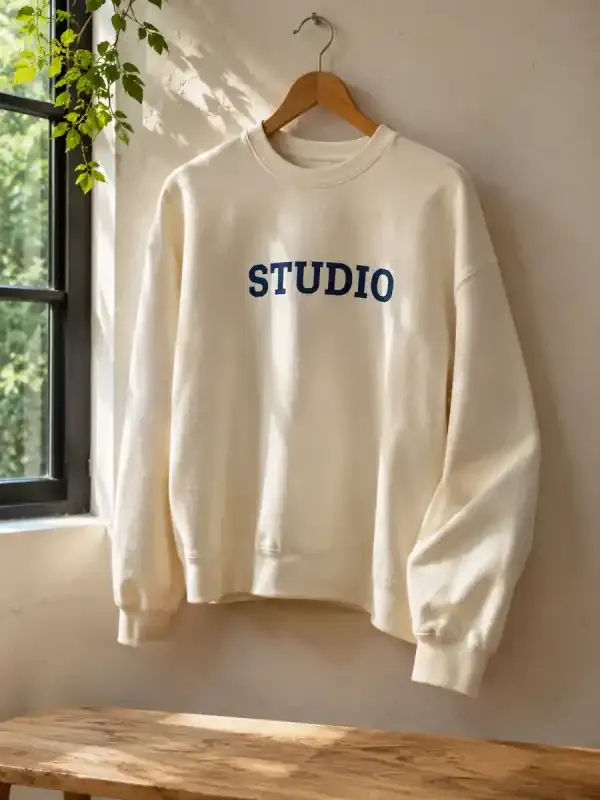
Clothing mockups
Turn a garment sketch, flat lay, or artwork reference into clothing mockup images. Specify fabric appearance, print placement, and the presentation scene, then compare the visual result with your original design.
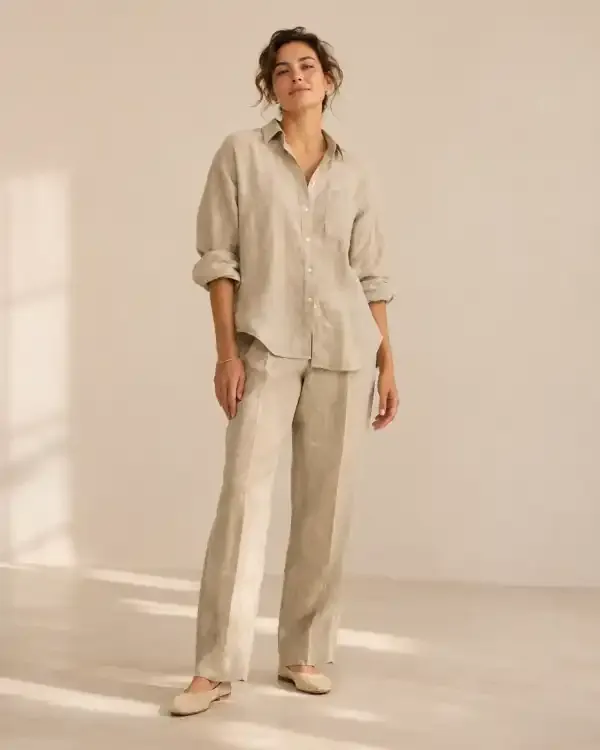
AI fashion models
Create fashion presentation images from garment photographs and a clear model, pose, and scene brief. Review the clothing’s construction, color, and labels carefully so the generated presentation does not misrepresent the referenced item.
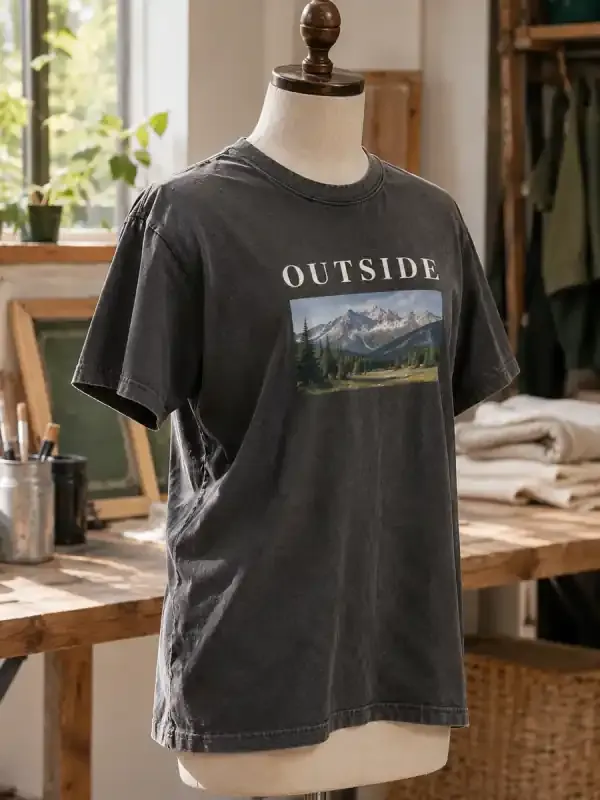
AI T-shirt designs
Turn a theme and exact wording into T-shirt print artwork. Explore placement, colors, and graphic variations, then check the files against your printer’s requirements.
Social & content marketing
Plan posts, create social visuals and adapt content for each channel.
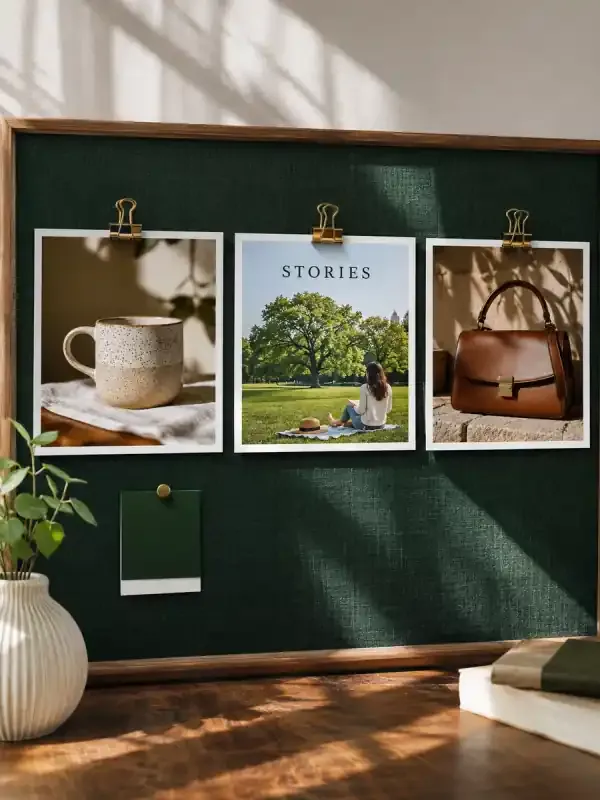
AI social media content
Turn a topic or article into a cover and a sequence of social visuals. Give each page a clear message and a consistent visual style.
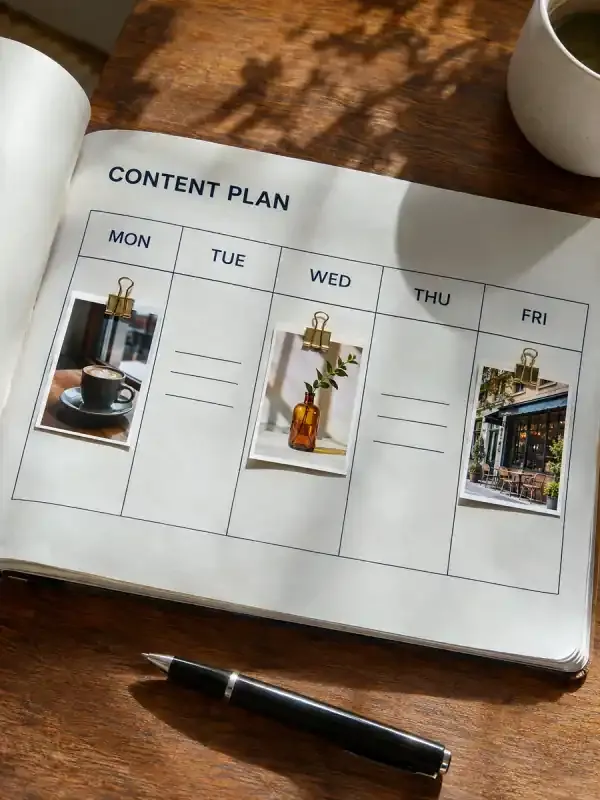
AI content calendar
Turn your brand, audience, channels, and posting frequency into a dated content calendar with post ideas, captions, and supporting visual briefs.
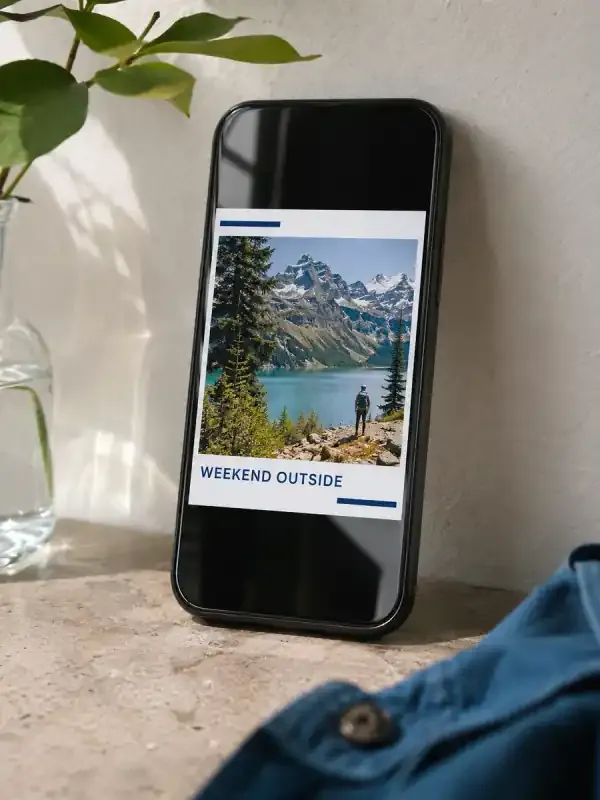
Facebook posts
Create Facebook feed images and Story visuals from your message, brand assets, and confirmed facts, with accompanying captions and composition variants.
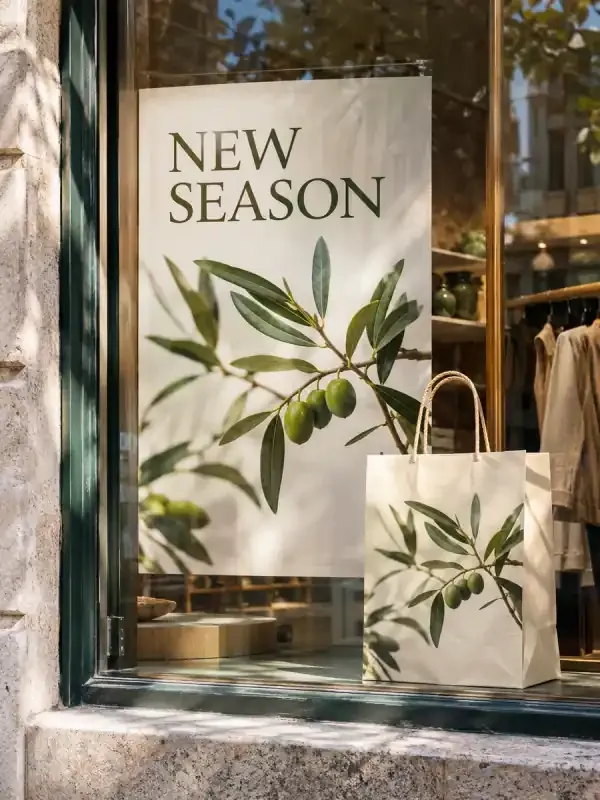
Campaign creative
Turn one campaign brief into a coordinated set of marketing images, channel-specific copy, and an asset checklist with a shared message and visual direction.
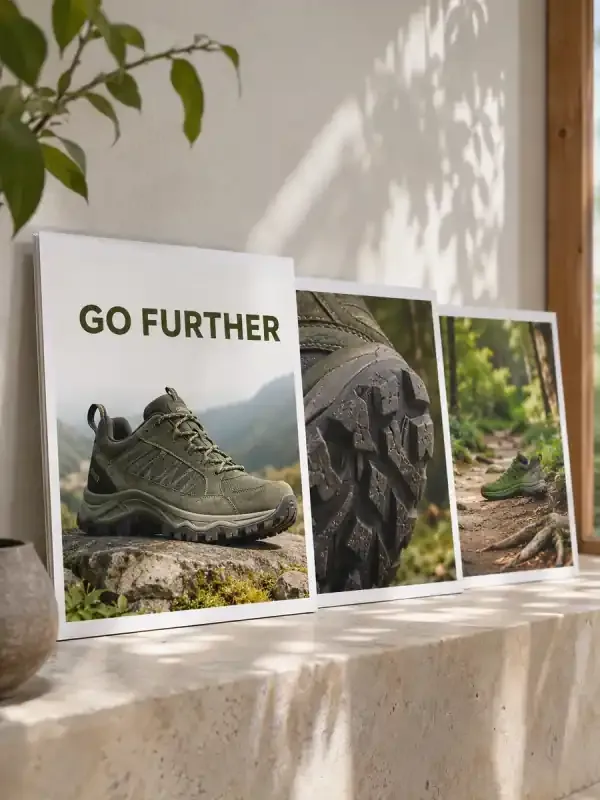
Carousel ads
Turn product photos, verified selling points, and an exact offer into an ordered set of carousel ad images. Give every card a clear job and review the complete sequence before uploading it to your ad account.
Content repurposing
Turn an existing article or document into channel-specific drafts without losing its facts. Specify the audience, length, and purpose of each version, then review a source-to-output map for important claims.
Instagram posts
Build feed or Story visuals from your photos, topic, and brand direction. Keep the image headline, caption, and CTA aligned, then review the crop and text at phone size before posting.
X headers
Generate X header artwork for your profile theme or brand. Plan a wide composition, concise wording, and space around the profile-avatar overlap.

YouTube thumbnails
Create YouTube thumbnail artwork from your video topic, permitted images, and exact short copy. Compare visual hooks and check readability at a small display size.
Images & creative generation
Explore ideas for images, illustrations, avatars and interiors.
AI image generator
Turn a text description into original AI images. Define the subject, composition, visual style, and aspect ratio, then develop the direction you want to use.
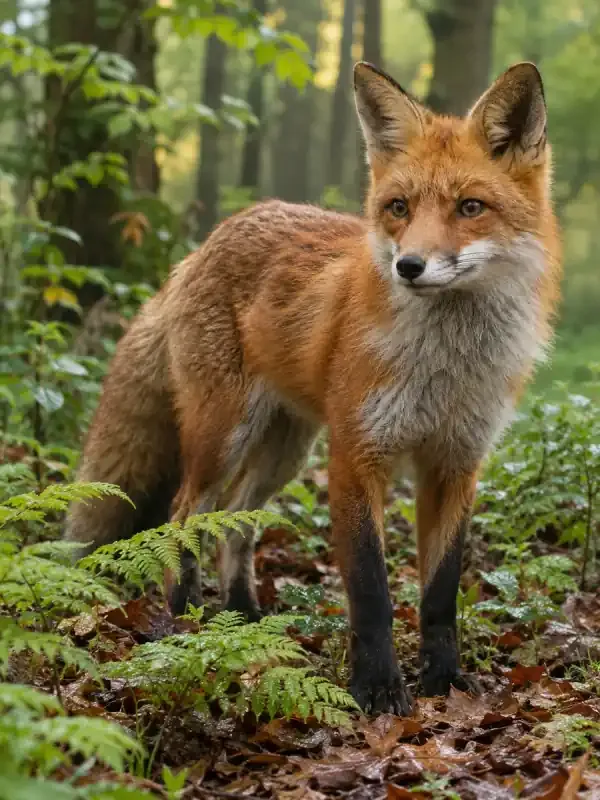
Photorealistic images
Generate photo-style image concepts with deliberate lighting, materials, and framing. Describe the scene and inspect realism in faces, surfaces, reflections, and product details.
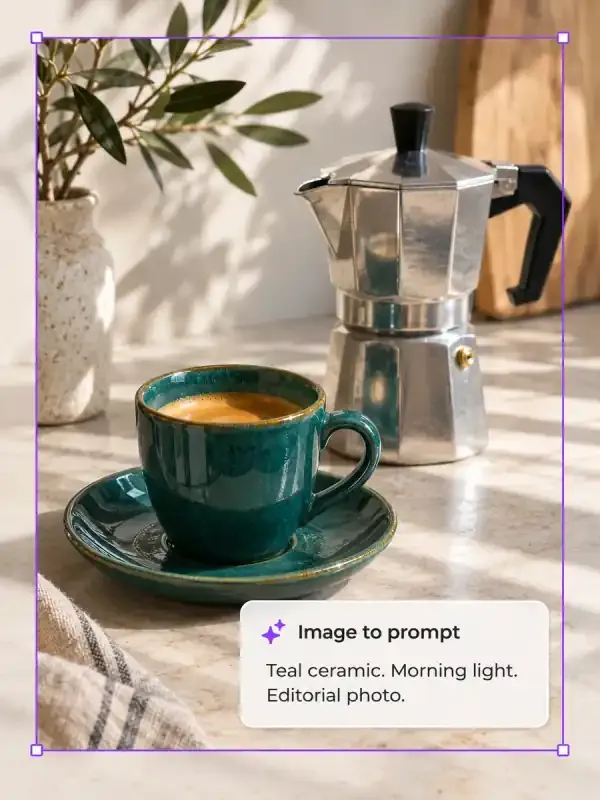
AI image to prompt
Add a reference image and turn its subject, composition, colors and visual style into a prompt you can copy and refine. Keep the details you like and describe what to change.

AI backgrounds
Generate background images with a chosen scene, palette, and clear placement areas. Create backdrops for products, presentations, campaign visuals, and other compositions.

AI interior design
Explore a new direction for your room from photos and a few practical details. Bring layout, colors, lighting and furniture together in a visual concept.
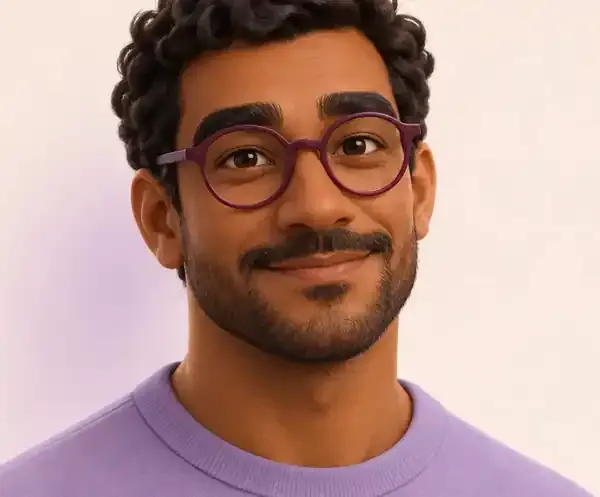
AI avatars
Turn a portrait or character description into a static profile avatar. Choose framing, visual style, background, and recognizable features for the places you use it.
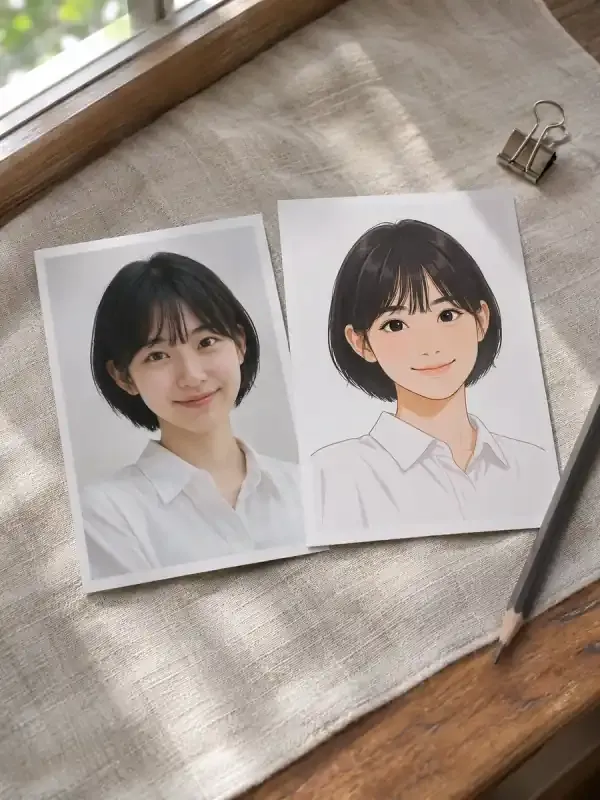
Cartoon avatars
Turn a selfie or portrait into a cartoon avatar. Choose the illustration treatment, crop, and recognizable features to retain, then review the result at profile-picture size.
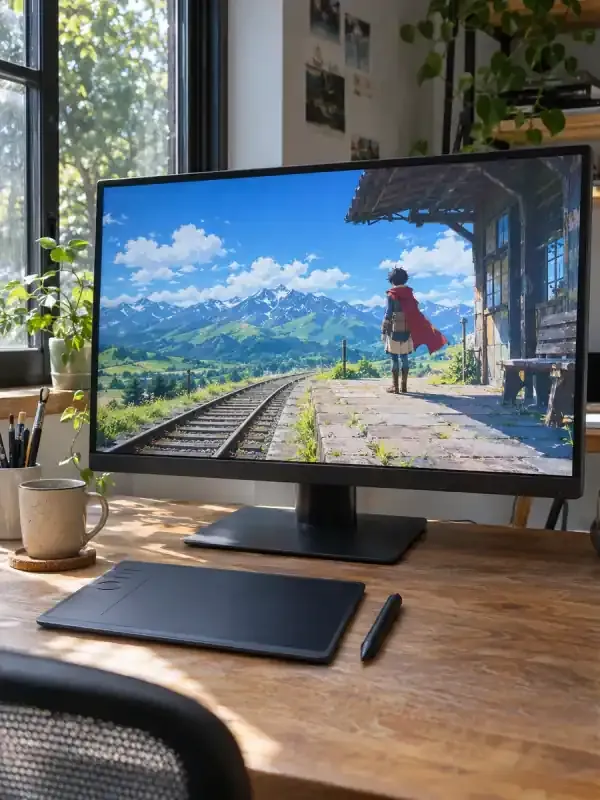
AI anime images
Generate static anime character art and scene illustrations from a character brief, photo, or visual reference, with control over pose, expression, setting, and mood.
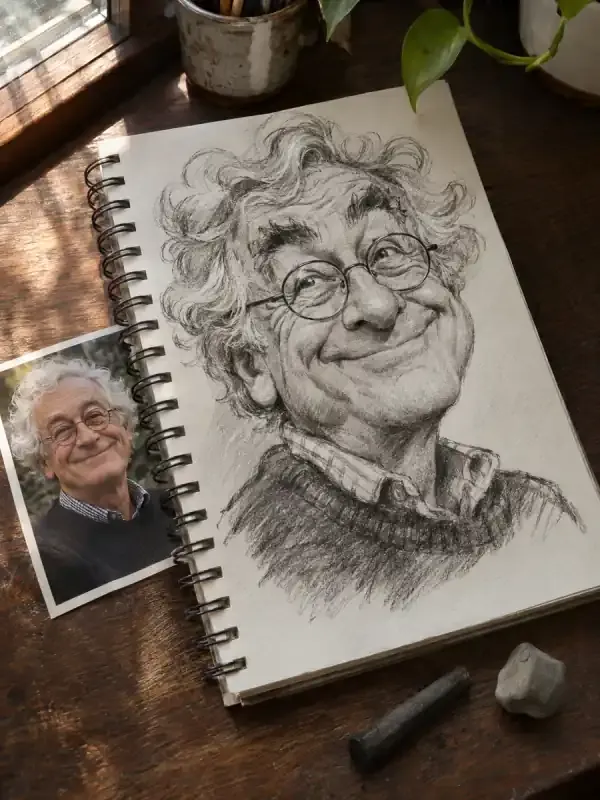
AI caricatures
Turn a portrait into an expressive caricature that preserves recognizable features. Choose the exaggeration, visual style, personality details, and scene for your illustrated portrait.
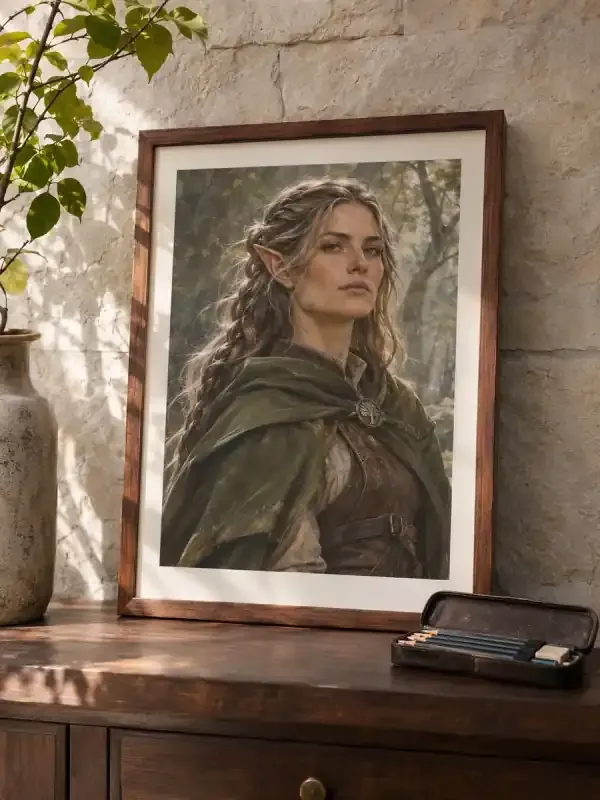
RPG character portraits
Create fantasy RPG portraits and character-art concepts from ancestry, class, world, and appearance notes. Develop readable silhouettes and expression variations.
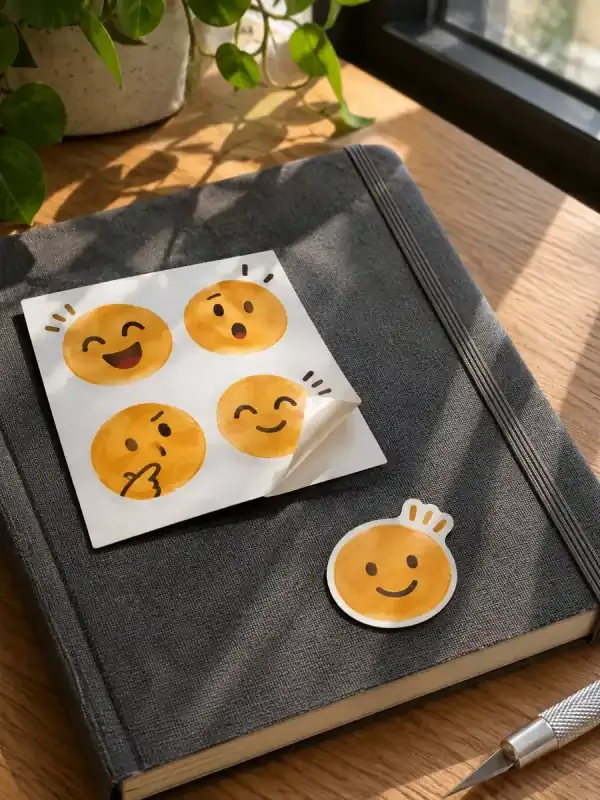
AI emoji
Turn a character idea or reference image into custom emoji artwork. Choose the expression, silhouette, palette, and intended platform, then request a transparent file and check it at its actual display size.
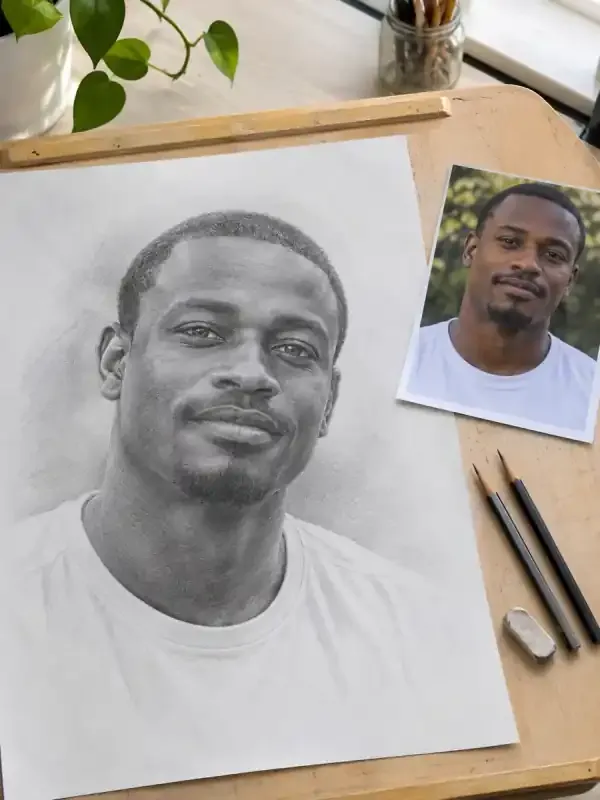
Photo to sketch
Use your photograph as the basis for a pencil, charcoal, or clean line-drawing treatment. Choose the level of detail, shading, and background, then compare the sketch with the source for recognizable shapes and features.
Photo editing & retouching
Retouch photos, remove objects, translate images and refine details.
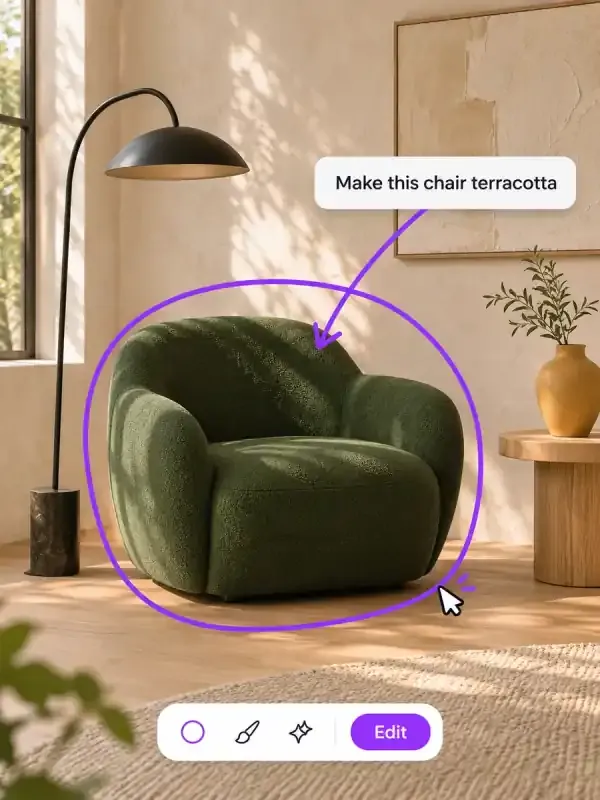
AI image editor
Edit text in an image, replace backgrounds, or remove objects with AI. Upload your image, describe the change, then review and refine the result.
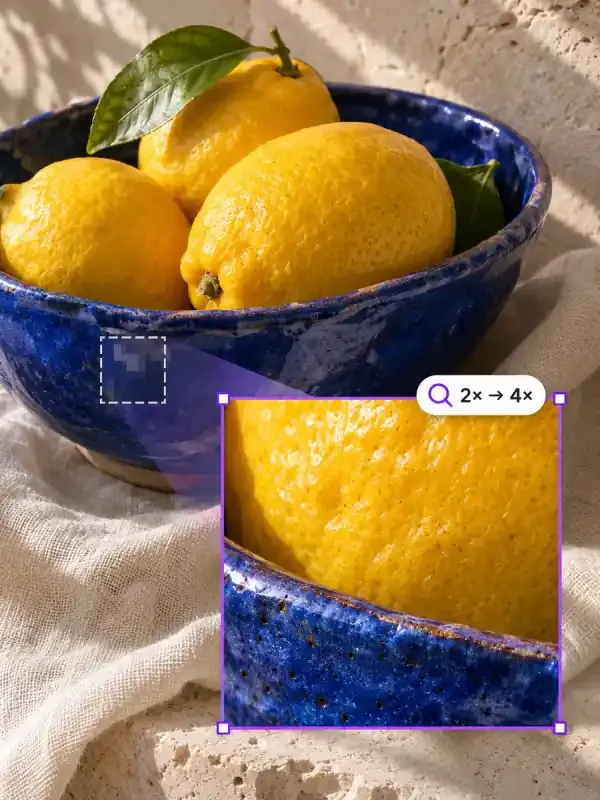
AI image upscaler
Upscale an image to 2×, 4×, or a target width. Upload your image, improve its resolution, refine the result, and download the enlarged version with PagePop.
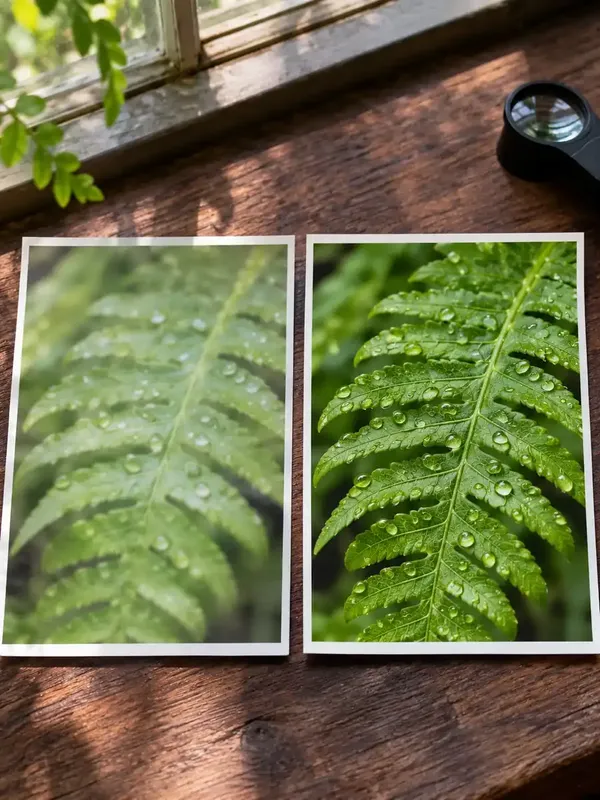
AI image enhancer
Improve the appearance of a blurry, noisy, or poorly exposed image. Describe the defect and the details to preserve, then compare the enhanced result with your source.
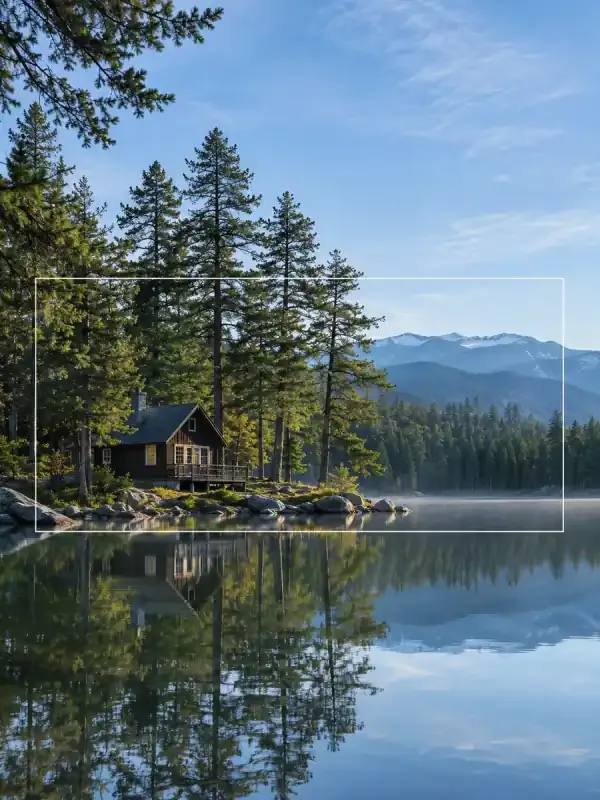
AI image extender
Extend an image beyond its original frame with AI outpainting. Specify the target ratio, extension direction, and protected subject details to create a wider composition.
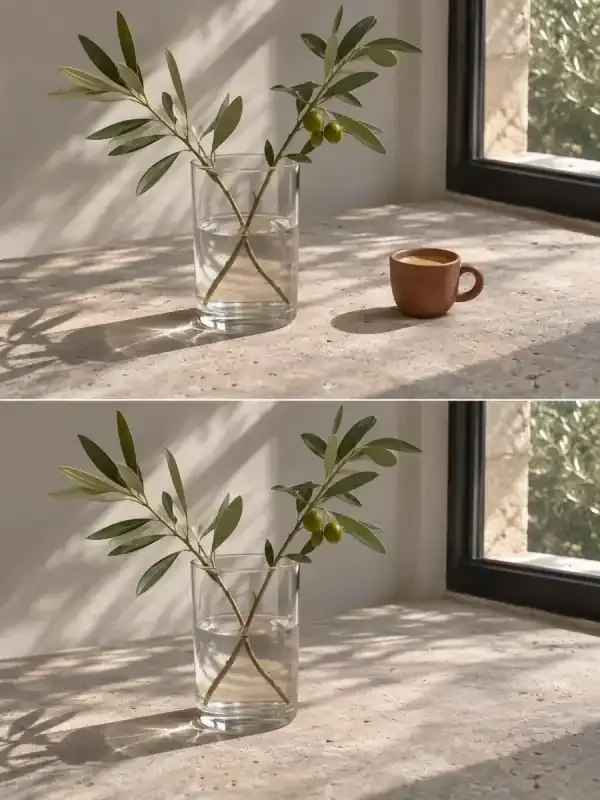
AI object remover
Remove a specified object from a photo and reconstruct the surrounding area. Identify the target clearly and describe the people, surfaces, and details that should remain.
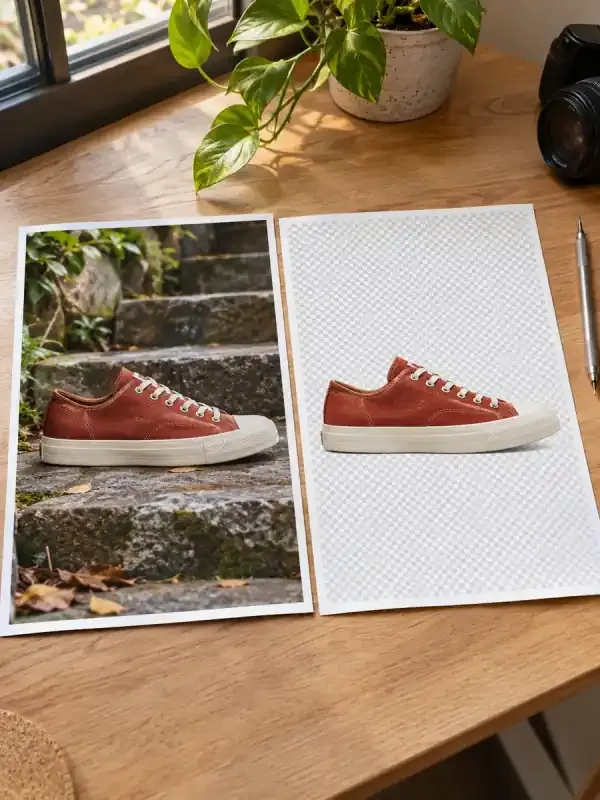
AI background remover
Separate a subject from its background and request a PNG with real transparency. Describe the subject and edge details, then inspect the alpha channel and cutout quality.
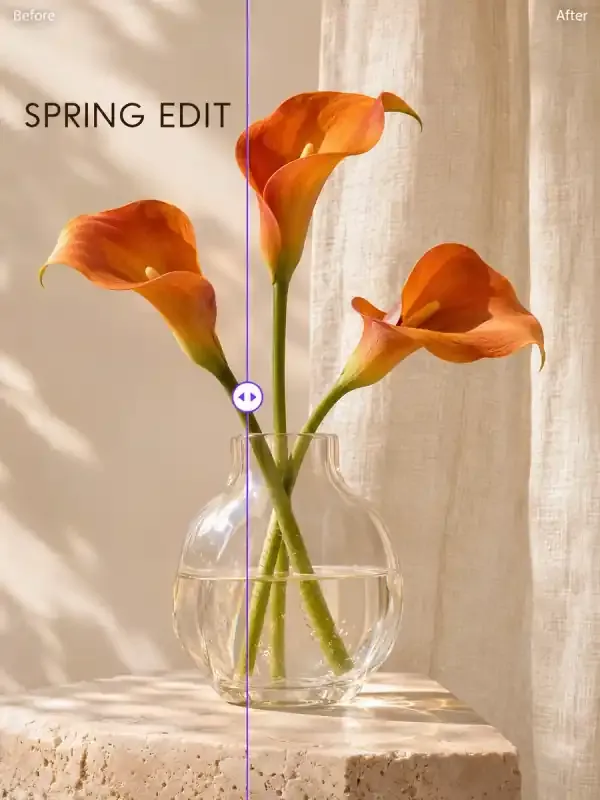
AI image text remover
Remove text from photos, screenshots and graphics with AI. Add your image, identify the words to erase and the details to keep, then refine and save the cleaned image.
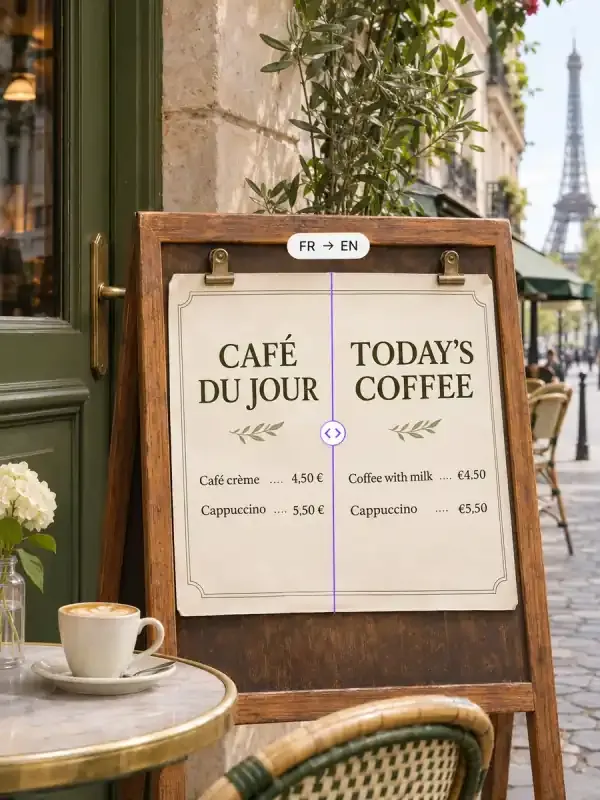
AI image translator
Upload a poster, screenshot or product image, choose a target language and get a translated image. Keep names, prices and key details while adapting the wording to your audience.
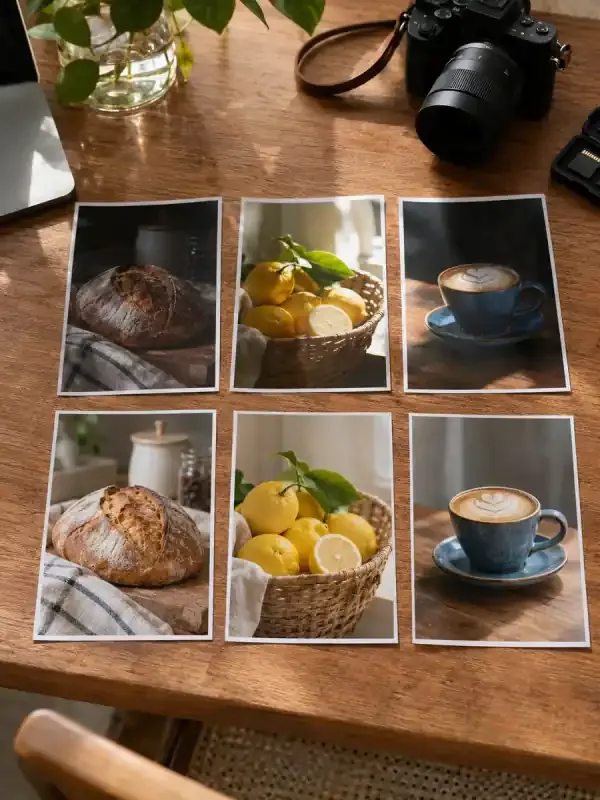
Batch photo editing
Apply a shared crop, background, sizing, or visual-editing brief to a supplied photo set, while keeping per-image exceptions and original-to-result mapping clear.
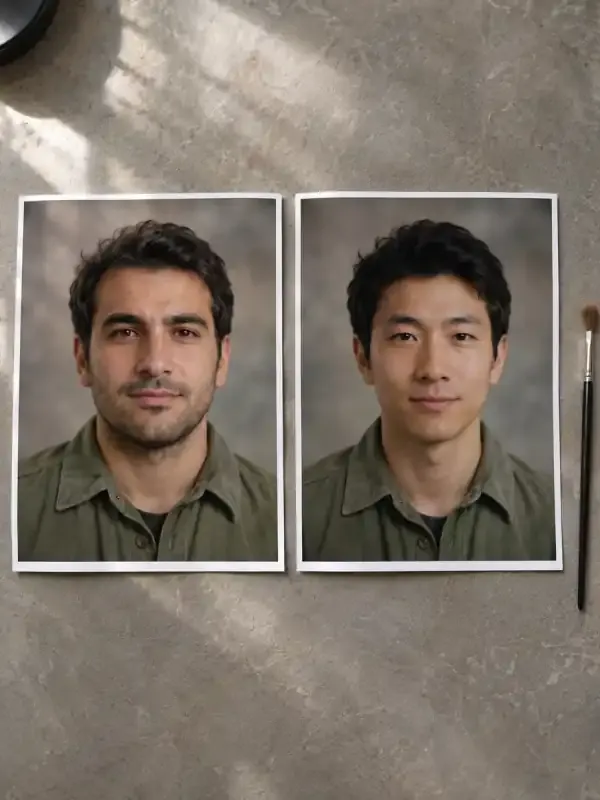
AI face swap
Use a source portrait and a target photo to request a static face replacement. Identify the face to change and the pose, lighting, clothing, and background to preserve, then inspect the finished image closely.
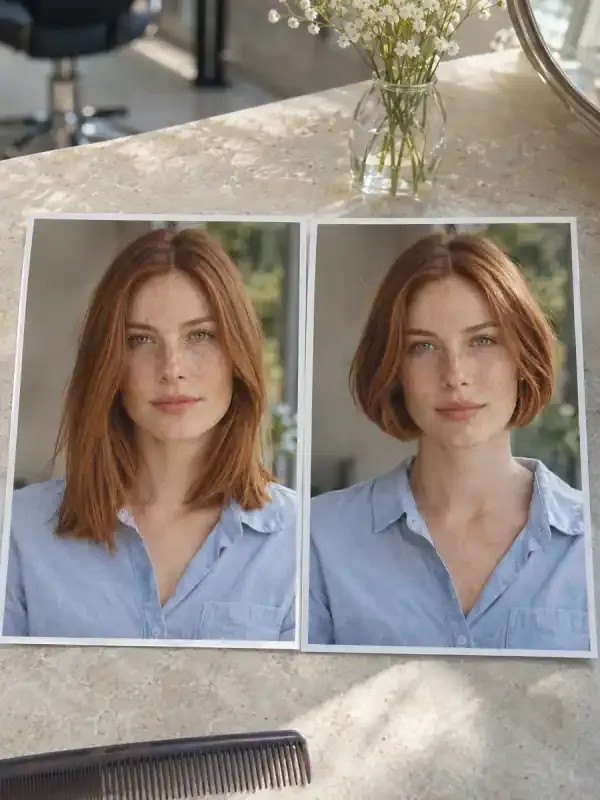
AI hairstyle changer
Explore hairstyle ideas using your portrait and a clear cut or color reference. Ask to preserve your face, expression, and pose, then compare the hair changes as visual concepts for a conversation with your stylist.
Brand & interface design
Explore brand visuals, app interfaces and user journeys.

AI brand design
Connect brand positioning, logos, color, typography, and applications in one consistent visual identity.
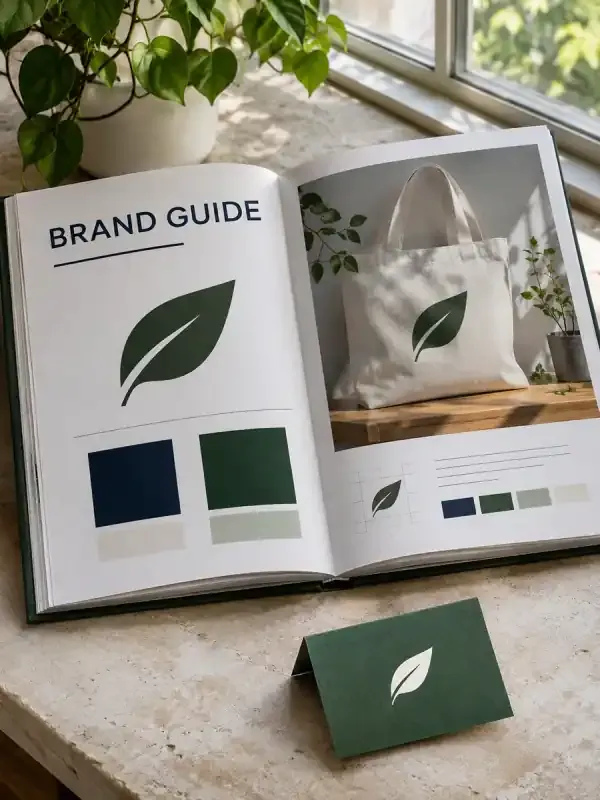
Brand guidelines
Organize approved logos, colors, typography choices, voice, and usage rules into a readable brand-guidelines document with practical application examples.
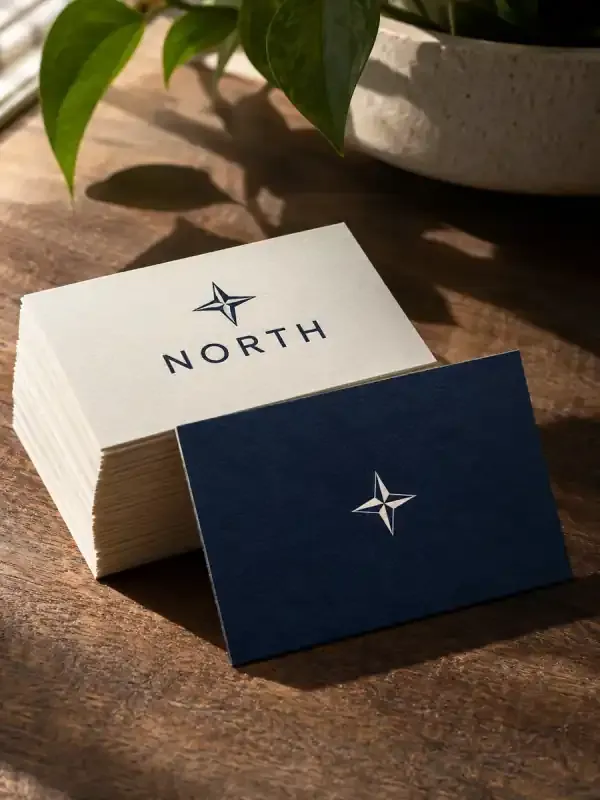
AI business cards
Create single- or double-sided business card designs from your logo, verified contact details, brand colors, and target card size, with a clear front and back hierarchy.
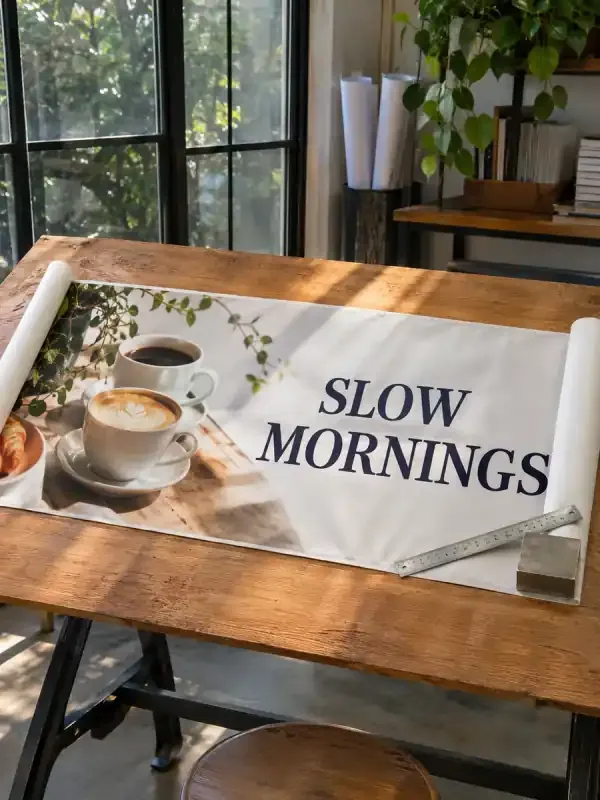
AI banners
Generate banner artwork from your headline, brand assets, and dimensions. Create web headers, campaign banners, and social cover images with clear visual hierarchy.
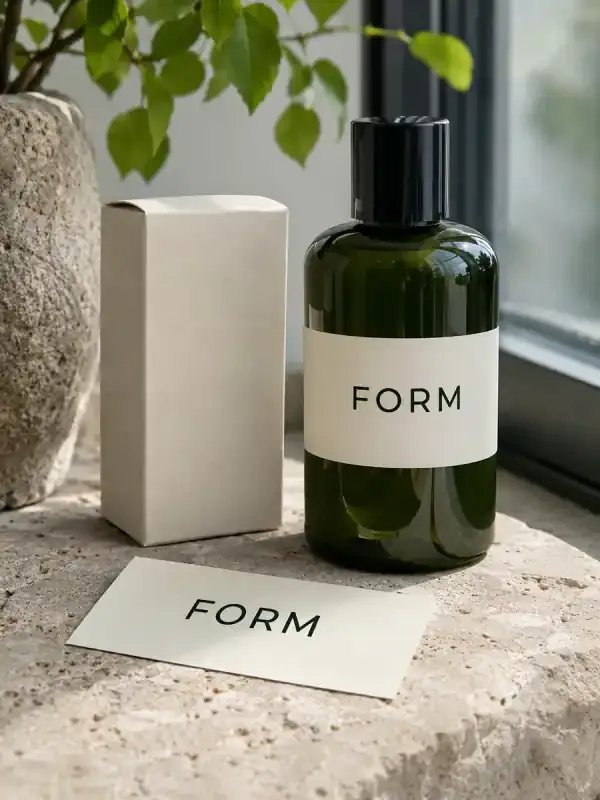
AI mockups
Turn approved logo or packaging artwork into presentation mockup images. Define the target object, material, placement, and scene so reviewers can see the design in context without mistaking the image for a production file.

Consistent style images
Use a visual reference and a clear style brief to create a coordinated image series, with shared palette, lighting, texture, and composition rules.
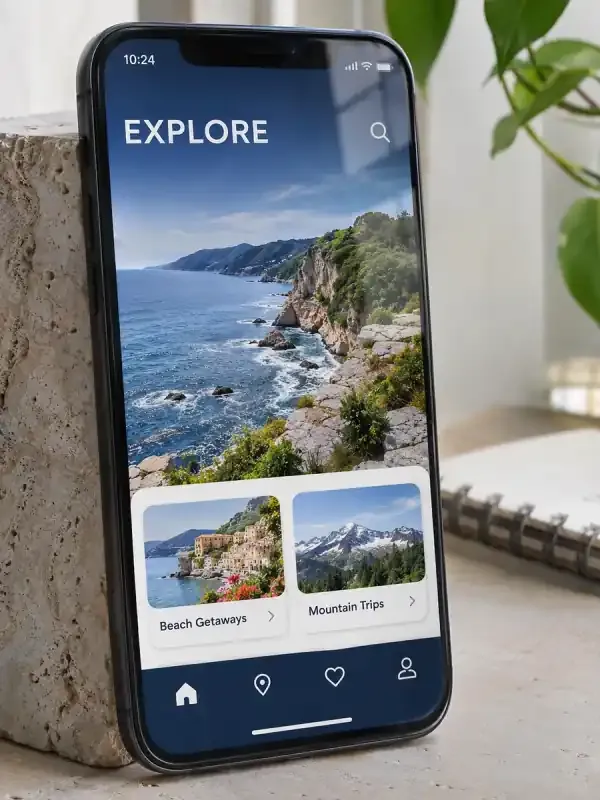
Mobile app UI
Turn an app idea, screen list, and visual references into mobile UI mockups with a coherent screen flow, hierarchy, and notes for important interface states.
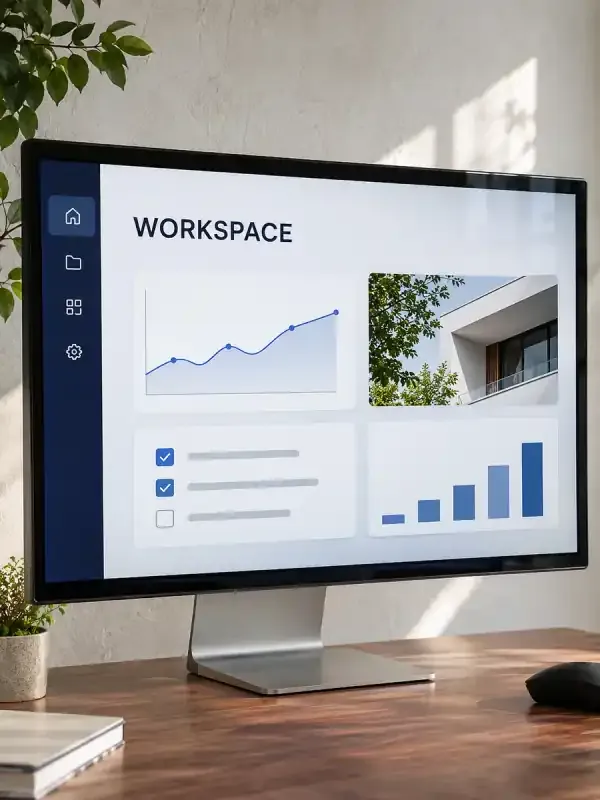
Web app UI
Turn a web app brief into screen concepts, dashboard layouts, and state notes. Describe real modules and user tasks to explore an interface before implementation.
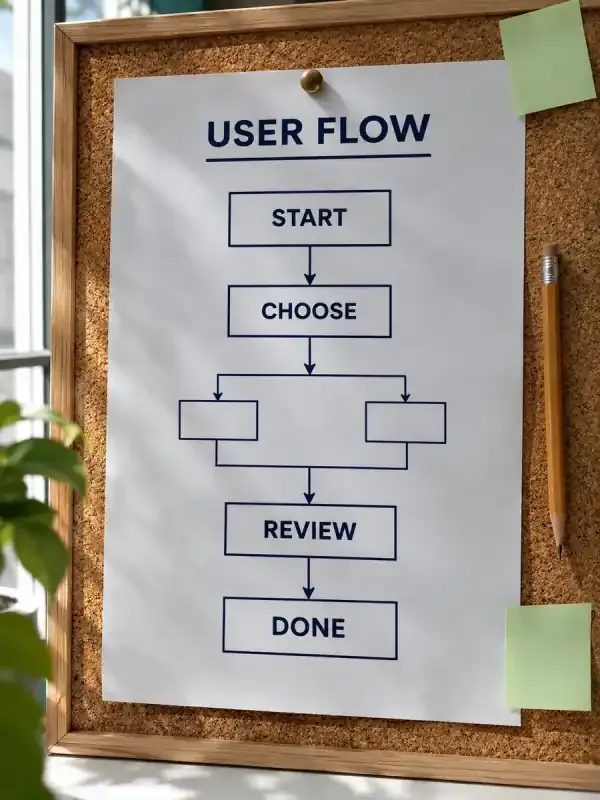
User flow diagrams
Turn product steps and decision rules into a reviewable user flow. Preserve branches, entry points, recovery paths, and end states, with editable diagram source for revision.
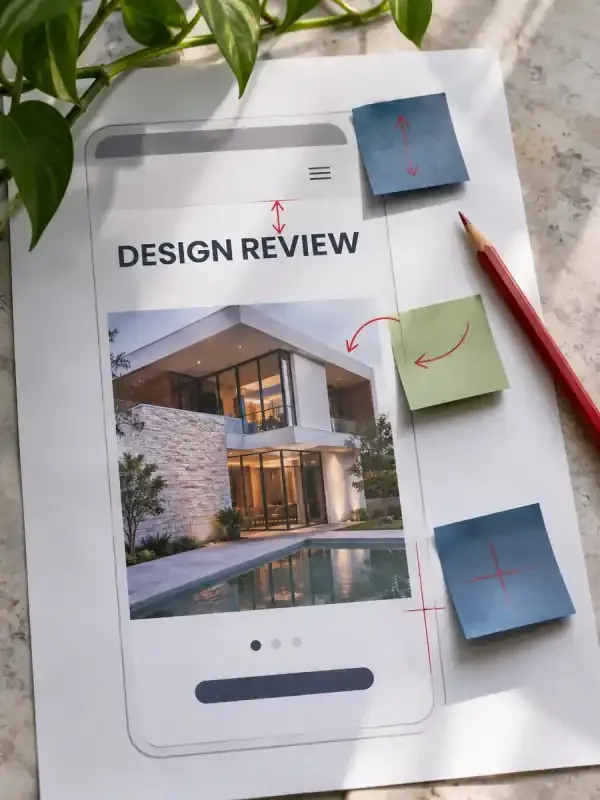
AI design feedback
Upload a design and get a focused critique of hierarchy, readability, contrast, and brand consistency, with prioritized changes you can put into the next draft.
Documents & office
Turn your material into documents, presentations, charts and summaries.
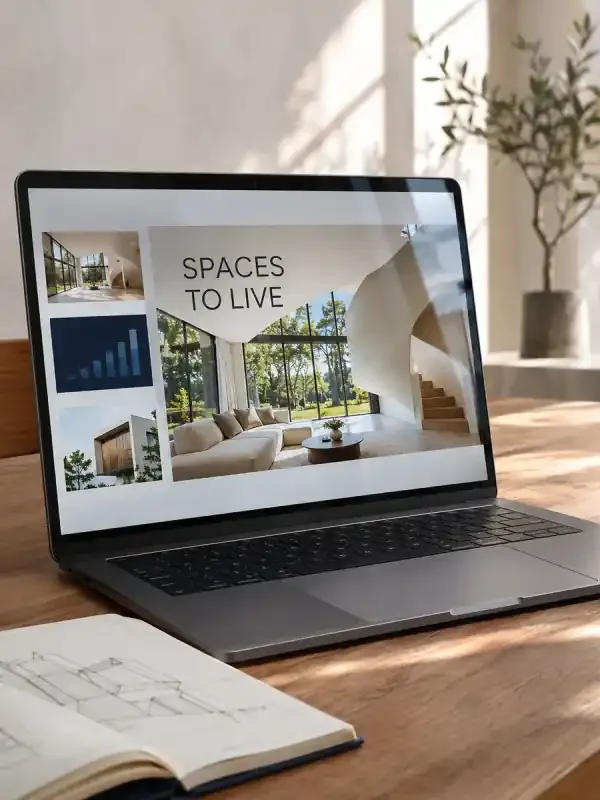
AI PPT
Create a visually consistent PowerPoint presentation from notes, papers, or source material. Refine the slides in PagePop and download a PPTX.
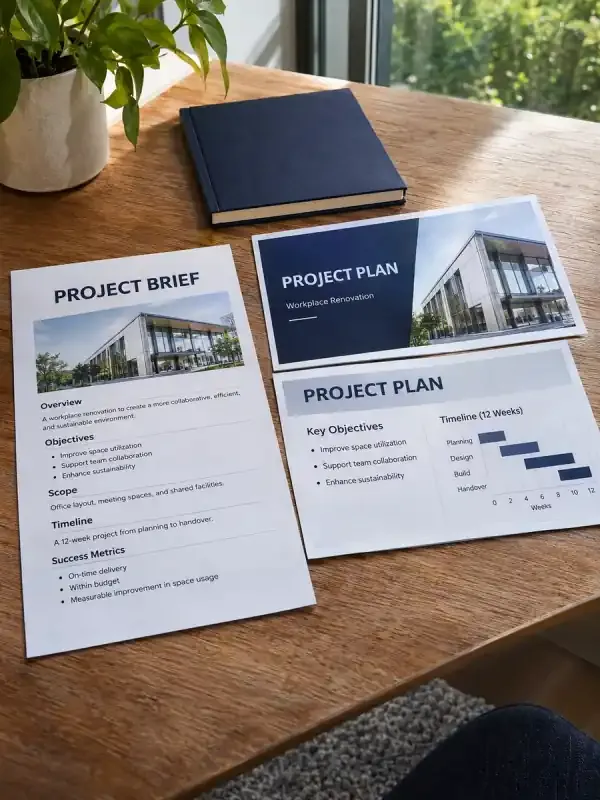
AI Word to PPT
Turn your Word document into a PowerPoint presentation. Shape the outline, refine the slides in PagePop, and download a PPTX for your next meeting.
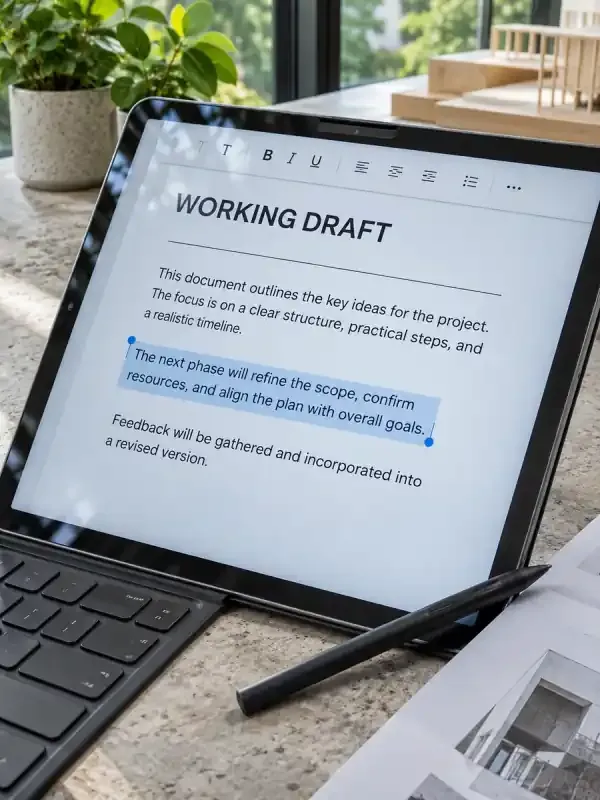
AI document editor
Turn notes, data, and earlier drafts into clear work summaries, reviews, and business reports.
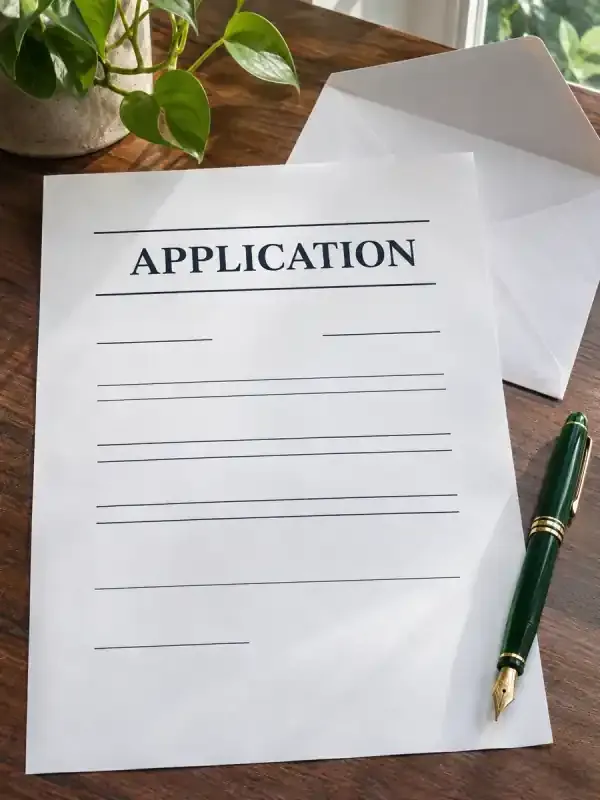
AI cover letters
Turn your experience and a target job description into a cover letter you can review. Connect relevant examples to the role, keep the facts accurate and identify missing details.
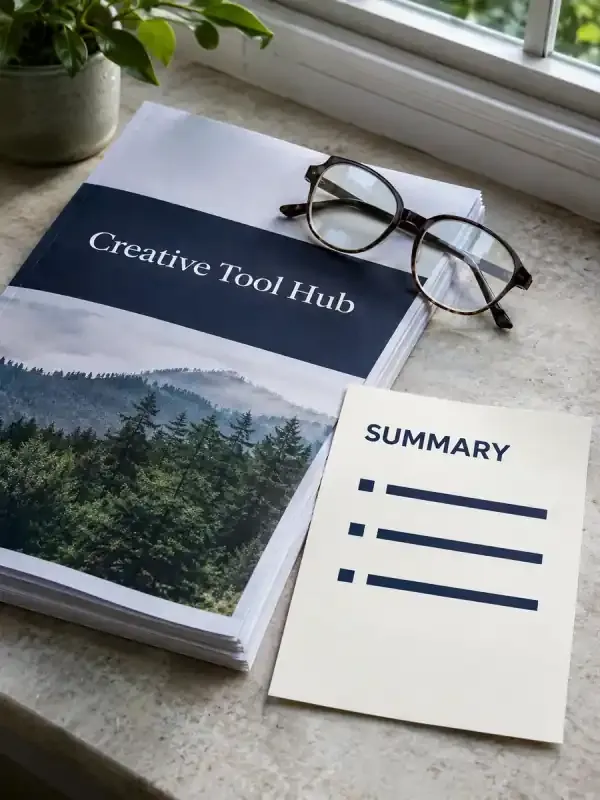
AI PDF summaries
Turn a PDF into a clear summary for your purpose. Keep key facts, numbers, and source references available for review.
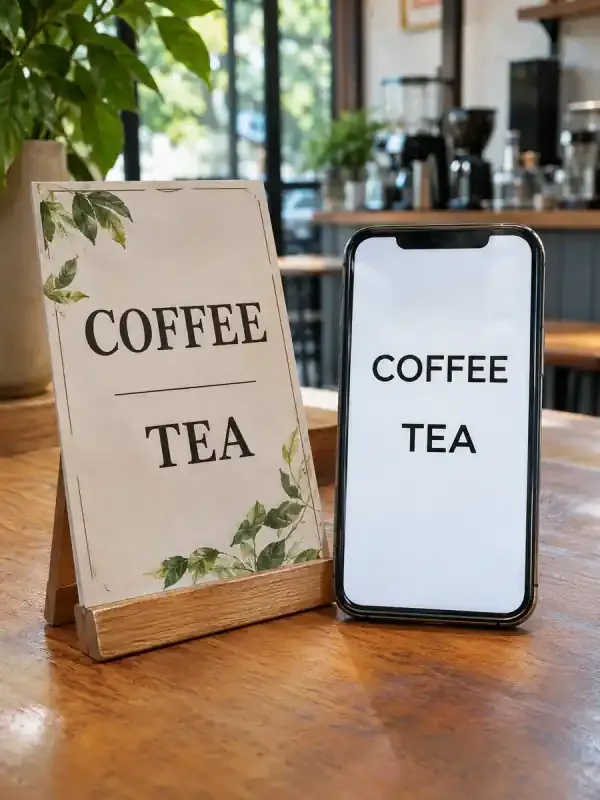
AI image to text
Turn text in a photo, screenshot or scanned page into text you can copy. Preserve the wording, numbers and structure, and review unclear characters against the original.
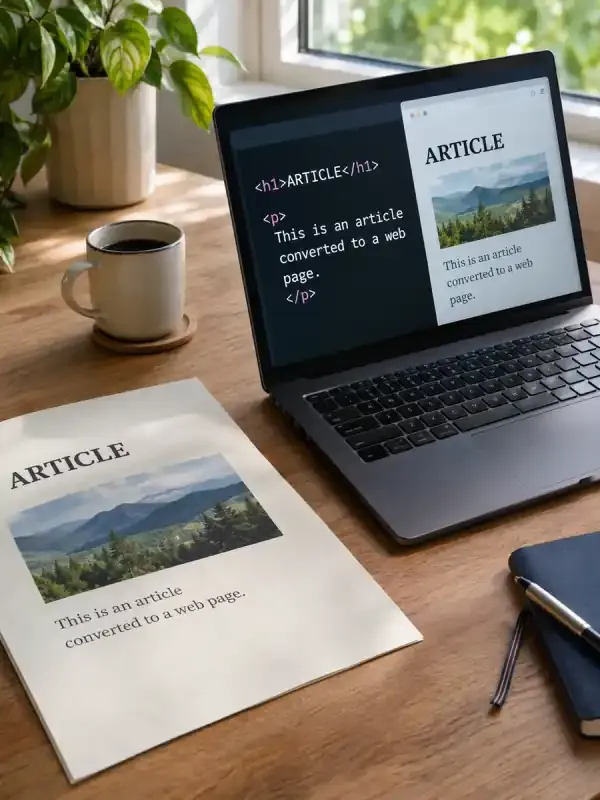
AI Word to HTML
Add a Word document and ask PagePop to prepare HTML for a website or CMS. Choose a body-only fragment or a full page, then check the wording, structure and image paths.
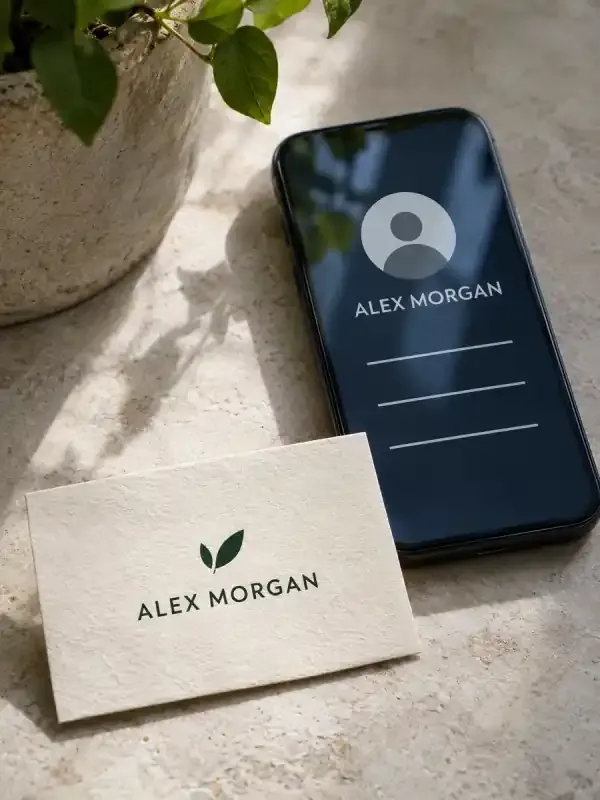
Business card to contacts
Extract names, roles, companies, Email addresses, and phone numbers from business card photos. Review uncertain characters in a structured table before requesting CSV or vCard files.
AI charts
Create data-based charts from a CSV or table with known column meanings and units. Ask a specific comparison question, preserve the actual values, and review the chart alongside its source data and notes.
AI proposals
Turn a client brief, deliverables, fees, and schedule into an editable proposal. Make assumptions, exclusions, and approval points visible so the client can understand what the proposed work includes.
Find your next AI tool
Browse by the result you want to create. Each page helps you prepare your brief.
Posters & graphic design
Create posters, covers and layouts for print or digital use.
- AI postersCreate event, product launch, and promotional posters with AI. Add copy and references, then refine text, colors, and layout in the same chat.
- AI flyersTurn event or business details into a compact flyer for handouts or digital sharing. Set the paper size, establish a clear information hierarchy, and keep the contact details and next action easy to find.
- AI invitationsDesign a digital or printable invitation from the occasion, host, date, venue, and RSVP instructions. Set the tone while keeping names, time zones, addresses, and response deadlines unambiguous.
- AI infographicsTurn text, notes and data into a complete infographic. Choose a process, comparison, timeline or statistics layout, then refine the wording and visual hierarchy with PagePop.
- AI album coversCreate square album, single and EP cover art from your music brief or own image. Keep artist and release names exact, refine the artwork, and check the cover at a small display size.
- AI book coversTurn your story, genre, title and author name into a book cover with AI. Add a reference, shape the typography, and refine the design in the same conversation.
- AI certificatesBuild certificate documents using exact recipient names, approved award wording, issuer details, and dates. Keep the layout consistent across the set and review each personalized file against your original list.
- Sales one-pagersTurn your offer, customer pain points, verified benefits, and supporting evidence into a focused sales one-pager with a clear structure and next step.
- AI brochuresTurn your product or service facts into a brochure document with a planned reading order, clear page or panel structure, and visuals suited to sharing or print preparation.
Video & animation
Make short videos, product clips, animations and short dramas.
- AI video generatorGenerate a video from a text prompt or reference image. Watch a paper bird fly through a beam of sunlight and see the prompt behind the clip.
- AI short videosMake a short video from a topic, script, or reference image. Plan a beginning, middle, and end, then see the prompt for a coastal travel clip.
- AI short dramasDevelop an idea or script into characters, art, storyboards, and video clips ready for post-production.
- AI product videosCreate a product showcase from a photo for your product page. Show the materials, details, or how it’s used. See the perfume video and prompt.
- AI animationAnimate a still image or describe a scene in text. Specify what should move, then watch two ribbons form a butterfly and see the prompt.
- AI anime videosAnimate an anime character from a reference image. Describe the movement, camera, and details to keep. Watch the glowing compass example.
- Cinematic videosCreate a cinematic clip from a reference image or scene description. Set the camera movement and lighting, then see the coastal lighthouse example.
- AI video adsCreate a video ad from a product photo, audience, and key selling point. See the vertical iced matcha ad and the prompt behind it.
- Video to GIFTurn a video segment into a looping GIF. Upload an MP4 in PagePop chat and specify the time range, width, and frame rate. Compare the before and after.
- AI baby podcastsCreate a talking baby podcast video from a character image and script. Choose the dialogue language and see an example with spoken English.
- TikTok videosCreate a 9:16 TikTok video from a script, product photo, or idea. Watch the prop transformations in the sample video and see the prompt.
Ecommerce & product visuals
Create product images, shop visuals and product displays.
- AI ecommerce designCreate studio product photos, lifestyle scenes and detail views from your references. Build listing images, A+ modules and product-detail visuals in one chat.
- AI Shopify product imagesCreate product images for your Shopify store from a reference photo. Explore clean shots, lifestyle scenes and detail views, then refine and download.
- AI Shopify bannersCreate Shopify store banner images with AI. Plan desktop and mobile compositions, leave room for your headline, and download images for your theme.
- Bulk product imagesCreate coordinated product images from an approved visual direction, reference photos, and a SKU list, with clear product-to-image mapping for review.
- Amazon storefrontsCreate coordinated Amazon storefront graphics from your brand, products, and category plan. Develop header artwork, category tiles, and placement notes for review.
- Black Friday postersMake a Black Friday sale poster with your own product photos and confirmed offer. Create a clear campaign direction, then refine the wording for Instagram or your shop.
- AI couponsCreate digital or printable coupon artwork from your confirmed offer, code, expiry, and conditions. Make the benefit easy to understand while keeping the details customers need to redeem it readable.
- Product catalogsOrganize product names, SKUs, prices, specifications, and photos into a paginated catalog PDF. Keep the source facts traceable while building a document customers can browse, share, or prepare for printing.
- Clothing mockupsTurn a garment sketch, flat lay, or artwork reference into clothing mockup images. Specify fabric appearance, print placement, and the presentation scene, then compare the visual result with your original design.
- AI fashion modelsCreate fashion presentation images from garment photographs and a clear model, pose, and scene brief. Review the clothing’s construction, color, and labels carefully so the generated presentation does not misrepresent the referenced item.
- AI T-shirt designsTurn a theme and exact wording into T-shirt print artwork. Explore placement, colors, and graphic variations, then check the files against your printer’s requirements.
Social & content marketing
Plan posts, create social visuals and adapt content for each channel.
- AI social media contentTurn a topic or article into a cover and a sequence of social visuals. Give each page a clear message and a consistent visual style.
- AI content calendarTurn your brand, audience, channels, and posting frequency into a dated content calendar with post ideas, captions, and supporting visual briefs.
- Facebook postsCreate Facebook feed images and Story visuals from your message, brand assets, and confirmed facts, with accompanying captions and composition variants.
- Campaign creativeTurn one campaign brief into a coordinated set of marketing images, channel-specific copy, and an asset checklist with a shared message and visual direction.
- Carousel adsTurn product photos, verified selling points, and an exact offer into an ordered set of carousel ad images. Give every card a clear job and review the complete sequence before uploading it to your ad account.
- Content repurposingTurn an existing article or document into channel-specific drafts without losing its facts. Specify the audience, length, and purpose of each version, then review a source-to-output map for important claims.
- Instagram postsBuild feed or Story visuals from your photos, topic, and brand direction. Keep the image headline, caption, and CTA aligned, then review the crop and text at phone size before posting.
- X headersGenerate X header artwork for your profile theme or brand. Plan a wide composition, concise wording, and space around the profile-avatar overlap.
- YouTube thumbnailsCreate YouTube thumbnail artwork from your video topic, permitted images, and exact short copy. Compare visual hooks and check readability at a small display size.
Images & creative generation
Explore ideas for images, illustrations, avatars and interiors.
- AI image generatorTurn a text description into original AI images. Define the subject, composition, visual style, and aspect ratio, then develop the direction you want to use.
- Photorealistic imagesGenerate photo-style image concepts with deliberate lighting, materials, and framing. Describe the scene and inspect realism in faces, surfaces, reflections, and product details.
- AI image to promptAdd a reference image and turn its subject, composition, colors and visual style into a prompt you can copy and refine. Keep the details you like and describe what to change.
- AI backgroundsGenerate background images with a chosen scene, palette, and clear placement areas. Create backdrops for products, presentations, campaign visuals, and other compositions.
- AI interior designExplore a new direction for your room from photos and a few practical details. Bring layout, colors, lighting and furniture together in a visual concept.
- AI avatarsTurn a portrait or character description into a static profile avatar. Choose framing, visual style, background, and recognizable features for the places you use it.
- Cartoon avatarsTurn a selfie or portrait into a cartoon avatar. Choose the illustration treatment, crop, and recognizable features to retain, then review the result at profile-picture size.
- AI anime imagesGenerate static anime character art and scene illustrations from a character brief, photo, or visual reference, with control over pose, expression, setting, and mood.
- AI caricaturesTurn a portrait into an expressive caricature that preserves recognizable features. Choose the exaggeration, visual style, personality details, and scene for your illustrated portrait.
- RPG character portraitsCreate fantasy RPG portraits and character-art concepts from ancestry, class, world, and appearance notes. Develop readable silhouettes and expression variations.
- AI emojiTurn a character idea or reference image into custom emoji artwork. Choose the expression, silhouette, palette, and intended platform, then request a transparent file and check it at its actual display size.
- Photo to sketchUse your photograph as the basis for a pencil, charcoal, or clean line-drawing treatment. Choose the level of detail, shading, and background, then compare the sketch with the source for recognizable shapes and features.
Photo editing & retouching
Retouch photos, remove objects, translate images and refine details.
- AI image editorEdit text in an image, replace backgrounds, or remove objects with AI. Upload your image, describe the change, then review and refine the result.
- AI image upscalerUpscale an image to 2×, 4×, or a target width. Upload your image, improve its resolution, refine the result, and download the enlarged version with PagePop.
- AI image enhancerImprove the appearance of a blurry, noisy, or poorly exposed image. Describe the defect and the details to preserve, then compare the enhanced result with your source.
- AI image extenderExtend an image beyond its original frame with AI outpainting. Specify the target ratio, extension direction, and protected subject details to create a wider composition.
- AI object removerRemove a specified object from a photo and reconstruct the surrounding area. Identify the target clearly and describe the people, surfaces, and details that should remain.
- AI background removerSeparate a subject from its background and request a PNG with real transparency. Describe the subject and edge details, then inspect the alpha channel and cutout quality.
- AI image text removerRemove text from photos, screenshots and graphics with AI. Add your image, identify the words to erase and the details to keep, then refine and save the cleaned image.
- AI image translatorUpload a poster, screenshot or product image, choose a target language and get a translated image. Keep names, prices and key details while adapting the wording to your audience.
- Batch photo editingApply a shared crop, background, sizing, or visual-editing brief to a supplied photo set, while keeping per-image exceptions and original-to-result mapping clear.
- AI face swapUse a source portrait and a target photo to request a static face replacement. Identify the face to change and the pose, lighting, clothing, and background to preserve, then inspect the finished image closely.
- AI hairstyle changerExplore hairstyle ideas using your portrait and a clear cut or color reference. Ask to preserve your face, expression, and pose, then compare the hair changes as visual concepts for a conversation with your stylist.
Brand & interface design
Explore brand visuals, app interfaces and user journeys.
- AI brand designConnect brand positioning, logos, color, typography, and applications in one consistent visual identity.
- Brand guidelinesOrganize approved logos, colors, typography choices, voice, and usage rules into a readable brand-guidelines document with practical application examples.
- AI business cardsCreate single- or double-sided business card designs from your logo, verified contact details, brand colors, and target card size, with a clear front and back hierarchy.
- AI bannersGenerate banner artwork from your headline, brand assets, and dimensions. Create web headers, campaign banners, and social cover images with clear visual hierarchy.
- AI mockupsTurn approved logo or packaging artwork into presentation mockup images. Define the target object, material, placement, and scene so reviewers can see the design in context without mistaking the image for a production file.
- Consistent style imagesUse a visual reference and a clear style brief to create a coordinated image series, with shared palette, lighting, texture, and composition rules.
- Mobile app UITurn an app idea, screen list, and visual references into mobile UI mockups with a coherent screen flow, hierarchy, and notes for important interface states.
- Web app UITurn a web app brief into screen concepts, dashboard layouts, and state notes. Describe real modules and user tasks to explore an interface before implementation.
- User flow diagramsTurn product steps and decision rules into a reviewable user flow. Preserve branches, entry points, recovery paths, and end states, with editable diagram source for revision.
- AI design feedbackUpload a design and get a focused critique of hierarchy, readability, contrast, and brand consistency, with prioritized changes you can put into the next draft.
Documents & office
Turn your material into documents, presentations, charts and summaries.
- AI PPTCreate a visually consistent PowerPoint presentation from notes, papers, or source material. Refine the slides in PagePop and download a PPTX.
- AI Word to PPTTurn your Word document into a PowerPoint presentation. Shape the outline, refine the slides in PagePop, and download a PPTX for your next meeting.
- AI document editorTurn notes, data, and earlier drafts into clear work summaries, reviews, and business reports.
- AI cover lettersTurn your experience and a target job description into a cover letter you can review. Connect relevant examples to the role, keep the facts accurate and identify missing details.
- AI PDF summariesTurn a PDF into a clear summary for your purpose. Keep key facts, numbers, and source references available for review.
- AI image to textTurn text in a photo, screenshot or scanned page into text you can copy. Preserve the wording, numbers and structure, and review unclear characters against the original.
- AI Word to HTMLAdd a Word document and ask PagePop to prepare HTML for a website or CMS. Choose a body-only fragment or a full page, then check the wording, structure and image paths.
- Business card to contactsExtract names, roles, companies, Email addresses, and phone numbers from business card photos. Review uncertain characters in a structured table before requesting CSV or vCard files.
- AI chartsCreate data-based charts from a CSV or table with known column meanings and units. Ask a specific comparison question, preserve the actual values, and review the chart alongside its source data and notes.
- AI proposalsTurn a client brief, deliverables, fees, and schedule into an editable proposal. Make assumptions, exclusions, and approval points visible so the client can understand what the proposed work includes.
From an idea to a clear brief
A little context helps your AI assistant work toward the right result.
- 01
Choose what to make
Pick the tool closest to your intended image, video, document or design.
- 02
Bring the useful details
Describe your audience, purpose and style. Add source material when the task calls for it.
- 03
Create and refine
Continue in PagePop, review the result and ask for changes.
Questions before you begin
Which AI tool should I choose?
Start with the result you need. Use image tools for visual work, document tools for written material and slides, or a more specific page for a focused task.
Can I refine an existing result?
Review the first draft, explain what to keep and what to change in the text, layout or style, then continue refining it in the same chat.
Can I use my own files or references?
Depending on the task, you can provide text, images, documents or references in PagePop. Check the tool page for the inputs that suit your task.