
AI video ad generator
AI video ad generator
Make a video ad from a product photo and a call to action
Create a video ad from a product photo, audience, and key selling point. See the vertical iced matcha ad and the prompt behind it.
Create a video adPick one selling point and plan the opening, product shot, and closing line.
AI video ad example
See how ice, ripples, and light can introduce an iced matcha.
Ice wakes up the matcha
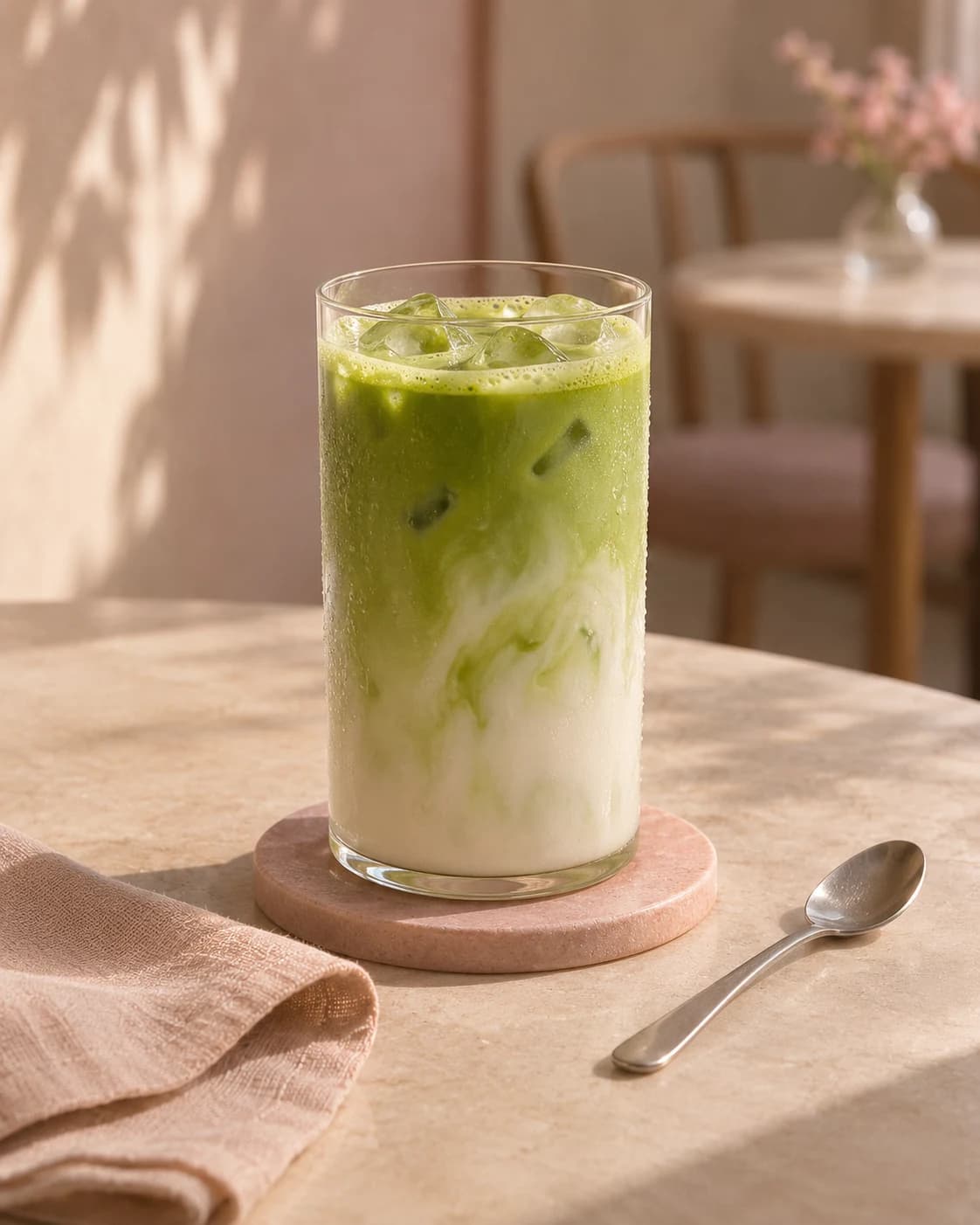
Prompt used, translated
Use the iced matcha photo as the only product reference for a 12-second 9:16 ad at 720p. From 0–3 seconds, show an ice cube dropping into the drink in an overhead macro shot, sending out green ripples. At 3–7 seconds, match cut to the side of the glass as green matcha and white milk swirl around the ice. At 7–12 seconds, show the full glass in sunlight with droplets sliding down as the layers mingle. Keep the glass and warm setting. No text, subtitles, numbers, logos, watermarks, or slogans anywhere. Ice and drink sounds are fine. Generate one playable MP4.
Generated video
In this vertical ad of about 10 seconds, ice drops into the matcha from above. The shot cuts to green matcha and white milk swirling around the ice, then closes on the full glass on its coaster.
AI video ad generator
What kinds of video ads can you make?
Choose one verified selling point and what viewers should do next. Decide whether to generate an ad or review a script and shot plan first.
One selling point in a short ad
Use a close-up or demonstration to show a use, then point viewers to the product or shop.
A script and shot plan to review
Request a script, shot order, and on-screen copy so you can check the visuals and product claims.
Ad versions for different audiences
Keep the same verified selling point and change the opening, demonstration angle, or closing line for each audience. Generate the versions separately.
One message, carried through
How do you plan three shots for a product ad?
Open with the full drink, show the rim and foam up close, then end with one clear next step, such as visiting the shop to try it.
- Product evidenceUpload product photos and paste the approved product-page details. Identify the claims, specifications, and packaging text that must remain accurate.
- Audience and verified offerDescribe who the ad addresses, the problem it introduces, and the exact price, conditions, dates, or code to show.
- Video directionSet the intended placement, aspect ratio, preferred duration, tone, shot order, and CTA. Say whether spoken or on-screen copy is needed.
Share placement, aspect ratio, duration, approved copy, and licensed audio preferences. Review any produced video for legibility, continuity, and accurate product representation.
Campaign storyboards
How can you film different products for an ad?
Start with one detail viewers need to understand and choose a shot or action that shows it.
Turn a ritual into a reason to visit.
Plan a close product moment and one confirmed invitation.
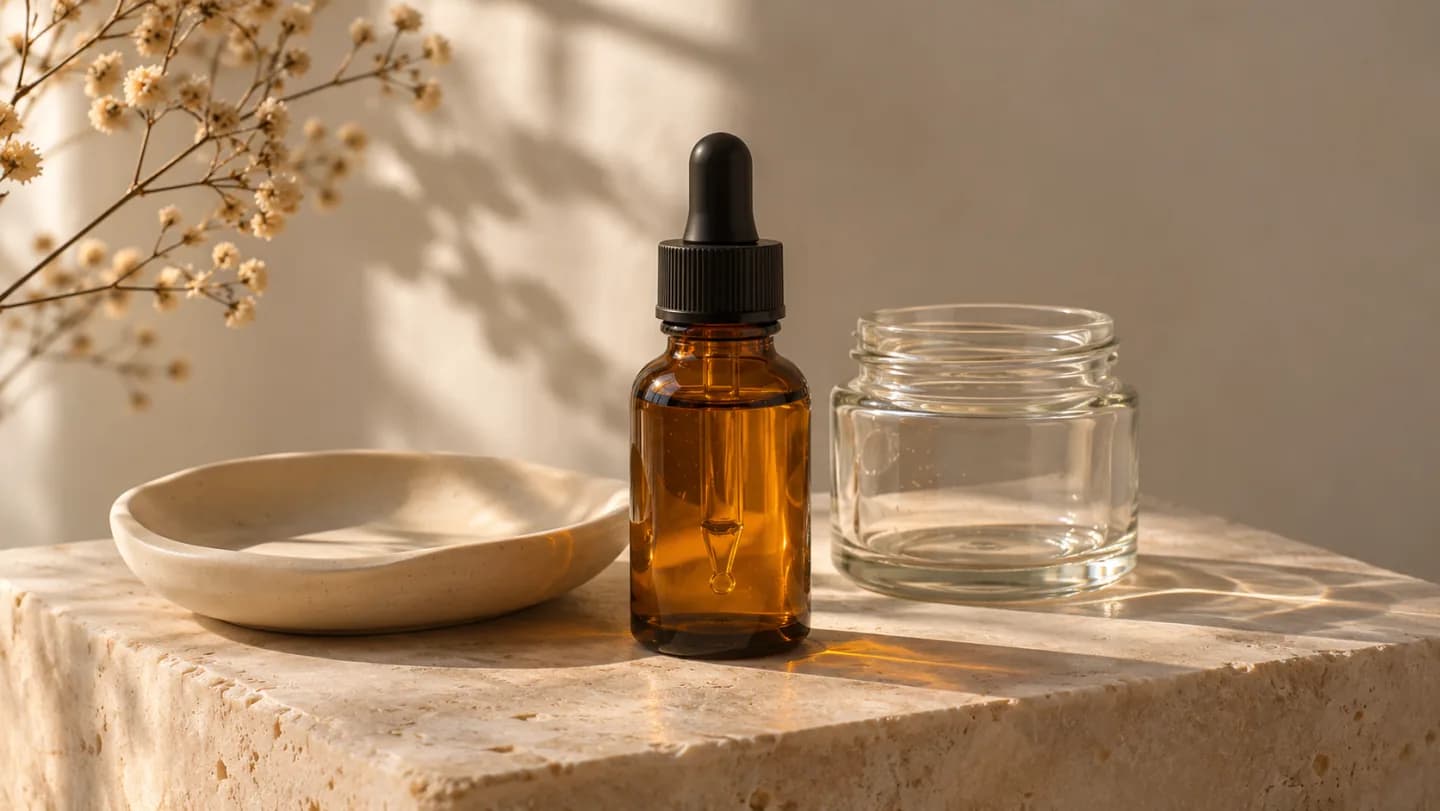
Let the routine unfold.
Separate texture imagery from substantiated benefit copy.
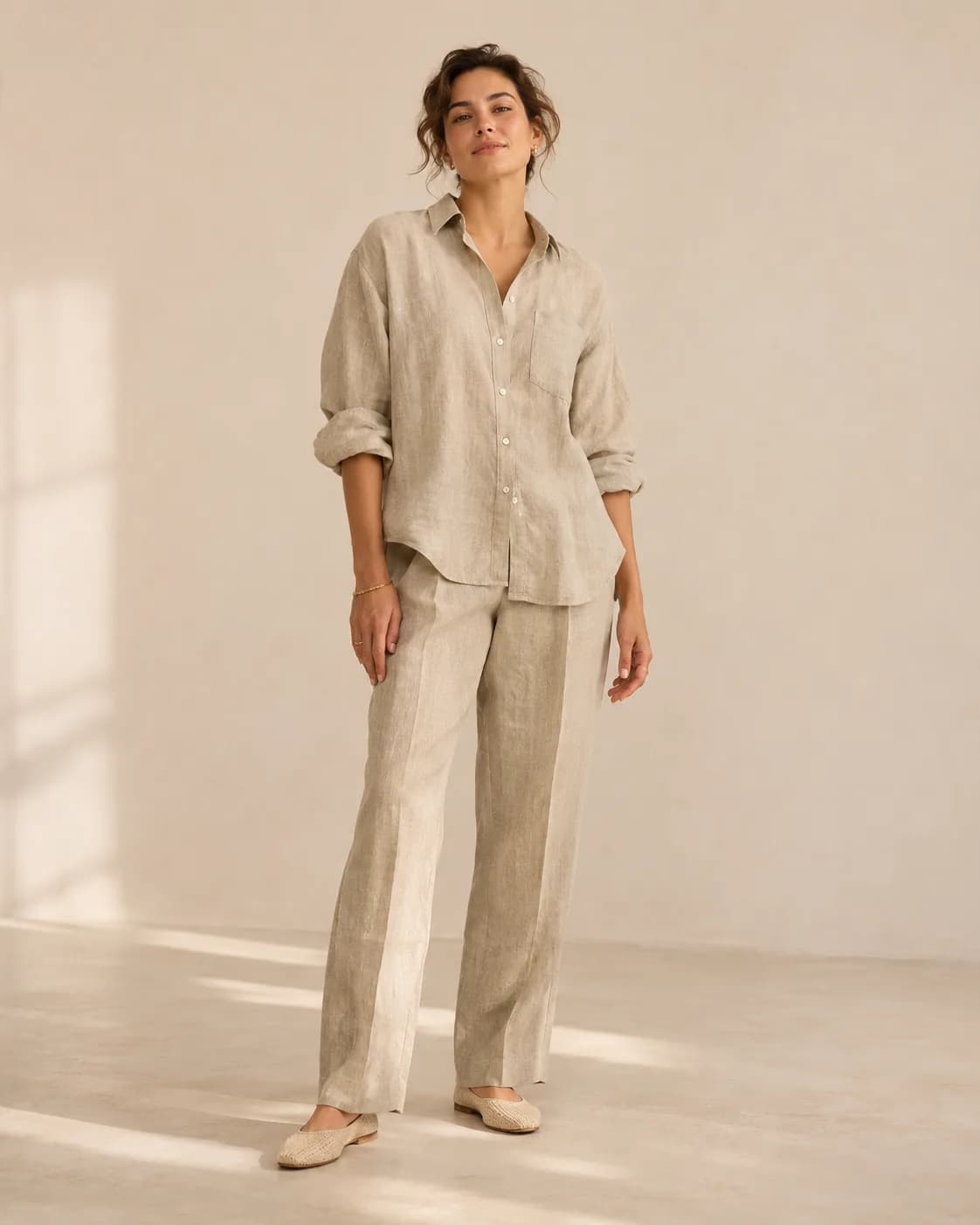
Introduce the shape in motion.
Describe a simple movement that keeps garment details visible.
How do you make a video ad with AI?
Keep the first version focused on one audience, one product, and one action.
- 01
Confirm the facts
Provide references, audience, supported claims, offer conditions, and delivery requirements.
- 02
Review the sequence
Approve the hook, shot order, and copy before requesting the video direction.
- 03
Inspect the result
Check product continuity, text, audio, and file properties, then prepare the approved asset for your campaign.
What should you check before publishing an ad?
Product and claim accuracy
Watch for changed packaging, proportions, labels, or features. Verify every spoken and written claim against approved information.
Copy and audio
Check offer terms, text legibility, pronunciation, sound rights, and whether the returned video actually includes the audio you requested.
Delivery and pacing
Watch the full clip on a phone. Inspect actual duration, crop, resolution, cuts, and the time available to read the final instruction.
How to revise a video ad
Use the original product reference to identify what needs to change, one shot or line at a time.
| What you see | How to fix it | What to write |
|---|---|---|
| The packaging or glass changed shape | Name the product detail and the shot to fix. | Keep the glass and matcha color from the reference. Only move closer to the rim in the second shot. |
| The closing line is hard to read | Leave clear space and give the ending more time. | Hold the final shot, with the glass in the lower half and clear space above for the closing line. |
| An unverified offer appeared | Replace the price or discount with verified copy. | Remove the discount and keep only the invitation to try the new matcha. |
Write the ad brief
Add a product photo to make a video ad
Describe who the ad is for, what feature it should highlight, and what viewers should do next.
Upload product photos and paste the approved product-page details. Identify the claims, specifications, and packaging text that must remain accurate.
AI video ad FAQ
Can I start from a product page?
Will it publish to my ad account?
Is the result a finished commercial with music and voiceover?
How should I ask for a revision?
Make a video ad for your product
Start with approved product facts and a focused shot sequence.
Create a video ad