
AI cinematic video generator
AI cinematic video generator
Make a cinematic shot from an image or a scene description
Create a cinematic clip from a reference image or scene description. Set the camera movement and lighting, then see the coastal lighthouse example.
Create a cinematic clipStart with one shot. Describe the camera movement, lighting, and action.
Cinematic video from an image
See how a continuous camera move reveals a lighthouse beyond the cliffs.
When the lighthouse lights up
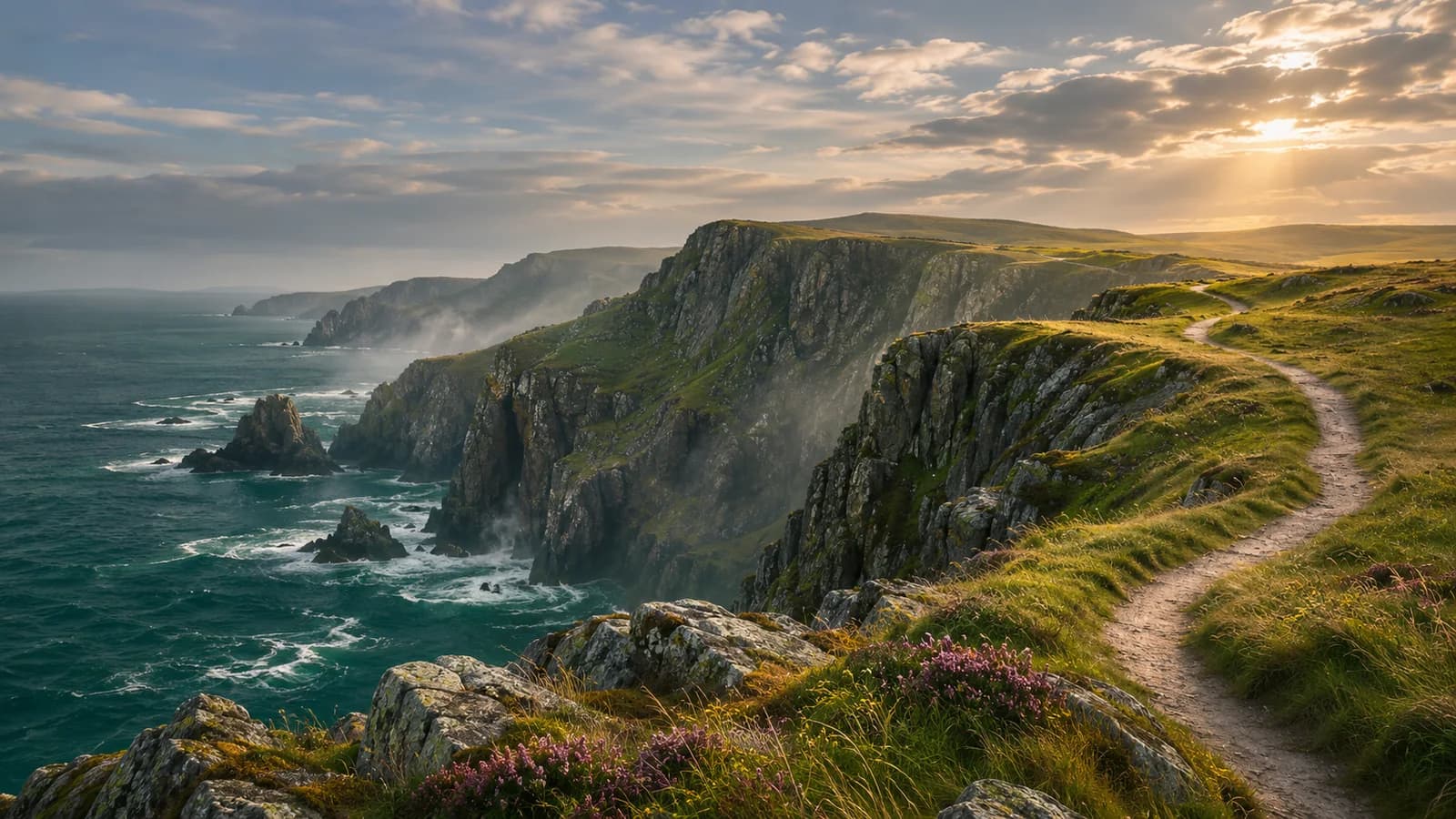
Prompt used, translated
Use the uploaded coast to create one continuous 12-second cinematic shot in 16:9 at 720p. From 0–4 seconds, track laterally beside a cliff under clouds, with rock on the left and glimpses of waves. At 4–8 seconds, clear the rock to reveal the open sea and a distant lighthouse as warm light breaks through the clouds. At 8–12 seconds, light the lighthouse and sweep its beam across mist and water as the camera settles. Keep the distant horizon stable while the foreground moves. No people, text, captions, or transitions. Generate one playable MP4.
Generated video
In this 12-second 16:9 shot, the camera moves sideways past a dark foreground rock to reveal the coast and a distant lighthouse. Its beam sweeps across the mist at the end.
AI cinematic video generator
What kinds of cinematic shots can you make?
Use a wide shot to establish the setting or a continuous shot to follow an action. Decide what the viewer needs to see before choosing how the camera moves.
Establishing shots
Open on a coastline, street, or room so viewers can see where the action takes place.
Shots that follow one action
Follow a subject as they step into the light, look up, or turn.
Atmospheric shots
Show shifting cloud shadows, window light, or reflections on water for a transition or closing shot.
A camera with a reason to move
How do you describe the camera movement you want?
Describe changes in the scene separately from the camera. For example, waves roll ashore as the camera moves slowly along the coast with the horizon near the top of the frame.
- A scene or opening imageDescribe the subject and setting or upload an image that establishes them. Identify the shapes, faces, clothing, or architecture that must remain recognizable.
- One clear motion planSpecify subject action and camera movement separately. A slow dolly forward is different from a zoom; state whether the background, subject, or both should move.
- Light, framing, and deliverySet the mood, lighting direction, aspect ratio, and desired duration. Check the actual model options and returned video properties instead of assuming a fixed specification.
Specify duration, aspect ratio, intended motion, and visual continuity. Evaluate any requested video for temporal consistency; this original still illustrates atmosphere only.
Three cinematic directions
What can a reference image tell the camera?
Use a still image to show the light, framing, and subject position. Describe what changes during the shot in words.
A little more time by the sea.
A wide establishing shot with restrained camera movement.
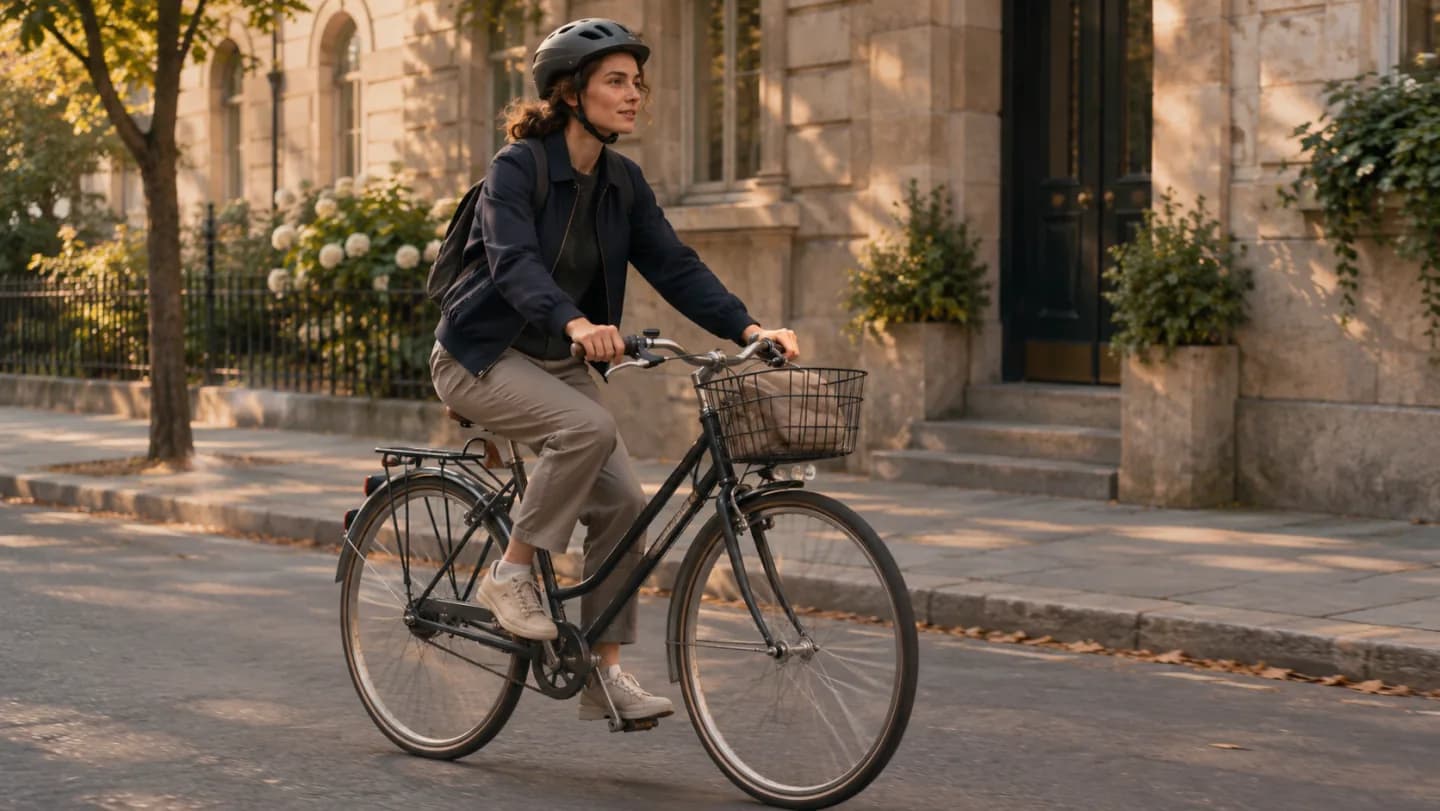
Find a rhythm in the street.
Plan subject direction and background movement together.
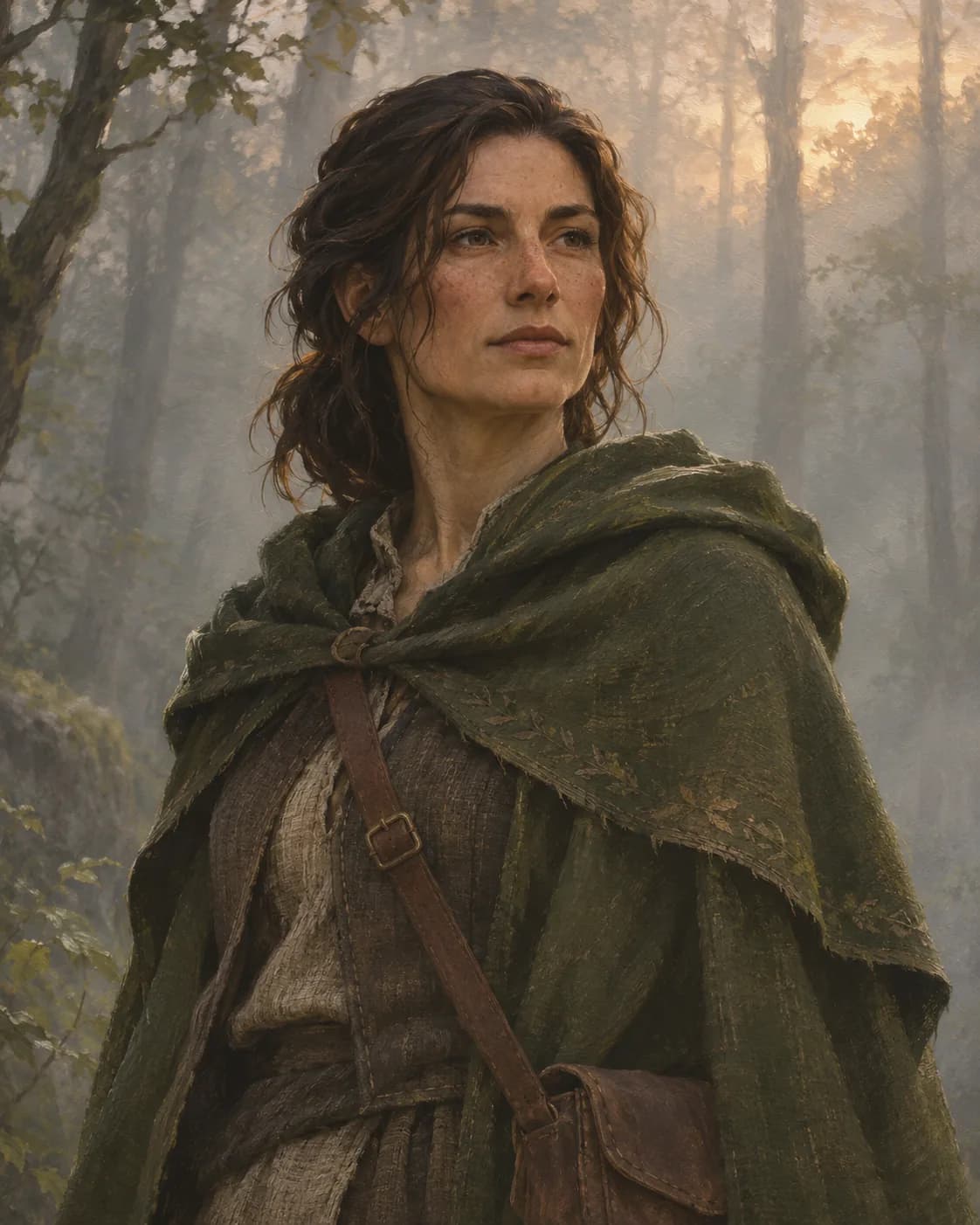
Let a world reveal itself.
Begin with costume and light, then describe a subtle reveal.
How do you generate a cinematic video with AI?
Choose the moment you want to show before adding atmosphere, movement, and technical requirements.
- 01
Write the shot
Name the subject, setting, one action, and one camera direction. Add reference images and continuity constraints.
- 02
Generate and watch
Create the clip using the available settings and watch the full result, including the opening and final frames.
- 03
Revise deliberately
Identify the exact motion or detail to change. Preserve approved elements and inspect the new video before downloading it for an edit.
How do you check camera movement and framing?
Real motion
Play the downloaded file from beginning to end. Confirm it is a video and that the requested camera move is visible.
Subject continuity
Watch faces, hands, object edges, reflections, and background geometry for changes that break the scene.
Technical delivery
Check actual duration, aspect ratio, resolution, frame boundaries, and whether the clip contains audio before placing it in an edit.
How to revise a cinematic shot
Fix one issue at a time and describe what to preserve from the original shot.
| What you see | How to fix it | What to write |
|---|---|---|
| The camera moves too fast | Specify the speed and where the camera should stop. | Move forward slowly and stop with the full coastline visible. |
| The motion goes in the wrong direction | Describe subject and camera movement separately. | The rider moves right. Follow from the side in the same direction. |
| The horizon or buildings warp | Name the objects that should stay stable and reduce camera movement. | Keep the horizon level and the cliff outline stable. Move the camera forward slightly. |
Set the scene
Generate a cinematic clip from an image or text
Add an opening reference image or describe a scene. Then specify the subject's movement, camera position, and lighting.
Describe the subject and setting or upload an image that establishes them. Identify the shapes, faces, clothing, or architecture that must remain recognizable.
Cinematic video FAQ
Can I start from a photograph?
Does this cover every stage of making a short film?
Can I specify camera movement?
Are duration and resolution guaranteed by the brief?
Will the clip include dialogue, music, or sound effects?
How should I ask for a revision?
Generate your first cinematic shot
Choose a subject, a camera move, and a lighting idea, then evaluate them in a moving clip.
Create a cinematic clip