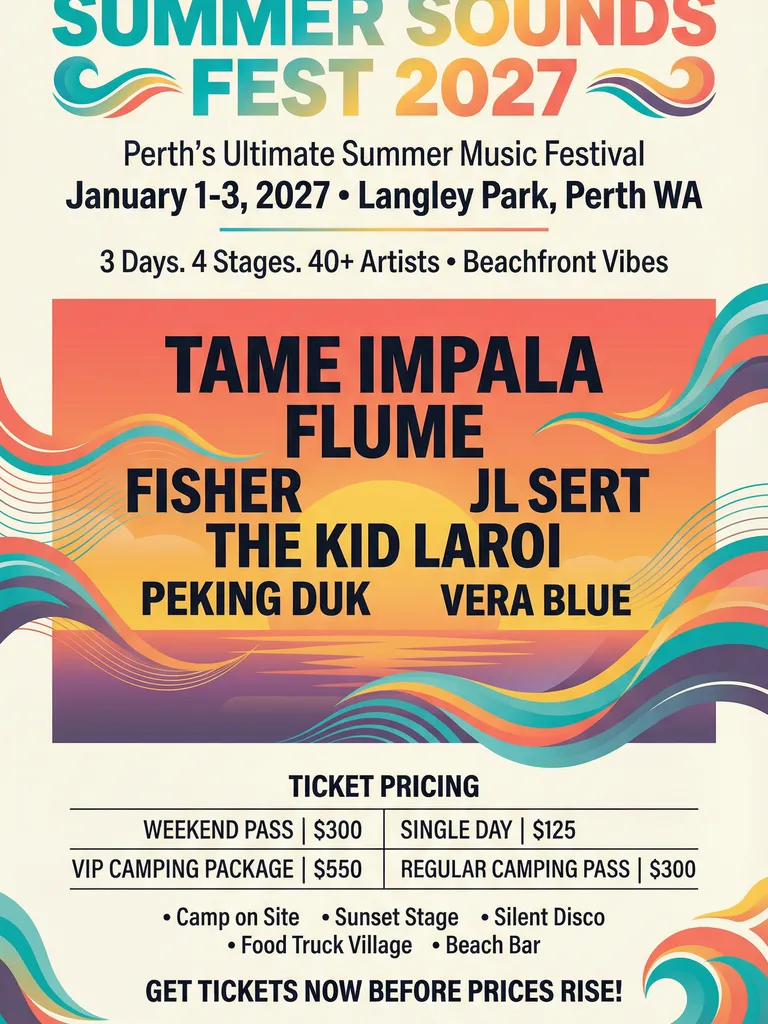
Summer Sounds Fest 2027 Poster - Festival Design Collection
Create a colorful summer music festival poster. Include the festival name, lineup, dates, venue, and ticket information I provide.
Create a posterCreate event, product launch, and promotional posters with AI. Add copy and references, then refine text, colors, and layout in the same chat.
Explore a music festival, a fashion launch, and a bar watch party. Each example combines a headline, supporting details, and its own visual style.
Create a colorful summer music festival poster. Include the festival name, lineup, dates, venue, and ticket information I provide.
Create a poster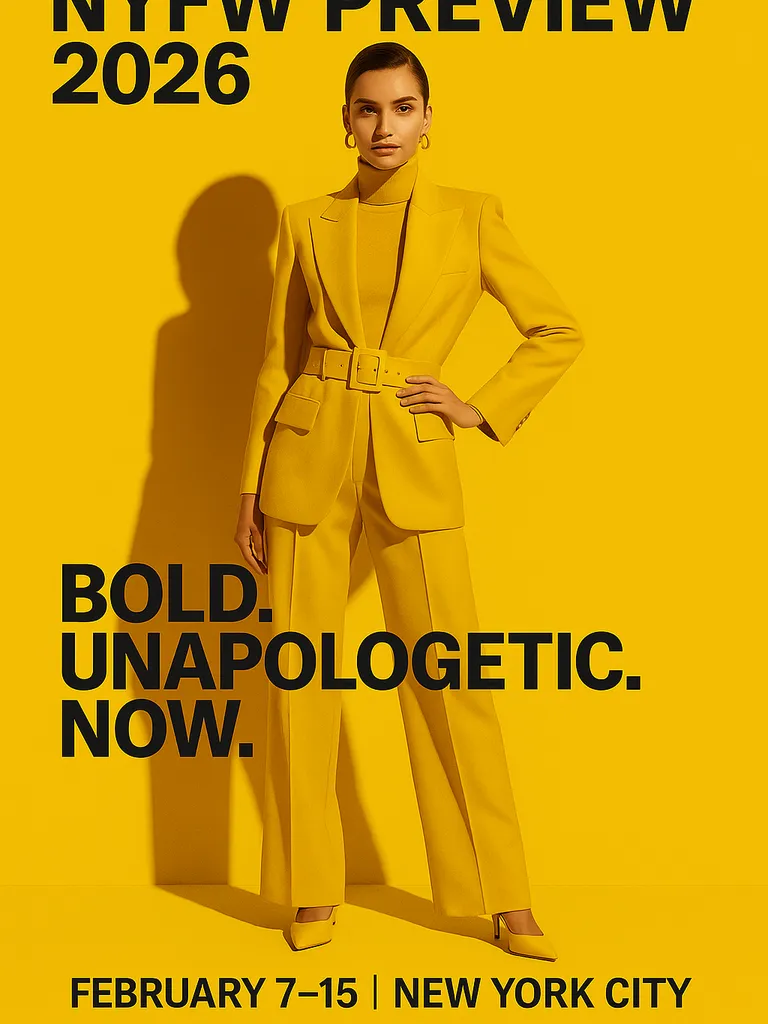
Design a yellow fashion collection launch poster with a bold black headline, a model as the main visual, and the launch details I provide.
Create a poster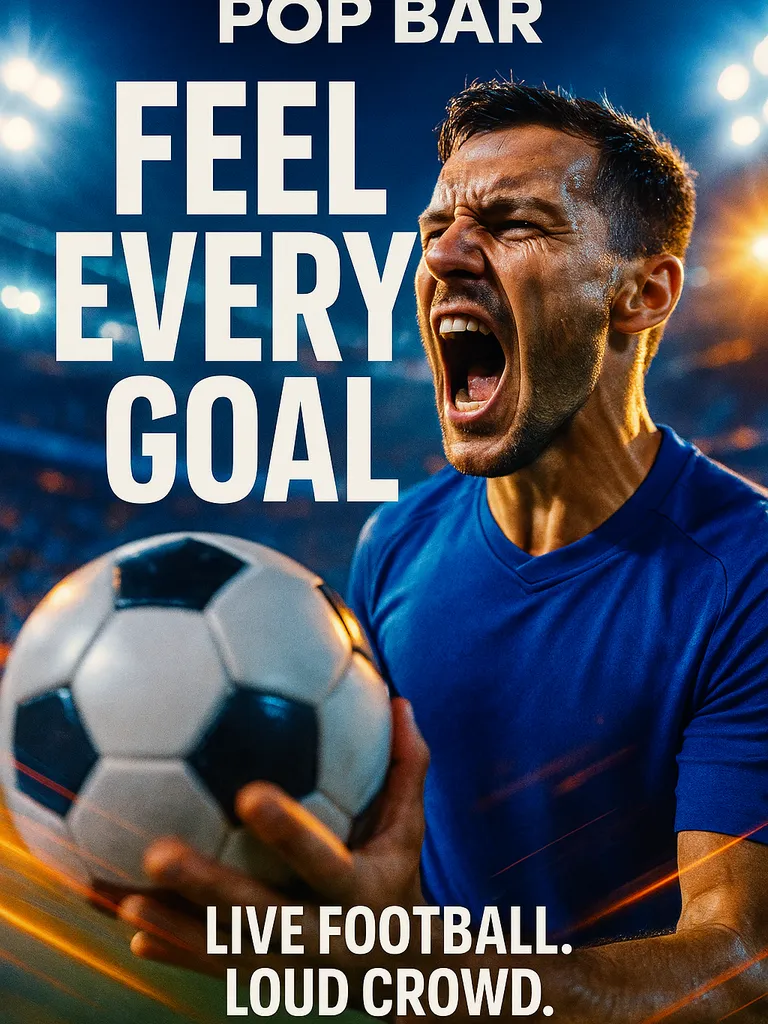
Create a blue soccer watch party poster for a bar, with a large headline, a player holding a soccer ball, and the bar name I provide.
Create a posterProvide the headline, dates, location, offer, and next action. Explain what viewers should notice first, then review the information hierarchy in the result.
Upload a logo, photos, or reference images, then describe the palette, mood, and visual emphasis you want to use.
Request changes to wording, colors, or layout. Mark a specific area in the image preview to make your instructions clearer.
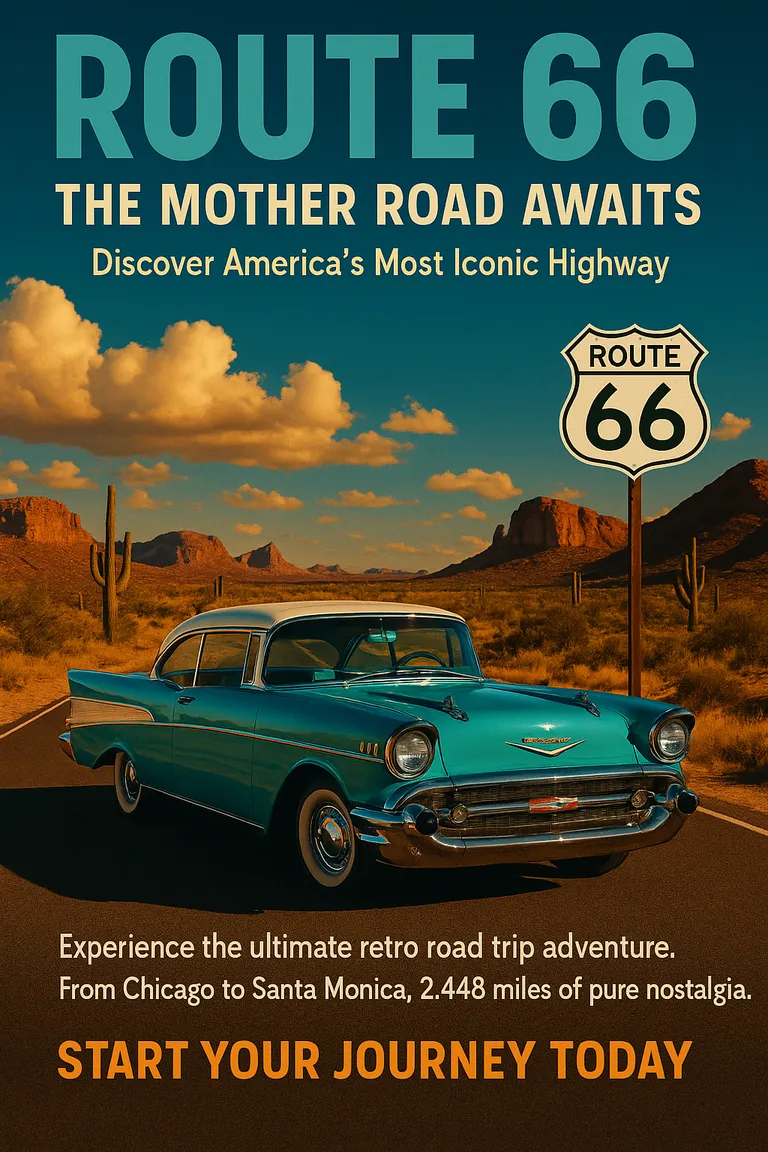
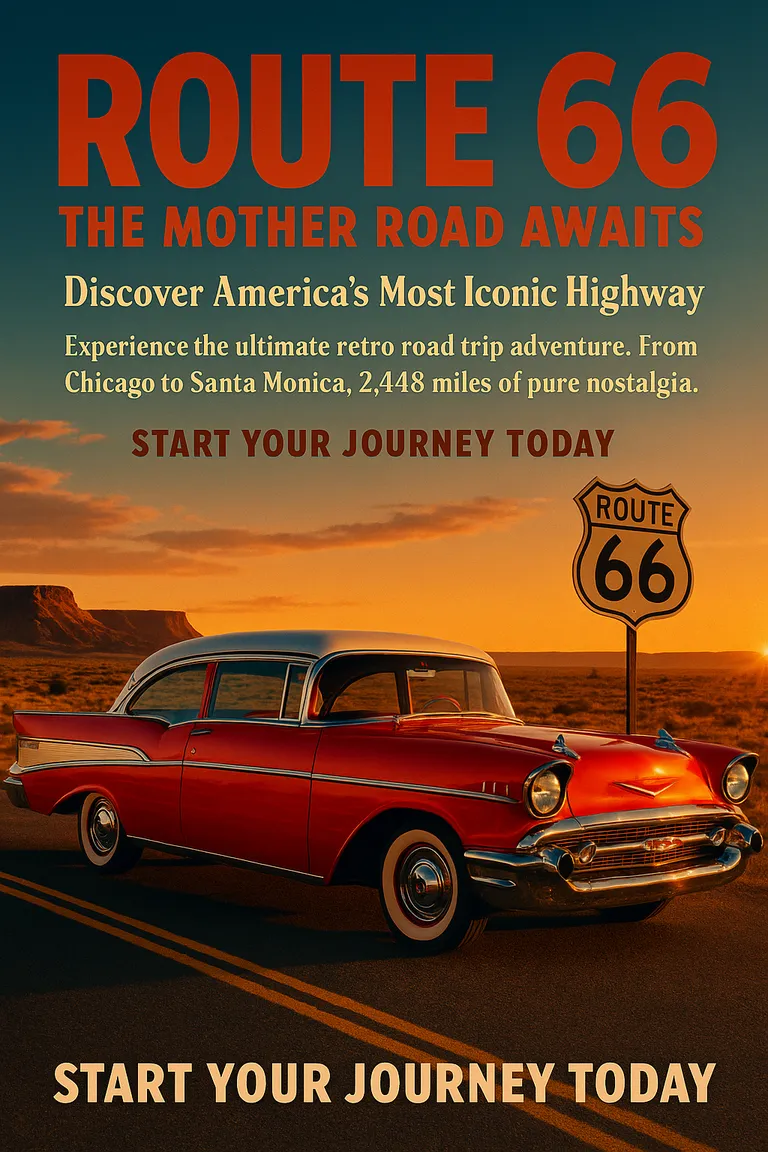
PagePop
Open the poster designer and provide the occasion, audience, headline, dates, location, and preferred style. Upload your own images or references if needed.
Check the composition and readability, then verify the wording, dates, location, and any prices against your brief.
Request text, color, or layout changes in the same chat. Review the revised poster and save your chosen image.
Download editable research poster templatesTwo blank PowerPoint layouts and a fictional filled example, with PDF previews.
Explore a festive event graphic made with PagePop:
Describe the purpose, audience, headline, and essential details such as dates and locations. Add a style reference if you have one, review the first image, and request changes in the same chat.
Yes. Upload them in the poster designer chat and explain which images, copy, colors, and style should guide the design. Supply the real QR code if needed and verify it in the result.
You can request a series using a shared theme, palette, and brand assets. Specify each poster’s copy, placement, and size, then review the images together for consistency.
In the same chat, describe the wording, position, colors, or visual emphasis to change. You can mark a specific spot in the image preview. Review the revised image and text before using it.
It creates poster images. Before saving, check the headline, dates, location, prices, QR codes, and image clarity. For printing, confirm the actual image dimensions meet your printer’s requirements.
Usage is subject to your account plan and available credits. Check the current pricing and your balance before starting.
Share your brief and start creating with your poster design assistant.
Create a posterExplore a more specific task with the same starting point.