What is Images 2.6? GIFs, reference photos, and a character loop example
Explore Images 2.6 GIFs, reusable reference photos, and API output limits. A blinking seed character shows how to preserve its appearance, plan motion, and check the loop.
OpenAI released Images 2.6 on November 4, 2026. For creators, two changes stand out: turning still images into short looping GIFs and reusing the same reference photo in later chats. The API also adds controls such as SVG output, which work differently from the ChatGPT interface. See the official announcement.
If you already have a shop character, an original mascot, or a character for reaction images, start with one small task: have the character pause, blink once, and return to its original expression. A simple action makes it easier to spot changes to the character or a jump where the loop repeats.
What's new and where you can use it
| Change | How it helps creative work | Limits to keep in mind |
|---|---|---|
| GIF creation and editing | Describe motion in words, or upload a still image to animate it | GIF creation is still rolling out in ChatGPT. You can edit GIFs it generated, but not existing animated GIFs you upload |
| Saved reference photos | Name a photo and use @name to refer to it in later chats | A reusable reference does not guarantee that character details will never drift |
| SVG output in the API | Generate static vector graphics with paths, shapes, and colors you can edit further | This is a generation endpoint capability, not a way to convert any photo into a vector without losing detail. The edit endpoint does not output SVG |
| Flare, Sunburst, and complexity in the API | Choose an approach based on iteration speed, visual detail, and scene complexity | Flare focuses on fast iteration; Sunburst focuses on detailed work. Complexity and image quality are separate settings, and the edit endpoint does not output GIFs either |
Start with a character image that is easy to keep consistent
For your first loop, choose a front-facing character with a clear silhouette, a simple background, and no complicated objects in its hands. Long text, intricate patterns, and obscured hands make the result harder to check. Settle the character's appearance before adding motion. Avoid changing its clothes, moving the camera, and changing its expression all at once.
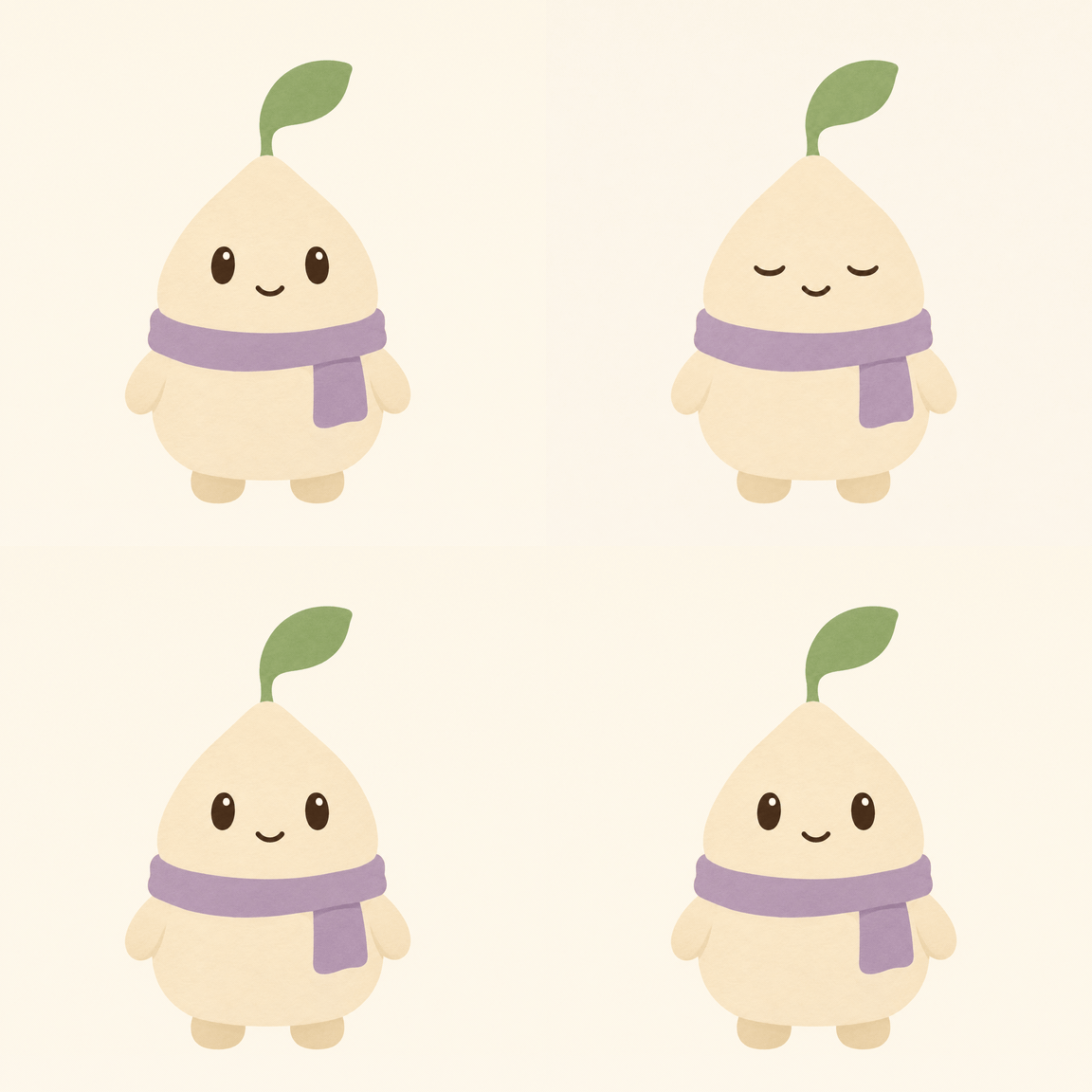
The seed character below illustrates a motion plan. The details to preserve are its cream-colored body, the single green leaf on its head, its purple scarf, and the scarf end hanging on the right side of the image.
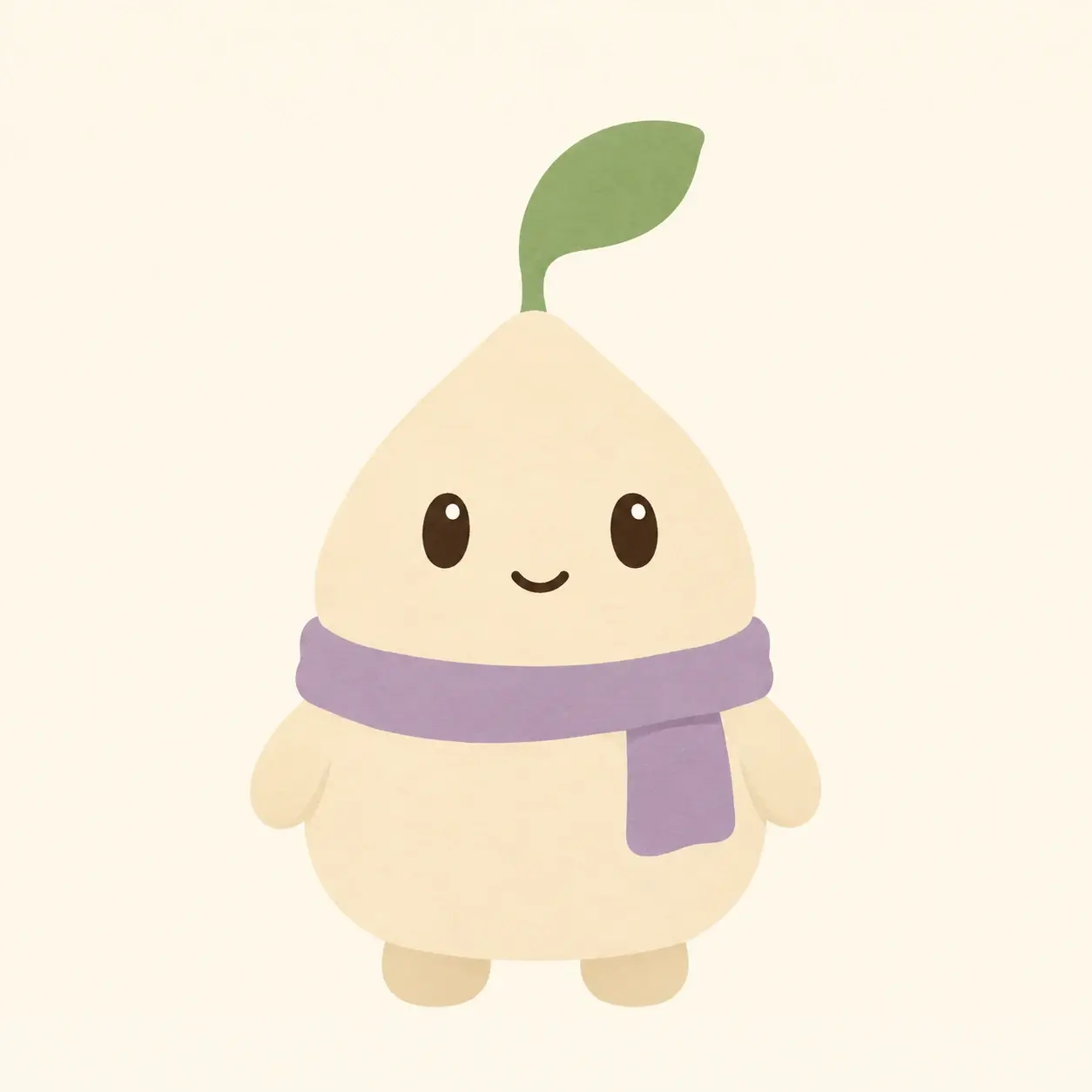
If you don't have a character image yet, describe its appearance, colors, and purpose in PagePop, then refine the reference image through conversation. Put the most important details into a clear prompt, for example:
Design an original seed character for social messages: a rounded cream-colored body, one sage-green leaf on its head, and a purple scarf. Use a fixed front view, with both arms resting naturally at its sides and a light cream background. Keep the eyes and smile clear. No text, props, or complex patterns.
Check whether you're happy with the still image first. If the scarf length, leaf direction, or eye positions are wrong, fix them before adding motion.
Turn “make it move” into a small loop you can check
For this reference image, the action has just three stages: eyes open, eyes gently closed, then eyes open again. The body, leaf, and scarf do not need to move, and the camera stays still.
Using this character image as a reference, create a seamless looping GIF lasting about 3 seconds.
Have the character hold its original open-eyed smile, blink briefly, then return to its starting expression.
Change only the eyelids. Keep the body silhouette, corners of the mouth, leaf shape and angle, scarf color, and scarf-end position consistent.
Keep the front view, framing, background, and lighting fixed. Do not move the camera or add props or text.
Keep the blink short and the open-eyed pause longer. Make the end of the loop connect naturally to the starting frame.
“About 3 seconds” is the pacing chosen for this example, not a fixed specification for every GIF. What matters is that the start and end of the action fit together: open eyes return to open eyes, a wave ends with the hand lowered, and a lifted cup can return to the table.
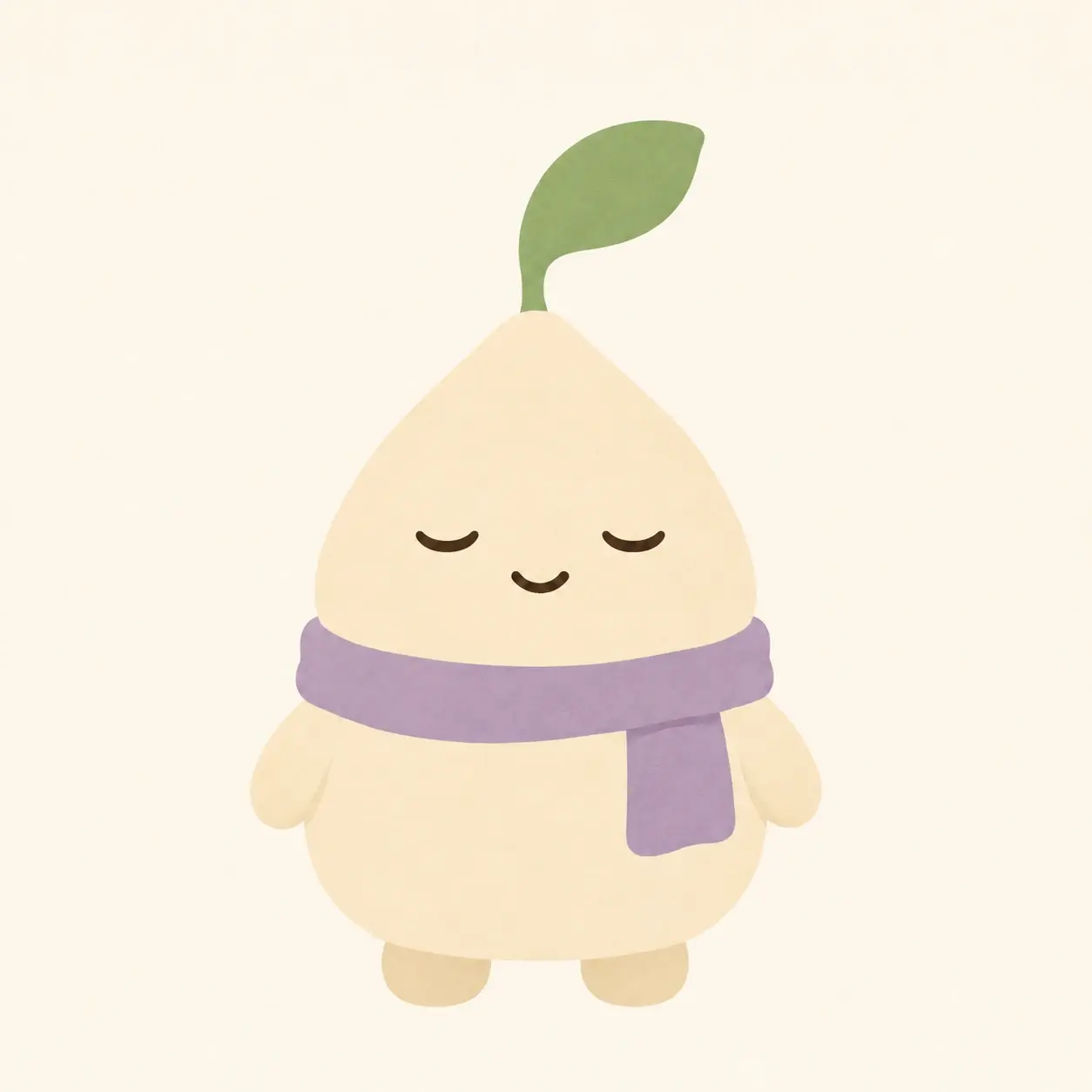
Joining the starting and closed-eye poses gives a minimal loop like the one below. Use it to observe the relationship between the pause, blink, and return:
To reuse the same reference photo in later chats, name it using ChatGPT's reference photo feature, then call it with @name. Reusing the same reference is more convenient than repeatedly writing a long description of the character, but you still need to check each result.
Watch the motion, then pause to check the details
Watch several loops in a row. Look for changes in the character's size, flashes in the background, or a sudden reset at the loop boundary. Then compare the open- and closed-eye images, checking the leaf, scarf, mouth, and body edges. A blink should not also change what the character is wearing or where it stands.
When something goes wrong, focus the revision on one issue:
- The blink looks like a nod: Keep the head outline and the nose and mouth positions fixed; close only the eyelids.
- The scarf changes: Return to the confirmed reference image and specify its color, knot position, and the direction of its hanging end.
- The loop jumps: Return to the starting pose at the end. Remove extra motion such as turning or camera push-ins first.
- The image never moves: Check that the delivered file actually contains animation. Then check whether the motion is too subtle or whether the result is only a still frame.
If you only need a set of static expressions, images of the same character in different poses may be enough. For a reaction image that repeats, add timing and a connection between the last and first frames. The two tasks need different checks. Get one small action working before adding waves, head turns, or interactions with props. That makes it easier to see what each revision actually improves.