
Recommended square
2048 × 2048 pxShopify’s product-image recommendation.
A practical guide for store owners
Start with 2048 × 2048 px for square product images, then check your gallery ratio and upload limits.
Compare square and portrait framing around the same product.
A square frame is a useful starting point for a consistent product grid.
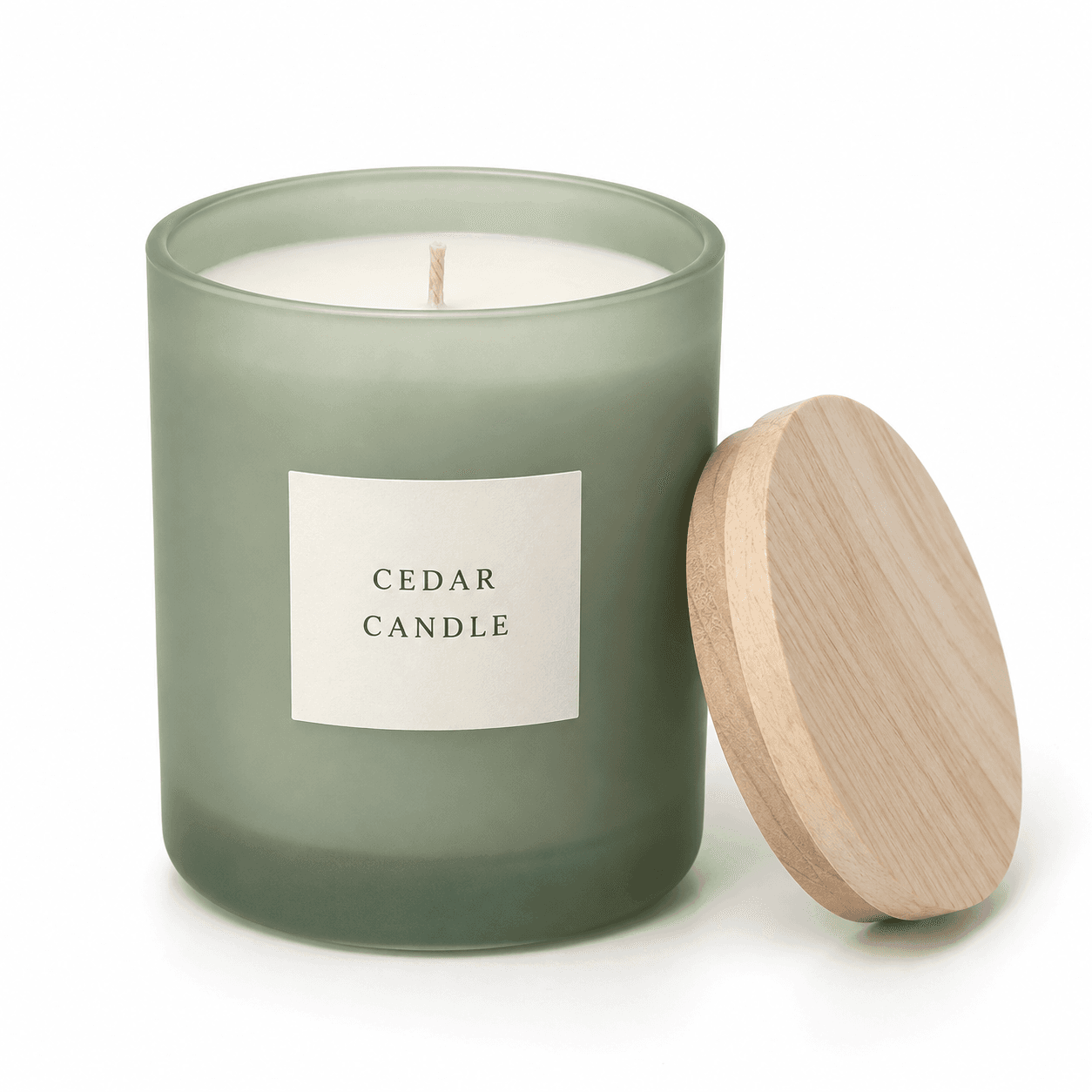
AI-generated gallery concepts. The images illustrate framing; inspect your own export dimensions before upload.
Shopify’s product-image recommendation.
An upload limit, not a target for every image.
Check the actual downloaded file before uploading.
Choose a consistent gallery shape first, then check the exported file. Pixel dimensions, file weight and the size shown by your theme are different things.
| Use or requirement | Dimensions or limit | What to do |
|---|---|---|
| Square product image | 2048 × 2048 px | Shopify’s recommended square starting point. Match the framing across your main images. |
| Portrait composition | 4:5 — for example, 1600 × 2000 px | Our layout suggestion for tall products. Check that your theme supports the intended crop. |
| Product image upload | Up to 5000 × 5000 px / 25 MP | This is an upload ceiling, not a target for every image. |
| Product image file | Smaller than 20 MB | Check the downloaded file’s properties before uploading. |
| Zoom source | More than 800 × 800 px | Shopify’s image-size guide gives this threshold. Zoom also depends on your theme and its settings. |
Product-media limits differ from theme-image upload limits. A larger pixel count does not correct a blurred reference or an inaccurate product detail.
Bring your product reference and preferred framing to the generator, then check the dimensions of the downloaded image.
Shopify recommends 2048 × 2048 px for square product images. Treat that as a useful starting point, then choose a consistent ratio and inspect how your theme presents the product.
Shopify’s product-media documentation lists up to 5000 × 5000 px, or 25 megapixels, with a file size smaller than 20 MB. These are upload limits, not a reason to export every image at the maximum.
Shopify product images can use other aspect ratios. Choose a consistent ratio for your main product images and check how your theme displays them. For portrait images, review the collection cards as well as the product gallery so important details remain visible.
Shopify’s image-size guide says images need to be more than 800 × 800 px for zoom. The theme must also support and enable zoom. Test the result with a detailed image; enlarging a blurry source will not recover missing detail.
The products may occupy different amounts of the canvas, or the theme may crop the images differently. Compare the product scale, surrounding space, alignment and theme ratio settings across the collection.
Use a product reference and describe the framing and visual style you need. Generate or refine the composition, then inspect the downloaded file. A size mentioned in a prompt is not a guarantee of the output dimensions. Resize the file if needed, then upload it manually to Shopify.