
AI Product Photography & Ecommerce Design
Create studio product photos, lifestyle scenes and detail views from your references. Build listing images, A+ modules and product-detail visuals in one chat.
Make the product easier to understand
View more examplesExplore listing image sets and product-detail visuals. Use your own reference photos to start a studio shot, a lifestyle scene or a complete ecommerce image set.

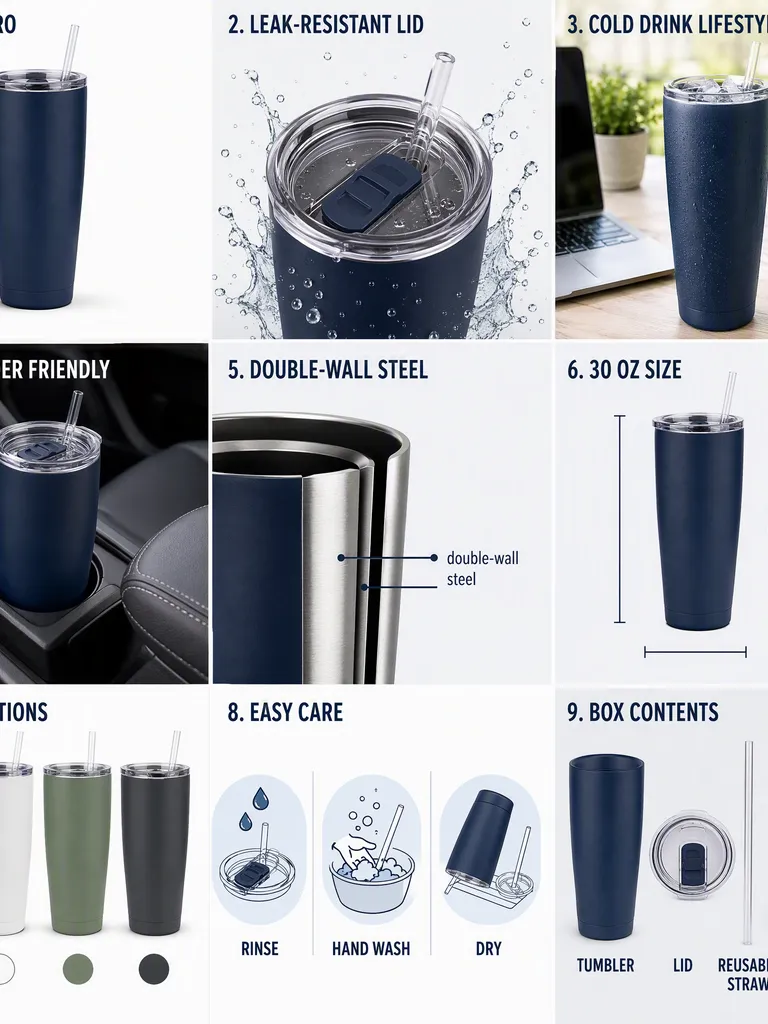
LumaMist Aroma Diffuser · 4-Screen Product Detail Page
Design product images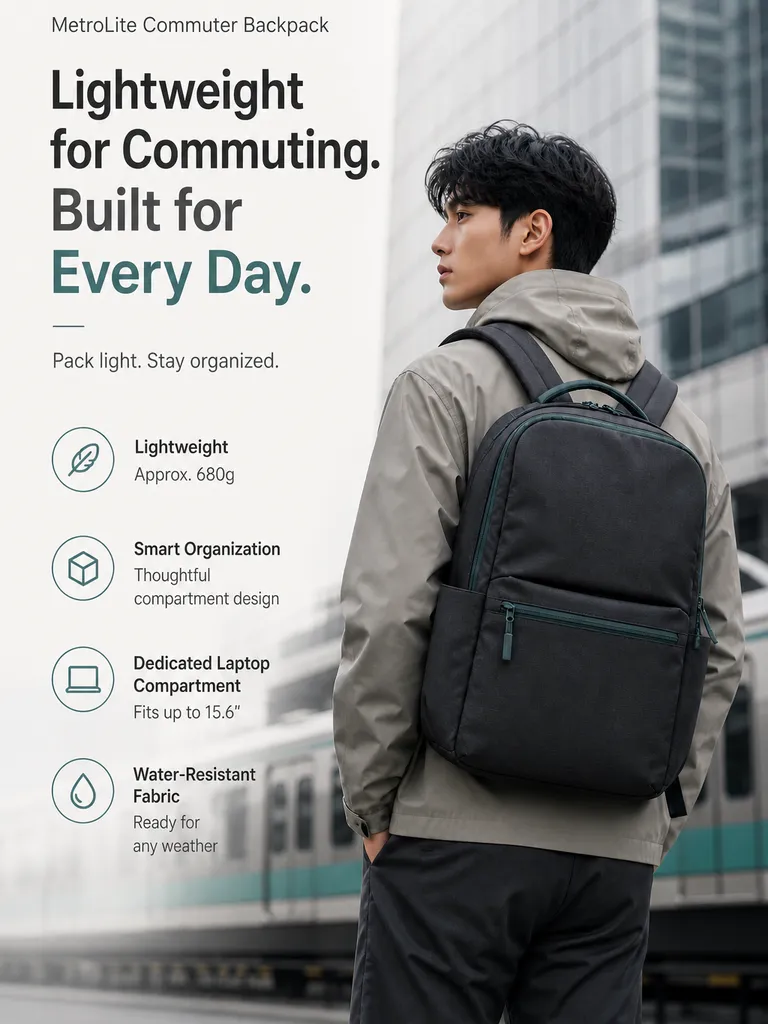
MetroLite Commuter Backpack · 4-Screen Detail Page
Design product imagesStart with product facts
Use your photos, specifications and verified selling points to guide the design.
Build a visual sequence
Develop main images, supporting images or A+ modules for the platform you specify.
Keep the set consistent
Refine colors, typography and composition across product detail sections.
Product Detail Page Designer
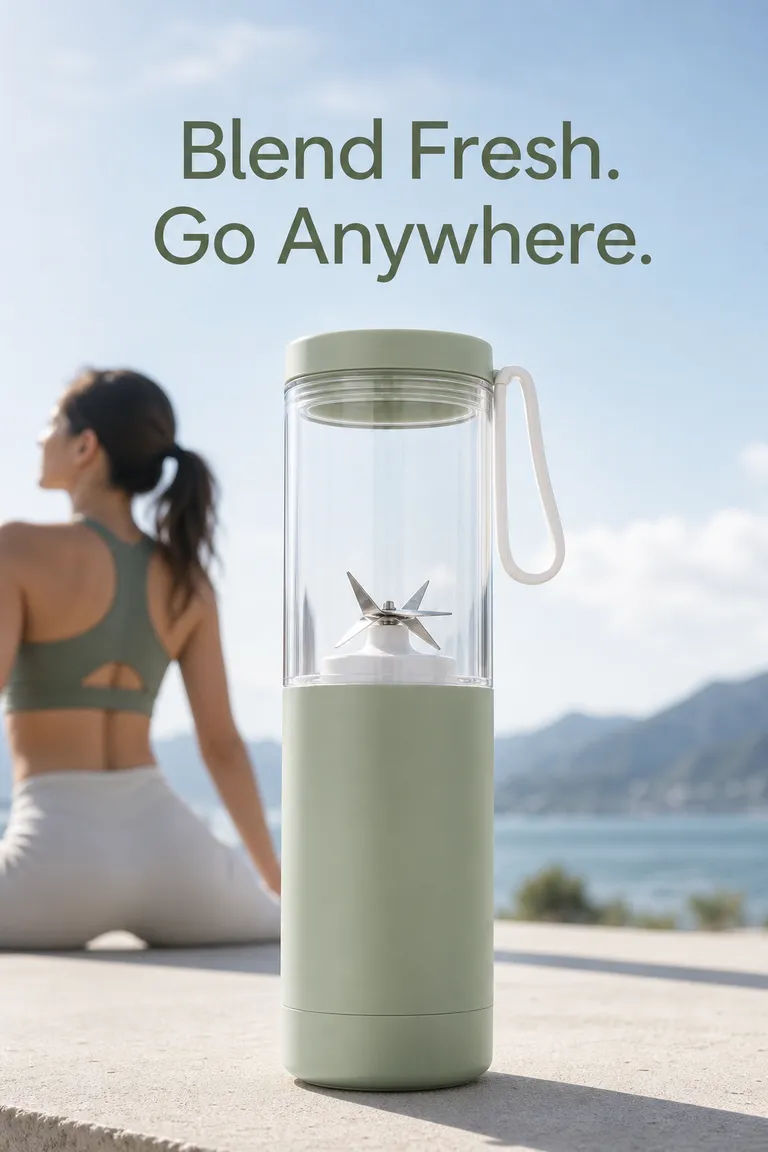
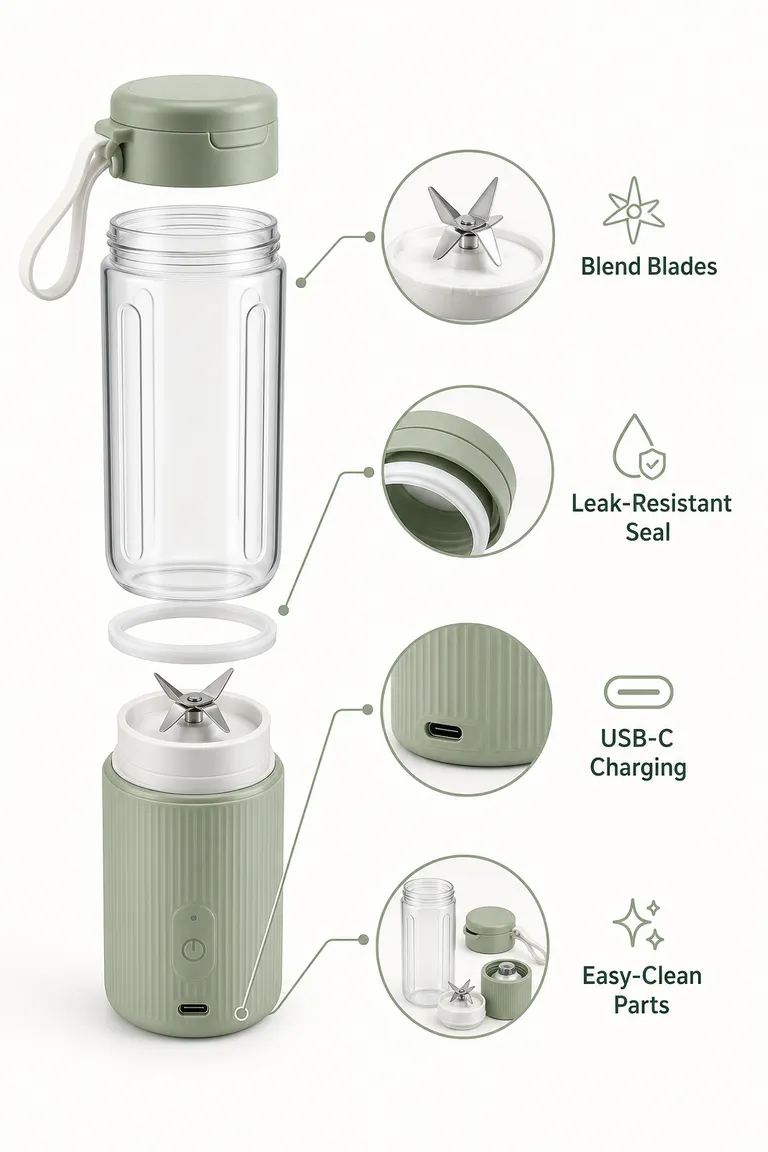
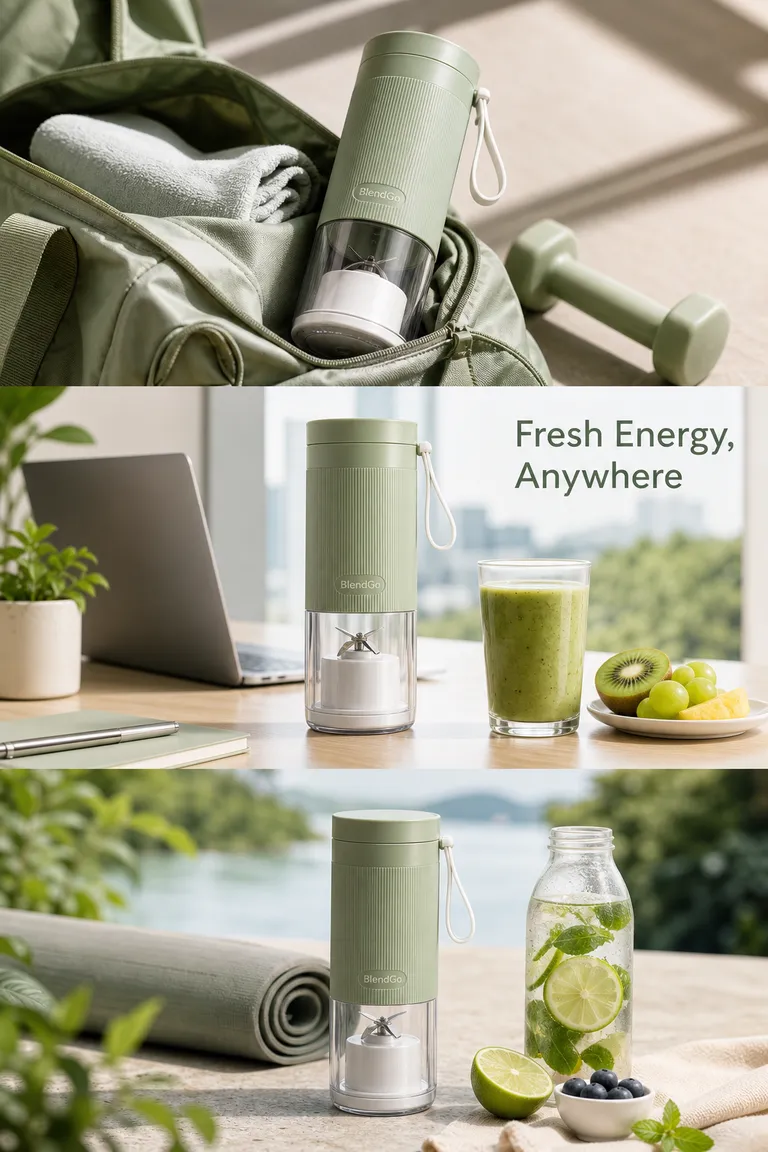
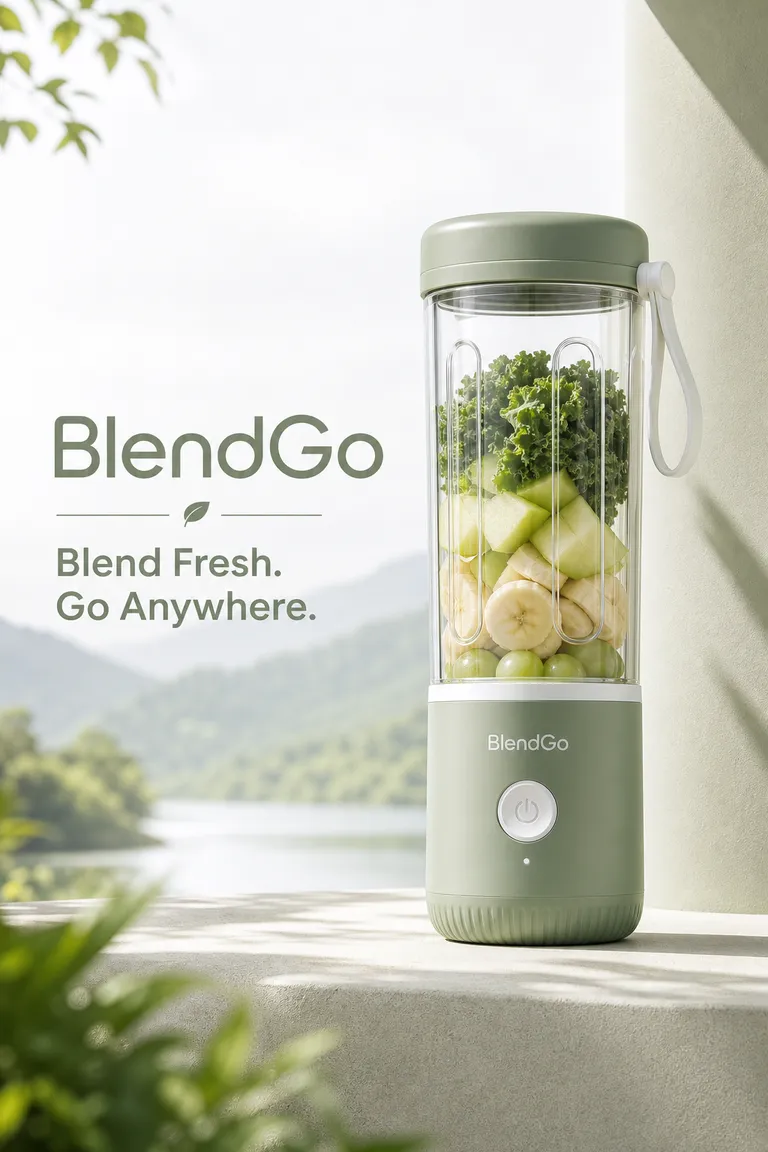
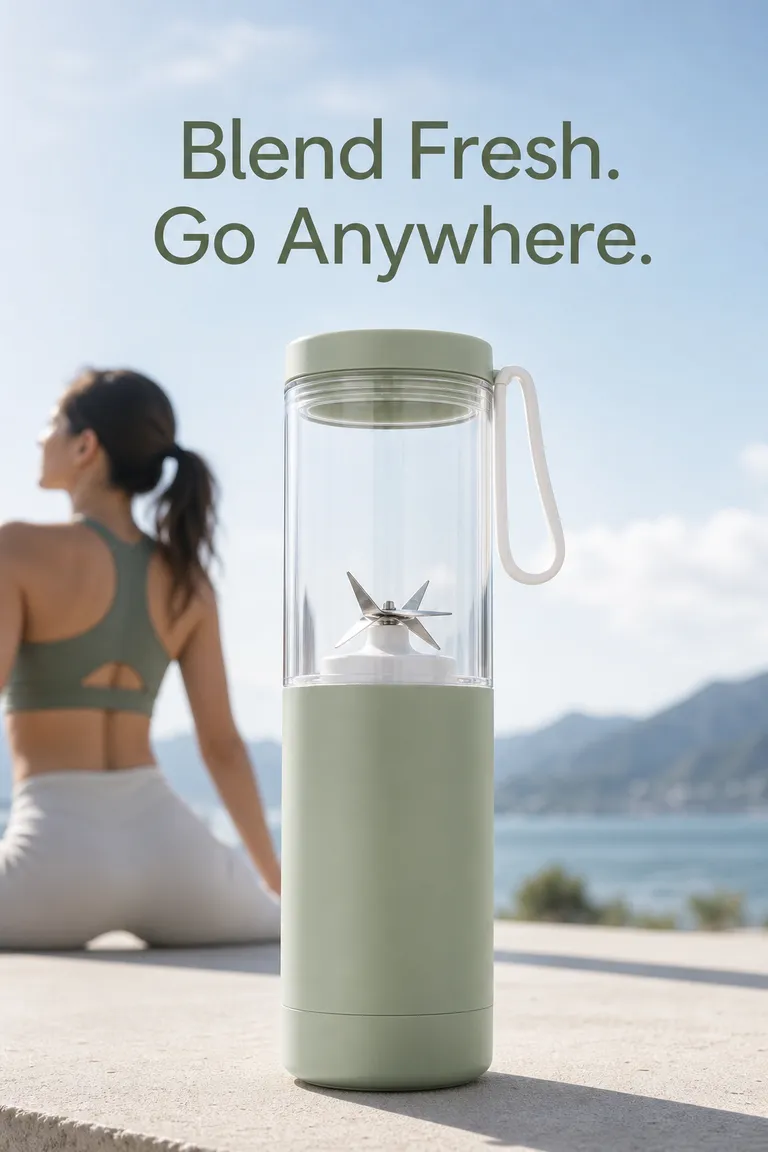
PagePop
From product photos to finished visuals
- 1
Share product references
Upload product photos and add label text, specifications, selling points and brand references. Choose the image type and its intended platform, market or campaign. Read the product catalog planning tutorial
- 2
Choose the shots and scene
Create a clean studio view, a lifestyle setting or a detail image. For a full listing set, add the main, supporting and A+ visuals or product-detail sections you need.
- 3
Refine and save
Ask for specific changes in the chat, review the result and save the version you want to use.
Explore seasonal product visuals made with PagePop:
Before you get started
What can I create?
Create studio product photos, lifestyle scenes and detail views from your references. You can also build main and supporting listing images, A+ modules and product-detail sections for the platform you specify.
What should I provide?
Share product photos, accurate specifications, selling points, the target platform and market, and any brand requirements.
Can I work from existing material?
Yes. Upload a product image and describe the background, lighting or composition you want. Add brand references or other product photos when you want a coordinated set or multiple products in one scene.
What will I receive?
You receive generated product visuals. Confirm dimensions and the required image set in the chat, then review the result against your platform requirements.
Can I ask for changes?
Yes. Describe what you want to adjust, such as wording, colors or composition, and continue in the same chat.
How do credits work?
Credit use depends on the task and tools used. Check the current pricing and your account before starting.
Related professional scenarios
Shopify Product Image Generator
Create product images for your Shopify store from a reference photo. Explore clean shots, lifestyle scenes and detail views, then refine and download.
Shopify Product Image Size Guide
Choose Shopify product image dimensions, check upload limits and plan a consistent gallery. A practical guide to square images, zoom and mobile previews.



Give your product a clearer story
Tell the assistant what you have in mind and start with a clear brief.
Design product imagesMore ways to make it yours
Explore a more specific task with the same starting point.