
Let the story guide the cover
Share a synopsis, genre and audience. Shape the focal image, mood and composition around the book you are writing.
Turn your story, genre, title and author name into a book cover with AI. Add a reference, shape the typography, and refine the design in the same conversation.
Choose a brief and replace the bracketed details with your story and exact wording. Edit the draft before starting; add reference artwork in the workspace when you want to use it.
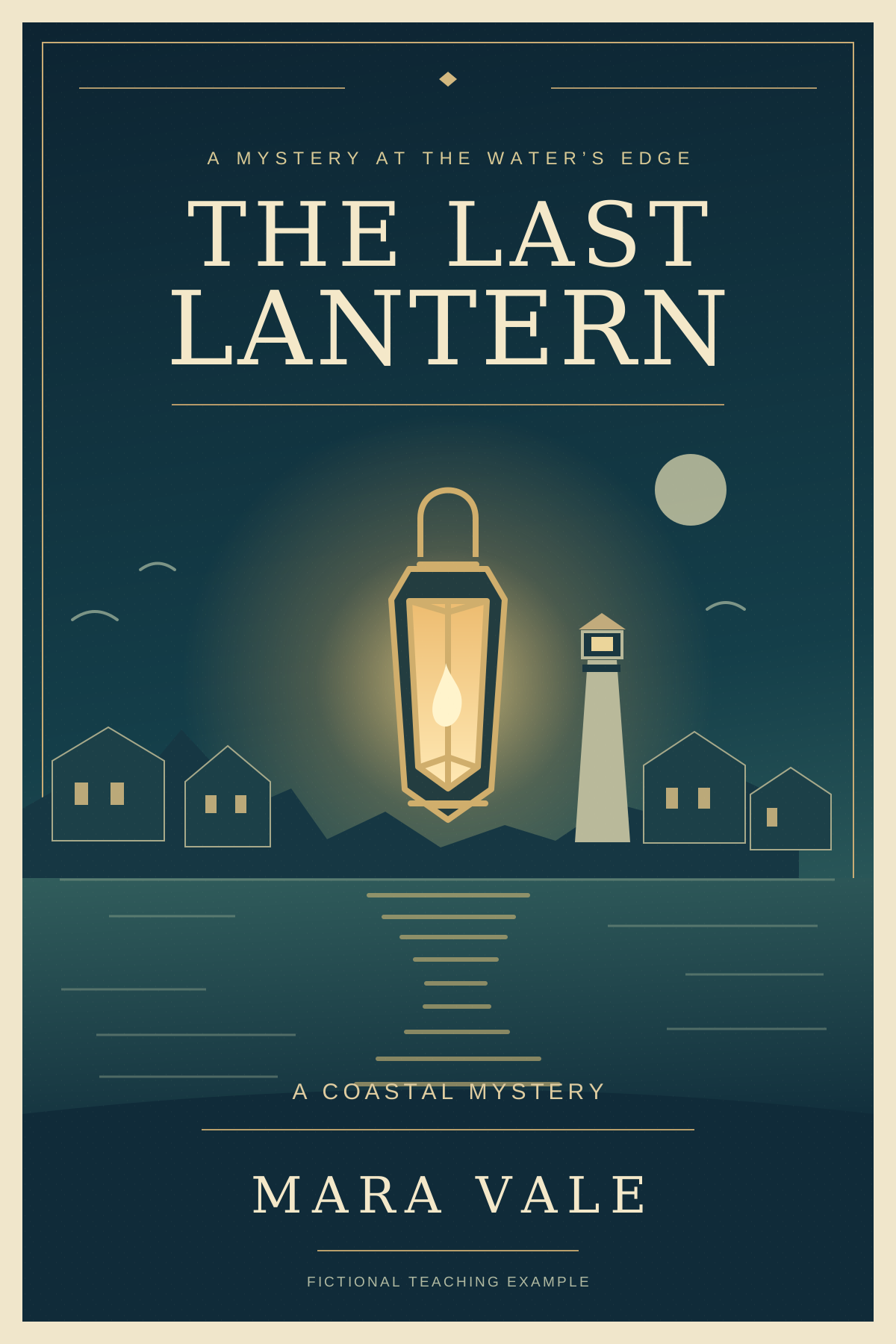
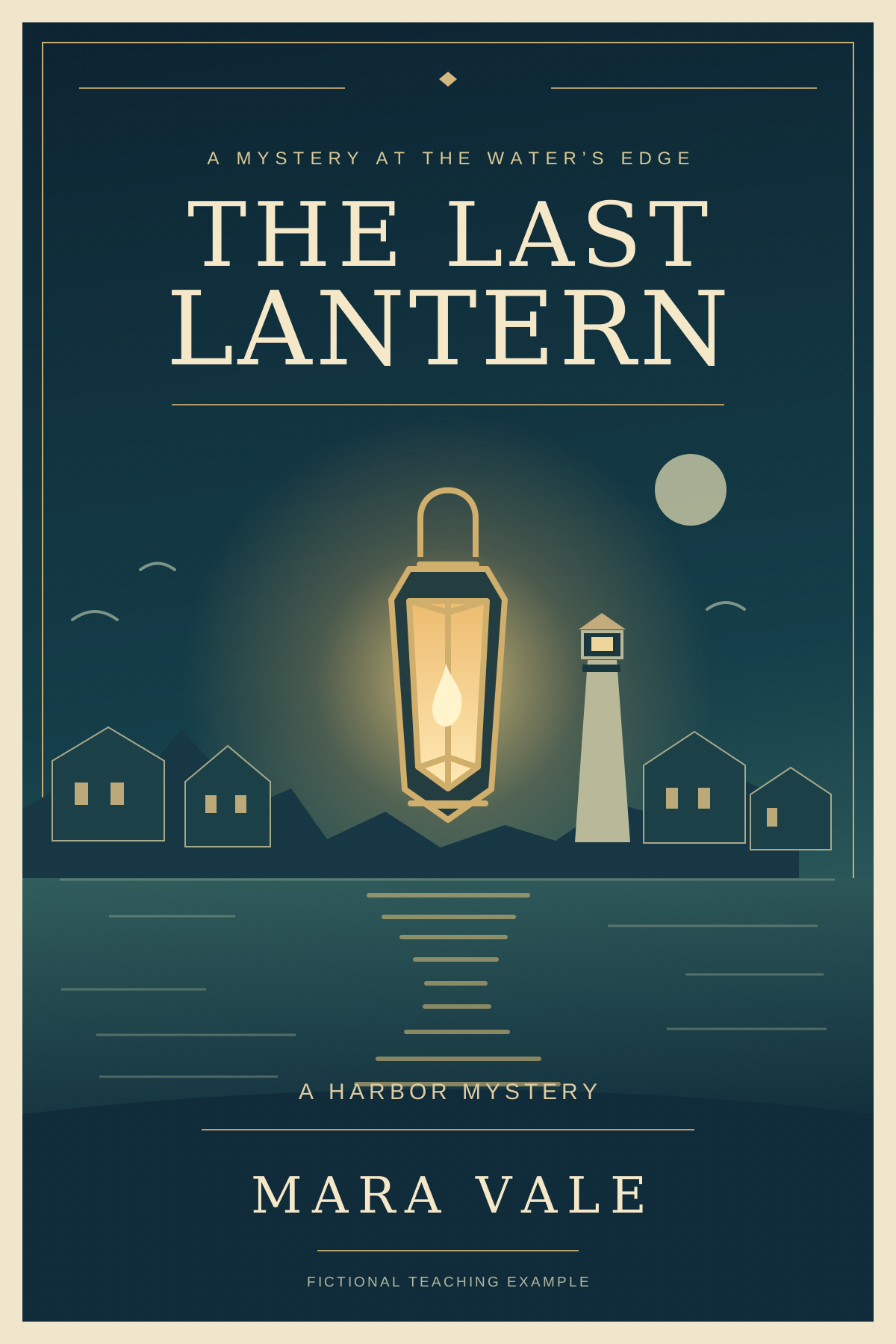
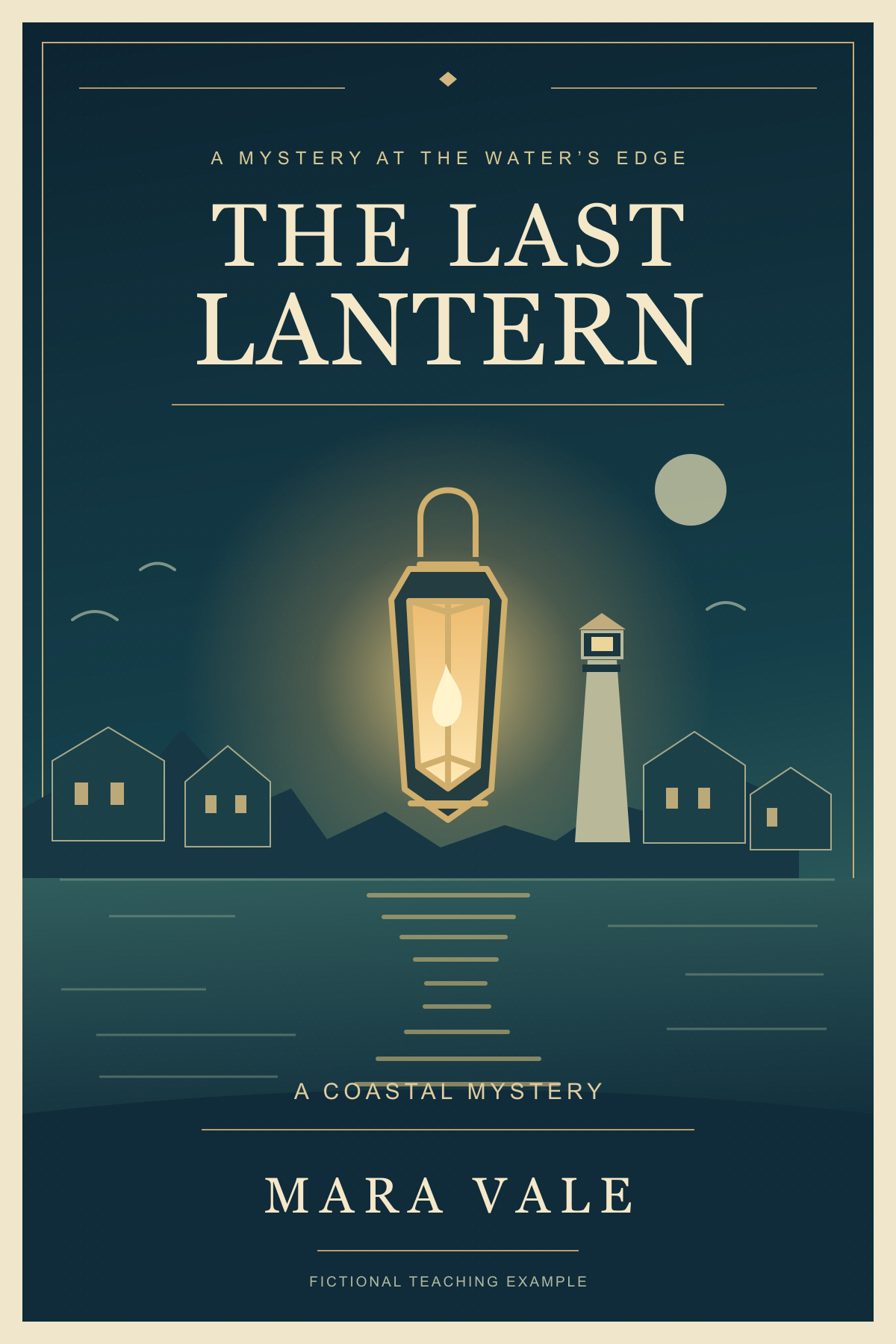
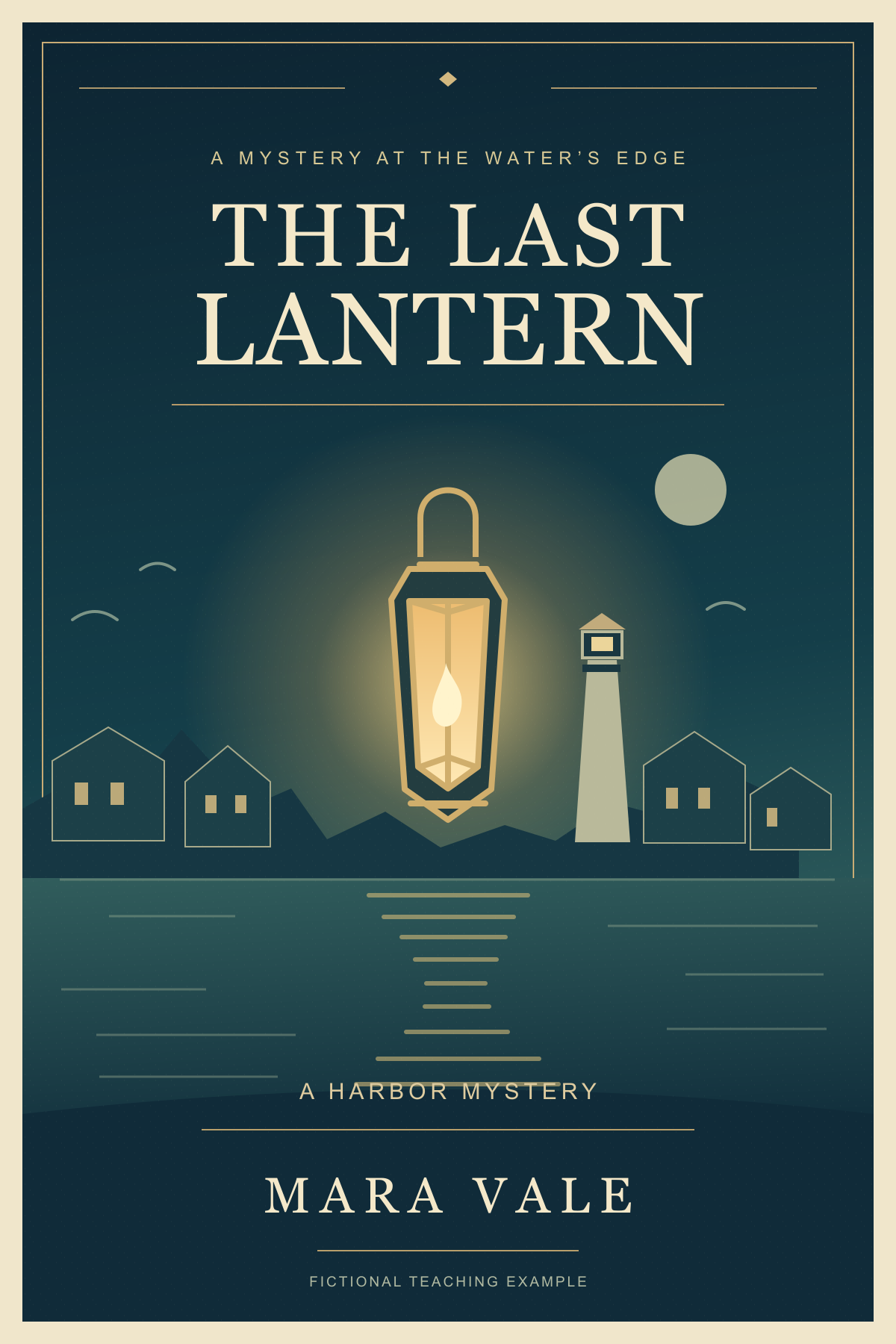
See a complete cover and one focused revisionExplore a fictional cozy mystery with a complete front-cover composition, then compare a revision that preserves the title, author, artwork and other wording.
Original authored reference for a fictional teaching example. It is not a recorded PagePop generation or a customer result.
The two covers below were authored by hand for this lesson. Use the source brief to explore your own cover, or download the original and try the subtitle revision. A brief choice fills your draft; attach the reference image when revising it.
| Text | Original | After the revision |
|---|---|---|
| Title | THE LAST LANTERN | THE LAST LANTERN |
| Subtitle | A COASTAL MYSTERY | A HARBOR MYSTERY |
| Author | MARA VALE | MARA VALE |
| Tagline | A MYSTERY AT THE WATER’S EDGE | A MYSTERY AT THE WATER’S EDGE |
Create a complete portrait front cover for this fictional cozy mystery. Book title: THE LAST LANTERN. Author: MARA VALE. Subtitle: A COASTAL MYSTERY. Small tagline: A MYSTERY AT THE WATER’S EDGE. Story: A retired mapmaker returns to a quiet harbor town after its old lantern keeper disappears. Each evening, one warm light reveals a clue along the waterfront. Use a midnight-blue and muted-teal harbor with an amber lantern, a quiet lighthouse and restrained illustrated details. Set the exact title and author clearly, with a strong reading order at thumbnail size. Keep the cover focused on this one story; include no other book or author names. Produce the complete front-cover design with artwork and typography.Download creation brief / TXT
In this book cover, change only the subtitle A COASTAL MYSTERY to A HARBOR MYSTERY. Preserve THE LAST LANTERN, MARA VALE, all other wording, the harbor illustration, colors, composition and portrait proportions. Keep the replacement subtitle centered and readable.Download revision brief / TXT
Share a synopsis, genre and audience. Shape the focal image, mood and composition around the book you are writing.
Provide the exact title, subtitle and author name. Bring the artwork and typography into a clear reading order, including a small thumbnail view.
Change a subtitle, adjust the palette or replace one visual element. Name the details to preserve so the next version stays connected to your chosen direction.
Bring the story, choose a direction and refine the image.
Add your synopsis, genre, audience and exact title and author name. Include a subtitle or reference artwork when you want it in the cover.
Generate the complete front cover. Review its main image, typography and reading order against your brief, including how the title looks at a smaller size.
Ask for a focused wording, color or layout change in the same conversation. Preserve the parts you like, then download your selected front-cover image.
Choose Use my story and replace the bracketed details with your title, author, genre and synopsis. Describe the mood or main visual you want, then create and refine the cover in PagePop.
Yes. Supply the exact wording, including capitalization and punctuation. Ask for readable typography and review each word in the cover. You can request a change to one text area while preserving the rest of the design.
Yes. Choose Use my artwork, attach your image in the workspace and describe the details to retain or change. Add the exact book wording and the visual direction you want for the complete cover.
Provide the current and replacement wording and identify the subtitle area. Ask to preserve the title, author, artwork and layout. The teaching example above changes only A COASTAL MYSTERY to A HARBOR MYSTERY.
The fictional story and covers were prepared by hand as teaching material. The editable SVGs, PNGs and exact briefs show a complete design and a focused revision. They are not a recorded PagePop generation or a customer result.
Sign in to use the workspace. Generation follows your current plan and available credits. You can review the teaching examples and prepare your brief before starting. View plans and credits
Edit text in an image, replace backgrounds, or remove objects with AI. Upload your image, describe the change, then review and refine the result.
Create event, product launch, and promotional posters with AI. Add copy and references, then refine text, colors, and layout in the same chat.
Start with your words and shape the visual direction together.