
AI sales one-pager maker
Put a product, service, or software pitch on one page. Give PagePop the audience, benefits, and verified details, then refine the sales sheet in chat before sharing it.
What sales sheets can you make with AI?
Use one page to show buyers the offer, the facts they need, and what to do next.
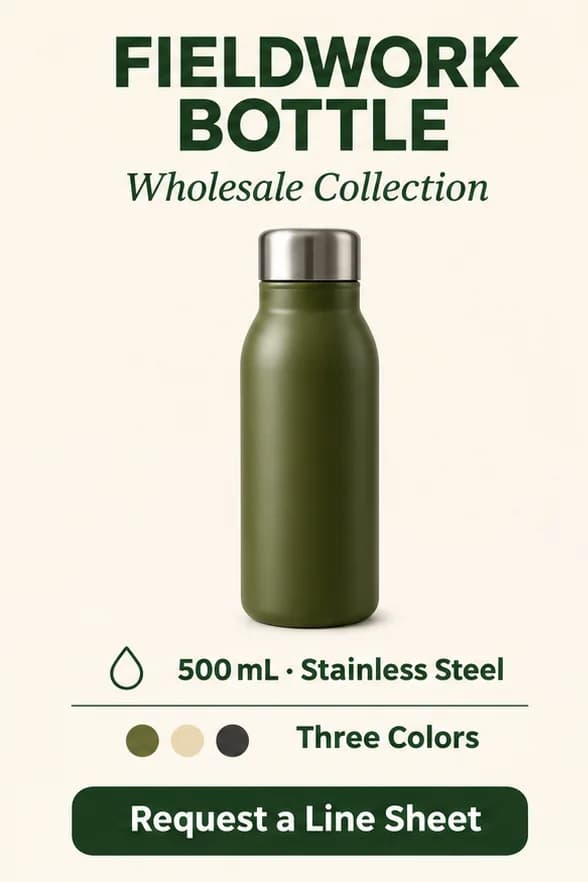
- Retail and wholesale sell sheets
- Highlight one product, with a photo, verified specs, and a way to ask about orders.
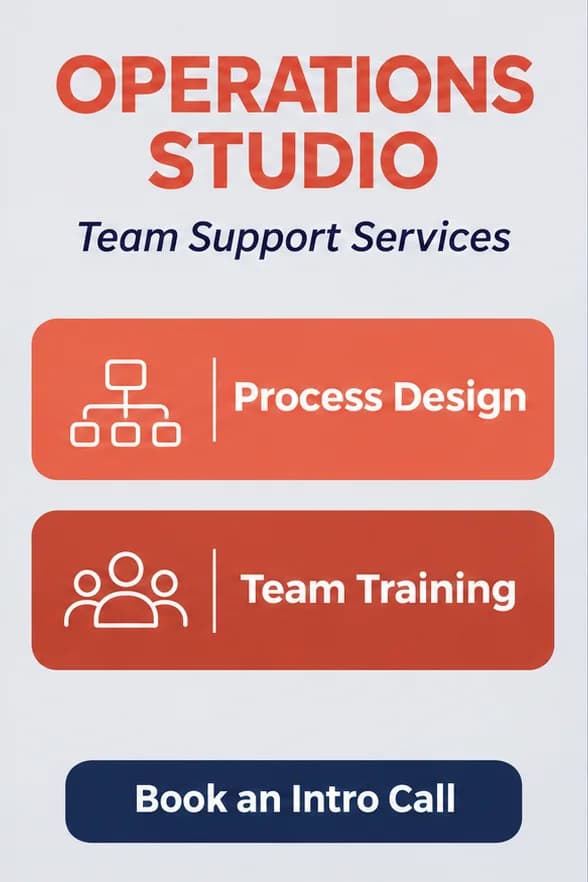
- B2B service pitches
- Present the customer problem, service scope, deliverables, and a clear next step.
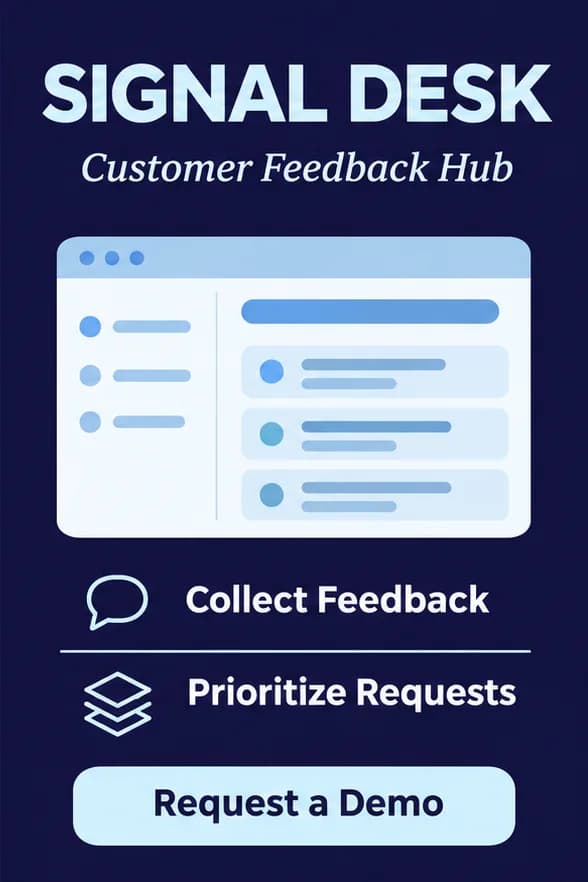
- Software product briefs
- Show the main use case, features, and how to request a demo. Use only customer evidence you can verify.
Sales one-pager design examples
How to make a sales one-pager with AI
If you need an editable file, ask for a Word document. For sharing, use the formats available on your result.
Describe what you need
Enter the buyer, offer, main benefits, verified specs or evidence, and the next step. If you have a logo, a photo, or a style reference, choose “Add material” to take your draft into chat and upload it.
Generate and refine
For a text-only request, select “Create a sales one-pager” on this page. If you added material, send the request from chat after uploading. Review the result in that conversation.
Check and download
Check the specs, claims, contact details, and call to action. Open the finished result and use its download option.
Why use PagePop to make a sales one-pager?
Focus the page on what a buyer needs to understand and decide.
Put the offer on one page
Organize the headline, product or service details, benefits, and call to action into a layout buyers can scan.
Work from your materials and a style reference
Upload your product photos, logo, or existing sales materials and an example image. Tell PagePop which assets to include and which details, such as colors or layout, are for style reference.
Adapt the pitch to the audience
Use the same verified facts and ask for a version for a retailer, procurement lead, or operations team.
Revise the pitch in the same chat
Ask to shorten the headline, reorder the benefits, or bring the contact information forward while preserving your facts.
Mark the exact spot in an image preview
If your result is a design image that supports marking, click the area in its preview and send the note with your request. For a document, name the section in chat.
Prepare material for the next conversation
Download the result to attach to a follow-up email or to share with your team for review.
Sales one-pager FAQ
What should a sales one-pager include?
A focused problem statement, a clear offer, a few relevant benefits, supporting evidence, and one next step are a useful structure. The balance depends on the audience and whether the page introduces the offer or follows a conversation.
Can I personalize it for different buyer roles?
Yes. Provide the same verified offer details and explain each audience’s priorities. Ask for changes to the problem framing, benefit order, examples, and call to action while keeping the underlying facts accurate.
What if I do not have customer results yet?
Use accurate product capabilities, process details, or demonstrations you can substantiate. Explain that results are not available and ask for a capability-led page rather than invented metrics, testimonials, or customer logos.
Can I use it after a sales call?
Yes. Provide the topics discussed and the buyer’s stated priorities, with any sensitive information removed from the material you share. Ask for a concise leave-behind that reinforces the relevant offer and agreed next step.
Does this find prospects or send outreach?
This task creates the sales document. Prospect discovery, contact enrichment, CRM updates, and outbound messaging are separate activities and are not part of a one-pager generation request.
How do I ask for a change?
Stay in the same chat and explain the change and what should stay. Keep the product details and move the demo request higher. For a design image with marking enabled, you can point to the area in its preview.
Make your sales one-pager
Enter your offer and buyer details to create a sales sheet you can share.
Create a sales one-pager