
AI certificate maker
Make course certificates, achievement awards, and volunteer recognition certificates. Enter the recipient, issuer, date, and style to create a draft you can refine in chat.
What certificates can you make with AI?
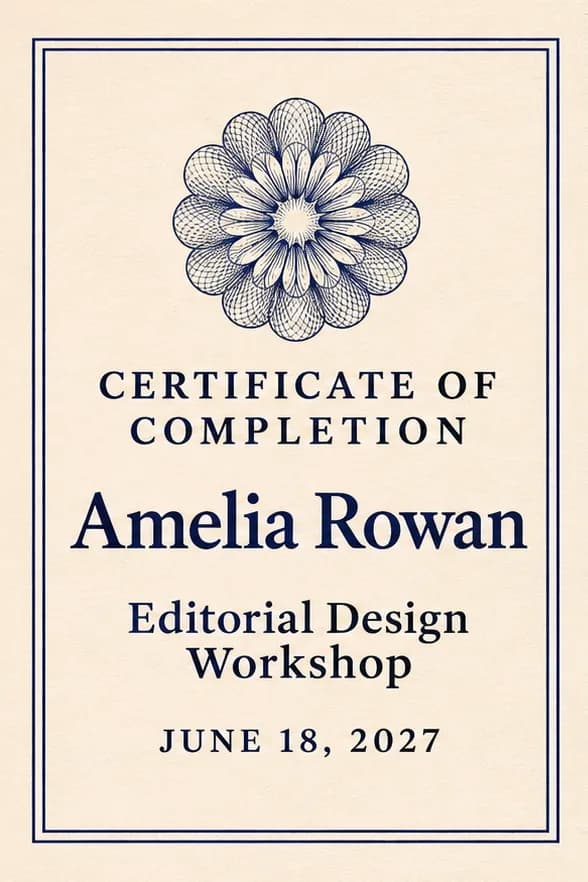
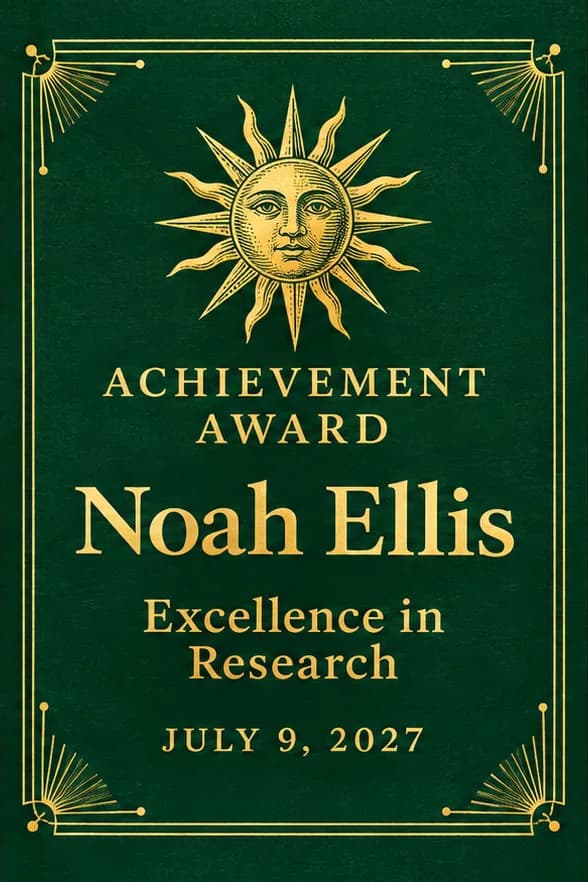
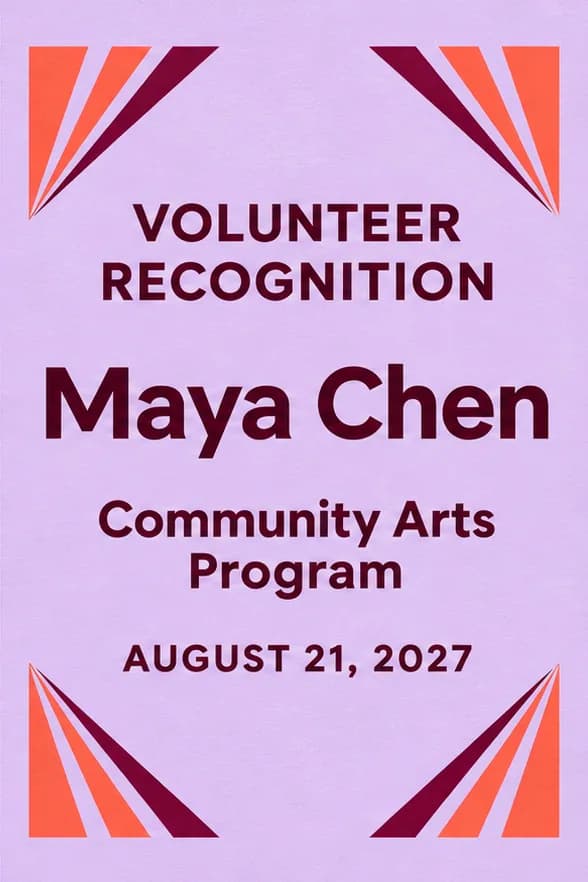
Design certificates for training, achievement, and participation with the names and wording you supply.
- Course and training certificates
- List the course, recipient, training hours if relevant, and completion date.
- Awards and recognition
- Show the achievement, award category, issuer, and the recipient’s name.
- Volunteer and event certificates
- Thank volunteers or recognize event participation with a short note about their contribution.
Certificate design examples
How to make a certificate with AI
If you need an editable file, ask for a Word document. For sharing, use the formats available on your result.
Describe what you need
Enter the recipient’s exact name, reason for the award, issuer, date, and preferred style. If you have a logo, a photo, or a style reference, choose “Add material” to take your draft into chat and upload it.
Generate and refine
For a text-only request, select “Create a certificate” on this page. If you added material, send the request from chat after uploading. Review the result in that conversation.
Check and download
Check the recipient, issuer, date, and award wording against your source. Open the finished result and use its download option.
Why use PagePop to make certificates?
Build a certificate around the details that make each award meaningful.
Start with the award details
Turn the name, award wording, date, and issuer into a first layout without building the page from scratch.
Work from your materials and a style reference
Upload your logo, authorized signature artwork, or background and an example image. Tell PagePop which assets to include and which details, such as colors or layout, are for style reference.
Keep the layout consistent across names
Provide a confirmed list and ask for the same layout with a different name on each certificate. Check long names and each file before distribution.
Revise the wording without starting over
Ask in the same chat to enlarge a long name, change a date, or shift the issuer line while keeping the other details.
Mark the exact spot in an image preview
If your result is a design image that supports marking, click the area in its preview and send the note with your request. For a document, name the section in chat.
Download the version you need
Ask for a design image for quick sharing or a Word document if the wording needs to stay editable.
Certificate design FAQ
Does PagePop issue accredited credentials?
No. This task creates certificate artwork and documents. It does not accredit a course, establish professional qualifications, or verify a recipient’s completion status.
Can I make certificates from a list of names?
Yes. Provide a confirmed roster with one intended recipient per row and specify the shared wording. Review duplicates, missing fields, and the output checklist before distribution.
Can I include a signature or organization seal?
Upload only assets you are authorized to use and explain their placement. You can instead request blank signature lines. The design should not invent signatures or accreditation marks.
How are unusually long names handled?
Ask to test the longest name in a sample first. Review font size and spacing so the certificate stays readable without changing the name or dropping a part of it.
Can the certificates be printed?
Request a paper size and PDF delivery, then inspect the exported files at that size. Confirm margins and any specialty paper or commercial-print requirements with your printer.
How do I ask for a change?
Stay in the same chat and explain the change and what should stay. Keep the award wording and move the recipient name up. For a design image with marking enabled, you can point to the area in its preview.
Make your certificate
Enter the award details and preferred style to create a certificate you can review and share.
Create a certificate