
AI brochure maker
Create a brochure for a product, destination, or business service. Share your content, audience, and format, then refine the layout and wording in the same chat.
What brochures can you make with AI?
Plan content for a folded leaflet or a multipage brochure around what your reader needs first.
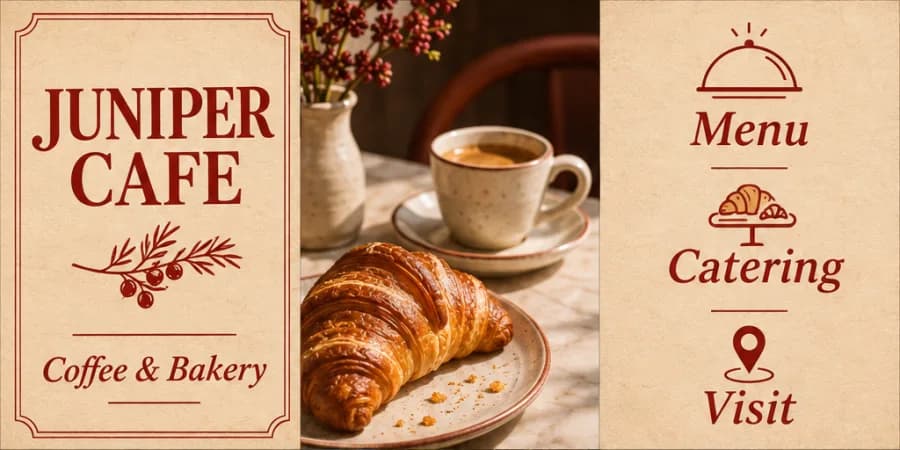
- Café and shop trifolds
- Use separate panels for the story, menu or offers, opening hours, and contact details.
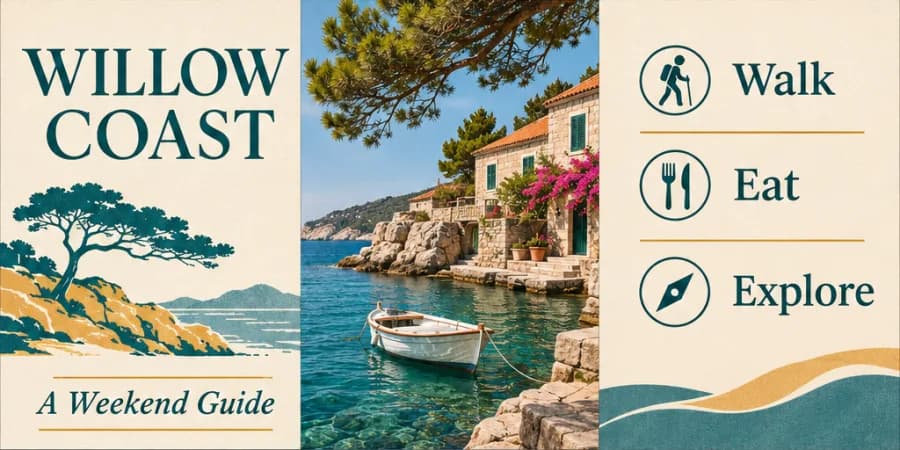
- Travel and destination guides
- Highlight key sights, a short itinerary, and visitor information in reading order.
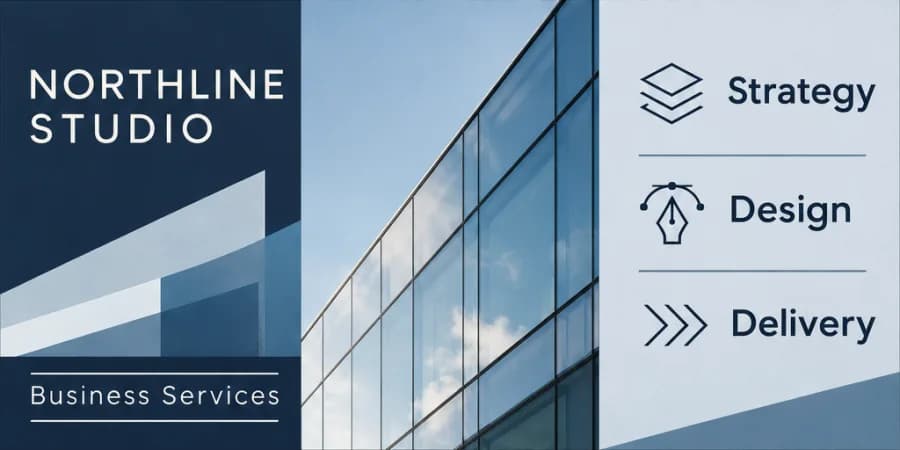
- Business and service brochures
- Arrange service options, process, and contact information into clear pages or panels.
Brochure design examples
How to make a brochure with AI
If you need an editable file, ask for a Word document. For sharing, use the formats available on your result.
Describe what you need
Enter the audience, main points, desired style, and number of pages or panels. If you have a logo, a photo, or a style reference, choose “Add material” to take your draft into chat and upload it.
Generate and refine
For a text-only request, select “Create a brochure” on this page. If you added material, send the request from chat after uploading. Review the result in that conversation.
Check and download
Check page or panel order, prices or hours if included, and contact details. Open the finished result and use its download option.
Why use PagePop to make a brochure?
Turn existing material into a brochure with a clear cover, reading order, and next step.
Plan the pages around the content
Enter your format and main points, then ask PagePop to organize them by panel or page.
Work from your materials and a style reference
Upload your logo, product photos, or an existing brochure and an example image. Tell PagePop which assets to include and which details, such as colors or layout, are for style reference.
Choose a format for how people will read it
Tell PagePop whether the brochure will be folded, sent digitally, or read as a multipage document.
Revise one panel at a time
Ask in chat to shorten a section, change the cover image, or reorder the panels while keeping approved details.
Mark the exact spot in an image preview
If your result is a design image that supports marking, click the area in its preview and send the note with your request. For a document, name the section in chat.
Review before sharing or printing
Check the page order, text size, and contact information. For print, confirm dimensions, margins, and folds against the printer’s requirements.
Brochure design FAQ
Can I make both folded and multipage brochures?
Yes. Specify the format, dimensions, and page or panel count. For a folded brochure, describe the fold type so the panel plan can reflect the physical reading order.
Can I start from existing product or service text?
Yes. Provide the source content and identify the intended audience and brochure purpose. Ask for concise copy that preserves the facts while removing repetition and adapting the structure to the available space.
Is the result automatically print ready?
The brochure can be developed for your intended print format, but inspect the actual output and confirm the printer’s size, bleed, margin, color, and file requirements before production. A visual layout alone does not establish those specifications.
What should I provide for a trifold brochure?
Give the overall size, fold type, six-panel content priorities, essential copy, photos, and contact details. Ask for the cover, back, and inside panels to be identified so the physical reading order is clear.
Can I use the same brochure for digital sharing?
Yes. Explain that use in the brief. A digital document may need a different reading sequence from a folded print piece, so request a dedicated digital arrangement when the panel order would be confusing on screen.
How do I ask for a change?
Stay in the same chat and explain the change and what should stay. Keep the page order and shorten the services section. For a design image with marking enabled, you can point to the area in its preview.
Make your brochure
Enter your content and preferred format to create a brochure you can review and share.
Create a brochure