
AI flyer maker
Create a flyer for an event, store promotion, or local service with PagePop. Enter your headline and key details, add a style reference if you have one, and refine the design in the same chat.
What flyers can you make with AI?
Design a single-page flyer with a clear headline, the information people need, and an obvious next step.
- Store openings and promotions
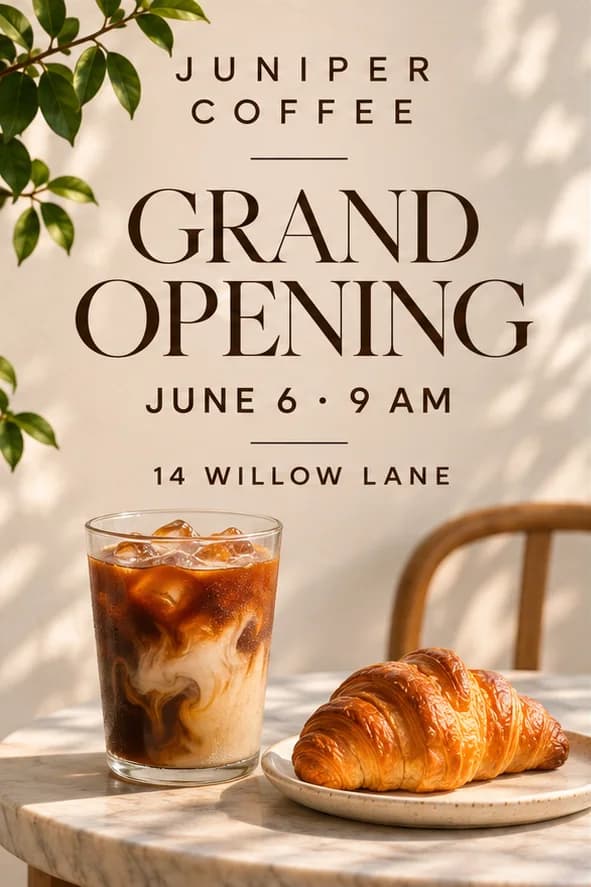
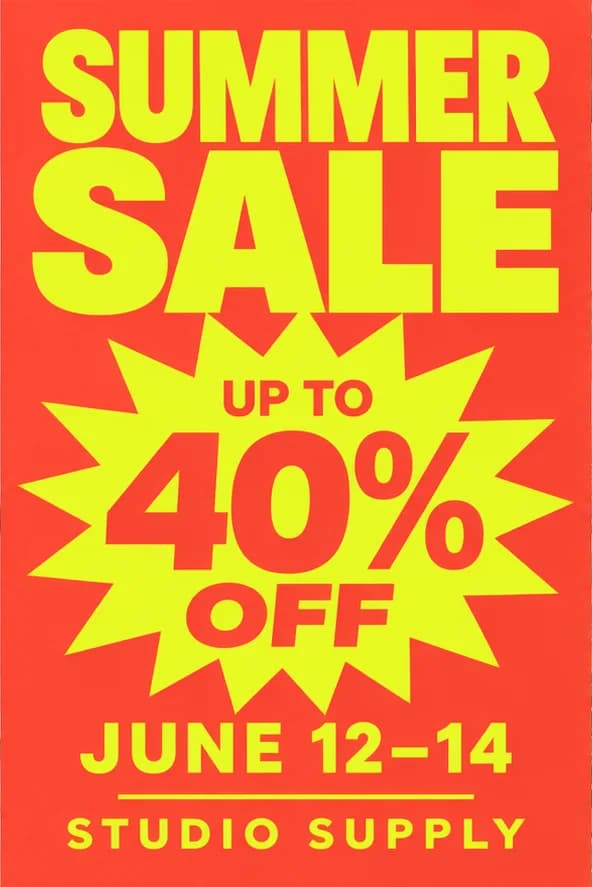
- Make a grand opening flyer, seasonal sale handout, or menu promotion with the offer and dates easy to find.
- Events and community announcements
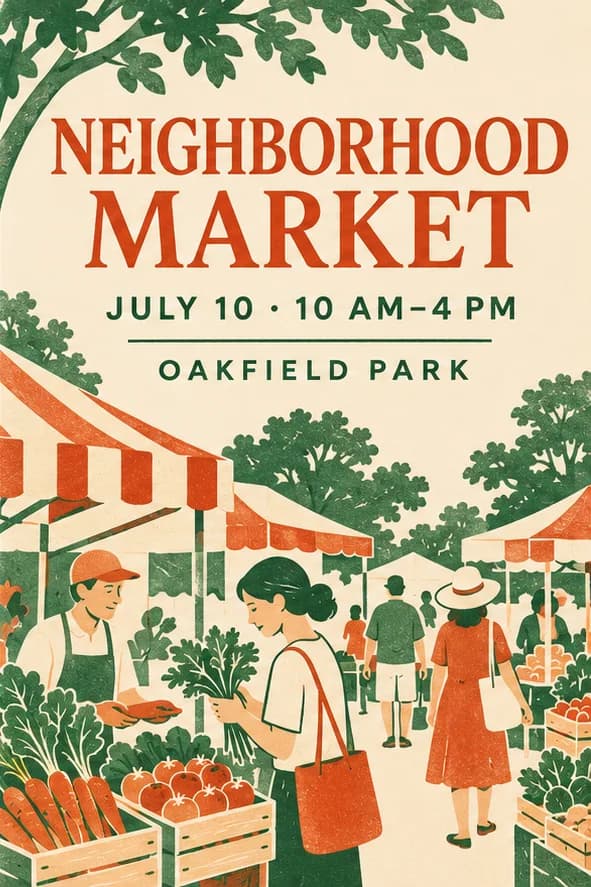
- Announce a market, workshop, fundraiser, or school event. Add the time, location, and how to take part.
- Local services and classes
- Introduce a service, class, or studio. Highlight the location or service area, what’s included, and how to get in touch.
Flyer design examples
How to make a flyer with AI
Go from your event or business details to a flyer you can share or prepare for print.
Describe your flyer
Enter the headline, key details, desired style, and intended size. Use “Add material” to open the chat with your draft if you want to upload a logo, photo, or reference.
Generate and refine
Click “Generate flyer” here, or send the draft after uploading in chat. Preview the result and, where available, mark an area and say what to change.
Check and download
Check dates, prices, contact details, and text size in the result. Download the image to share, or confirm the dimensions before printing.
Why make a flyer with PagePop?
Bring your message, visual references, and intended use into one chat.
Start with your headline and details
Enter the purpose, offer or event details, and what readers should do. PagePop uses them to build the first design.
Use a style reference
Upload a flyer you like and say which colors, mood, or layout ideas to draw from.
Add your own brand assets
Attach a logo or product photo and say how prominently it should appear.
Mark the area you want to change
Where the preview supports it, mark a price, headline, or image and send the exact change with your annotation.
Adapt the flyer to where it will appear
Ask for a handout size or a separate version for social media. Review the text and crop at the final size.
Find ideas in real PagePop cases
Browse finished work and sample prompts, then use what you learn to describe your own flyer.
Flyer maker FAQ
How is a flyer different from a poster?
A flyer is often read in the hand and can hold more practical detail. Its body copy, contact line, and CTA need to work at the chosen small paper size.
Can I make an A4, A5, or Letter flyer?
Specify the exact size and orientation in the brief. Check the actual exported page dimensions before printing; a size mentioned in a prompt is not enough.
Can I include a QR code?
Provide a verified QR image or approved destination. Inspect the rendered code and test it from the actual-size print or image before distributing the flyer.
Will the file be ready for a commercial printer?
Request the needed format, then confirm bleed, margins, resolution, color, and any printer-specific requirements. The printer should approve the final production file.
Can I create a digital version of the same flyer?
Yes. Ask for a separate sharing format and review text size and crop again. A print layout may need reflowing to remain readable on a phone.
How should I ask for a revision?
In the same chat, say what to change and what to keep. For example, ask for a larger date while keeping the event details. If the image preview supports annotations, mark the area and send it with your instructions.
Create your flyer
Enter your headline, key details, and the style you want to generate a flyer you can share.
Generate flyer