
Generate stunning PPT slides in one click from a single prompt
Share an idea or upload your materials. AI can turn them into a professional, research-backed PPT in minutes. PagePop AI writes and lays out the slides, and you can customize the style and colors or refine the details so you can focus on presenting.
Selected PPT examples to inspire your next presentation
Explore real PPT examples for lessons, student presentations, work reports, and business proposals. Use their content structure, slide layouts, and visual styles as a reference.
- 11
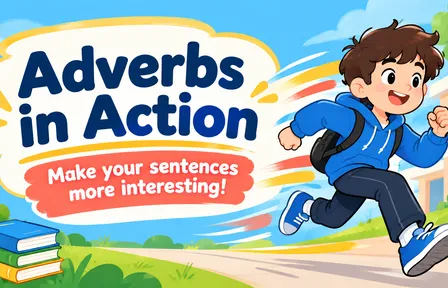
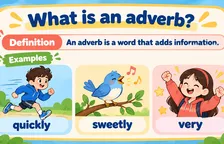
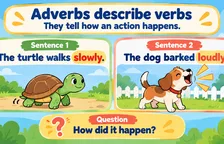
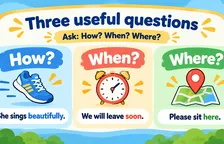
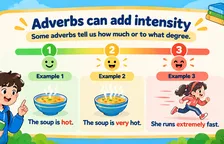
Adverbs in Action
 Teacher Lesson Planning & Classroom PPT
- 11
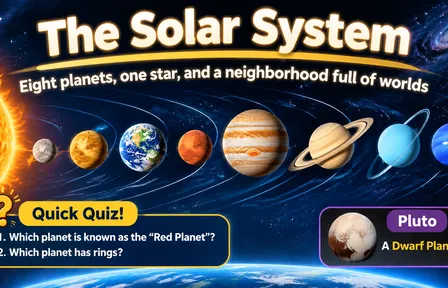
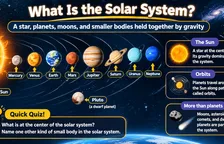
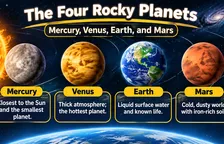
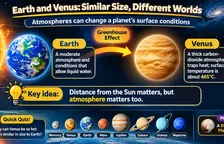
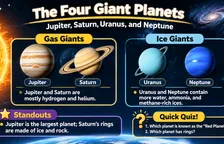
Middle School Science|The Solar System
Teacher Lesson Planning & Classroom PPT - 11

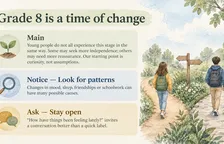
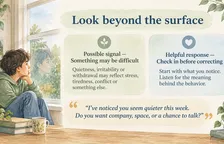


Grade 8 Parent Meeting|Listening and Support
Teacher Lesson Planning & Classroom PPT - 7
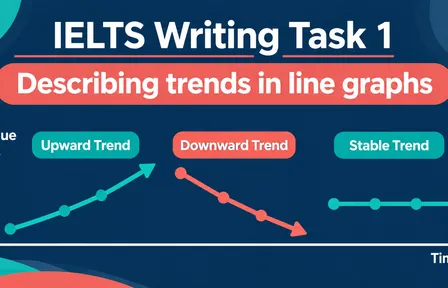
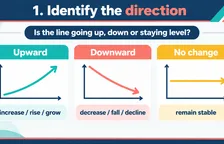
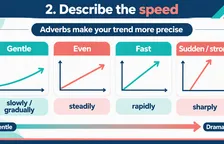
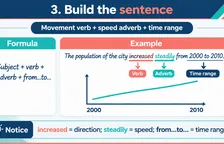
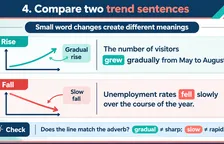
IELTS Writing Task 1|Describing Trends
Teacher Lesson Planning & Classroom PPT - 9





Primary English|The Ugly Duckling
Teacher Lesson Planning & Classroom PPT - 10
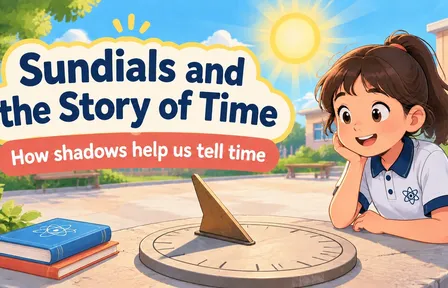
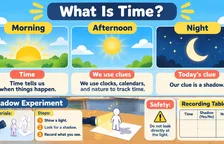
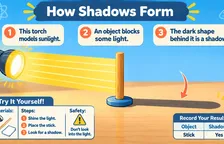
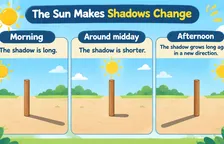
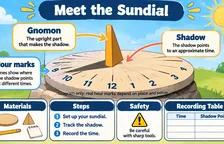
Sundials and the Story of Time
Teacher Lesson Planning & Classroom PPT

6 reasons to use the PagePop AI PPT generator
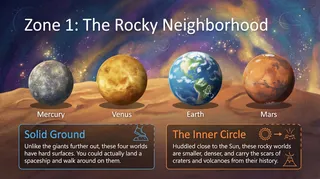
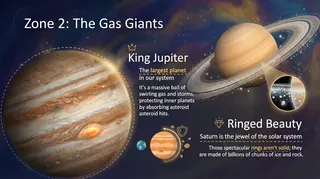
Get a complete PPT draft from one prompt
Share your idea or upload your existing materials. PagePop AI writes the content, adds visuals, and lays out each slide. Tell it who you’re presenting to, how much time you have, and how many slides you need. It will build an outline and give each slide a clear point.
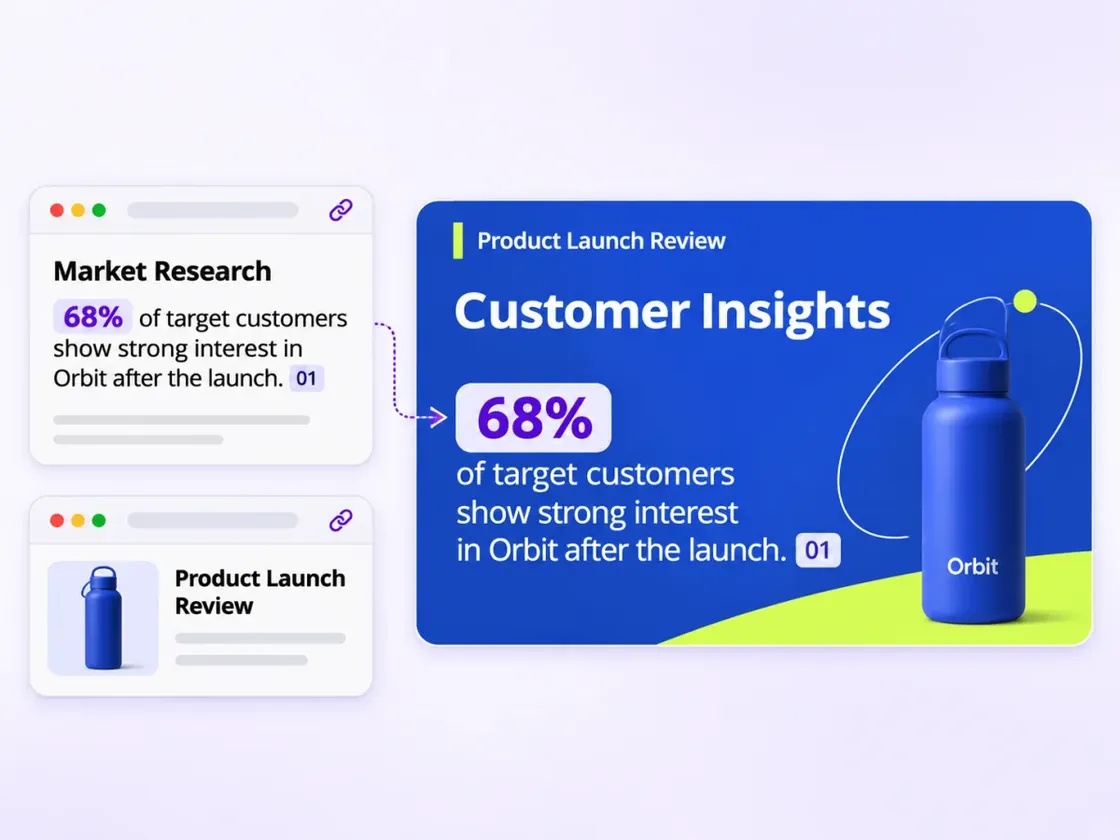
Research-backed content with sources for key points
PagePop AI researches your topic, extracts the key points, and organizes the findings into a clear presentation. It can also work from reports or papers you provide, keeping the important numbers and citations easy to check before you present.
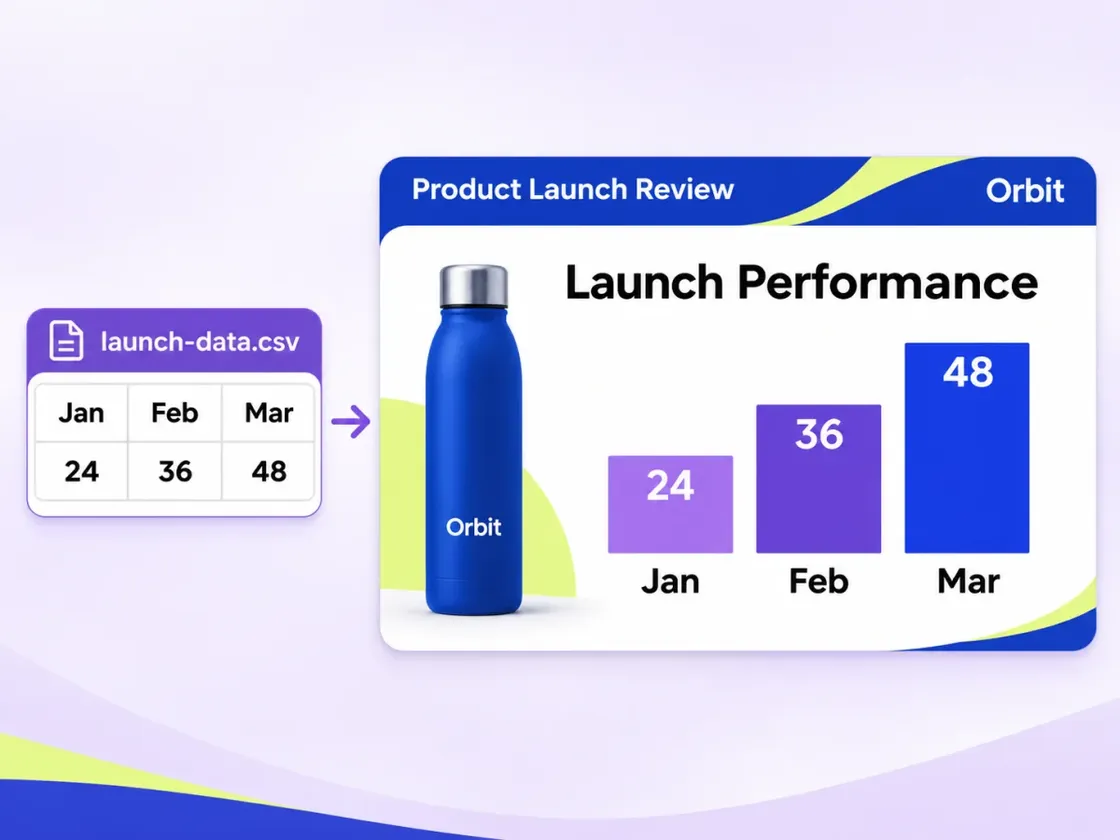
Turn data into charts automatically
Upload a CSV or Excel file, or pull chart data from an existing PPTX. AI turns key figures, trends, and comparisons into line charts, bar charts, and other visuals that are easy to read at a glance.
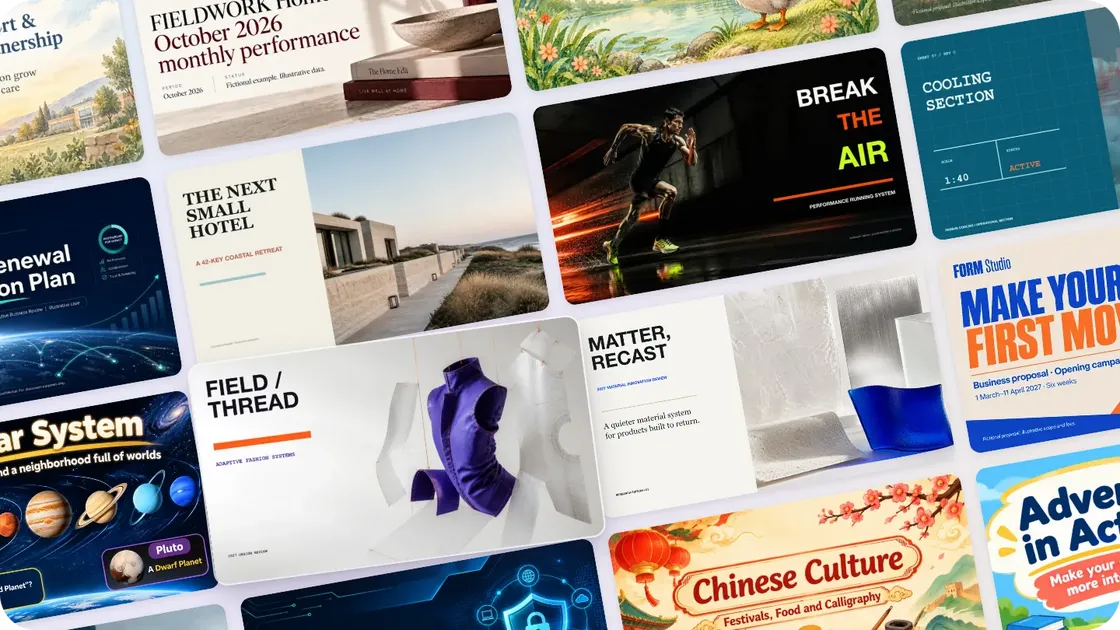
Polished slides without design experience
AI designs the layout of each slide while keeping fonts, colors, and visual style consistent across the PPT. Customize the style and palette or share a reference image for the look you want.
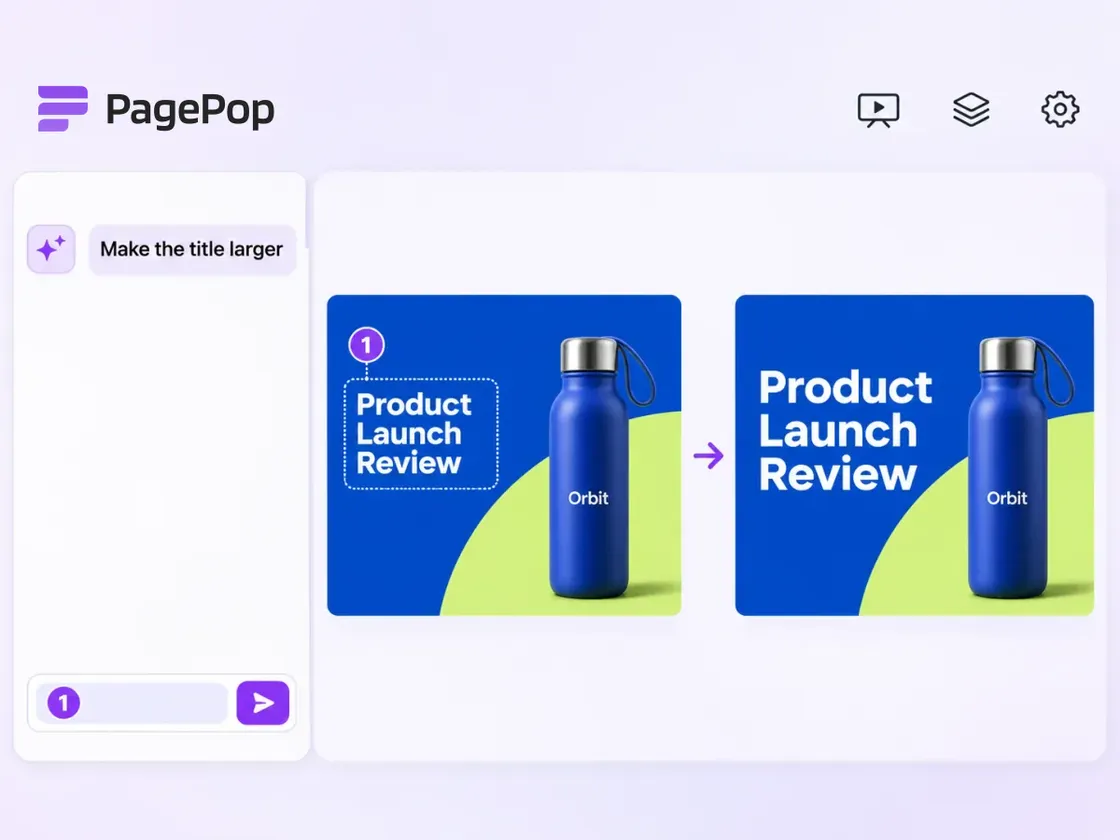
Point to a change and let AI revise that slide
Click the area you want to change in the slide preview and tell AI to “make this heading bigger” or “trim this to three bullets.” You can also name the slide in the same chat and refine it in the original style.
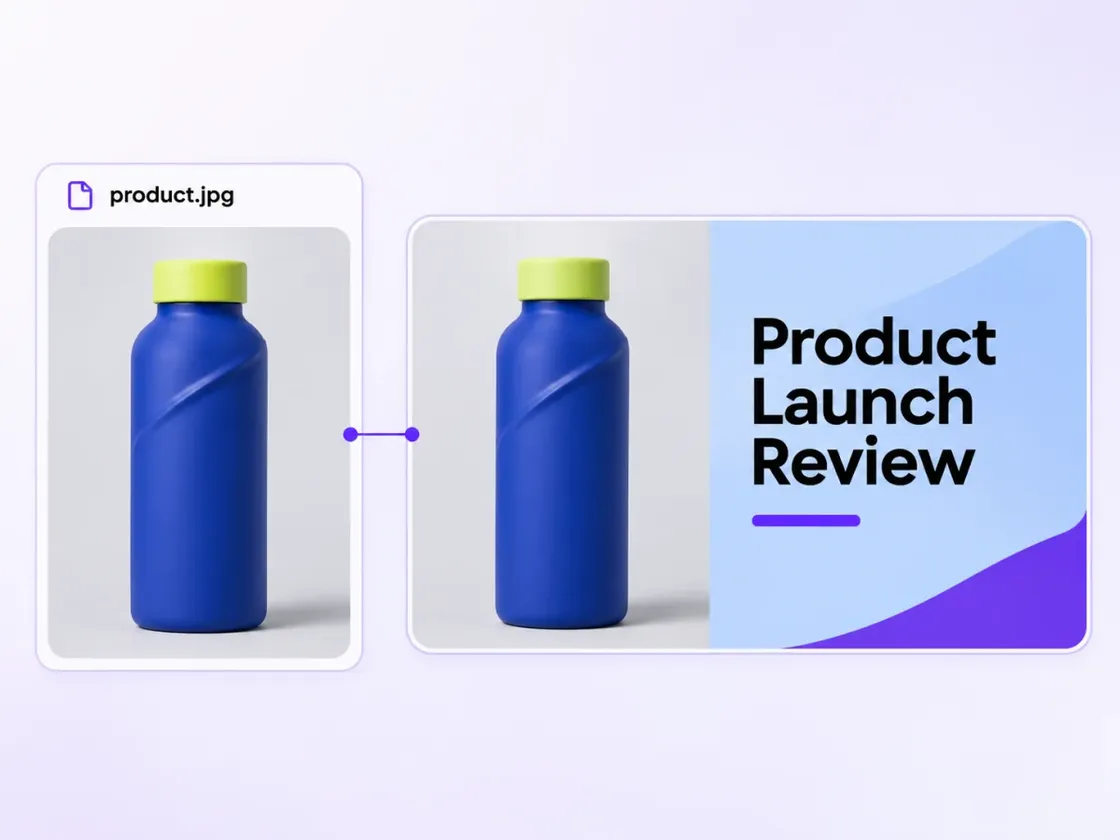
Use your original images and keep the details
Upload your logo, product photos, or screenshots and tell PagePop what to include in your PPT. It places the original images at their correct proportions so your branding, product details, and screenshot content come through accurately.
How to make a PPT with AI in 3 steps
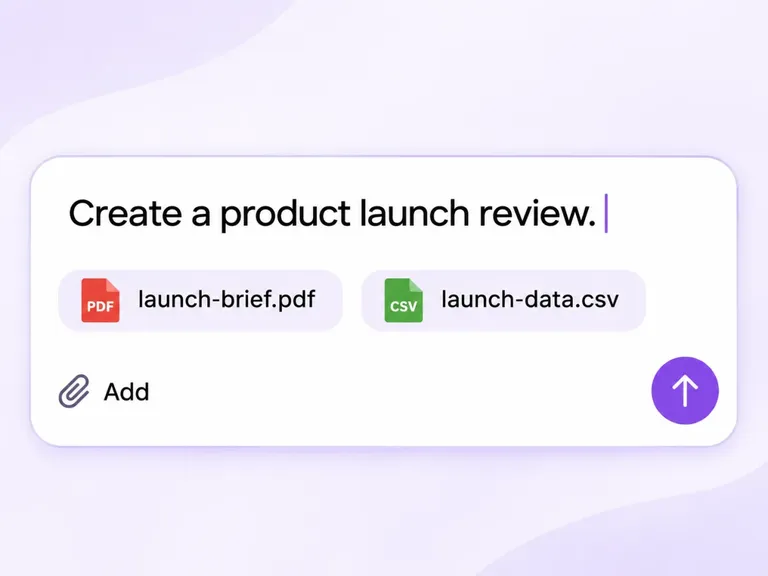
Describe your PPT or upload materials
Tell PagePop what you want to cover or upload any existing materials. Share your audience and slide count, and add a style, color palette, or reference image if you have one.
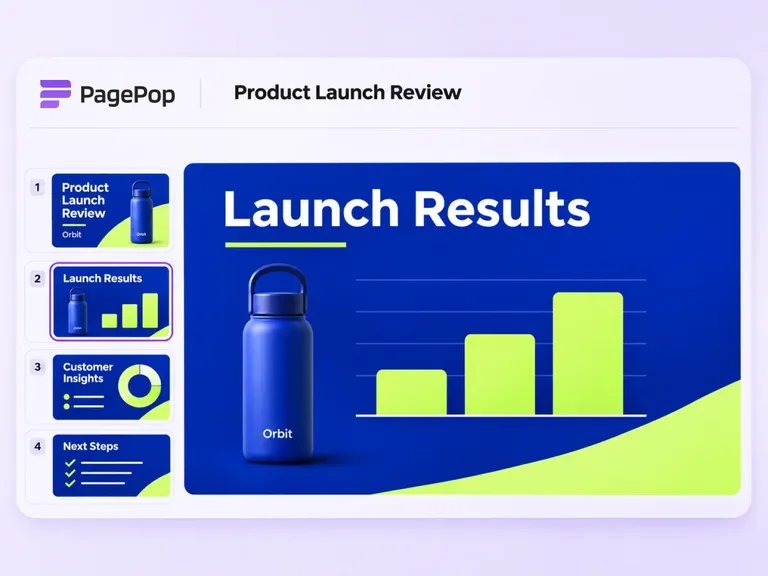
Let AI generate the full PPT
PagePop AI pulls out the key points, builds an outline, writes each slide, and adds visuals and layouts for a complete presentation with a consistent style.
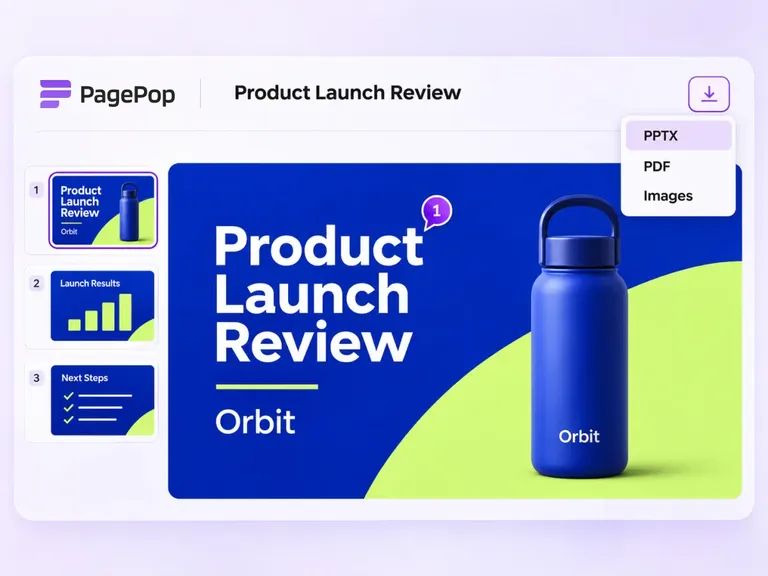
Preview, revise, and download
Preview the slides in PagePop. To make a change, click the spot on the slide and tell AI what to adjust. When you’re happy with it, download the presentation to present or share.
Frequently asked questions
What can I make with an AI PPT generator?
Use it for work presentations, year-end summaries, project proposals, teaching materials, or thesis defenses. Tell PagePop the topic and purpose, and it will build an outline, write the content, add visuals, and lay out a visually consistent deck.
Can I use existing materials for my PPT? Do I need an outline?
Upload Word, PDF, or existing PPTX files, spreadsheets, or images, or share a link PagePop can access. A topic or a few notes are enough to start. PagePop can help organize the story and identify each slide’s main point.
Can I set the slide count, style, and colors?
Yes. Tell PagePop who you’re presenting to, how long you have, how many slides you need, and what style or colors you want. You can also upload slides as a style reference or specify originals to include, such as logos, product photos, and screenshots.
Can I revise just one slide in an AI-generated PPT?
Yes. Click the area to edit in the preview and tell AI whether to trim the text, replace an image, or adjust the layout. You can also name the slide and ask PagePop to match the original style.
What formats can I download my PPT in?
Download your presentation as PPTX or PDF, or download all the slide images as a bundle.
How accurate is AI-generated content?
PagePop can organize the material you provide and retain key figures and citations. It can mark missing information as “To be confirmed.” If the task calls for additional research, you can also ask AI to include its sources.
How long does it take to generate a PPT with AI?
Timing depends on the number of slides, how complex the materials are, and whether the task requires more research, images, or charts. A deck is usually ready in minutes, and you can switch styles with a single request.
Can I try it for free?
Yes. PagePop offers a free trial experience and gives new users credits when they sign up. Generating slides uses your available credits. See the pricing page for current allowances and membership benefits. PagePop pricing and credits
Explore more AI tools
- AI ecommerce design
- AI posters
- AI flyers
- Instagram posts
- YouTube thumbnails
- AI short dramas
- AI product videos
- AI interior design




Make a polished PPT with AI in one click
For a work presentation, lesson, or project report, let PagePop AI handle the writing, visuals, and layout so you can get a full PPT quickly. Adjust the style and colors as needed, then focus on presenting.