Opus 5.5 turns code into video: 5 stunning examples and prompts
Learn how Opus 5.5 makes code-driven video through frame rendering and audio production, with five examples—pixel wizard, UI morphing, gaming history, dance, and AI history—and copyable prompts preserving their parameters.
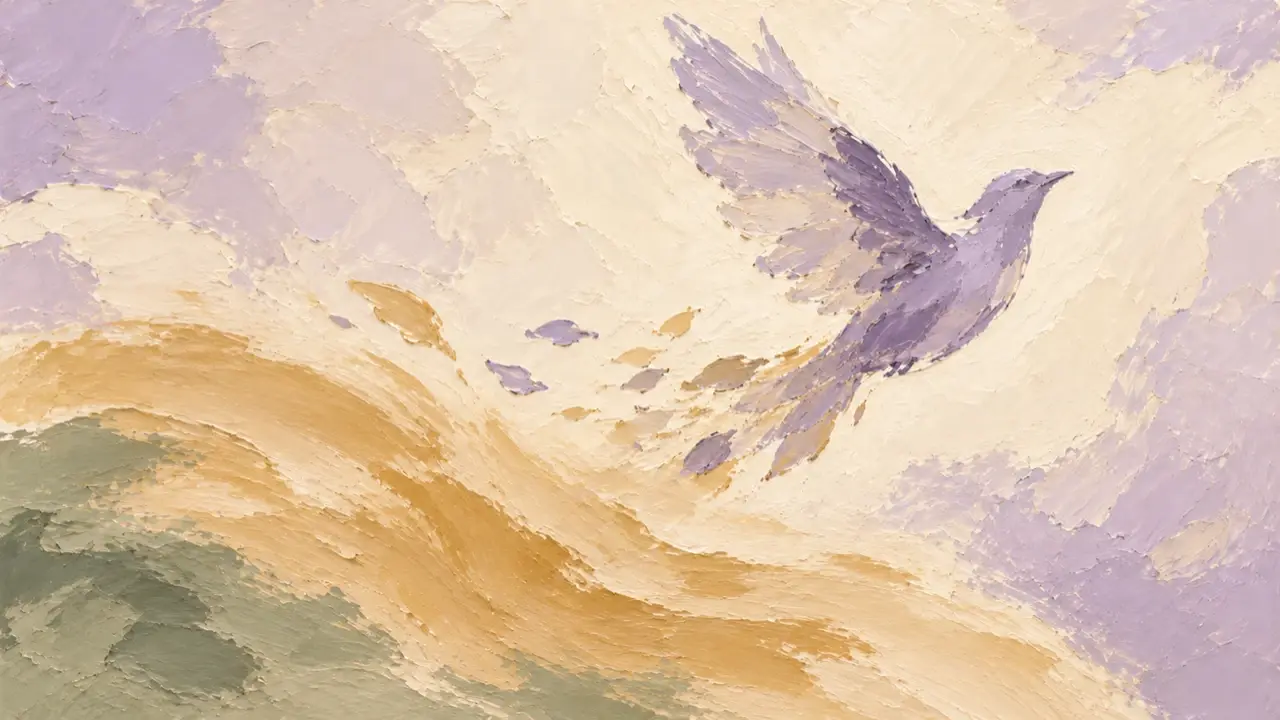
Opus 5.5 makes video by writing animation code: it draws visuals, arranges shots and sound, then renders an MP4. A pixel wizard, software interface motion, a history of video games, and dance graphics can all follow this production approach.
How it works: draw each frame, then assemble the video
Think of it as a flipbook drawn by code. The code defines which elements exist at a given time, where they are, and how they change. Rendering tools capture those images in sequence and encode them into video.
In a frame-by-frame web workflow, a page can expose render(t) or seek(t) to draw the frame for a specified time. At 30fps, for example, frame n corresponds to t = n / 30. Playwright opens the page, sets the time, and takes screenshots. FFmpeg combines the image sequence and audio track into an MP4. Frameworks such as Remotion and HyperFrames provide their own time or frame controls.
The visuals need to be reproducible at a given time. Fix the seed for random effects and wait for fonts to load before capturing frames. Avoid animation that relies solely on timers advancing continuously, or rerendering a particular shot may produce a different result.
Code can produce sound, too. Python's numpy and scipy can calculate waveforms for notes and drum hits, then layer them over time into music and effects. With existing music, identify the beats before scheduling motion. A speech model can provide narration, aligned to the same timeline as the visuals.
Seven code approaches and the visuals they suit
| Approach | Main uses |
|---|---|
| JavaScript+Canvas 2D | Pixel art, 2D graphics, and illustration |
| HTML/CSS/SVG | Interfaces, typography, and software product motion |
| WebGL shaders | Scan lines, grain, reflections, and particle textures |
| Three.js | 3D objects, spaces, and camera movement |
| p5.js+p5.brush | Colored pencil, watercolor, and paperlike brushwork |
| HyperFrames/Remotion | Timelines, shots, and full-video rendering |
| Manim | Formulas, geometry, and mathematical demonstrations |
You can combine these approaches: draw game visuals in Canvas, add a retro television texture with shaders, then enter a 3D scene with Three.js. If a real object needs an accurate representation, provide an existing 3D model.
1. Pixel wizard: a small canvas and a complete action loop
This spell animation moves through idle, raising the staff to charge, releasing magic, and recovering. The character is first drawn on a 128×96 canvas, then scaled up by an integer factor. Poses change roughly 8–12 times per second, while sparks and projectiles move every frame, preserving the stepped feel of pixel animation.
The prompts below are condensed versions of the examples' parameters and production constraints, ready to copy and use.
Create a self-contained HTML file showing a pixel wizard casting a spell, using plain JavaScript and Canvas 2D. Do not use libraries, images, or online assets.

Use a 128×96 logical canvas, centered and enlarged by an integer factor. Disable image smoothing and use integer pixel coordinates throughout. Do not use gradients, antialiasing, or blurred shadows. Use around 24 colors in total: mainly dark blue and purple for the background, warm colors for the character, and a few bright highlights for magic.

Build an approximately 24×32 wizard from pixel rectangles, with a bent hat, beard, two-tone robe, and a gem-tipped staff. Make the head, arms, staff, and robe hem controllable pose parameters. Run at 60fps, quantizing character poses to 8–12 changes per second while particles keep moving.

Sequence the action as idle swaying, raising the staff to charge, sparks gathering toward the gem, releasing a ring and projectiles, and recovering to the starting pose. Add 1–2 pixels of shake during the spell. Preallocate and reuse particles; do not create new objects inside the loop.

Keep a moon, a few stars, and stone ground in the background. Use the gem's light to strengthen the character silhouette. Make the beginning and end connect naturally, with crisp pixels at any window size.
2. UI morphing: one shape becomes a series of components
A black-and-white shape transforms from a button into a loading state, player, slider, and chart. The same element changes continuously, driven by mouse clicks and dragging.
The interface uses HTML/CSS/SVG, with springs calculating the rebound, musical beats scheduling the motion, and four subframes blended for each frame to create motion blur.
First ask me for 8–12 interface states, a black-and-white or single-accent palette, and usable music at around 120 BPM. List how the states map to the beats and wait for confirmation before production.

Create a 1440×1440 HTML interface animation. Use a light warm-gray background, black-and-white components, and Geist. Keep one main subject throughout, changing its size, corner radius, and internal content rather than cutting to replacement components. The cursor must actually click or drag.

Arrange 7 bars at 120 BPM: button→loading→completion checkmark→Dynamic Island→player→progress bar→volume slider→toggle→tabs→chart→command palette→notification→button. Assign actions to the beats, with camera zoom following the subject.

Calculate all states with seek(t). Do not use CSS transition, timers, or accumulated state from the previous frame. Use analytical springs; calculate separate springs for both ends of an indicator to create stretching. During a drag, derive the value from cursor position, then spring back after release.

Analyze the music's beats with Python, aligning actions and sound effects to them. Use Playwright to sample each frame 4 times and FFmpeg to blend motion blur, outputting 60fps. Check still frames for each beat before rendering the entire video.

Avoid particle explosions, glow, gradients, and unnecessary bouncing. Control the outgoing and incoming text separately to prevent overlap. Do not add will-change to enlarged elements or elements containing text. The beginning and end must connect, including the cursor's position and velocity.
3. Video game history: change the visual language with the era
A two-minute history of video games combines Canvas pixel art, WebGL retro television effects, and Three.js 3D scenes in one video, with music synthesized in Python. Early games appear through pixels and scan lines before the visuals move into corridors, castles, and block worlds.
Create a 120-second short film about the history of video games, with the emotional arc and epic feel of a documentary trailer.

Use 1920×1080 at 60fps. Draw all visuals in code, without fetching external images or videos. Compose and synthesize the music in code, without samples, audio assets, or virtual instruments. Organize visual cuts around the music's rhythm.

Combine the completed visuals and soundtrack into an MP4 and save it to my specified output directory.
4. Sweet-and-edgy dance: split the work between footage and graphics
First, a video model produces a 15-second green-screen dance clip. Opus then removes the green background and adds large type, tape, split screens, changing backgrounds, and 3D text wrapped around the subject, with the graphics changing to the music.
The character's movement comes from video; code creates the scene and motion graphics. There is no need to redraw a complex dance in code. Keep the performer footage and focus production on keying, layering, and rhythm.
5. AI history: carry one visual protagonist through a longer film
A three-minute history of AI is made in Claude Code with Remotion. SVG, Canvas, and other code draw the visuals, a speech model handles narration, and Python synthesizes the music.
A glowing token is the recurring protagonist. From attention connections to language models, multimodality, reasoning, and tool use, every chapter develops the same visual thread. The priority for a longer film is to plan its story and storyboard first, then build it scene by scene.
Use Remotion to make a 180-second animated history of AI at 1920×1080, 30fps, for a total of 5400 frames. Begin with the attention mechanism in 2017, then cover language models, multimodality, reasoning, agents, and the still-unsettled question of AGI. Use the form of a cinematic visual essay.

Let a glowing token, “the”, run through the whole film. First write STORYBOARD.md, listing each scene's timing, visuals, captions, and transitions. Organize each scene separately, then connect them to the main composition.

Follow these chapters: 0–15 seconds opens on an isolated word; 15–35 seconds introduces attention connections; 35–55 seconds expands into language models; 55–80 seconds moves to instruction tuning and ChatGPT; 80–100 seconds presents multimodality; 100–125 seconds presents reasoning; 125–150 seconds adds tools and agents; 150–170 seconds raises the AGI question; the final 10 seconds returns to the token and film title.

Use SVG, Canvas, CSS, and procedural graphics, without external images or existing videos. Use a dark background and warm accent colors, with springs and easing controlling motion. Derive transitions from graphic relationships between adjacent scenes.

Keep on-screen text brief, with each passage visible for at least 2.5 seconds. Years, names, and paper titles must be accurate; record uncertain content in NOTES.md. After each scene, use remotion still to inspect 3–4 still frames, fixing text overlaps and layout before continuing.

Reserve an optional public/music.mp3 track. If the track is missing, a silent version can be exported first. Finally, use remotion render to export out/film.mp4, and deliver a creative explanation and NOTES.md.
Seven useful sections for a prompt
Use role for the production role, inputs for required assets, direction for style and prohibited effects, structure for shots and rhythm, build for technology and export, gotchas for common pitfalls, and start for what to preview first and when to confirm.
Be specific about what you do not want: tiny text filling the screen, every element fading in at once, or repeated centered headlines over gradient backgrounds. Review the storyboard and keyframes first, then a few seconds of preview where motion matters. Confirm before rendering the full video.
Before delivery, inspect sampled frames for mobile readability, overlapping text, pauses, composition, beats, and audiovisual synchronization. Mark problem timestamps and rerender those sections. These checkable requirements are more useful for revisions than repeatedly asking for something “more sophisticated.”