
Friday Office to Golden Hour Transition
A detailed prompt for a 15-second cinematic video showing a career woman finishing work and stepping into the weekend, with specific timeline, lighting, and camera instructions.
The creative result
Reference prompt
An edited reference based on this example. Adapt it to your subject; the creator’s post is linked in the source panel.
“Use Image 1 as the sequential guide for a continuous 15-second widescreen film about finishing work on Friday. Keep one woman's face, tailored clothes, hair and accessories consistent. Start with a clock glance and focused typing in a cool blue-grey office. Notifications and a controlled breath lead into her last call, collecting her coat, sending a final email and firmly closing the laptop. Track her through glass doors into amber evening light, then open the framing as she walks into the city. End on a relieved smile as her phone goes into her bag. Move from ticking and keyboard taps to street ambience and buoyant instrumental music. Use 35 mm coverage with closer 85 mm details, avoiding dialogue, readable screen text, panels and slideshow editing.”
How to create in PagePop
Choose an assistant, describe your needs, and let PagePop create with you. Refine the work through conversation, then download it.
Choose the right assistant
Explore professional assistants across industries, or find inspiration in the extensive case library.
Describe what you need
Tell your assistant whether you need images, videos, PPT presentations, documents, or web pages. Add reference images or materials as needed.
Let PagePop select models and create
PagePop selects suitable models and tools for your goal to create your work.
Refine and download
Keep adjusting the content and look in the same conversation. Download your work when you are happy with it.








Start with your own words
Use this real prompt as a starting point, change anything you want, and let PagePop choose the best way to create it.
Frequently asked questions
How can I adapt this Video example to my own project?
Start with the reference prompt for “Friday Office to Golden Hour Transition”. Replace the subject, style, and aspect ratio, and add your reference images or supporting materials. Keep the structure you want to explore, remove requirements that do not apply, and refine the result.
Is browsing and copying prompts free?
Browsing the collection and copying prompts is 100% free. You can also use PagePop for free. See the pricing page for current prices and credit rules.
What is PagePop, and what can it do?
PagePop is a conversational AI creation platform. Describe what you need in natural language to create images, videos, presentations, documents, and web pages. PagePop selects suitable models and tools, and you can keep refining the work in the same conversation.
More real prompt examples
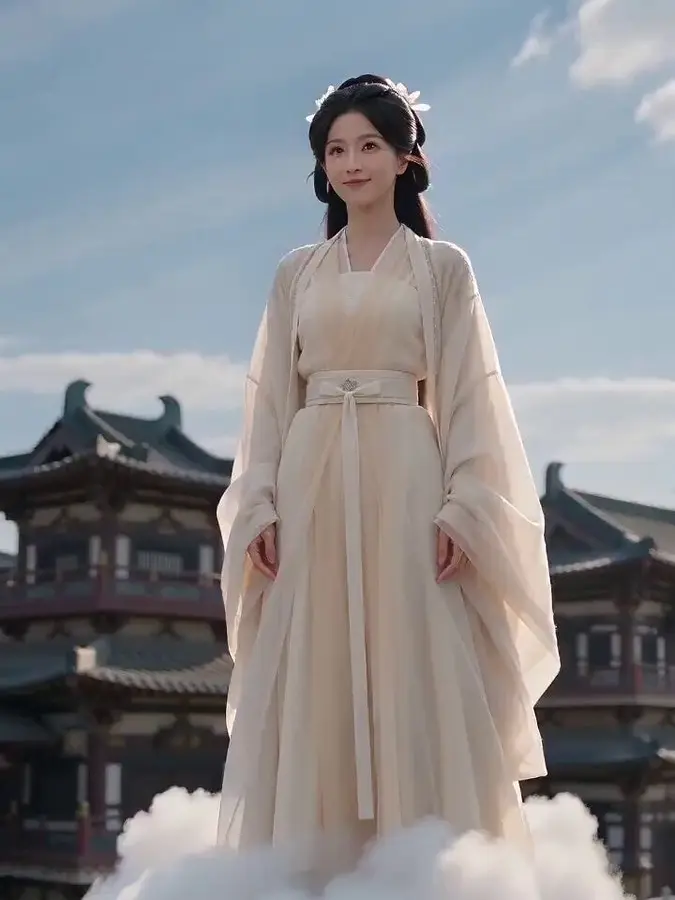
Funny Ancient Chinese Flying Cloud Video Prompt
“Stage a ten-second vertical visual joke at an ancient Chinese architectural site. A woman in traditional clothing travels slowly on a white cloud about two meters above the ground. For the first four seconds, she and th…”
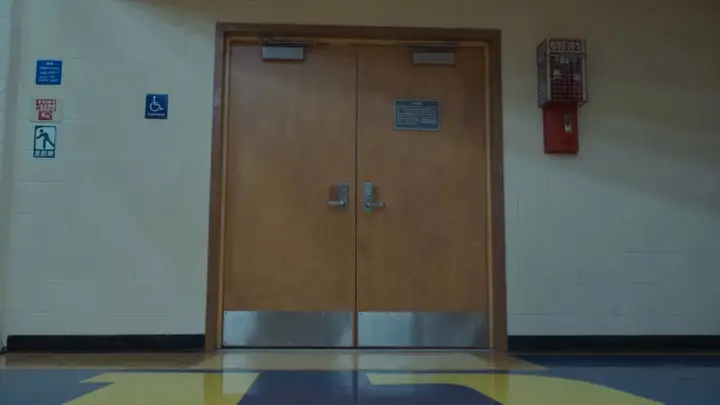
Supernatural Basketball Gym Action Scene
“Set a vertical supernatural confrontation inside a high-school basketball gym. A determined young woman in a school-uniform-inspired outfit releases red and purple energy from her hands toward another girl. Keep the woo…”
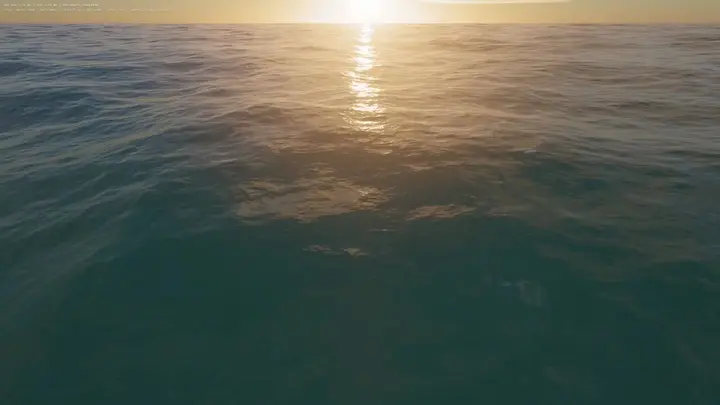
WebGPU Ocean Scene in HTML
“Build an ocean scene that runs in the browser as a single HTML file using WebGPU. Drive the sea surface with FFT waves, add whitecaps, and place it under a realistic sky. Include WASD movement so the viewer can explore…”