
Cinematic Tiger Warrior Action Scene
A detailed video generation prompt for creating a high-energy cinematic action sequence featuring an anthropomorphic tiger warrior fighting in a destroyed city with special effects.
The creative result
Reference prompt
An edited reference based on this example. Adapt it to your subject; the creator’s post is linked in the source panel.
“Stage a 14.6-second action sequence with an anthropomorphic orange tiger warrior in a ruined city. Open on its confrontation with a humanoid opponent, then follow a forceful martial-arts leap upward. Cut close enough to read the tiger's eyes, whiskers and orange fur before returning to fast punches and kicks. Keep the fighter's anatomy and appearance stable through the exchanges. A blue energy impact leads into a large explosion among the damaged buildings, sending sparks, smoke and debris across the scene. End with the tiger landing in the foreground against the burning ruins. Use detailed 3D animation, clear choreography and dramatic lighting, without text or watermarks.”
How to create in PagePop
Choose an assistant, describe your needs, and let PagePop create with you. Refine the work through conversation, then download it.
Choose the right assistant
Explore professional assistants across industries, or find inspiration in the extensive case library.
Describe what you need
Tell your assistant whether you need images, videos, PPT presentations, documents, or web pages. Add reference images or materials as needed.
Let PagePop select models and create
PagePop selects suitable models and tools for your goal to create your work.
Refine and download
Keep adjusting the content and look in the same conversation. Download your work when you are happy with it.








Start with your own words
Use this real prompt as a starting point, change anything you want, and let PagePop choose the best way to create it.
Frequently asked questions
How can I adapt this Video example to my own project?
Start with the reference prompt for “Cinematic Tiger Warrior Action Scene”. Replace the subject, style, and aspect ratio, and add your reference images or supporting materials. Keep the structure you want to explore, remove requirements that do not apply, and refine the result.
Is browsing and copying prompts free?
Browsing the collection and copying prompts is 100% free. You can also use PagePop for free. See the pricing page for current prices and credit rules.
What is PagePop, and what can it do?
PagePop is a conversational AI creation platform. Describe what you need in natural language to create images, videos, presentations, documents, and web pages. PagePop selects suitable models and tools, and you can keep refining the work in the same conversation.
More real prompt examples
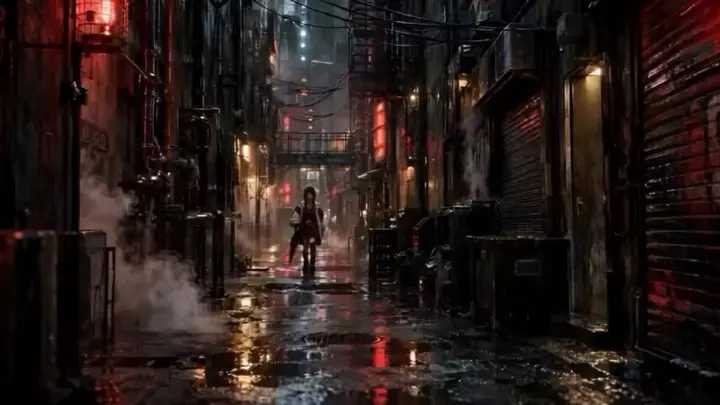
Cyberpunk Woman Walking Neon Alley
“Follow a determined woman walking through a dark city alley lit by neon at night. Keep her long dark hair and intense expression consistent, along with a futuristic oversized white jacket, red cropped top, black tactica…”
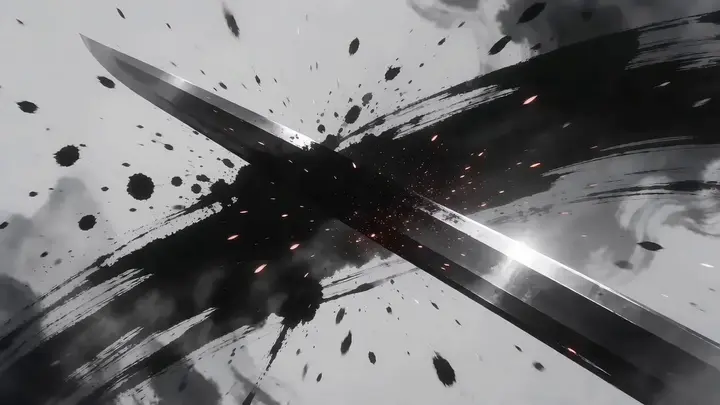
Ink Wash Style Wuxia Video Prompt
“Structure a 15-second ink-wash wuxia sequence around a swordsman in a bamboo hat. Begin on a glinting blade, pushing rapidly inward with clockwise rotation as the figure emerges from rolling ink. Orbit around a sword sw…”
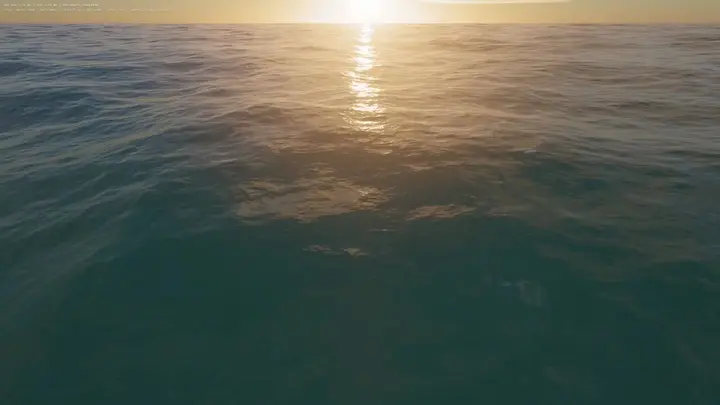
WebGPU Ocean Scene in HTML
“Build an ocean scene that runs in the browser as a single HTML file using WebGPU. Drive the sea surface with FFT waves, add whitecaps, and place it under a realistic sky. Include WASD movement so the viewer can explore…”