
AI In Public Motion Reel with Remotion
A detailed prompt for creating a 24-second professional motion reel using Remotion and Claude Opus 5.5, featuring specific branding, kinetic typography, and code-generated audio.
The creative result
Reference prompt
An edited reference based on this example. Adapt it to your subject; the creator’s post is linked in the source panel.
“Make a 24-second AI In Public reel in Remotion at 1920×1080 and 60 fps. Use the supplied logo and sparkle with blue #3D40FE, white, navy, and ice tones. Combine kinetic typography, terminal UI, neural imagery, particles, HUD details, camera hits, blur, and glow in a fast connected sequence. Write the visuals, suspenseful music, and sound effects in code, aligning the audio accents to the motion. Finish with the supplied AI In Public closing line and a cinematic logo reveal.”
How to create in PagePop
Choose an assistant, describe your needs, and let PagePop create with you. Refine the work through conversation, then download it.
Choose the right assistant
Explore professional assistants across industries, or find inspiration in the extensive case library.
Describe what you need
Tell your assistant whether you need images, videos, PPT presentations, documents, or web pages. Add reference images or materials as needed.
Let PagePop select models and create
PagePop selects suitable models and tools for your goal to create your work.
Refine and download
Keep adjusting the content and look in the same conversation. Download your work when you are happy with it.








Start with your own words
Use this real prompt as a starting point, change anything you want, and let PagePop choose the best way to create it.
Frequently asked questions
How can I adapt this Video example to my own project?
Start with the reference prompt for “AI In Public Motion Reel with Remotion”. Replace the subject, style, and aspect ratio, and add your reference images or supporting materials. Keep the structure you want to explore, remove requirements that do not apply, and refine the result.
Is browsing and copying prompts free?
Browsing the collection and copying prompts is 100% free. You can also use PagePop for free. See the pricing page for current prices and credit rules.
What is PagePop, and what can it do?
PagePop is a conversational AI creation platform. Describe what you need in natural language to create images, videos, presentations, documents, and web pages. PagePop selects suitable models and tools, and you can keep refining the work in the same conversation.
More real prompt examples
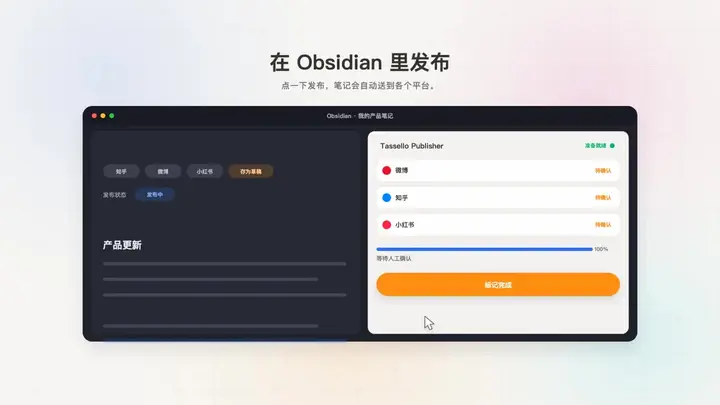
Obsidian Plugin Promo Animation
“Use JavaScript and Canvas to introduce the supplied content-distribution product and its Obsidian plugin, web, and desktop versions. Write the product copy for nontechnical consumers and use a simple, contemporary visua…”
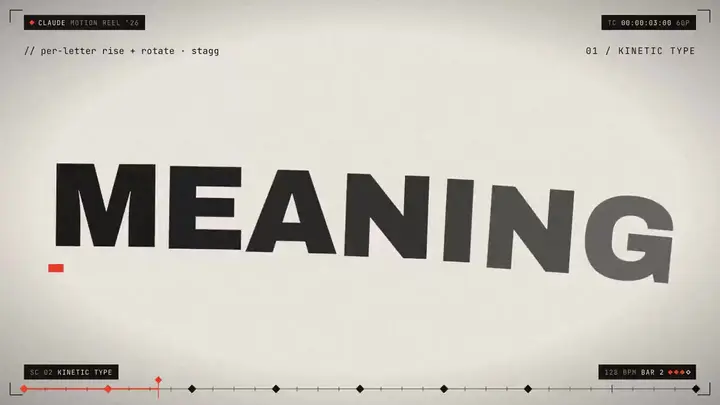
Dynamic Designer Portfolio Reel
“Create a 15-second motion design reel as if it were the portfolio piece attached to a résumé. Choose the tools and techniques that best serve the result and take full creative direction over its visual design. Prioritiz…”

WebGPU Ocean Scene in HTML
“Build an ocean scene that runs in the browser as a single HTML file using WebGPU. Drive the sea surface with FFT waves, add whitecaps, and place it under a realistic sky. Include WASD movement so the viewer can explore…”