
Product Launch Motion Design Template
A detailed prompt for creating a 22-second square loop motion design template in code, featuring smooth morphs, camera movements, and specific UI elements like chat bubbles and music player interfaces.
The creative result
Reference prompt
An edited reference based on this example. Adapt it to your subject; the creator’s post is linked in the source panel.
“Ask for a product question and reply, two album covers, a commercially usable track near 110 BPM with a strong drop, and a closing logo. Make a 22-second square loop in which one continuous shape moves from a generate control into chat bubbles, a play button, a full music player, a dragged volume control, a green chart, and the final logo. Let the app tint follow the album art, with a warm light stage outside it, black UI, Geist, and a green accent. Match the play press to the drop. Use a deterministic HTML canvas, smooth shared morph and camera curves, Playwright rendering, and subframe blending. Check the first and last frames and remove abrupt jumps.”
How to create in PagePop
Choose an assistant, describe your needs, and let PagePop create with you. Refine the work through conversation, then download it.
Choose the right assistant
Explore professional assistants across industries, or find inspiration in the extensive case library.
Describe what you need
Tell your assistant whether you need images, videos, PPT presentations, documents, or web pages. Add reference images or materials as needed.
Let PagePop select models and create
PagePop selects suitable models and tools for your goal to create your work.
Refine and download
Keep adjusting the content and look in the same conversation. Download your work when you are happy with it.








Start with your own words
Use this real prompt as a starting point, change anything you want, and let PagePop choose the best way to create it.
Frequently asked questions
How can I adapt this Video example to my own project?
Start with the reference prompt for “Product Launch Motion Design Template”. Replace the subject, style, and aspect ratio, and add your reference images or supporting materials. Keep the structure you want to explore, remove requirements that do not apply, and refine the result.
Is browsing and copying prompts free?
Browsing the collection and copying prompts is 100% free. You can also use PagePop for free. See the pricing page for current prices and credit rules.
What is PagePop, and what can it do?
PagePop is a conversational AI creation platform. Describe what you need in natural language to create images, videos, presentations, documents, and web pages. PagePop selects suitable models and tools, and you can keep refining the work in the same conversation.
More real prompt examples
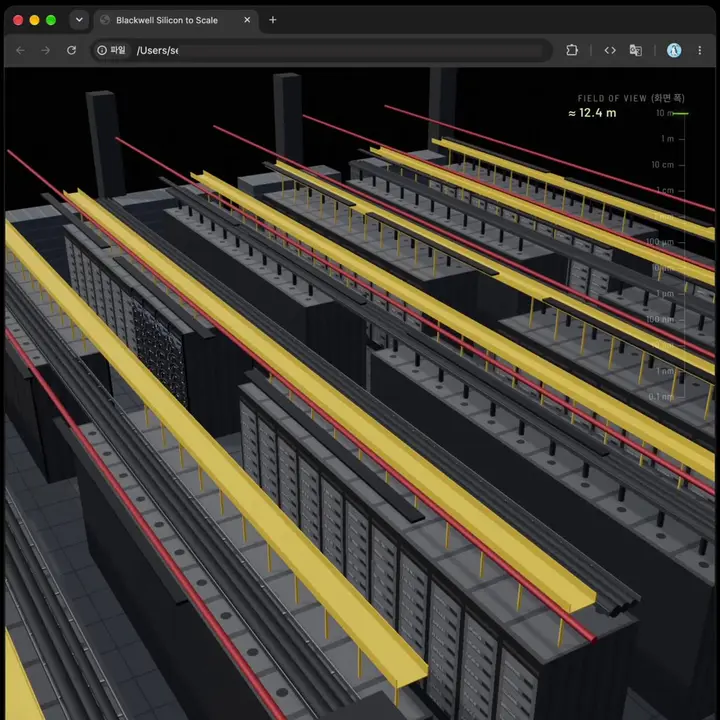
NVIDIA Blackwell GPU 3D Journey
“Build a browser-based 3D journey through NVIDIA Blackwell hardware. Begin inside a data center, open a server, and take apart the GPU before moving through its circuitry and transistors toward a single silicon atom. Pac…”
Animated Explainer Video Generator
“Review the supplied company's YouTube explainers, brand guidelines, blog post, and codebase to understand its Site Optimization feature. Use that research to make a custom animated explanation of the feature in the comp…”
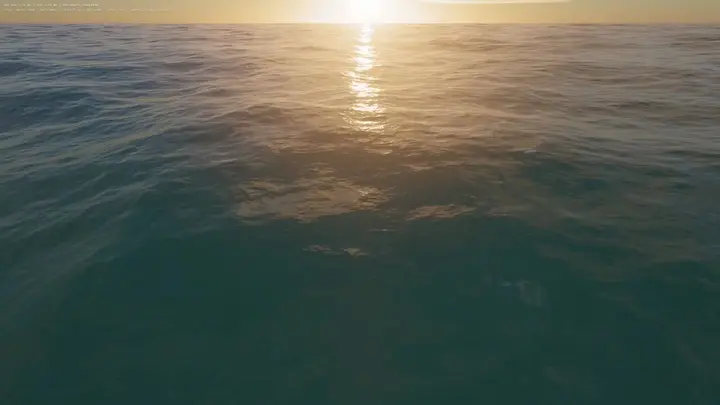
WebGPU Ocean Scene in HTML
“Build an ocean scene that runs in the browser as a single HTML file using WebGPU. Drive the sea surface with FFT waves, add whitecaps, and place it under a realistic sky. Include WASD movement so the viewer can explore…”