
Piston Crank Diagram Animation
Detailed workflow of creating an animated piston and crank diagram using Claude Code (Opus 5.5) and Remotion.
The creative result
Reference prompt
An edited reference based on this example. Adapt it to your subject; the creator’s post is linked in the source panel.
“Use Three.js with the existing @remotion/three and @react-three/fiber dependencies to animate a piston-and-crank cutaway. Include the connecting rod, crankshaft, flywheel, transparent cylinder, head, spark plug, and a simple coded combustion glow. Compute piston height and rod angle from crank rotation; show ignition once per 720-degree four-stroke cycle. Project label leaders from the same 3D camera so they stay attached during camera moves. Render a 32-second vertical video at 1080×1920 and 30 fps with Remotion, using no image assets or new dependencies. Review stills for ring orientation, framing, and label overlap before export.”
How to create in PagePop
Choose an assistant, describe your needs, and let PagePop create with you. Refine the work through conversation, then download it.
Choose the right assistant
Explore professional assistants across industries, or find inspiration in the extensive case library.
Describe what you need
Tell your assistant whether you need images, videos, PPT presentations, documents, or web pages. Add reference images or materials as needed.
Let PagePop select models and create
PagePop selects suitable models and tools for your goal to create your work.
Refine and download
Keep adjusting the content and look in the same conversation. Download your work when you are happy with it.








Start with your own words
Use this real prompt as a starting point, change anything you want, and let PagePop choose the best way to create it.
Frequently asked questions
How can I adapt this Video example to my own project?
Start with the reference prompt for “Piston Crank Diagram Animation”. Replace the subject, style, and aspect ratio, and add your reference images or supporting materials. Keep the structure you want to explore, remove requirements that do not apply, and refine the result.
Is browsing and copying prompts free?
Browsing the collection and copying prompts is 100% free. You can also use PagePop for free. See the pricing page for current prices and credit rules.
What is PagePop, and what can it do?
PagePop is a conversational AI creation platform. Describe what you need in natural language to create images, videos, presentations, documents, and web pages. PagePop selects suitable models and tools, and you can keep refining the work in the same conversation.
More real prompt examples

A product intro synchronized to music
“Create an approximately thirty-second motion intro for a supplied product. Use real screens, logos and brand assets, separating them into components that can move independently. Build a clear progression around the core…”
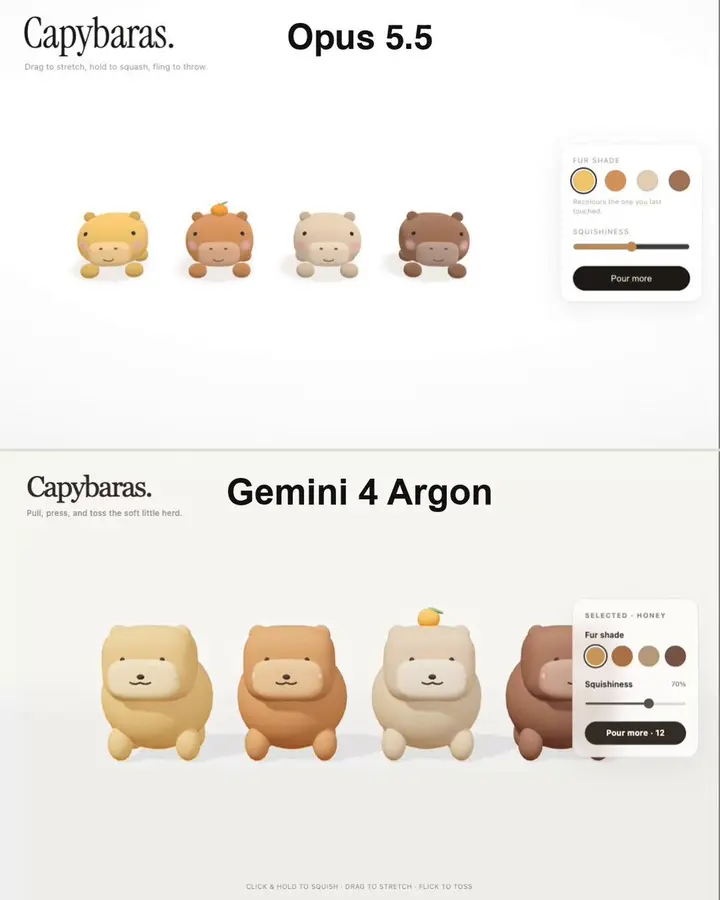
A stretchy capybara physics simulation
“Create an interactive soft-body capybara scene. Pulling its head or paw should stretch the whole body continuously; release should produce spring-back and settling. Preserve a readable character during squashing, throwi…”
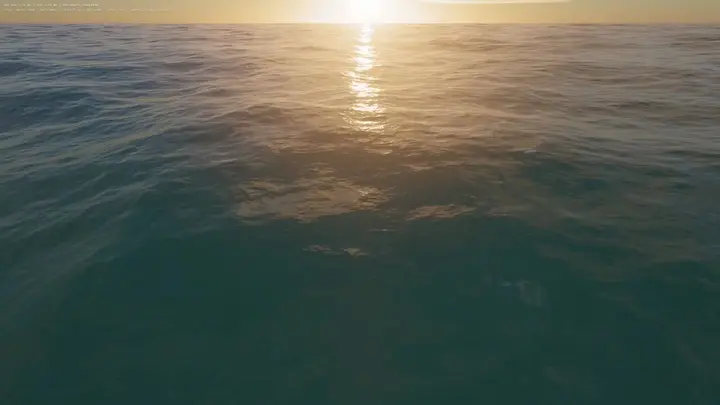
WebGPU Ocean Scene in HTML
“Build an ocean scene that runs in the browser as a single HTML file using WebGPU. Drive the sea surface with FFT waves, add whitecaps, and place it under a realistic sky. Include WASD movement so the viewer can explore…”