
Engraved Digital Painting Style
A complex prompt that blends semi-realistic digital painting with traditional engraving techniques, creating a unique texture with warm cinematic lighting.
The creative result
Reference prompt
An edited reference based on this example. Adapt it to your subject; the creator’s post is linked in the source panel.
“Blend soft digital portrait painting with engraving. Model luminous skin and reflective eyes through smooth color transitions overlaid with precise cross-hatching, contour marks and dots. Light one side golden-orange and balance it with cool shadows and deep chiaroscuro. Keep the focal face sharp, while the top of the head and lower forms dissolve into unfinished sketch lines. Use a matte brown-cardboard surface and subtle dark studio depth behind the figure. Maintain warm, muted color and visible brushwork so the result balances fine etching with painterly softness.”
How to create in PagePop
Choose an assistant, describe your needs, and let PagePop create with you. Refine the work through conversation, then download it.
Choose the right assistant
Explore professional assistants across industries, or find inspiration in the extensive case library.
Describe what you need
Tell your assistant whether you need images, videos, PPT presentations, documents, or web pages. Add reference images or materials as needed.
Let PagePop select models and create
PagePop selects suitable models and tools for your goal to create your work.
Refine and download
Keep adjusting the content and look in the same conversation. Download your work when you are happy with it.








Start with your own words
Use this real prompt as a starting point, change anything you want, and let PagePop choose the best way to create it.
Frequently asked questions
How can I adapt this Image example to my own project?
Start with the reference prompt for “Engraved Digital Painting Style”. Replace the subject, style, and aspect ratio, and add your reference images or supporting materials. Keep the structure you want to explore, remove requirements that do not apply, and refine the result.
Is browsing and copying prompts free?
Browsing the collection and copying prompts is 100% free. You can also use PagePop for free. See the pricing page for current prices and credit rules.
What is PagePop, and what can it do?
PagePop is a conversational AI creation platform. Describe what you need in natural language to create images, videos, presentations, documents, and web pages. PagePop selects suitable models and tools, and you can keep refining the work in the same conversation.
More real prompt examples
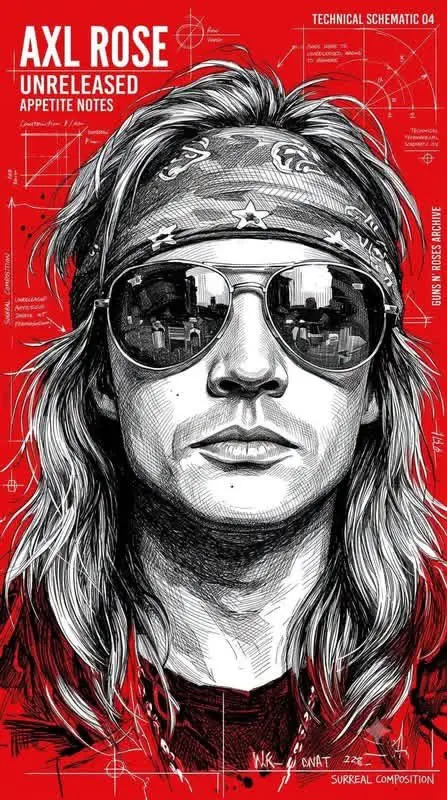
Monochrome Ink Ballpoint Pen Zine Poster
“Create a vertical underground-zine portrait with dense monochrome black pen work on a vivid red field. Build the face and surrounding surreal forms from fine cross-hatching, engraved contours and irregular biro-like mar…”
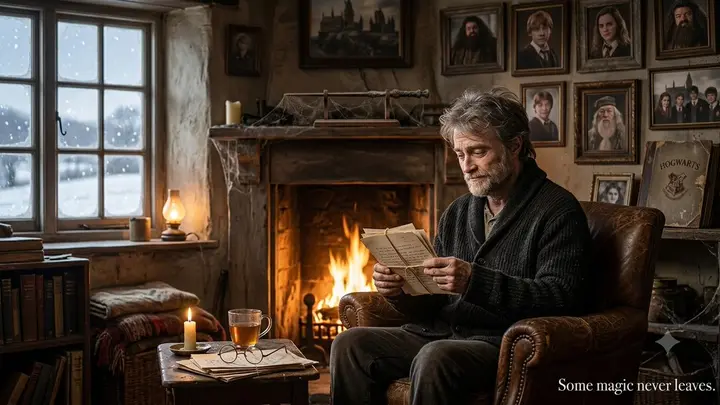
Elderly Harry Potter Winter Scene
“Imagine Harry Potter at eighty, quietly reading faded letters in a worn leather chair beside a cottage fireplace on a winter evening. Snow falls beyond frosted windows. Hang his dusty wand above the hearth, and arrange…”

90s Action Heroine Noir Prompt
“Frame a widescreen 1990s action-film portrait of an athletic platinum-blonde woman aiming a large silver prop pistol with both hands. Preserve the wild waves, blue-eyed tactical focus, barbed-wire upper-arm tattoo, blac…”