
Character Portrait with Parametric Blueprint Lines
A reference prompt combining realistic character rendering with futuristic engineering schematics and blueprint aesthetics.
The creative result
Reference prompt
An edited reference based on this example. Adapt it to your subject; the creator’s post is linked in the source panel.
“Blend a realistic editorial portrait with parametric architectural drawing. Give the face softly painted volume and warm highlights, then layer cross-hatching, contour meshes, construction grids, engineering diagrams and fine dimensional annotations around and through the composition. Use organic structural curves and translucent wireframes to connect the figure to the technical framework, keeping a clear hierarchy and deliberate negative space. Balance roughly sixty percent cinematic illustration with forty percent blueprint-like drawing. Work in ivory, beige, champagne, graphite and steel blue, with controlled line density and selective light rather than uniformly filling every area with detail.”
How to create in PagePop
Choose an assistant, describe your needs, and let PagePop create with you. Refine the work through conversation, then download it.
Choose the right assistant
Explore professional assistants across industries, or find inspiration in the extensive case library.
Describe what you need
Tell your assistant whether you need images, videos, PPT presentations, documents, or web pages. Add reference images or materials as needed.
Let PagePop select models and create
PagePop selects suitable models and tools for your goal to create your work.
Refine and download
Keep adjusting the content and look in the same conversation. Download your work when you are happy with it.








Start with your own words
Use this real prompt as a starting point, change anything you want, and let PagePop choose the best way to create it.
Frequently asked questions
How can I adapt this Image example to my own project?
Start with the reference prompt for “Character Portrait with Parametric Blueprint Lines”. Replace the subject, style, and aspect ratio, and add your reference images or supporting materials. Keep the structure you want to explore, remove requirements that do not apply, and refine the result.
Is browsing and copying prompts free?
Browsing the collection and copying prompts is 100% free. You can also use PagePop for free. See the pricing page for current prices and credit rules.
What is PagePop, and what can it do?
PagePop is a conversational AI creation platform. Describe what you need in natural language to create images, videos, presentations, documents, and web pages. PagePop selects suitable models and tools, and you can keep refining the work in the same conversation.
More real prompt examples
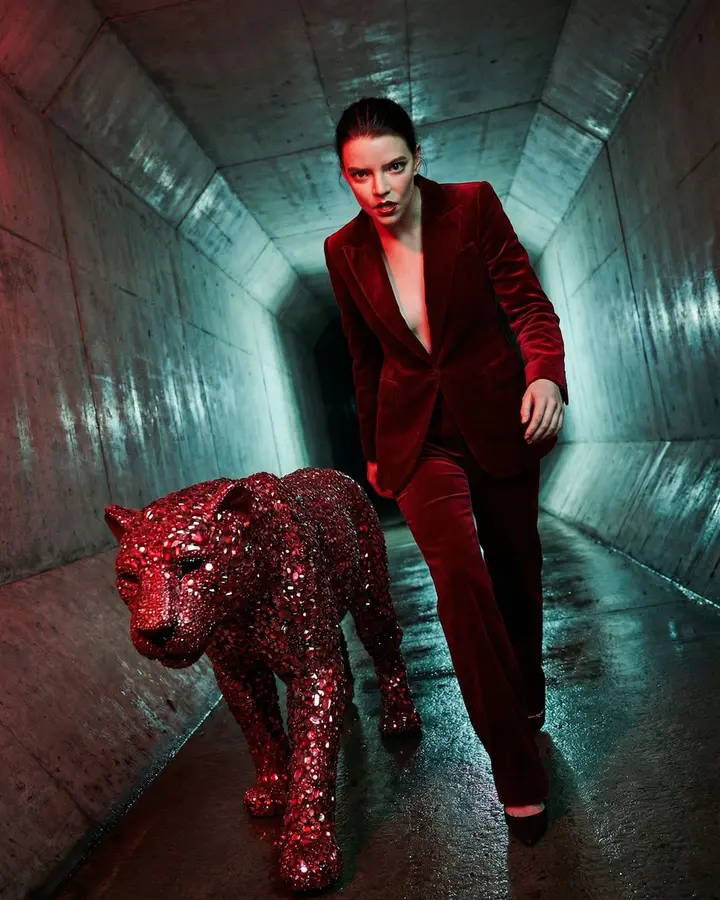
Anya Taylor Joy Avant-Garde Fashion Prompt for Nano Banana Pro
“Show a resolute woman striding through a raw concrete wind tunnel beside a life-size panther made from ruby fragments, red sequins and velvet. Give the figure a red suit whose weave remains visible. Tilt the vertical co…”
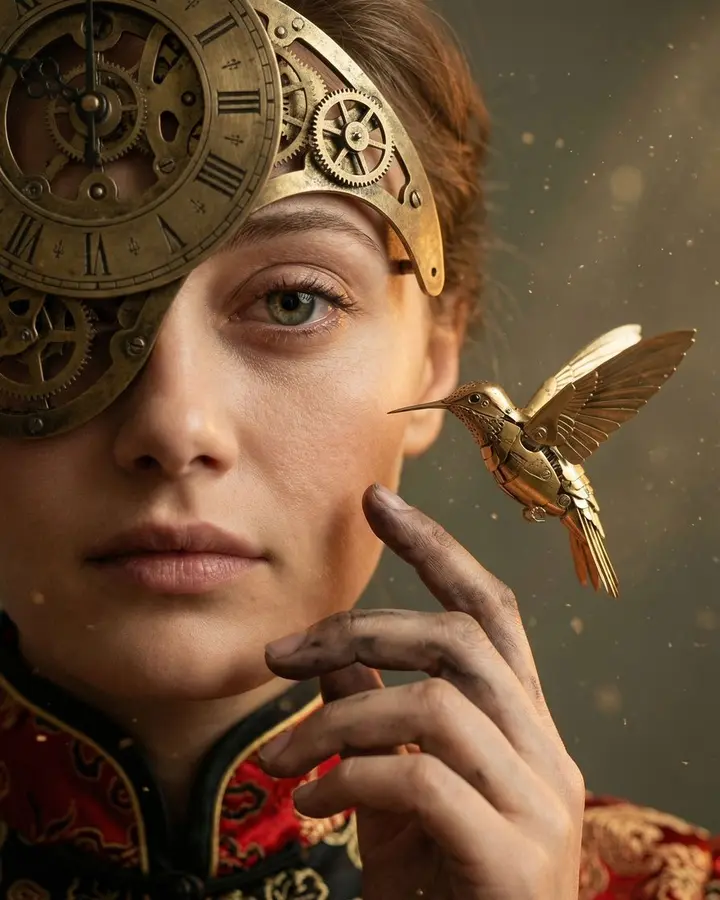
Mechanical Melancholy Macro Portrait Prompt
“Make an intimate macro portrait tightly framing one side of a melancholy face. A brass clockwork visor with Roman numerals curves across the forehead, leaving one sorrowful eye visible. Ink- and graphite-stained fingers…”

90s Action Heroine Noir Prompt
“Frame a widescreen 1990s action-film portrait of an athletic platinum-blonde woman aiming a large silver prop pistol with both hands. Preserve the wild waves, blue-eyed tactical focus, barbed-wire upper-arm tattoo, blac…”