
Macro Monitor Screen Texture
An extreme macro photography prompt for capturing the pixel structure, dust, and spreadsheet details of a computer monitor.
The creative result
Reference prompt
An edited reference based on this example. Adapt it to your subject; the creator’s post is linked in the source panel.
“Photograph the lower-left area of a computer screen at extreme macro scale, angled slightly from the right. Make the spreadsheet tab strip the focal subject: Quotes, Copy of Invoices and the active white FINAL_dont_delete tab. Reveal the display's pixel structure, fine dust and one small fingerprint smudge. Keep the active tab crisp while the far-left tabs lose focus. Use soft window light raking across the surface and natural color, showing only the lower screen edge rather than a broad device bezel.”
How to create in PagePop
Choose an assistant, describe your needs, and let PagePop create with you. Refine the work through conversation, then download it.
Choose the right assistant
Explore professional assistants across industries, or find inspiration in the extensive case library.
Describe what you need
Tell your assistant whether you need images, videos, PPT presentations, documents, or web pages. Add reference images or materials as needed.
Let PagePop select models and create
PagePop selects suitable models and tools for your goal to create your work.
Refine and download
Keep adjusting the content and look in the same conversation. Download your work when you are happy with it.








Start with your own words
Use this real prompt as a starting point, change anything you want, and let PagePop choose the best way to create it.
Frequently asked questions
How can I adapt this Image example to my own project?
Start with the reference prompt for “Macro Monitor Screen Texture”. Replace the subject, style, and aspect ratio, and add your reference images or supporting materials. Keep the structure you want to explore, remove requirements that do not apply, and refine the result.
Is browsing and copying prompts free?
Browsing the collection and copying prompts is 100% free. You can also use PagePop for free. See the pricing page for current prices and credit rules.
What is PagePop, and what can it do?
PagePop is a conversational AI creation platform. Describe what you need in natural language to create images, videos, presentations, documents, and web pages. PagePop selects suitable models and tools, and you can keep refining the work in the same conversation.
More real prompt examples
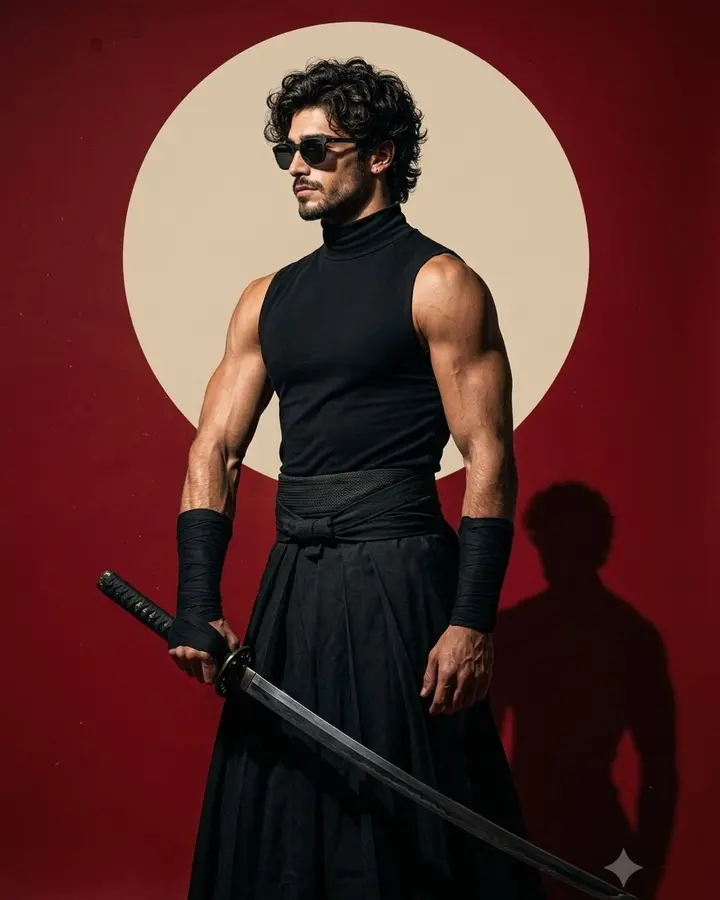
Modern Samurai Studio Portrait
“Make a modern samurai studio portrait with a man in a black sleeveless high-neck top, broad hakama trousers, waist wrap and forearm wraps. Keep his curly dark hair, light beard and sunglasses, using a strong side-facing…”
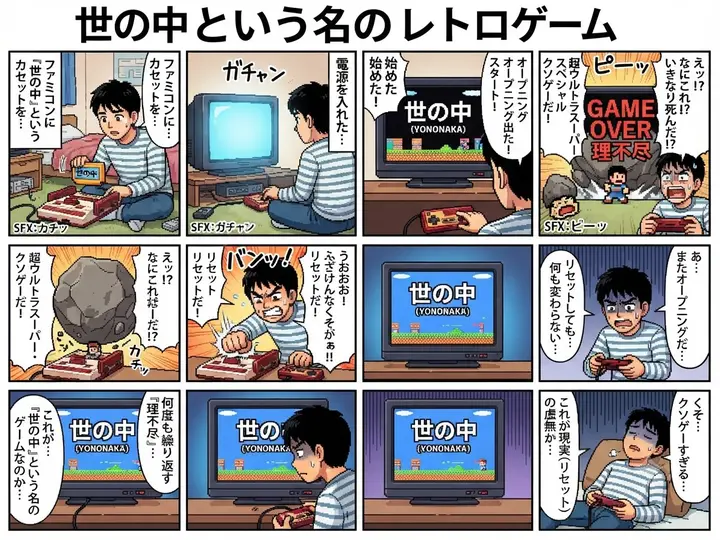
Retro Game Manga
“Draw a retro-game manga page in a clear 3×3 panel grid. Follow a frustrated protagonist realizing that everyday life resembles a badly designed old video game, building the complaint through expressive reactions and gam…”

90s Action Heroine Noir Prompt
“Frame a widescreen 1990s action-film portrait of an athletic platinum-blonde woman aiming a large silver prop pistol with both hands. Preserve the wild waves, blue-eyed tactical focus, barbed-wire upper-arm tattoo, blac…”