
Medieval MMORPG Inventory UI Screenshot
A detailed mockup of a fantasy game's user interface showing a shared bank chest and character inventory screen with equipment slots and item grids.
The creative result
Reference prompt
An edited reference based on this example. Adapt it to your subject; the creator’s post is linked in the source panel.
“Create a believable landscape screenshot of a medieval MMORPG inventory screen. Keep a narrow view of the cobblestone game world at the left, including a player beside an open wooden chest, a cart and a nearby NPC. Fill the remaining area with a shared storage window labeled Baúl and a character equipment panel. Use consistent item-slot grids, readable quantities, equipment silhouettes and worn fantasy interface materials. Make the interface feel usable, with aligned tabs, buttons and spacing.”
How to create in PagePop
Choose an assistant, describe your needs, and let PagePop create with you. Refine the work through conversation, then download it.
Choose the right assistant
Explore professional assistants across industries, or find inspiration in the extensive case library.
Describe what you need
Tell your assistant whether you need images, videos, PPT presentations, documents, or web pages. Add reference images or materials as needed.
Let PagePop select models and create
PagePop selects suitable models and tools for your goal to create your work.
Refine and download
Keep adjusting the content and look in the same conversation. Download your work when you are happy with it.








Start with your own words
Use this real prompt as a starting point, change anything you want, and let PagePop choose the best way to create it.
Frequently asked questions
How can I adapt this Image example to my own project?
Start with the reference prompt for “Medieval MMORPG Inventory UI Screenshot”. Replace the subject, style, and aspect ratio, and add your reference images or supporting materials. Keep the structure you want to explore, remove requirements that do not apply, and refine the result.
Is browsing and copying prompts free?
Browsing the collection and copying prompts is 100% free. You can also use PagePop for free. See the pricing page for current prices and credit rules.
What is PagePop, and what can it do?
PagePop is a conversational AI creation platform. Describe what you need in natural language to create images, videos, presentations, documents, and web pages. PagePop selects suitable models and tools, and you can keep refining the work in the same conversation.
More real prompt examples
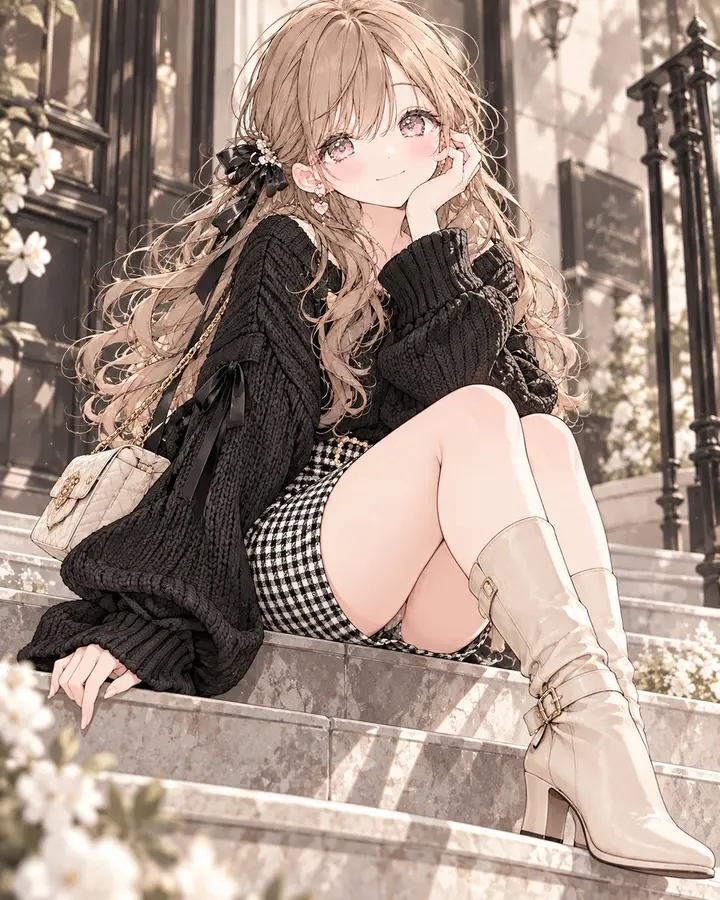
Monochrome Elegant Autumn Outfit
“Style a polished autumn fashion portrait with a fitted black gingham skirt, black knitted sweater and beige boots. Keep the palette predominantly monochrome, allowing the boots to provide a quiet warm contrast. Use soft…”
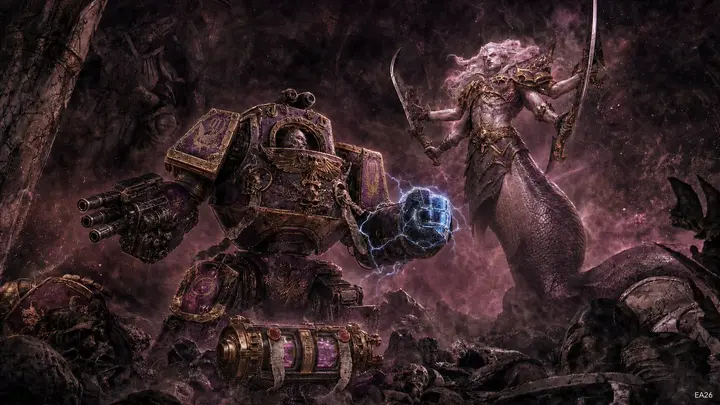
Warhammer Scene: Rylanor vs Fulgrim
“Depict Ancient Rylanor confronting Fulgrim in a ruined subterranean vault beneath Istvaan III. Show the battered dreadnought standing defiant among broken masonry and the remains of fallen loyalists, with Fulgrim as an…”

90s Action Heroine Noir Prompt
“Frame a widescreen 1990s action-film portrait of an athletic platinum-blonde woman aiming a large silver prop pistol with both hands. Preserve the wild waves, blue-eyed tactical focus, barbed-wire upper-arm tattoo, blac…”