How to preview a gaming room redesign: try layouts and lighting with a photo
Not sure how to redesign your gaming room? Use a photo of your space to compare desk setups, storage, and lighting while keeping existing doors, windows, and furniture.
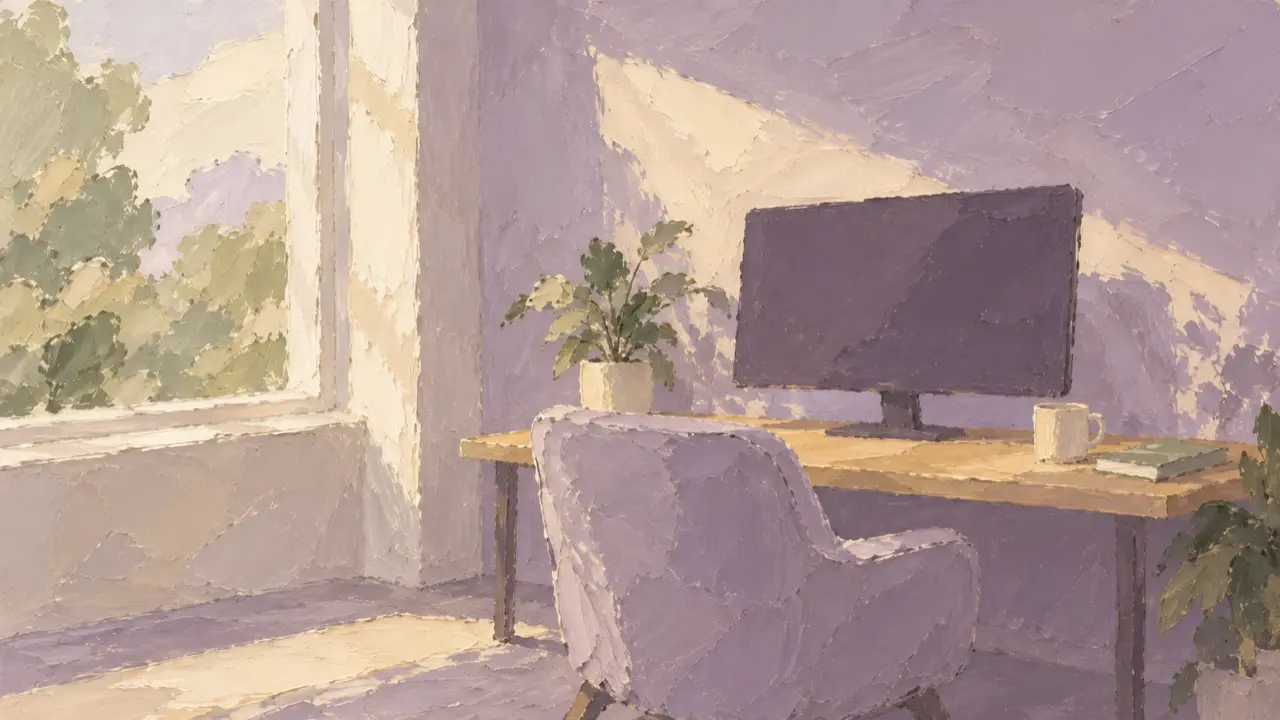
If you want to turn a corner of your bedroom or home office into a gaming space, start with a photo of the room as it is. Ask AI to try different desk setups, storage, and lighting while keeping the existing doors, windows, desk, bed, and room proportions. Comparing ideas from the same viewpoint is usually more useful than trying to imagine your room from a collection of beautiful reference photos.
First, decide how much you want to change: just organize the desk, or also update the walls, curtains, and storage. A clear scope helps the generated image focus on the parts you actually plan to change.
Photograph the room and identify what must stay
Stand in a corner and photograph the whole desk, nearby doors and windows, and the spaces beside the desk and bed. Keep the camera as level as possible; don't distort the corners just to squeeze more of the room into the frame. Take a daytime photo with natural colors. If you're mainly exploring evening lighting, add a photo with the lights you normally use switched on.
Along with the photo, write down the constraints that are easy to overlook:
- The positions of doors, windows, air conditioning, and outlets, and which cannot move.
- The bed, desk, chair, and monitor you must keep, plus any dimensions you've measured.
- Whether one or two people will use the space, and whether it also needs to work for studying or working during the day.
- What you can replace, and restrictions such as no drilling or repainting.
For example, if there's a wardrobe next to a shared desk, explain that its doors need room to open. If the bed is behind the chair, leave space to pull the chair out and walk past. Don't just write “small room” and leave AI to guess whether the furniture will fit.
Try one complete direction in your own room
PagePop can generate interior concept images from room photos and your requirements, then help you refine them. You can give your materials to the Interior Designer. Explain what must stay and what you want to change before describing the look you like.
If you haven't chosen a style yet, start with how you use the room. For a fresh daytime feel, try a light wood desk and soft wall colors. For a quiet evening atmosphere, try a black-and-gray base with a small area of warm light. For a bright, tidy space, see how white, light gray, and a few colorful objects work together.
You don't need to combine many styles in the first attempt. Here's an example brief you can adapt to your actual room:
Use the room photo I uploaded to design a desk area for both work and gaming.
Keep the original viewpoint, door and window positions, wall proportions, and flooring. Keep the existing desk, bed, and monitor, and do not make the room larger.
Only change desk storage, wall decorations, curtains, and lighting. Leave fixed structures unchanged.
Use light wood, cream, and a little dark gray. Leave space for a keyboard, mouse, and everyday writing, with storage for headphones and controllers.
Make the room look clean and natural by day, with soft ambient light behind the desk at night. Do not cover the walls in colored LED strips.
First, outline the design direction and any additional measurements you need. After I confirm, create a concept image from the same viewpoint.
For any area the original photo doesn't show, add another photo or explain what's there. Letting AI invent an extension to a wall can produce a room that looks lovely but isn't useful to you.
Keep the layout fixed when comparing styles
After the first version, check whether the desk, doors, windows, and walkways are in suitable positions. Once you're broadly happy with the layout, try different materials and lighting from the same viewpoint. That makes it easier to see which style you prefer.
For example, when comparing light wood and warm light with black and gray and cool light, keep the same desk, chair, number of devices, and arrangement. Change only the colors and lighting. If every image changes the room size and the amount of furniture, it's hard to tell whether you like the style or simply the bigger room.
Consider lighting in two parts: whether the desk is clear enough to use, and whether the ambient light behind it or in a corner feels comfortable. If the light around the screen is distracting or the walls look heavily tinted, ask for a softer effect. Once you like the evening image, check a daytime version too, so switching off the LED strips doesn't leave you with a cluttered wall.
Make specific changes where they're needed
Don't regenerate the whole room because one storage area looks wrong. Name the object, its position, and the change you want, then say what you're already happy with:
Keep the current desk and chair positions, light wood desktop, curtains, and overall color palette.
Only revise the storage on the right side of the desk: reduce decorative objects, give headphones and controllers their own places, and keep enough room to move the mouse.
Soften the light behind the desk. Do not add more LED strips or change the doors, windows, or room size.
After each revision, compare it with the original photo. Have the windows moved? Are the desk legs and monitor stand intact? Has the bed become narrower? Have outlets or the air conditioner disappeared? If so, restore those spatial relationships before choosing more colors or decorations.
Measure the real room before buying anything
Keep the concept image you like and make a list of the items you actually want to replace: curtains, a storage shelf, a desk mat, or lighting. Measure each location, especially the remaining desk space, clearance for cabinet doors, room to pull out the chair, and walkways.
AI images are useful for comparing layout ideas and visual atmosphere, but they don't replace accurate measurements or construction drawings. If the plan involves wiring, fixed furniture, or walls, have the relevant professional review the on-site measurements and requirements. Start with one or two easy changes and gradually bring the idea into your own room.